

Content last revised on October 17, 2026
Micro-Twist Mechanical Stress Fracture Prevention on Glass Substrate Driver Bumps
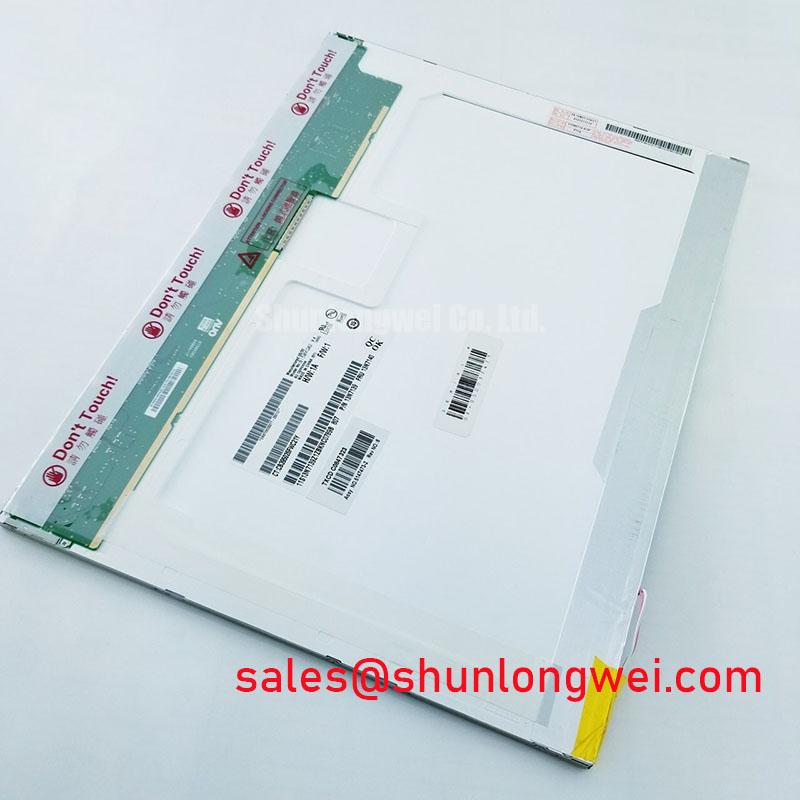
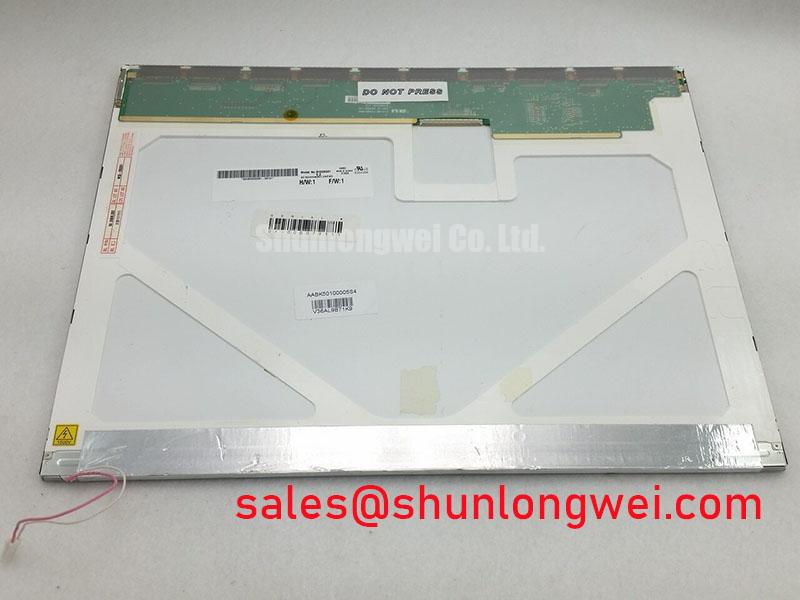
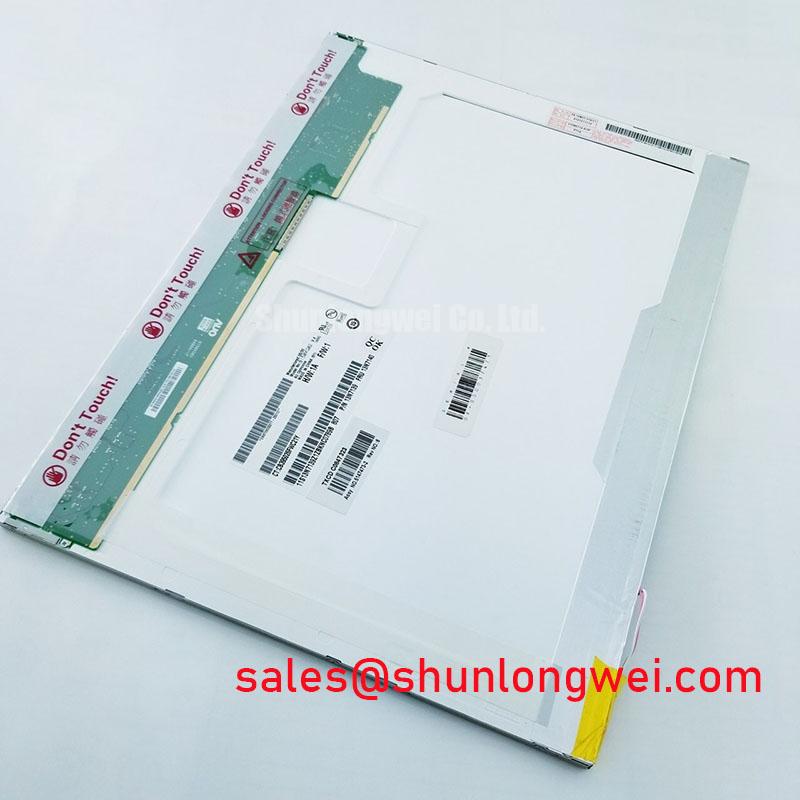
The unit under evaluation is the B150XG02-V2 from AUO, a TFT-LCD active matrix color display module. The exact supply rail, connector assignment, optical dimensions, and interface timing should be matched with the panel documentation used in the original equipment before replacement work begins.
For engineers assessing a high-voltage substation protection terminal or SCADA dispatch console, the practical decision is mechanical and electrical compatibility rather than the panel label alone. Check the bezel opening, mounting-hole pattern, cable path, controller mapping, backlight driver arrangement, and power-up behavior as one replacement system. AUO’s industrial display and embedded systems information provides useful background for evaluating panel families, while the B150XG02-V2 should remain tied to the documentation and configuration of the host equipment.
Micro-twist damage is best investigated by comparing the location of an optical defect with the mechanical load path around the glass edge, flexible cable, and driver bonding region. A fixed dark line that remains in the same position across all primary colors deserves a different inspection path from a broad brightness reduction that changes with the backlight control signal.
Use a three-stage primary-color bench test with the panel mounted in a neutral, unloaded position. Display solid red, green, and blue fields, recording whether the suspected line changes hue, width, or intensity. Follow with a black field to expose light leakage and a white field to reveal broad luminance nonuniformity. An oblique flashlight inspection across the front surface can help identify surface defects or reveal a faint image when backlight output is missing. It cannot by itself distinguish a liquid-crystal defect from a driver fault. This optical check is a diagnostic method, not a substitute for the panel manufacturer’s repair criteria.
Do not press the bezel or glass edge while observing the defect. Temporary changes caused by hand pressure can point toward mechanical sensitivity, but repeated flexing can worsen a marginal connection. The FPC should follow its original bend path without a sharp fold, torsional pull, or contact with a metal cutout. Connector locks should be fully seated, and the cable should be supported so vibration is not transferred directly into the glass-side connection.
Backlight behavior requires a separate observation. Uneven backlight aging or a fault in the backlight power circuit can create a field that appears uneven even when the video data is correct. If a service program uses a nominal 50,000-hour to 50 percent brightness decay curve, treat that value as a test-program assumption unless it is explicitly supported by the exact backlight assembly datasheet. It is not an automatic service-life guarantee for the complete B150XG02-V2 module. Record brightness, ambient temperature, drive condition, and duty cycle together when comparing replacement units.
Long static screens in protection and dispatch consoles should be rotated or refreshed through the host application where operationally acceptable. This is a system design consideration for reducing image retention stress; it does not establish a panel-specific burn-in rating. If residual content remains after a normal image refresh, compare the panel with a known-good signal path and inspect the backlight separately before assigning the fault to the LCD glass.
Viewing-Angle Evaluation for Multi-Angle Consoles
Viewing-angle evaluation should begin at the actual operator positions, not only at the centerline of the screen. Multi-angle consoles can expose grayscale inversion, contrast loss, or color shift when a panel is viewed from above, below, or across the cabinet. Verify the B150XG02-V2 viewing-angle limits and their contrast-ratio test criterion against the applicable AUO documentation before assessing suitability for the intended console.
TN panels can show stronger grayscale inversion as the observer moves away from the normal viewing axis. IPS or MVA families are often evaluated where several operators must read alarm states from different positions, but the panel technology name alone does not determine the final result. These are general technology comparisons, not an identification of the B150XG02-V2 cell mode. Surface treatment, cell mode, polarizer behavior, cover glass, and ambient reflections all affect field readability. A useful acceptance test displays neutral gray steps, red alarm text, and fine white characters while two or more technicians observe from the planned console positions.
Anti-glare treatment should be assessed under the same overhead lighting and cabinet geometry used in service. A matte surface can reduce reflected lamp images, yet excessive diffusion may soften fine text or reduce perceived contrast. Compare a clean panel, a panel behind the proposed cover, and the assembled enclosure. Avoid judging optical quality through a temporary protective film, since that film can add haze or directional reflections that will not exist in the final installation.
Cold operation needs its own test sequence. Liquid-crystal response generally changes as temperature falls, so gray-to-gray transitions can appear slower in a cold enclosure even when the video timing remains stable. Keep panel operation within the temperature limits in the applicable documentation. If the equipment must operate at −20°C to −30°C, verify that its thermal design maintains the panel within those limits. If a heater is fitted by the system integrator, its control must prevent local hot spots, condensation, and abrupt temperature gradients across the glass. A heater strip is not an assumed standard accessory of this panel.
At low temperature, display the fastest practical alarm transitions, scrolling text, and changing waveform traces rather than relying on a static desktop image. Check whether ghosting clears when the scene changes and whether the controller maintains stable synchronization. Condensation is a separate enclosure problem: allow the assembly and its surrounding air to reach a controlled state before energizing the display after a cold soak. The industrial TFT LCD technology guide offers broader context for viewing modes, optical behavior, and selection factors.
Thermal Expansion Clearance Sizing across Heavy Industrial Metal Enclosure Cutouts
The enclosure cutout must support the panel without converting thermal expansion or cabinet distortion into point loading on the glass. Measure the outer bezel envelope, cutout opening, corner radii, gasket compression path, and mounting-hole alignment before inserting the replacement. The panel must not be forced into a narrow opening or used as a structural member of the metal door.
Use the fastener size and tightening torque specified for the actual panel mounting arrangement, bracket, and enclosure. Tighten gradually in a diagonal sequence so the bezel seats evenly. Observe the dark field after installation and again after the enclosure reaches its normal operating temperature. Localized darkening, corner brightness changes, or light guide compression patterns can indicate uneven assembly stress.
Gasket selection also affects optical stability. A seal should close the intended dust and moisture path without pushing the front assembly inward. The system integrator should determine the required ingress protection level from the cabinet design and installation environment. The IP code reference explains the distinction between dust and water protection ratings; an LCD module does not independently grant the completed console an IP rating.
Maintenance Note: Inspect the cooling air path and gasket seating during scheduled service because blocked ventilation or a displaced seal can create temperature gradients and uneven mechanical pressure around the display.
Signal integrity must be checked after the mechanical installation, particularly when the cable passes beside contactors, relay wiring, or high-current conductors. Route the display cable away from switching noise where the cabinet layout allows, maintain a continuous reference path, and avoid sharp bends at the connector. For a differential interface, use the impedance and skew limits specified by the actual panel and controller interface design rather than inferring them from the B150XG02-V2 product name.
Compare the assembled screen with the panel on the bench. If the image is clean before installation but develops corner shading or banding after the bezel is tightened, release the mechanical load and inspect the cutout, gasket, bracket flatness, and fastener sequence. If the defect remains unchanged, move the investigation toward the controller, cable, or panel electronics instead of increasing clamping force.
Display Interface Synchronization & Logic Power Rail Verification
Raster faults that appear as a split image, incorrect colors, missing pixels, or an unstable frame should be traced through the display signal path in signal order. Confirm that the host controller’s interface type, data width, pixel clock, synchronization polarity, enable behavior, and color-bit mapping match the panel interface documentation. Matching resolution or color depth alone does not establish electrical compatibility.
Use a breakout or approved measurement fixture rather than probing directly against a delicate panel connector. Check the display signals using a known-good image pattern containing solid colors, grayscale ramps, and single-pixel boundaries. If the image is split or colors are exchanged, review the mapping table and connector orientation before changing software timing. A clean clock with incorrect color order points to a different investigation path from a clock that loses duty-cycle stability during cabinet operation.
The logic rail requires controlled power sequencing. Verify the required supply voltage, tolerance, and rise-time limits against the exact panel and controller documentation; do not select a rail by trial. Capture the rail, applicable enable signals, and the start of valid video on the same time base. The aim is to prevent a partially initialized panel from producing a white screen or unstable raster during power cycling.
When the console is switched off, observe whether the backlight disables before the logic rail collapses and whether the controller continues driving data during discharge. The correct sequence is determined by the host electronics and panel interface requirements. Designers should verify the sequence under normal shutdown, emergency power transfer, brownout, and repeated restart conditions, with the display cable installed in its final cabinet route.
Backlight power and control must remain electrically compatible with the panel assembly and its controller. Confirm the backlight technology, connector, inverter or driver requirements, control method, enable polarity, and protection behavior from the relevant documentation. Do not assume that an LED constant-current driver is suitable. During extended testing, log image stability and brightness separately so a video synchronization fault is not confused with a backlight power-circuit fault.
For a prospective replacement in a similar size or resolution class, engineers may compare the interface and mechanical records of LQ150X1DG44, but substitution remains conditional on connector mapping, timing, enclosure fit, optical behavior, backlight requirements, and controller compatibility. The B150XG02-V2 should be ordered and integrated according to the confirmed equipment documentation rather than by screen appearance alone.