Content last revised on October 5, 2026
Dynamic Contrast Ratio Stabilization and Liquid Crystal Temperature Tracking
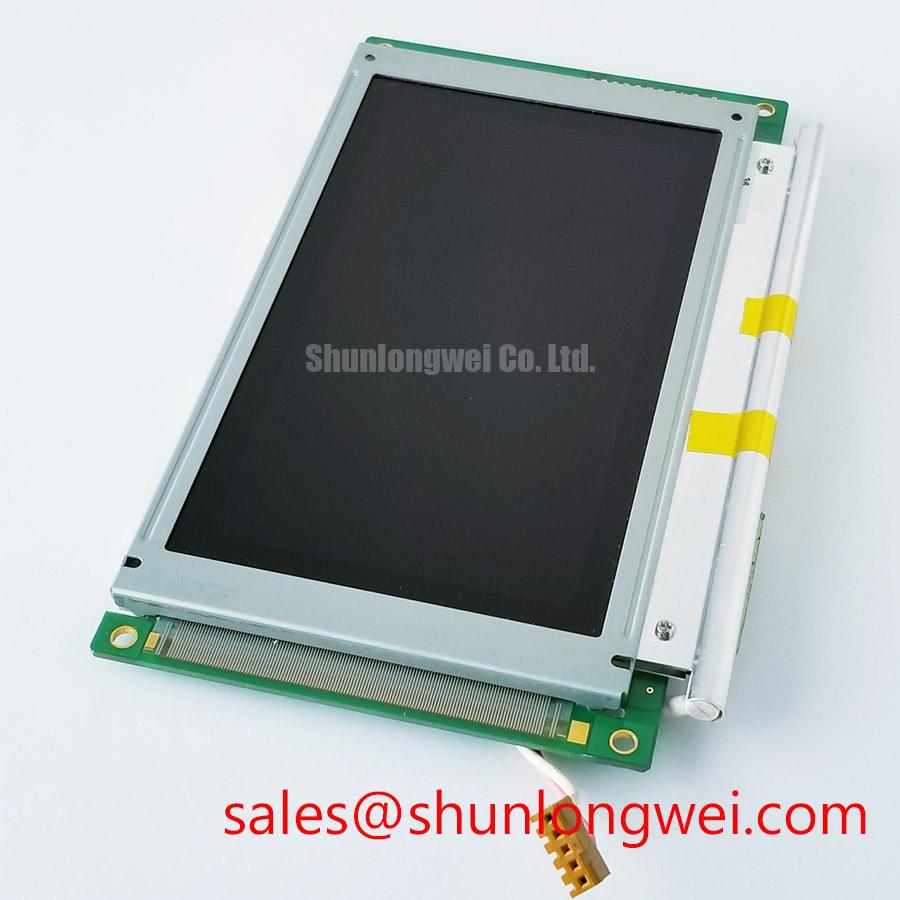
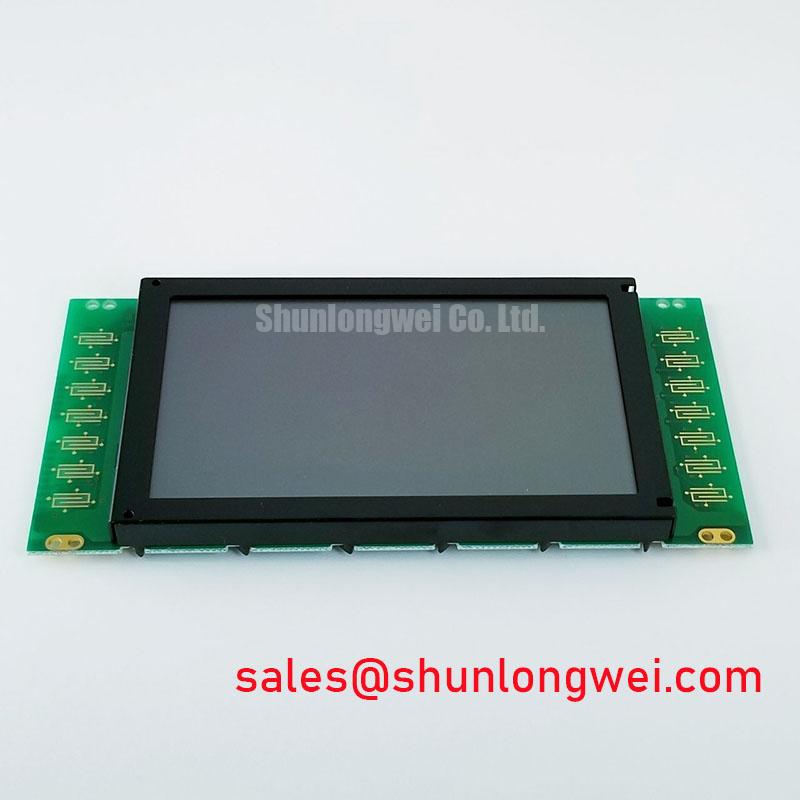
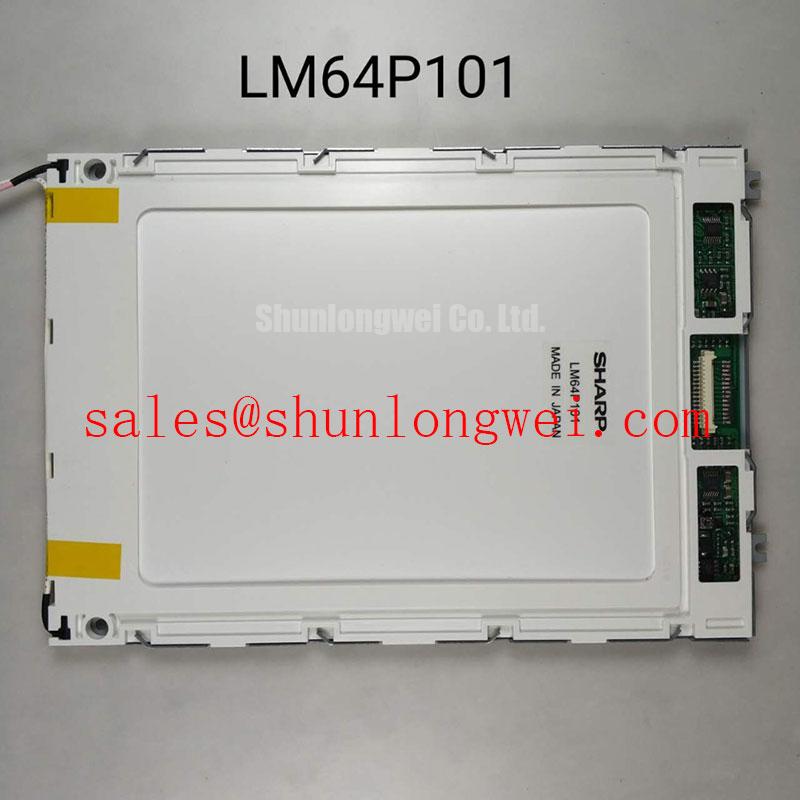
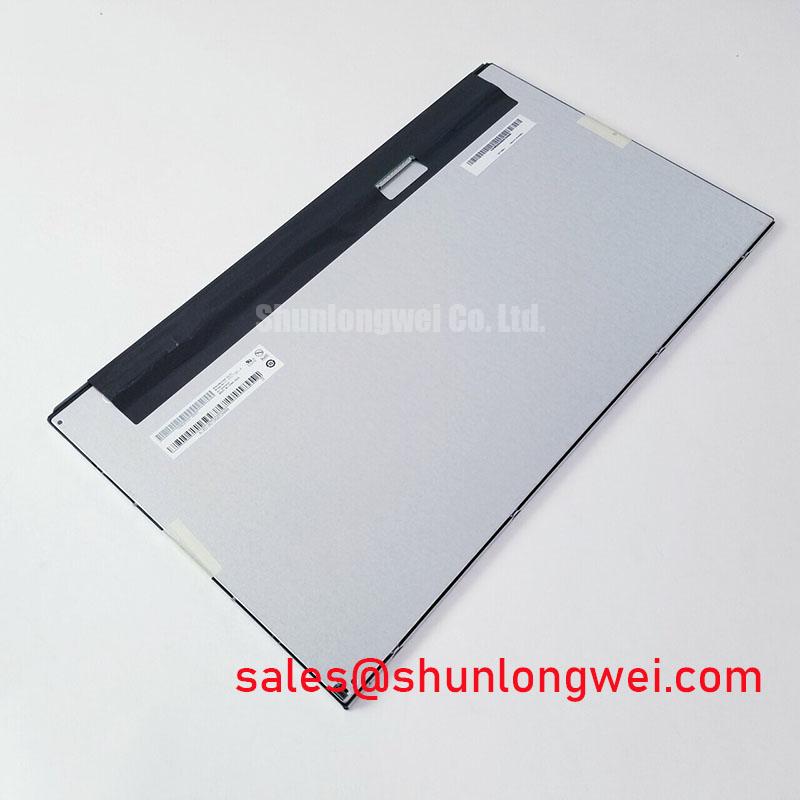
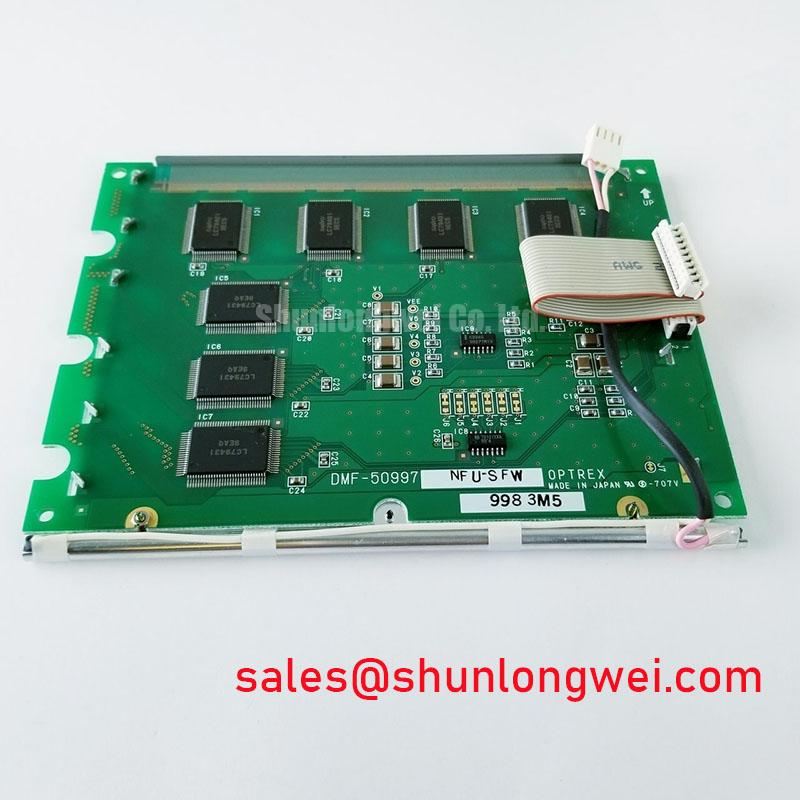
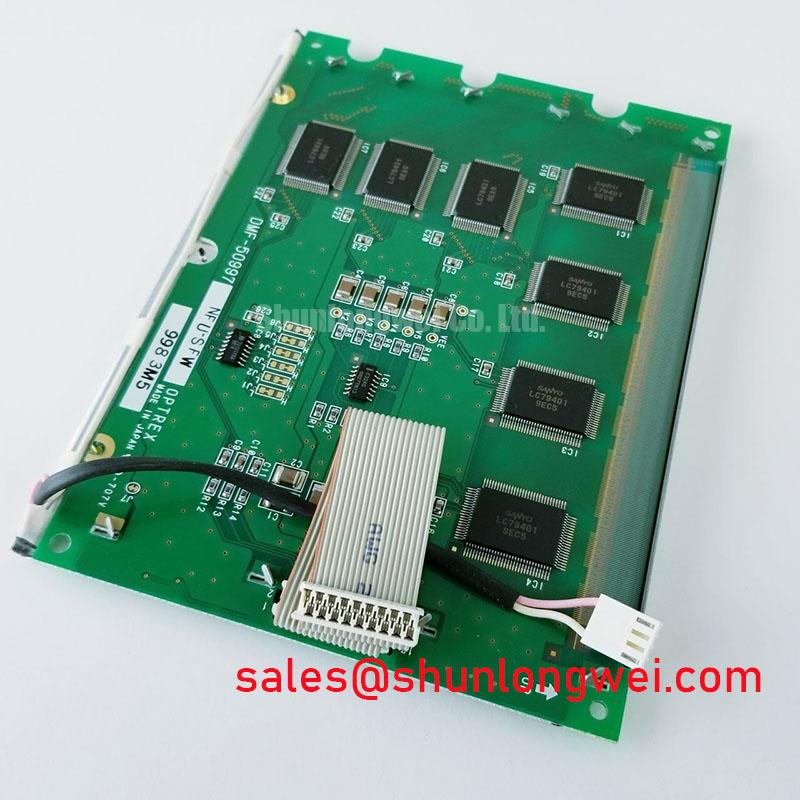
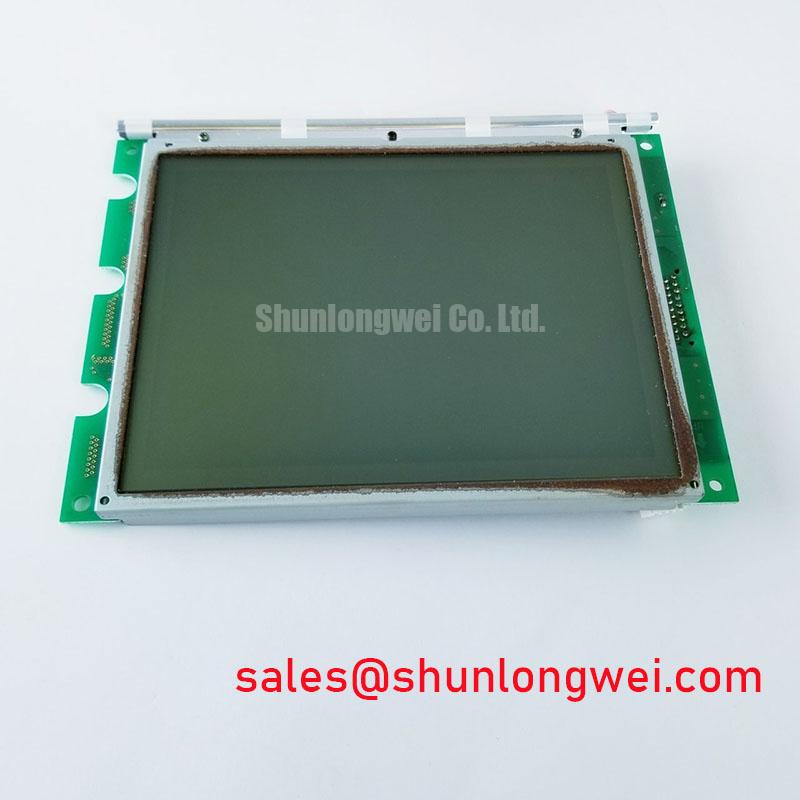
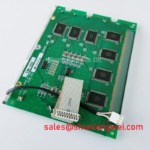
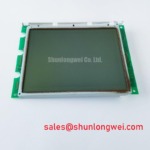
Begin a replacement check by comparing the installed panel’s label, connector arrangement, visible image area, mounting pattern, and host controller documentation with DMF-50997. The available factory information identifies this product as a Kyocera / OPTREX Industrial Grade LCD/HMI Panel supplied as a TFT LCD Display Module. It does not provide a confirmed panel resolution, active area, luminance rating, viewing angle, contrast ratio, touch technology, backlight type, or operating temperature range, so those items should be verified from the original panel documentation before installation.
For AGV and forklift telematics equipment, optical compatibility is usually assessed at the complete assembly level rather than by the display module alone. Check the enclosure opening, bezel coverage, viewing direction, and the relationship between the active image area and the protective window. A screen that fits the mechanical cavity may still produce edge masking, misaligned touch coordinates, or unwanted reflections if the optical stack differs from the original assembly.
Dynamic contrast behavior depends on the liquid crystal mode, optical films, backlight drive, ambient light, and controller settings. The supplied factory data does not identify whether this model uses TN, IPS, MVA, or another liquid crystal configuration. Engineers should therefore avoid assuming a symmetric viewing cone or a specific grayscale inversion behavior. During bench evaluation, inspect the display from the actual operator position and from the side angles required by the vehicle enclosure. Record changes in dark level, highlight detail, and grayscale separation while the backlight is operated through the intended controller.
Surface treatment also requires confirmation. An anti glare or anti reflective finish cannot be claimed for this model from the supplied specifications. Under warehouse lighting or direct daylight, compare the replacement panel with the removed unit using the same protective window and enclosure. A matte surface may reduce mirror like reflections, while a different optical treatment can alter perceived sharpness and black level. The decision should be based on the original equipment requirement rather than on a generic LCD description.
Backlight information is also not stated in the supplied factory record. Do not assume LED or CCFL operation, and do not apply a replacement driver until the original panel documentation confirms the required electrical interface. When a backlight fault is suspected, inspect the harness, connector seating, driver output behavior, enable signal, and dimming signal as a complete path. An open or short protection event in the external driver can resemble a panel fault, so the measured behavior should be compared with a known good assembly where available.
Long term brightness retention and backlight lifetime figures are not provided here. A stated lifetime curve, including a brightness retention threshold, would require an applicable manufacturer specification or test document. For service planning, record the installed panel identification and the actual backlight drive conditions used by the host system. This provides a traceable basis for future comparison without assigning an unsupported lifetime expectation to DMF-50997.
Radiated Emissions Evaluation and Backplate Grounding
Before connecting the replacement to a vehicle controller, isolate power and inspect the display cable, shield termination, frame contact points, and nearby motor drive wiring. The product record confirms the display module category but does not define an LVDS pinout, TTL interface, cable shield construction, common mode filtering, or grounding arrangement. These details must be taken from the original panel and system drawings.
AGV and forklift installations can place display wiring close to traction inverters, servo drives, contactors, and DC power switching. A practical design consideration is to keep high speed display paths physically separated from noisy power conductors where the enclosure permits. The system integrator should evaluate the return path for cable shields and chassis connections so that high frequency current does not flow through sensitive signal references. A backplate or metal frame connection may assist system level noise control, but its effectiveness depends on the complete enclosure and cable topology.
Do not describe DMF-50997 as independently compliant with CISPR Class A or Class B requirements. EMC compliance applies to the assembled equipment, wiring, enclosure, and operating conditions. During troubleshooting, compare the display with the traction or motor subsystem disabled and enabled, then observe whether image instability follows a particular switching state. Horizontal bands, intermittent pixels, or image dropouts may involve signal integrity, grounding, power disturbance, controller timing, or cable damage. Confirm the suspected relationship with controlled measurements rather than assigning a single cause.
An oscilloscope can be used to compare the known good signal path with the replacement assembly, provided the measurement method does not materially disturb the interface. Check the transmitter clock and data behavior at the receiving end, then compare signal quality during the operating states that produce the visible fault. The required voltage levels, data hold times, clock margins, and temperature limits are not included in the supplied DMF-50997 data. They must be verified against the controller and original display documentation.
Power must be removed before disconnecting or inserting the display cable, unless the equipment manufacturer explicitly documents a hot plug procedure. This reduces the possibility of connector arcing, unintended control line states, and damage to the host interface during field service.
For a broader panel selection and service evaluation framework, engineers can refer to The Ultimate Guide to Industrial TFT LCD Technology. That reference can support system level checks, while the final electrical limits for this model should remain tied to the applicable factory documentation.
Controlled Differential Routing and Interface Mapping
Confirm the original controller interface before selecting a cable or adapter. The supplied specification identifies DMF-50997 as a TFT LCD display module, but it does not confirm LVDS, TTL, eDP, connector pin assignment, logic supply voltage, data format, clock polarity, or power sequencing. The system integrator should verify the required supply voltage from the original panel documentation rather than assuming a commonly used display voltage.
When the documented interface is differential, controlled impedance routing is a design consideration for maintaining signal quality. The cable path should preserve the intended pair relationship, minimize unnecessary stubs, and avoid abrupt routing changes near the connector. The exact differential impedance target, pair assignment, termination method, and allowable skew must be taken from the controller and panel interface specifications. A generic cable described as suitable for LCD use is not automatically electrically compatible.
JEIDA and VESA data mapping are not interchangeable assumptions. Before commissioning the panel, compare the bit mapping, color order, clock edge, synchronization signals, and lane arrangement with the original assembly. Incorrect mapping can create color errors, split image behavior, missing data, or unstable synchronization even when the mechanical connector appears correct. If the documentation is incomplete, use the original working panel as the reference and validate the replacement with the intended controller.
Power sequencing should be checked as a system function. Confirm the order of logic supply, enable, reset, video data, and backlight control signals from the equipment documentation. The supplied factory record does not specify a rise time window, enable delay, PWM frequency, or duty cycle range for DMF-50997. Do not introduce a numeric timing requirement unless it is supported by the applicable panel or controller data sheet.
Backlight dimming also requires interface confirmation. Determine whether the host uses analog control, PWM control, an enable line, or a dedicated external driver. If PWM is used, assess visible flicker, audible behavior from the driver, brightness repeatability, and response to the controller’s dimming commands. The correct frequency and duty cycle are system dependent unless the original display documentation states otherwise. A replacement driver should not be selected solely from the nominal display size or connector appearance.
For a repair bench evaluation, display a fine text pattern, vertical lines, grayscale steps, and moving content. Observe the image while flexing the cable only within safe mechanical limits and while the host changes its operating load. This can help separate connector contact variation from timing or power disturbance, but the observation should be supported by continuity and signal measurements. Do not treat a temporary stable image as proof that the complete interface has adequate operating margin.
Frame Response and Image Smearing in Cold or Outdoor Equipment
Check the environmental requirements printed in the equipment service documentation before placing DMF-50997 in an outdoor or temperature exposed enclosure. The supplied factory information does not state a storage range, operating range, response time, seal construction, contrast ratio, or sunlight readability rating. These values must not be inferred from the Kyocera / OPTREX brand or from the industrial grade category alone.
Liquid crystal response can change with temperature, and the visible result may include slower transitions, increased smear, altered grayscale separation, or a change in perceived contrast. Such behavior is influenced by the panel construction, controller timing, backlight level, image content, and thermal condition. For an AGV or forklift display, evaluate the complete unit after thermal stabilization at the conditions specified by the equipment designer. Record the same test pattern and viewing position at each condition so that the comparison remains meaningful.
Outdoor readability is affected by ambient illumination, protective windows, surface treatment, enclosure angle, backlight output, and contamination on the front surface. No sunlight contrast value or anti glare rating is supplied for DMF-50997. A field check should therefore use the actual window, bezel, and mounting angle. Inspect dark screen reflection, white screen uniformity, small text legibility, and image washout under the lighting expected during operation. If the display is intended for direct sunlight, obtain a documented luminance and contrast requirement before approving the replacement.
Mechanical sealing should be evaluated at the enclosure level. The available product data does not confirm perimeter adhesive chemistry, sealant construction, or resistance to a defined thermal cycle. Designers should verify gasket compression, cable exit protection, condensation control, and enclosure ingress requirements using the vehicle manufacturer’s assembly method. Avoid adding sealants or clamps that place local stress on the TFT glass, polarizer, connector, or bezel.
Touch functionality must also be confirmed rather than assumed. The supplied product category describes an LCD/HMI panel, but it does not specify resistive touch, projected capacitive touch, glove operation, wet finger performance, controller interface, or touch overlay construction. If the original AGV or forklift terminal uses touch input, compare the replacement assembly’s touch documentation, connector, calibration process, and protective surface requirements before integration. For gloved or wet operation, validate the complete front assembly with the intended gloves, moisture condition, and user interface software.
When a cold start produces a blank image, slow response, or irregular backlight behavior, inspect supply sequencing, cable connections, controller status, and condensation conditions together. The symptom alone does not establish a panel defect. Allow the assembly to reach the documented operating condition, then repeat the same image and interface checks. Any approval for field use should be based on the original equipment limits and measured compatibility of the complete display subsystem.