Content last revised on October 14, 2026
Optical Luminance Degradation Curve & CCFL-to-LED Modernization Retrofit Pathways
Record center and edge luminance after the display reaches a stable operating condition, then repeat the measurements with unchanged drive settings. Design Consideration: a useful degradation record tracks luminance, color balance, operating conditions, and measurement geometry together. A single dim-screen observation cannot distinguish backlight aging from restricted drive, contamination, or optical variation.
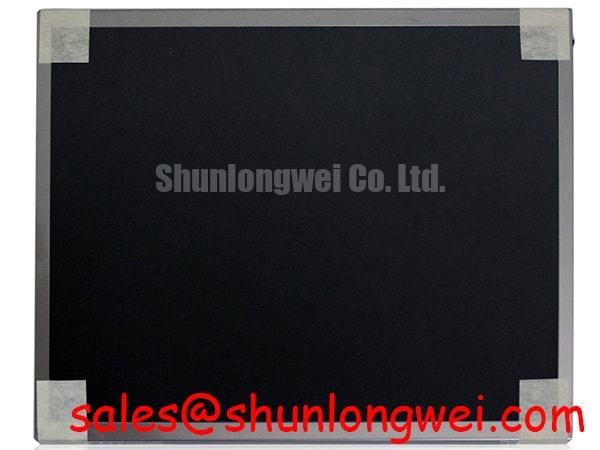
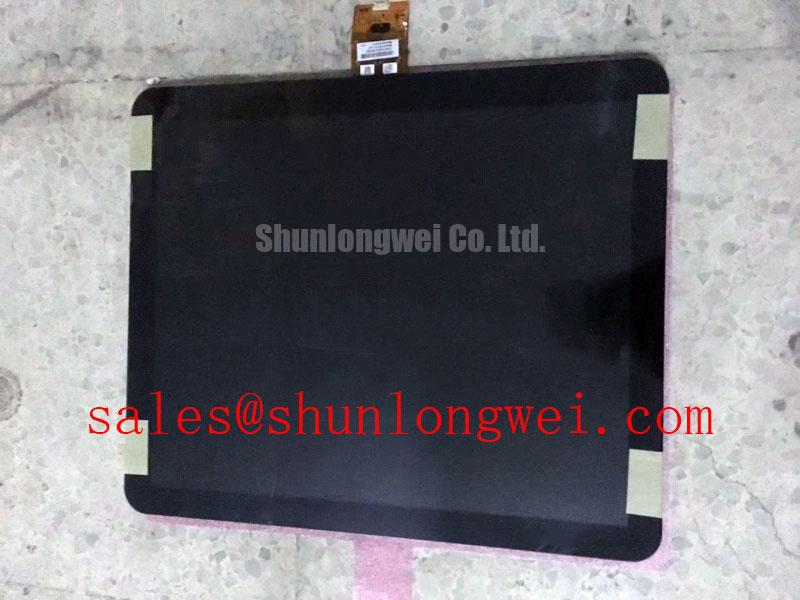
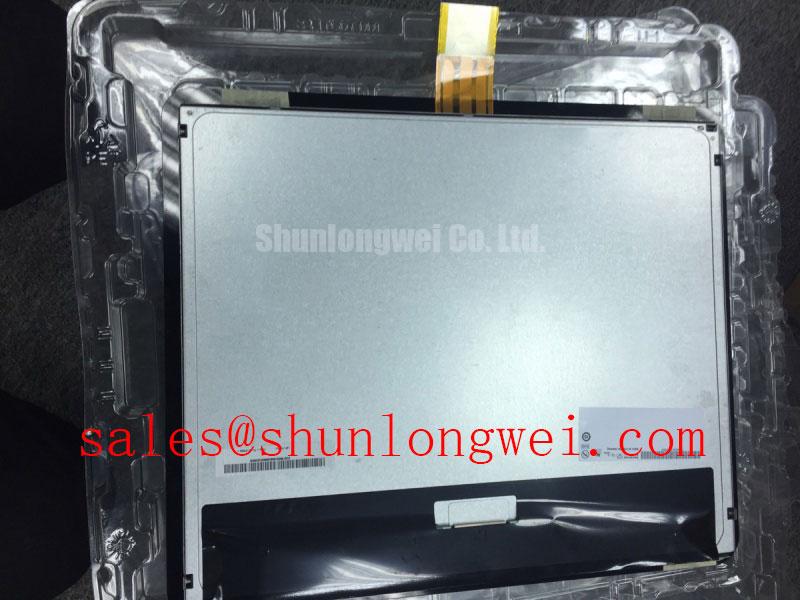
For a G170ETT01-0 replacement assessment, preserve the original equipment’s backlight-control arrangement until the electrical and mechanical interfaces are established. A CCFL-to-LED conversion is a separate system modification, not a feature implied by this model designation. Where such a conversion is being evaluated, engineers should account for driver compatibility, brightness control, optical alignment, heat distribution, and the instrument’s power sequencing.
Cold ignition behavior belongs to the specified lamp and inverter combination; LED current regulation belongs to the specified light source and driver. Neither a universal ignition voltage nor a universal dimming ratio provides a defensible acceptance criterion for this assembly. Audible noise should be investigated alongside driver waveforms and mechanical resonance rather than attributed automatically to the panel.
Engineering Recommendation: identify the video interface from the equipment schematic before evaluating transmitter timing. Assess clock jitter and data timing against the actual receiver requirements, using probing methods appropriate to that interface. When image errors appear intermittently, compare behavior with a known-good cable and inspect connector seating before changing controller settings.
💡 Bench Tip: With power disconnected and ESD protection in place, seat the display cable squarely and engage its locking mechanism without pulling on the flexible tail.
For ongoing inspection planning, Industrial Display & HMI Solutions provides broader integration context. Any service-life claim still needs a defined manufacturer test basis; luminance retention, backlight failure, and complete assembly reliability are different measures.
Preventing Frame Lag & Image Smearing in Cryogenic Storage & Outdoor Industrial Facilities
Compare moving text and gray transitions at a stable reference temperature before evaluating temperature-dependent smearing. Design Consideration: liquid-crystal response generally becomes slower as temperature falls, but controller frame timing and pixel transition time are separate effects. A delayed screen update should therefore be investigated alongside the source image and refresh behavior.
Temperature testing of the G170ETT01-0 should remain within its documented operating and storage boundaries. After storage, allow the assembly to equilibrate under controlled conditions before energizing it, particularly where condensation could develop. Record the display’s thermal condition rather than relying solely on chamber-air temperature, since the enclosure and operating electronics affect the panel’s actual temperature.
Cold-start evaluation should observe brightness stabilization, transition behavior, and cable movement as the assembly changes temperature. Where an enclosure requires thermal conditioning, designers should establish the control strategy from measured display temperature and the system’s permissible operating envelope. Local heating is not a standard accessory inferred from this model, and uneven heating can introduce additional mechanical stress.
The comparison below supports replacement evaluation for a precision electronic test and measurement instrument. It compares the target assembly with the installed reference rather than naming an unverified substitute.
| Evaluation item | AUO G170ETT01-0 | Installed reference assembly | Acceptance evidence |
|---|---|---|---|
| Product identity | Industrial LCD/HMI panel; HMI touch screen assembly | Record complete label and revision | Approved equipment documentation |
| Mechanical fit | Standard form-factor baseline | Measure mounting points and bezel clearance | Matching drawing and unobstructed fit |
| Electrical interface | Model-specific connector and timing requirements | Record controller and harness configuration | Pin assignment and timing compatibility |
| Optical behavior | Inspect pixel fields and moving transitions | Capture equivalent reference patterns | Equipment acceptance criteria |
| Touch integration | Assembly-level compatibility assessment | Record controller, connection, and calibration | Stable input across the active area |
Aluminum Heat Spreader Sizing & Thermal Interface Placement along Narrow Display Edges
Map edge temperatures with the display operating in its intended enclosure before proposing a heat-spreader rail. Design Consideration: narrow mounting edges can concentrate heat and constrain expansion, so a rail’s section and attachment should follow measured heat flow, available clearance, and the assembly’s permitted contact surfaces.
An aluminum spreader is an enclosure-design option, not a confirmed internal feature of the G170ETT01-0. Keep added thermal interfaces away from flexible cables, connector locks, and surfaces that could transmit pressure into the optical stack. Evaluate the assembled fit through its intended temperature range, checking that differential expansion does not pull the harness or distort the frame.
Backlight dimming should also be examined at reduced brightness, where modulation can affect visual comfort and measured output. If the documented driver uses PWM, evaluate its waveform and optical response together. Frequency and duty-cycle choices remain system-dependent; changing either without examining the driver’s supported behavior can alter brightness stability.
Use a controlled camera setup or optical sensor to distinguish temporal modulation from stationary brightness nonuniformity. Camera exposure can create apparent bands that are not representative of normal viewing. Likewise, an audible tone warrants examination of the driver and enclosure before a display fault is assigned.
Route the flexible interconnect with strain relief and enough clearance for enclosure movement. Repeated bending near the connector should not substitute for a service loop. During vibration assessment, observe harness restraint and connector retention without transferring cable loads into the panel frame; bend endurance cannot be inferred from the appearance of the flex.
Preventing Localized Light Guide Plate (LGP) Compression Warp on Dark Screen Fields
Compare dark-field images before and after bezel attachment to identify brightness patches that respond to enclosure pressure. Design Consideration: pressure-related mura can involve the optical stack or frame deformation, but its appearance alone does not identify a particular internal layer or material.
Check bezel clearance, mounting-surface flatness, and cable routing before changing fastener preload. A trapped harness or uneven support can introduce localized force even when the outer frame appears correctly seated. Apply the fastening method specified for the actual enclosure and mounting hardware rather than treating a generic screw torque as an AUO assembly requirement.
Inspect touch performance separately from image uniformity after mounting. General touchscreen principles, including projected-capacitive multitouch systems, explain why controller configuration and surrounding construction matter; they do not establish this model’s touch technology. For the installed assembly, test edge and center input positions using its documented controller configuration.
Finish the mounting check by repeating the same dark, gray, and white fields used before assembly. Record pressure-sensitive changes, connector retention, and any intermittent image or touch behavior while manipulating only the external harness within its permitted movement. A defect that changes with mounting condition warrants mechanical investigation before the assembly is rejected on optical grounds.