Content last revised on September 27, 2026
Preventing Frame Lag & Image Smearing in Cryogenic Storage & Outdoor Industrial Facilities
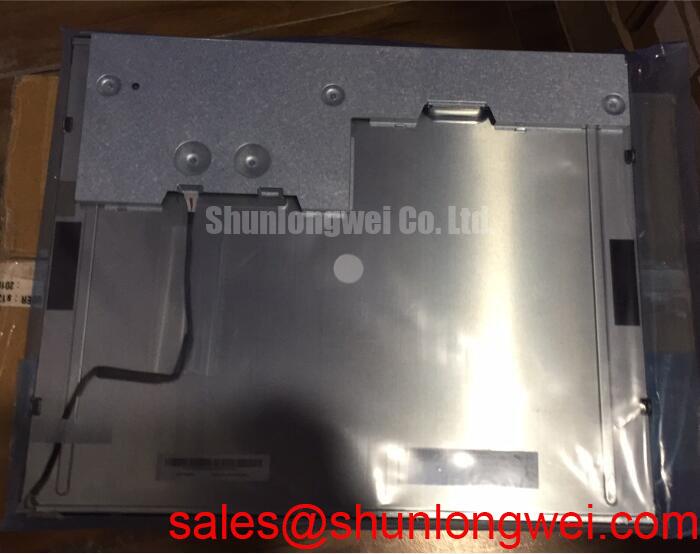
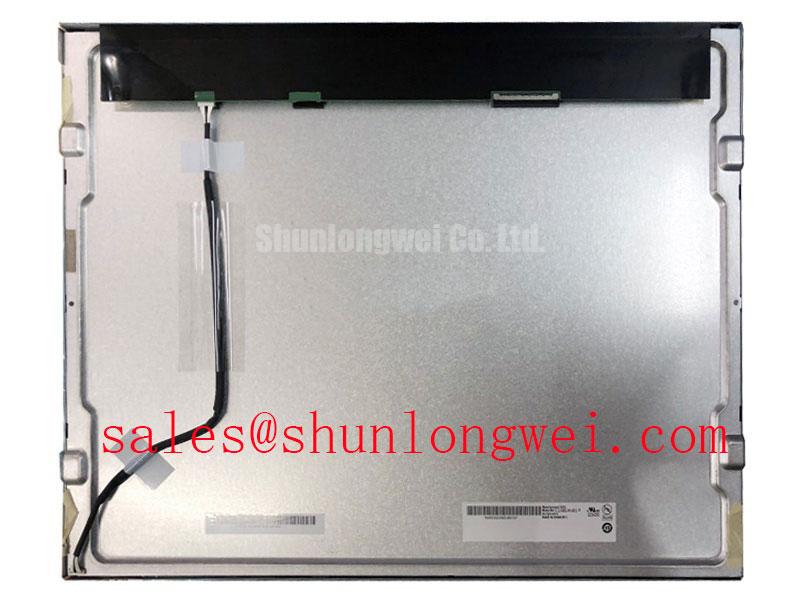
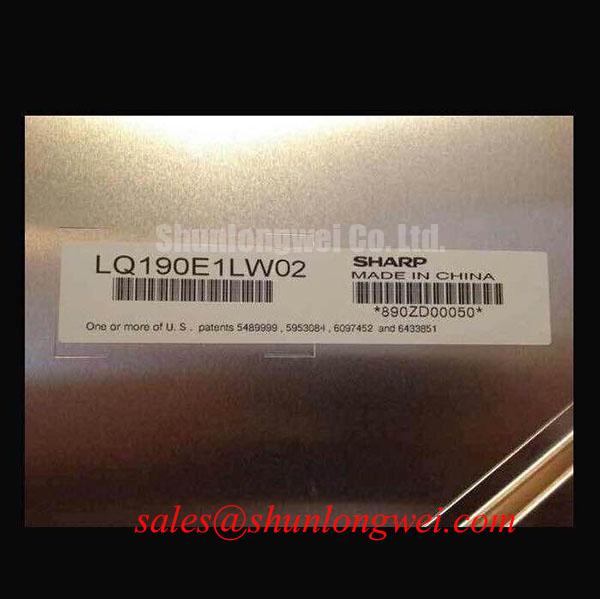
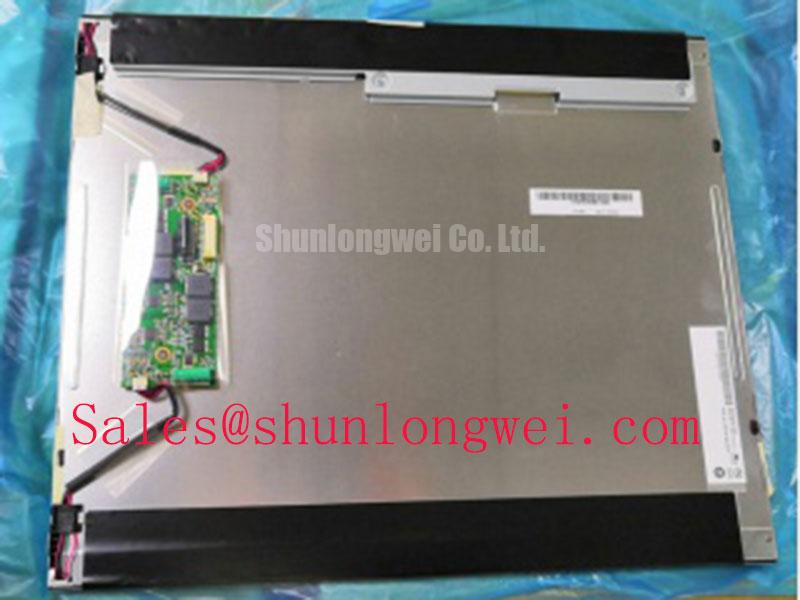
Inspect the label on the removed display and record its connector orientation, mounting points and cable routing before disconnecting the G190EAN01.6. The supplied factory identification names it as an AUO industrial-grade TFT-LCD display module (Official Factory Specification). It does not establish the electrical ratings, optical performance or backlight requirements needed to approve a replacement. For an equipment repair, match those details against the original panel documentation and the host assembly before applying power.
When a display appears slow after a cold start, separate a panel response problem from a delayed video update. Observe a moving test pattern alongside a stationary reference while monitoring the video source. If the source changes promptly but transitions remain visible on the screen, temperature-dependent liquid-crystal response is worth investigating. This is a Design Consideration, not a verified cold-temperature rating or response-time specification for the G190EAN01.6.
Inspect the enclosure’s temperature history rather than assuming that outdoor service establishes panel compatibility. A cold soak, rapid warm-up and direct sun can expose different weaknesses in the display assembly. Compare the recorded conditions with the original AUO operating and storage limits, including any specified method for measuring response time. Without those limits, a proposed installation in cryogenic storage or an outdoor terminal cannot be qualified from the model name alone.
At the front of the assembly, check whether the perimeter gasket remains seated and whether moisture has a path toward the display edge. Look for condensation after a temperature transition, particularly where a cabinet door or service cover changes the airflow. Seal condition and enclosure ventilation are system-level matters; neither should be represented as a guaranteed property of the bare module. If a heater is present in the host equipment, verify its control sequence and placement against the equipment drawings before attributing a cold-start symptom to the LCD.
Sunlight readability needs an optical test under the intended cover window and lighting conditions. Reflections from that window can dominate the result even when a panel looks clear on a workshop bench. No sunlight contrast figure or anti-glare coating specification is provided in the supplied factory identification, so neither should be assumed for this model. For a railway passenger information display or cab display under evaluation, engineers should also check viewing position, enclosure sealing and the applicable equipment requirements rather than treating an industrial-grade designation as an approval for that service. The Ultimate Guide to Industrial TFT LCD Technology provides broader context for planning those display-level checks.
Preventing Localized Light Guide Plate Compression Warp on Dark Screen Fields
Display an even, dark image before tightening the final bezel or cover. If a bright patch changes as the surrounding frame is pressed, stop and inspect the mechanical stack: cover window, gasket, brackets and display mounting surfaces. A changing patch can suggest pressure on the optical assembly, but it does not identify a particular internal layer as the cause. Repeat the check with the display supported as it will be in service, not held by a cable or resting on one corner.
The G190EAN01.6 is identified as a TFT-LCD display module (Official Factory Specification), but the supplied identification does not include an outer-envelope drawing, mounting-hole dimensions or an approved fastener torque. Measure the removed assembly and obtain the relevant mechanical drawing before machining a bracket or specifying hardware. As a Design Consideration, bring fasteners into contact progressively and evenly so that the frame seats without twisting; the allowable fastening method and torque must come from the applicable panel and enclosure documentation.
Check gasket contact around the perimeter after the cover is fitted. Uneven contact can leave a dust path, while excessive compression can load the display face. A useful inspection pairs a visual gasket check with the same dark-field image used before assembly. This makes it easier to distinguish a mark that followed the cover installation from one already present in the unmounted display.
If the complaint is flicker rather than a stationary bright patch, investigate the backlight control separately. Observe brightness changes and, where accessible, measure the driver control signal with an oscilloscope. The driver’s permitted dimming method, frequency and duty-cycle behavior must be verified from its own documentation; no such values are established here for the G190EAN01.6. Audible noise can also originate elsewhere in the display power assembly, so locate it before changing a control setting.
For a cross-model evaluation, M185XW01 VE is a separate display listing to review, not a confirmed drop-in replacement. Compare its documented active area, outer dimensions, mounting pattern, connector, signal format, supply requirements and backlight arrangement with the existing assembly. A visually similar screen is not enough to establish electrical or mechanical interchangeability.
Industrial EMI Noise Immunity, Chassis Shielding Continuity & Common-Mode Ferrite Chokes
When horizontal noise bands or intermittent pixel disturbance appear, first record whether they track a nearby motor drive’s operation or persist when that equipment is idle. Check the video cable at both ends for seating, strain and damage, then compare the symptom with a known-good signal path where the equipment permits it. Correlation with drive activity makes coupling a reasonable investigation path; it does not prove that the LCD module has failed or that a ferrite will resolve the issue.
Trace the display cable and its return path through the installed cabinet. A cable routed beside switching power conductors can experience different interference from one kept within the intended signal harness. Shield termination, chassis bonding and any common-mode suppression should be evaluated against the host equipment design and verified by measurements on the assembled system. These are Design Considerations, not an EMC compliance claim for the G190EAN01.6. The supplied factory identification does not specify its video pinout or cable construction, so confirm both from the original panel documentation before modifying the harness.
Separate a video-path symptom from a backlight-path symptom during diagnosis. If image content remains stable but illumination changes, inspect the backlight supply and its control path. If illumination remains steady while image data breaks up, inspect the source, connector and video timing. LM190E08-TLG6 is another display module that may be useful as a documented comparison during system review; its interface and backlight requirements must be assessed independently rather than treated as specifications for the AUO unit.
Repeat any noise test with the cabinet closed and the cables secured in their service positions. An open door, temporary ground lead or displaced harness can change the measurement. Record the operating state, screen pattern and observed disturbance so that a subsequent repair check uses comparable conditions.
Backlight Supply Identification and Cold Start Testing
Identify the backlight connection from the original G190EAN01.6 documentation before connecting a test supply or replacement driver. The supplied factory identification does not establish the backlight technology, ignition behavior, connector pinout or driver ratings. Do not infer those details from a similar-sized panel, a neighboring connector or a driver that happened to be installed in another display assembly.
With power isolated, inspect the backlight connector and cable for incomplete seating, damaged insulation and strain near the cabinet hinge or access panel. Then compare the host schematic with the physical wiring. If the original documentation specifies a separate backlight driver, test that driver within its documented procedure; if it specifies a different arrangement, follow that arrangement instead. An insulation test also requires the correct circuit boundaries and approved procedure. Applying an unspecified test voltage to an assembled display risks testing components that were never intended to be included.
For cold-start complaints, log the enclosure temperature, the time at which image data becomes available and the time at which illumination appears. These observations help distinguish slow image transitions from delayed backlight operation without assigning a cause in advance. Check the host power-up sequence against the original documentation before adjusting it, and repeat the observation after the enclosure has reached a stable condition.
Maintenance Note: Isolate power before reseating display cables, and check the cooling airflow and perimeter gasket during the same service visit. If the display is being assessed for a passenger information terminal or cab installation, the final decision should rest on the documented electrical interface, mechanical fit, environmental limits and completed equipment-level tests.