



Content last revised on September 14, 2026
Incoming Benchtop Inspection: Display Edge-Bond and Cable Integrity
| Manufacturer | AUO |
|---|---|
| Model | G190EG01 V1 |
| Product category | Industrial Grade LCD/HMI Panel |
| Display construction | TFT LCD Active Matrix Color Display Module |
| Specification status | Limited supplied factory information |
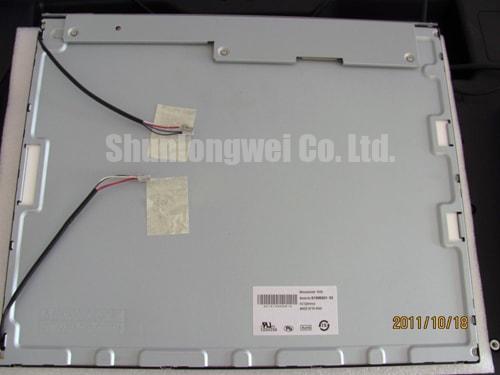
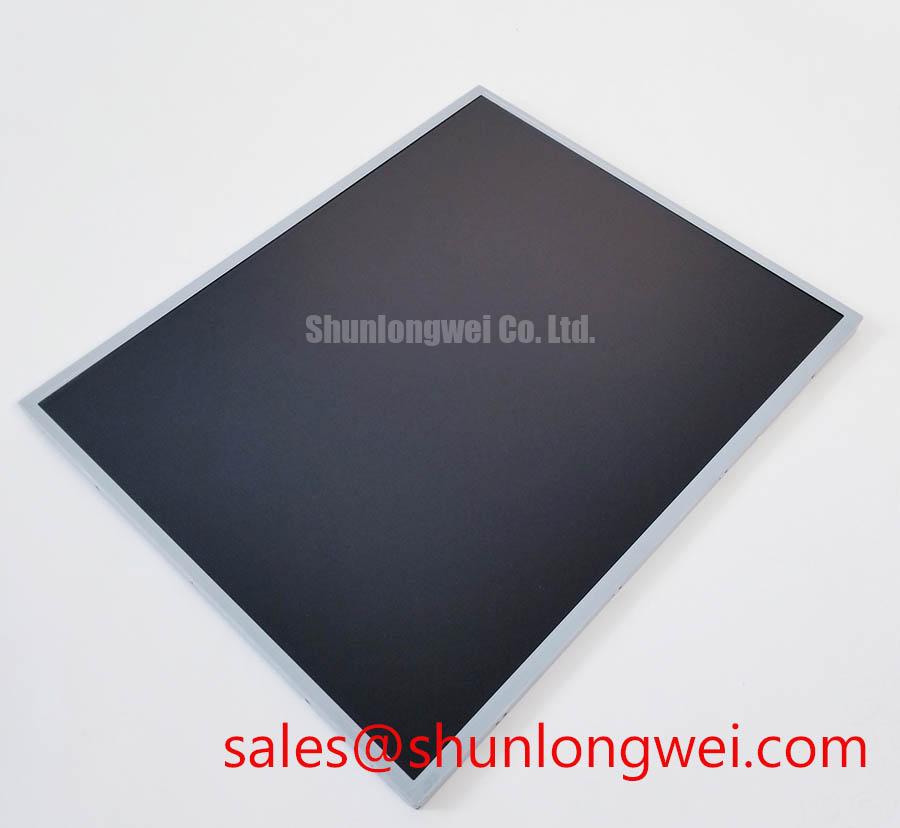
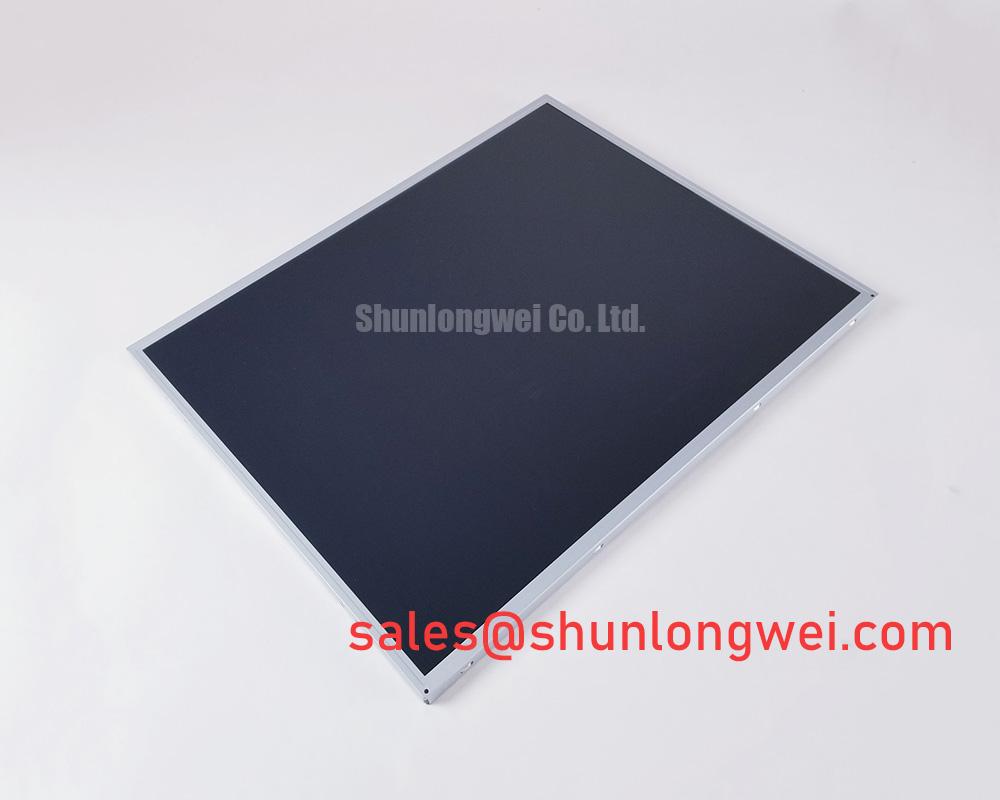
Apply a uniform white, red, green, and blue test image across the entire active area, then inspect the panel at normal viewing distance and under controlled side lighting. This first pass separates fixed pixel defects from illumination irregularities without placing unnecessary pressure on the display surface. The AUO G190EG01 V1 is identified here as a TFT LCD Active Matrix Color Display Module; the supplied factory information does not confirm detailed pixel dimensions, interface pinout, luminance, contrast ratio, or backlight construction, so those values must be matched with the original equipment documentation before electrical integration.
Use the three primary color fields as a practical incoming inspection sequence. A defect that remains in the same position on every color field should be recorded by coordinates and photographed. A defect that changes visibility with the displayed color may require comparison with a known good signal source, since the observation can involve the panel, timing path, connector seating, or source image data. Avoid assigning a single cause from visual appearance alone.
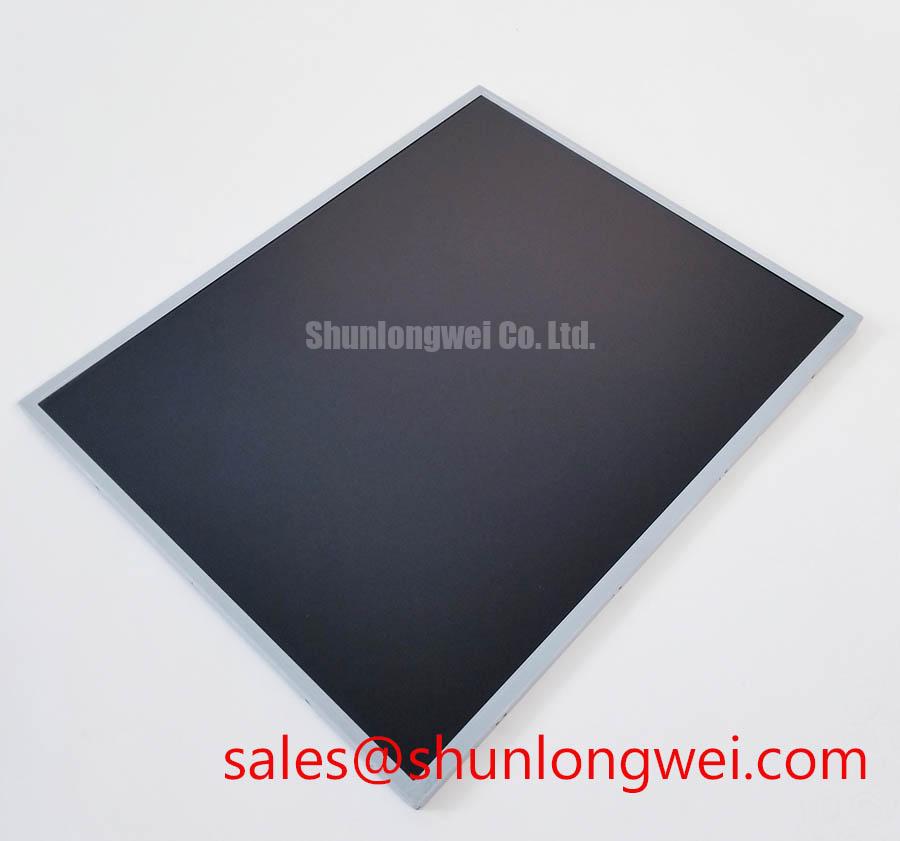
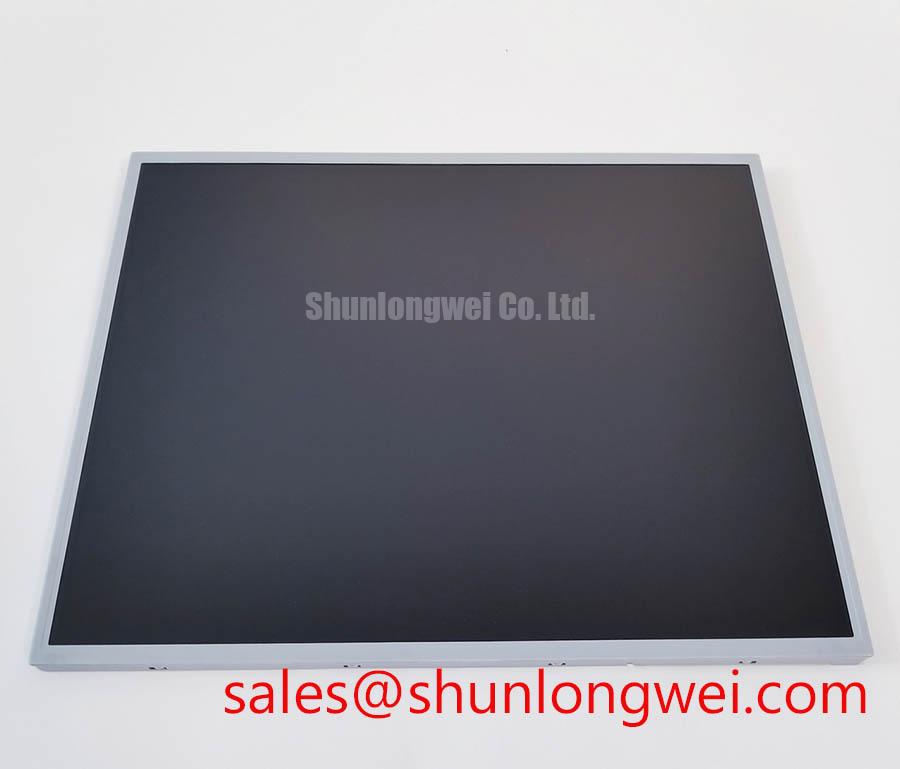
For a dark screen, move a flashlight across the front of the panel at approximately a 45 degree angle. A broad shadow or uneven glow that follows the light position can point toward optical reflection, surface contamination, or backlight distribution. A narrow line, localized vertical mark, or fixed region that remains visible when the lighting angle changes deserves a separate driver and signal path investigation. This method is a screening technique, not proof of a COG or TAB bond failure.
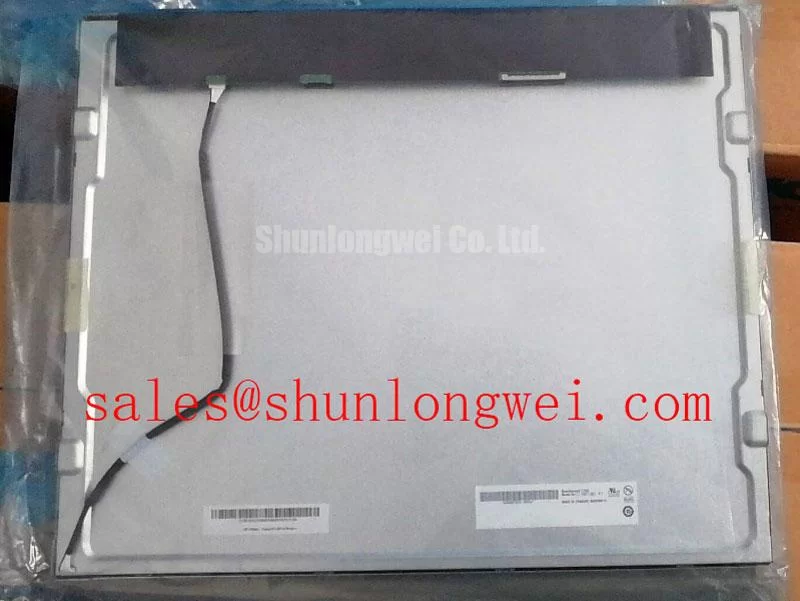
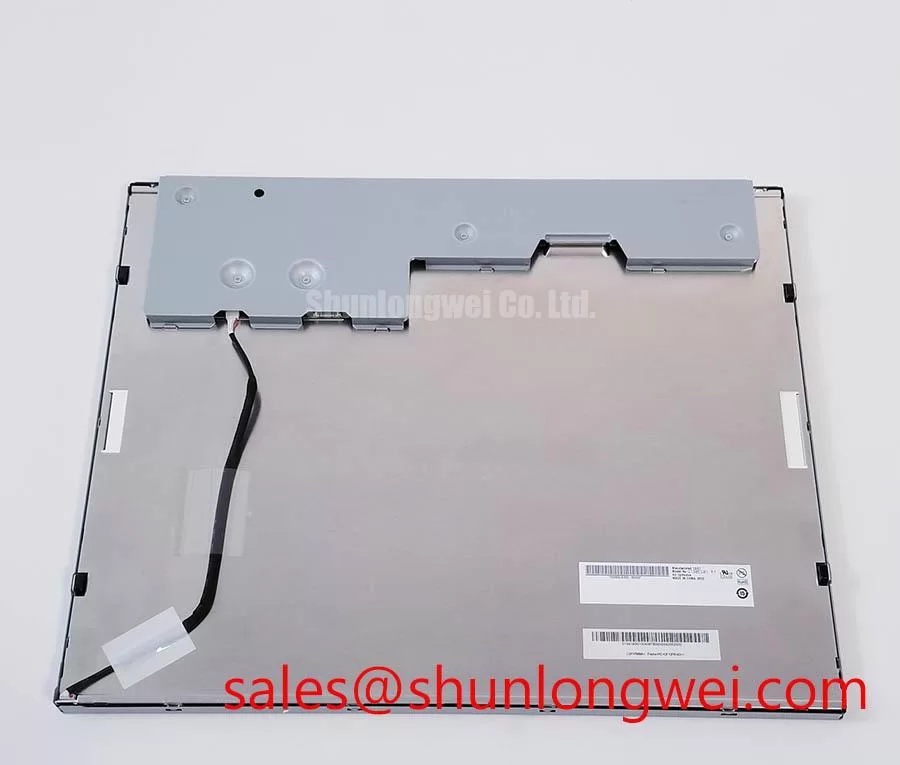
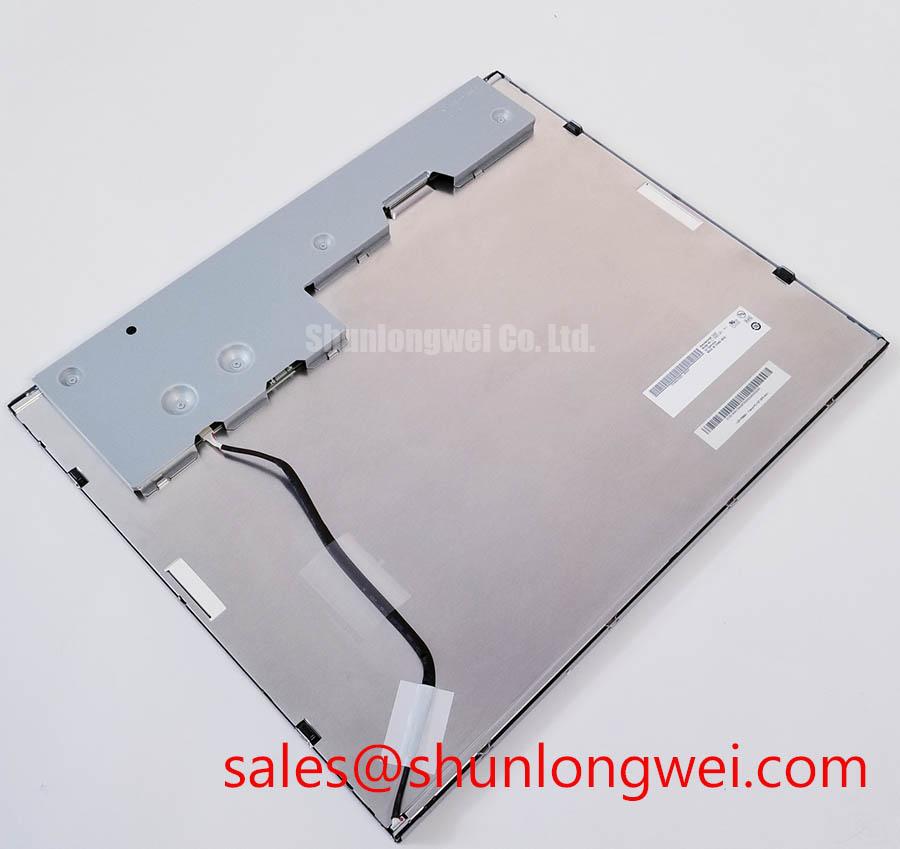
COG and TAB assemblies can be mechanically sensitive, but the supplied official factory parameter set does not state the ACF construction, bonding dimensions, allowable flexing, or pressure limits for this model. Inspect the visible bond perimeter for lifting, edge separation, contamination, or impact marks without pressing the bonded area. Check whether the image changes when the cable is observed rather than manipulated. If the symptom changes after cable movement, remove power and inspect connector alignment, latch engagement, cable flatness, and strain relief.
Ambient light testing should use a repeatable fixture, fixed camera exposure, and a documented viewing angle. The requested reference of contrast stability above 500:1 at 50,000 lux is not present in the supplied factory specifications for this model and must not be treated as an AUO rating. The same applies to anti glare or anti reflection surface treatment. Confirm whether the installed panel has such a surface finish by checking the original panel documentation and by comparing reflected light under controlled conditions.
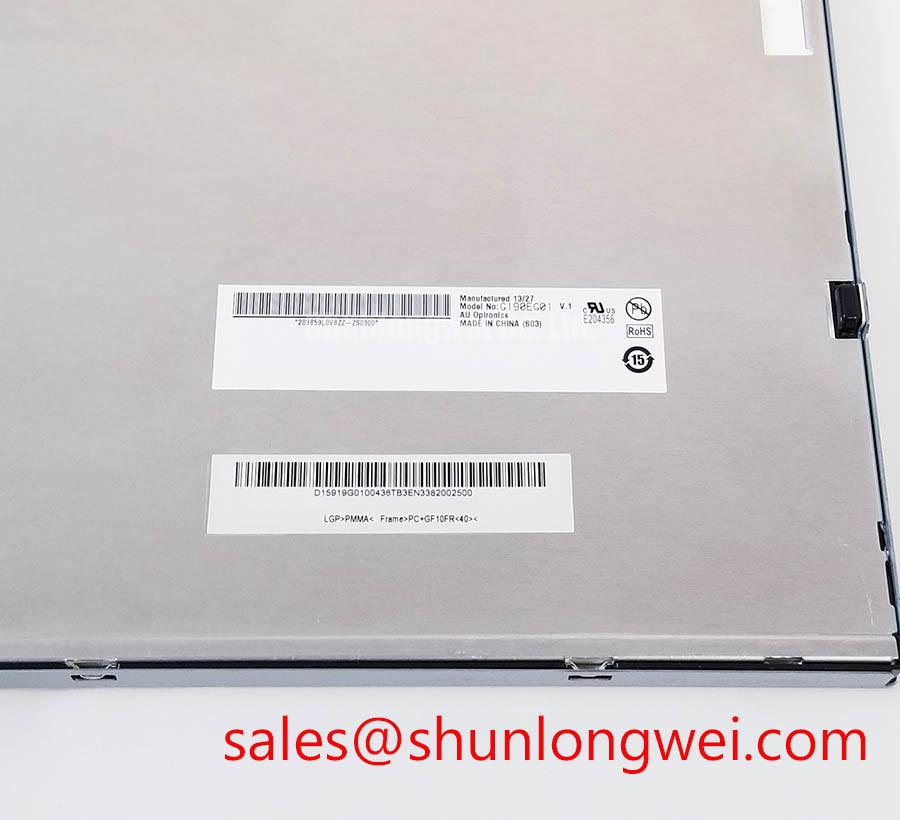
Record the incoming condition before mounting the display into an AGV or forklift telematics enclosure. A useful record includes the model marking, connector condition, active area photographs, color field results, visible uniformity, and any image retention observed after the test image is removed. This gives the repair engineer a reference point when later symptoms appear after vibration, cable routing, or enclosure assembly.
💡 Bench Tip: Use ESD protection and insert the display cable perfectly square to the connector before closing the latch; never correct a skewed cable by forcing the lock.
Industrial EMI Noise Immunity, Chassis Shielding Continuity and Common Mode Ferrite Chokes
Probe the display supply and signal reference at the panel connector while the surrounding machine changes between idle and motor operating states, then compare the waveform with a known good display path. Pixel jitter, intermittent image loss, or horizontal noise bands can arise from several interacting conditions, including cable reference movement, connector contact resistance, inadequate shielding continuity, or interference coupled from a variable frequency drive.
The official information supplied for G190EG01 V1 confirms the product category and TFT LCD active matrix construction, but it does not publish the signal interface, grounding scheme, shield termination, common mode impedance, or immunity test level. Do not assume an LVDS or TTL pin assignment from the model name. The system integrator should verify the required interface and supply arrangement from the original panel documentation before selecting a cable or interface board.
Inspect the cable route from the controller to the display and identify every point where the shield, drain path, or chassis reference changes. A 360 degree shield termination is a general design consideration when high frequency fields are present, but its effectiveness depends on the enclosure geometry, connector construction, bonding method, and current return path. The final arrangement should be tested on the assembled machine rather than judged from cable appearance alone.
Common mode ferrite components can be considered when a measured disturbance is present on paired signal or supply conductors. Their suitability depends on the operating frequency, differential signal integrity, current level, temperature, and the impedance of the complete cable assembly. Adding a ferrite without checking the signal waveform can increase edge distortion or alter the interface margin. Evaluate the display clock and data activity at the receiver side, not only at the controller output.
For equipment containing a 400 V motor drive, keep the display cable physically separated from switching power conductors where the enclosure permits. This is a Design Consideration rather than a model specific immunity guarantee. Minimize unnecessary loop area, maintain a controlled return path, and verify the result during acceleration, deceleration, braking, and fault reset events. An oscilloscope comparison between the display reference and chassis can help identify whether the visible disturbance is synchronized with switching activity.
Chassis shielding continuity should be checked with power removed and the machine mechanically assembled as it will operate. A continuity reading alone does not prove high frequency performance, because fast current can be affected by contact geometry, paint, corrosion, hinge paths, and cable entry points. Where a symptom is intermittent, capture the display signal and supply simultaneously during the event. This avoids replacing the panel when the disturbance originates in the system interface.
Designers evaluating the AUO panel for an automated guided vehicle or rugged forklift telematics display should also verify vibration restraint, cable bend control, enclosure sealing, and optical readability in the installed position. The panel itself should not be described as independently certified for EMC compliance; compliance belongs to the completed equipment and its applicable test configuration. Broader integration practices are discussed in Industrial Display & HMI Solutions.
Constant Luminance Output Control and Backlight Reliability Verification
Measure the luminance at the center and selected edge positions after the display reaches a repeatable operating condition, then repeat the measurement with the enclosure installed. A localized reduction, bright edge, or changing gradient should be compared with the controller setting, ambient light, supply stability, and thermal condition before attributing it to the panel.
The supplied official factory data does not confirm whether this specific G190EG01 V1 uses an LED or another backlight arrangement, and it does not specify a backlight current, optical output, L70 value, B50 value, or MTBF. The requested claims of more than 50,000 hours half life and a defined L70/B50 reliability point therefore cannot be presented as factory specifications for this model. The integrator should obtain the original backlight electrical and reliability documentation before selecting a driver or setting a maintenance interval.
When the installed assembly uses an external constant current backlight driver, verify the driver enable sequence, current regulation, open load response, short circuit response, and fault reporting at the system level. These functions belong to the driver and control architecture unless the panel documentation explicitly assigns them to the display module. A dark screen can result from a disabled enable line, missing supply, protection shutdown, connector fault, or backlight failure, so check the control signal and current path together.
PWM dimming should be evaluated against the actual camera and human viewing requirements. The proposed range of 200 Hz to 1 kHz is not an official parameter supplied for this model and should not be imposed as a universal setting. Designers should verify the backlight driver input specification, visible flicker, camera banding, acoustic behavior, and interaction with the display timing before choosing a PWM frequency. Constant current operation does not by itself establish flicker free performance.
Thermal inspection is most useful after the panel is mounted in its intended bezel. Compare the display edge, driver area, cable region, and enclosure surfaces with an infrared camera or contact sensor suitable for the test environment. An aluminum heat spreader rail may be considered when the mechanical design creates a local hot spot, but its dimensions, contact pressure, electrical isolation, and thermal path must be determined by the system engineer. Do not press a heat spreader against the active area or bonded regions.
Clock jitter and data hold time must be evaluated at the interface actually used by the module. Those limits are not included in the supplied factory parameter table. Use the original timing documentation and confirm waveform quality across the intended temperature range, supply tolerance, cable length, and controller configuration. If the image becomes unstable only after thermal soak, correlate the event with supply ripple, backlight operation, connector condition, and receiver timing rather than treating temperature as a single definitive cause.
Any luminance ageing claim requires a defined test method, drive condition, ambient temperature, duty cycle, and acceptance threshold. Without a manufacturer test report or recognized source tied to this exact assembly, use periodic comparative measurements instead of promising a fixed service life. A documented baseline can support maintenance decisions for warehouse vehicles while keeping the statement separate from the official model identity.
Optical Luminance Degradation Curve and CCFL to LED Modernization Retrofit Pathways
Identify the installed backlight architecture from the original machine documentation and connector arrangement before applying any retrofit voltage or driver. The supplied data for G190EG01 V1 confirms a TFT LCD active matrix color display module but does not confirm CCFL, LED, high voltage ignition requirements, PWM compatibility, or heater control.
A CCFL retrofit assessment requires inspection of the existing inverter, lamp connections, insulation, ignition behavior, and acoustic emissions. The suggested cold ignition voltage range is not an official specification for this AUO model and must not be used as a replacement design value. High voltage measurements require equipment and procedures appropriate to the inverter architecture. Do not connect a constant current LED driver to a CCFL interface without a complete electrical and mechanical redesign.
For an LED modernization route, first establish the panel’s required backlight voltage, current, enable logic, dimming interface, connector pinout, and optical placement from authoritative documentation. A retrofit that produces light may still create uneven luminance, excessive edge brightness, electromagnetic noise, connector heating, or an unsuitable dimming response. The system integrator should verify the required supply voltage from the original panel documentation.
Evaluate the luminance curve at several brightness commands and operating temperatures. Compare the center and edge readings, check for visible modulation through a suitable camera test, and monitor the driver for open load or short circuit behavior. A useful diagnostic output identifies whether the driver is enabled, regulating, protected, or disconnected, but that output must come from the selected driver or controller and should not be attributed to the display module without documentation.
Cold temperature testing should examine image response, startup behavior, contrast perception, cable flexibility, and enclosure condensation risk. The proposed minus 20 to minus 30 degrees Celsius range is not an official operating specification supplied for this product. If an AGV or forklift application requires sub zero operation, designers should establish the permitted panel temperature range, storage limits, warm up procedure, and any enclosure heater strategy from the original AUO documentation and the complete equipment environmental specification.
Touch functionality also requires separate confirmation. The supplied factory facts do not identify a resistive or capacitive touch layer, glove sensitivity, water rejection, controller interface, or touch response specification for this model. A repair engineer replacing a display in a telematics console should match the complete assembly, including touch hardware where fitted, rather than infer touch capability from the LCD model number. Validate operation with the intended gloves, moisture condition, protective window, and mounting pressure.
For procurement and field replacement, preserve the exact model marking, manufacturer identity, display construction, connector orientation, mechanical mounting pattern, and approved interface documentation. The AUO G190EG01 V1 belongs to the industrial LCD/HMI panel category, while application performance depends on the controller, backlight circuit, enclosure, cable system, and environmental conditions of the finished equipment.