Content last revised on October 19, 2026
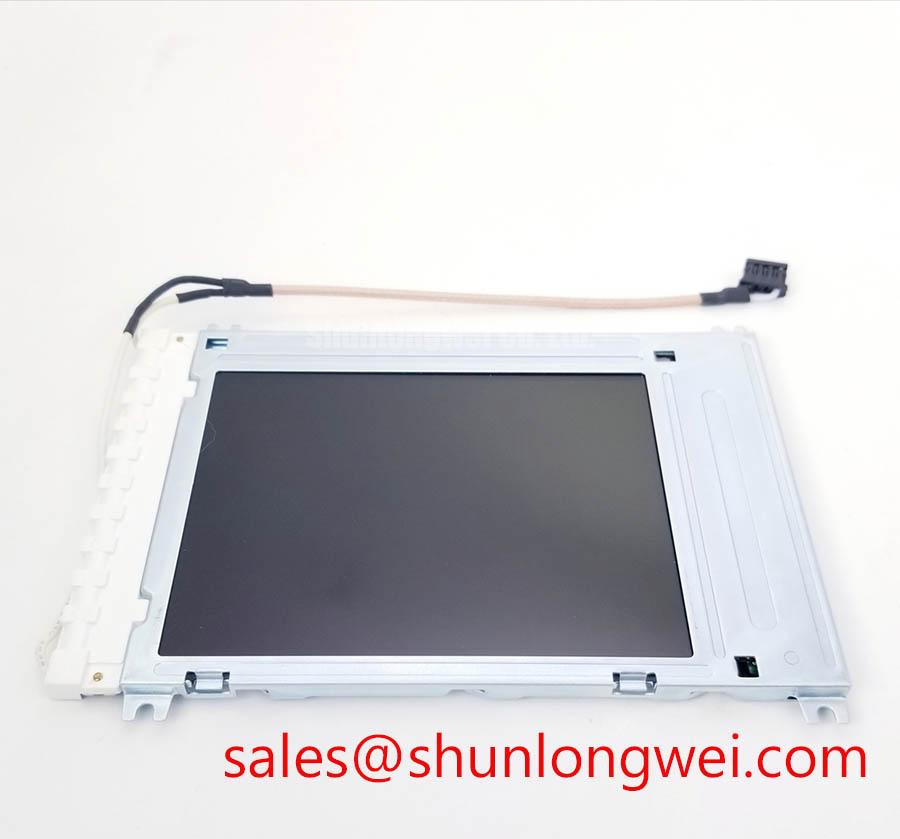
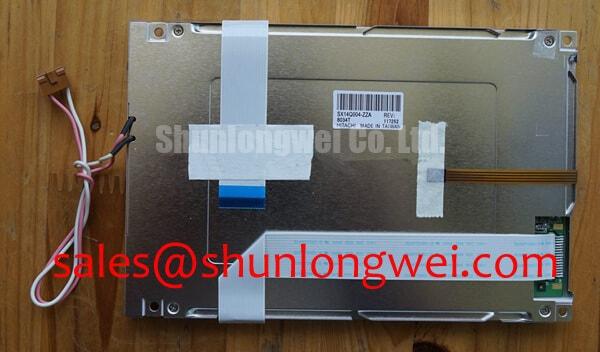
KCG057QV1DB-G520 Kyocera Color STN LCD Industrial Display
The KCG057QV1DB-G520 Kyocera display should be checked at the equipment bench before installation: isolate the display supply, inspect the FPC and connector latch, confirm the original panel wiring, and compare the active image area with a known working unit. This part is a color STN passive-matrix LCD module, not a TFT-LCD active-matrix display.
For AGV terminals, forklift telematics consoles, CNC operator pendants, and industrial monitoring panels, the practical priority is interface compatibility rather than appearance alone. Confirm the host controller interface, panel power sequence, backlight arrangement, mounting envelope, and cable orientation before approving a replacement. The system integrator should verify the required supply voltage from the original panel documentation.
Industrial Bezel Mechanical Envelope Tolerances and Mounting Screw Torque Optimization
Mechanical stress around the bezel can create uneven dark areas, pressure marks, or intermittent image behavior even when the display electronics are operating correctly. Fit the KCG057QV1DB-G520 against the equipment bezel without forcing the corners into alignment. Check that the mounting surface is flat, the screw holes are concentric, and the FPC exits without a sharp fold or contact with a metal edge.
A cross-pattern fastening method helps distribute bezel loading more evenly. The final tightening torque must follow the panel drawing, fastener material, gasket compression requirement, and enclosure design. Tightening one corner fully before the opposite corner can introduce local stress and produce optical mura that changes when the chassis is relaxed.
Industrial temperature cycling also changes the mechanical relationship between the display, bezel, cable, and supporting frame. A cold-start inspection should confirm that the image becomes stable without cable movement or bezel pressure. If the image shifts as the enclosure warms, inspect mounting stress, connector retention, and the display timing path together rather than assigning the symptom to one component immediately.
TTL or LVDS terminology should not be assumed from the product category. Compare the original controller output, connector pin assignment, clock relationship, data hold timing, and polarity with the replacement documentation. At the upper and lower operating temperatures specified by the complete equipment, use an oscilloscope or logic analyzer to check whether clock jitter and data timing remain inside the display interface’s specified limits.
Suppressing Acoustic Capacitor Buzz and EMI Emissions Across PWM Frequencies
Backlight troubleshooting must begin at the driver level. A dark screen with a visible image under angled light may indicate a backlight path issue, while a blank image may involve supply sequencing, the display interface, or the host controller. Do not infer the KCG057QV1DB-G520 backlight technology from the model number alone; confirm whether the original assembly uses a CCFL inverter or an LED constant-current driver before applying test voltage.
For a legacy CCFL arrangement, cold ignition can involve hazardous high voltage and audible mechanical vibration from magnetic or capacitive components. Use the original inverter documentation to establish the required ignition voltage and use appropriate high-voltage measurement equipment. For an LED arrangement, evaluate the constant-current driver, enable signal, open-load response, and PWM dimming behavior as a complete circuit.
| Evaluation point | KCG057QV1DB-G520 product identity | System integration check |
|---|---|---|
| Display type | Kyocera color STN passive-matrix LCD module | Confirm controller protocol and connector pinout |
| Application integration | LCD module requiring a compatible host controller | Match bezel, cable route, and panel mounting envelope |
| Backlight arrangement | Confirm from the original panel documentation | Match the inverter or LED driver and enable sequence |
PWM testing should be performed with the actual driver and load connected. A system designer may evaluate a 200 Hz to 1 kHz PWM range where the equipment architecture requires it, but audible noise, visible flicker, duty-cycle linearity, and camera interaction remain system-dependent. A claimed 1000:1 dimming ratio should not be transferred to this module without a matching driver specification.
When the repair requires a same-size or same-resolution evaluation, the TCG057QV1AA-G10 can be reviewed as a separate Kyocera TFT display option, not as a drop-in replacement for this STN module. It should be compared by controller compatibility, connector, timing, mounting geometry, optical requirements, and backlight interface rather than selected by nominal size alone.
Industrial EMI Noise Immunity, Chassis Shielding Continuity and Common-Mode Ferrite Chokes
Pixel jitter and horizontal noise bands near variable-frequency motor drives often require an installation-level signal integrity review. Keep the display data path away from motor output conductors and switching nodes, maintain a controlled return path, and inspect any cable shield termination at both the panel and controller sides. A shield that touches the chassis at only an accidental point can behave differently after vibration or enclosure service.
A 360-degree shield termination is a design consideration for an appropriately shielded cable assembly, not a confirmed construction feature of the KCG057QV1DB-G520. Common-mode ferrite components may be evaluated when measured interference is common to the signal conductors, but their impedance behavior must be checked across the actual noise spectrum. Adding a ferrite without checking signal loss can worsen edge quality or timing margin.
For differential links elsewhere in the equipment, a nominal 100 Ω ±10% controlled-impedance target and a skew budget such as 50 ps may be used only when required by the host interface specification. These are system design values, not Kyocera module ratings, and do not establish that this module has a differential interface. Verify the cable, connector, transmitter, receiver, and enclosure bonding as one channel. The external Kyocera Industrial TFT-LCD Display Technologies resource and Winstar TFT-LCD Display Modules resource provide broader display-industry context, but are not specifications for this STN module.
Backlight aging should be assessed through measured luminance at the equipment level rather than by assigning a generic lifetime to this model. A 50,000-hour, 50% brightness point may appear in a particular LED system specification, but it is not an automatic KCG057QV1DB-G520 field-life guarantee. Record brightness uniformity, temperature, drive current, and operating duty when comparing service units.
⚠️ Field Alert: Disconnect equipment power before inserting or removing display-interface or backlight connectors to reduce the risk of signal-pin or driver damage. Follow the equipment’s discharge procedure before servicing the backlight supply.
For a broader installation review covering industrial display wiring, enclosure practice, and HMI integration, see Industrial Display & HMI Solutions.
Incoming Benchtop Inspection: Panel Connection Integrity
Incoming inspection should separate optical faults from panel-drive faults before the unit enters an AGV or forklift console. Display a red, green, blue, white, and black test sequence through the original controller, then examine the panel from normal viewing distance and at a 45-degree flashlight angle. A dark shadow that becomes visible only with angled light can point toward the backlight or optical path, while a fixed line or column defect that remains at the same panel location across different test images may require investigation of the panel-drive circuitry or bonded connections.
Do not press the glass edge, driver connection region, or flexible connection in an attempt to restore an image. Such pressure can change a marginal contact temporarily and make the fault harder to reproduce. Instead, document the location, whether the defect follows the image content, whether it changes with temperature, and whether the controller reports a stable data stream.
Inspect the FPC for crease marks, contamination, incomplete insertion, and a partially closed latch. The bend radius, strain relief, and connector position should be established by the equipment designer; repeated service access should not place tension directly on the panel contact area. Optical bonding, moisture sealing, and dust protection should also be verified from the equipment construction rather than presumed from the LCD category.
Power sequencing deserves the same attention as the display image. Confirm the order and timing of panel supplies, applicable control signals, backlight enable, and video data against the original system documentation. White-screen startup, residual images after shutdown, or delayed illumination can involve sequencing or driver behavior. Long-term static HMI screens should use the host system’s display-management strategy, since image retention behavior depends on panel technology, luminance, temperature, and displayed content.
Before releasing the module for field service, repeat the color test after vibration exposure, cold-start operation, and cable reinstallation. This verifies that the mechanical assembly, connector retention, and display timing remain stable under the actual equipment conditions.