Content last revised on October 7, 2026
Incoming Benchtop Inspection: Display and Connection Integrity
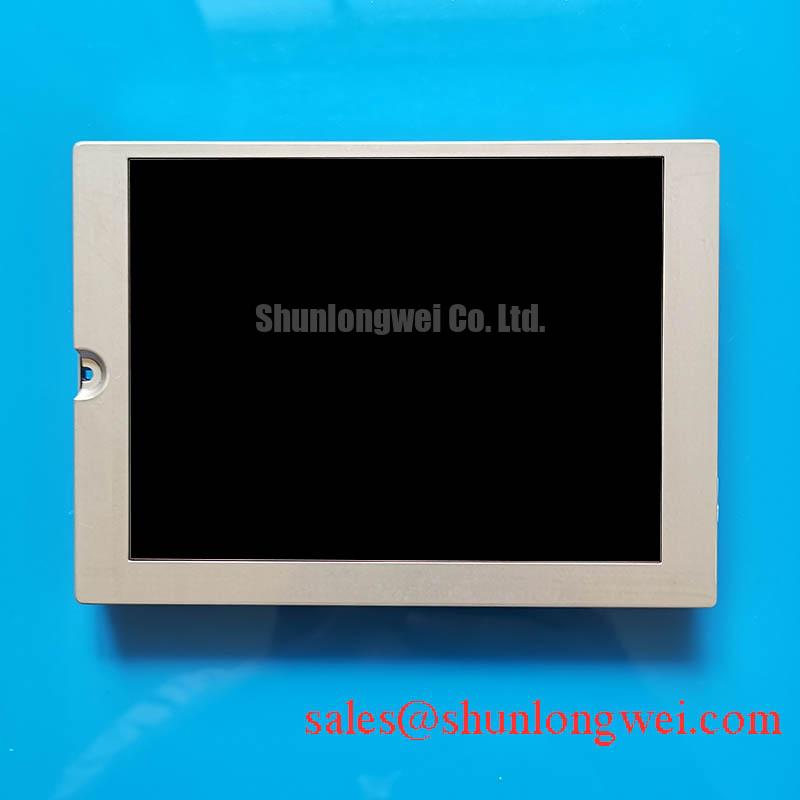
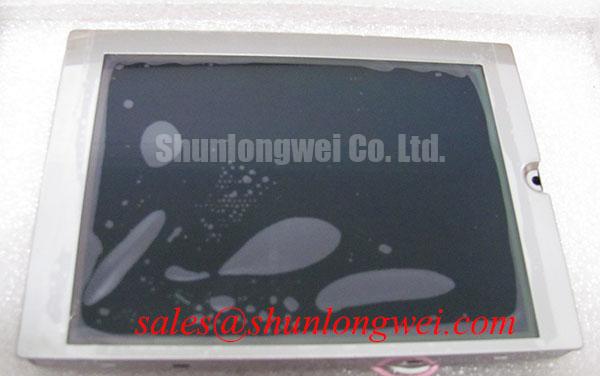
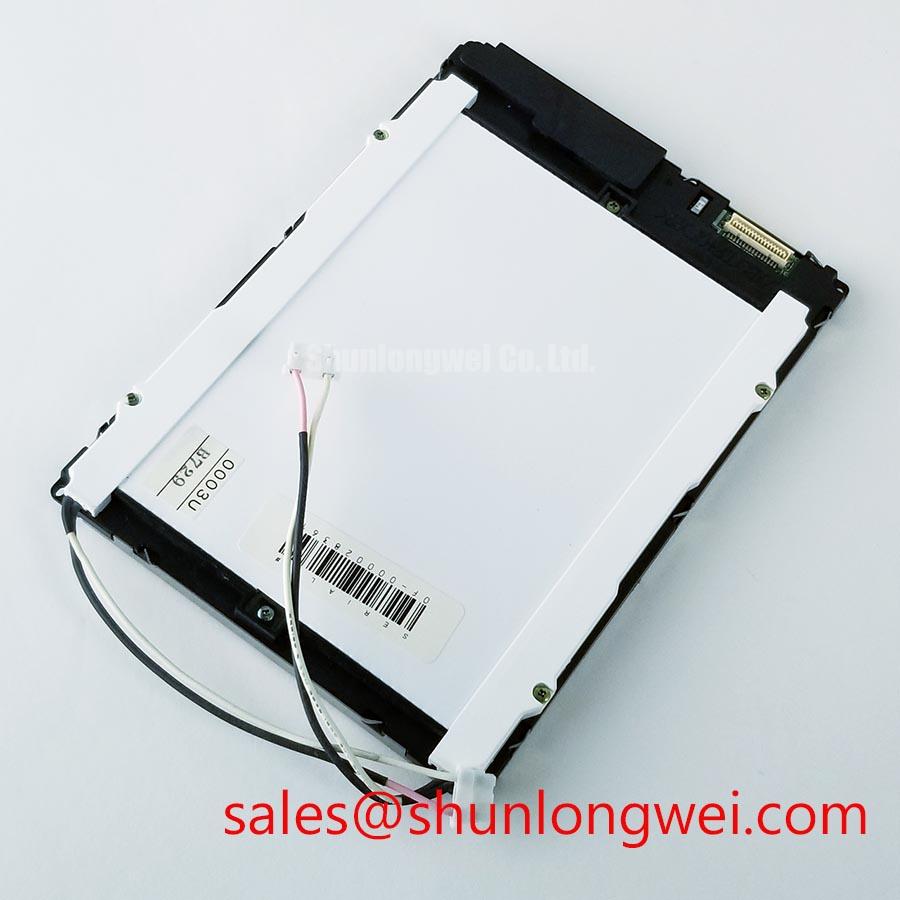
With power isolated, inspect the KCG057QV1DH-G68 for glass damage, connector wear and uneven illumination before connecting it to an operator station. Record the original cable orientation and enclosure fit, then compare the replacement against the installed assembly rather than assuming that a matching model family guarantees a matching interface.
The KCG057QV1DH-G68 is identified as a Kyocera TFT-LCD display module for industrial LCD/HMI use (Official Factory Specification). The supplied factory information does not establish its active-area dimensions, resolution, connector pinout, touch configuration or optical ratings. Those details need to be checked against the original module documentation before a repair technician applies power or approves a mechanical substitution.
Begin with the module unpowered. Examine the glass edge, flexible connections and connector contacts under angled light, without pressing on bonded areas. Damage visible at an edge warrants further inspection, but appearance alone cannot establish the condition of a driver connection or anisotropic conductive film bond. Measure the operator-station opening and mounting locations against the original assembly as well. A panel that fits the opening must still clear the bezel without concentrated pressure on the glass or attached flex.
Once the correct supply, signal pinout and backlight drive have been confirmed from documentation, a three-stage primary-color test can make faults easier to localize. Display a uniform red field, then green, then blue, observing whether any line remains fixed across all three. Follow with dark and bright full-screen fields. In a dim bench area, shine a flashlight across the face at an oblique angle while the dark field is displayed: a faint image behind a dark area can help distinguish loss of illumination from loss of image generation. Fixed lines merit checks of the source signal and connector seating before attributing them to the panel.
For a petrochemical Zone 2 operator station, inspect the complete display window and enclosure as a system. The module specification supplied here does not establish an anti-glare treatment, a sunlight contrast rating or hazardous-area approval. Readability through the installed window should be assessed under the site’s actual lighting, while the enclosure’s applicable approval and installation requirements remain separate checks.
Viewing-Angle, Contrast & Temperature Checks
Watch the image from the operator’s normal standing positions, not only from directly in front of an open enclosure. A change in apparent grayscale or color with viewing angle may affect alarm recognition. Temperature can also change LCD response and perceived contrast; compare a suspect station with a known-good unit under comparable conditions before calling an image shift a panel fault. No TN, IPS or MVA mode, symmetric viewing-angle rating, dynamic contrast function or temperature range is established by the supplied KCG057QV1DH-G68 specification.
Clean the exterior viewing surface using the maintenance procedure approved for the station window. Scratches, residue and reflections can reduce legibility without any change to the LCD. If strong ambient light is part of the installation, evaluate the assembled window, any touch overlay and the displayed alarm colors together. An anti-glare or anti-reflective finish should not be assumed for the bare module, and adding a surface treatment requires a separate optical and mechanical assessment.
Uneven brightness calls for a controlled comparison. Use the same displayed pattern and dimming setting, then look for a localized dark region, global dimming or brightness that changes with cable movement. Check the documented backlight supply and its driver’s fault indication, if that output exists in the station design. An open or shorted light source, a protective driver shutdown and an upstream power fault can present similar symptoms at the screen; measurements at the system level are needed to separate them. The supplied factory information gives no backlight technology, luminance or lifetime rating for this model, so a brightness-decay curve cannot be assigned to it.
A touch fault should likewise be diagnosed at the assembly level. The KCG057QV1DH-G68 is identified here as a display module, not as a specified capacitive or resistive touch assembly. Where the operator station has a separate touch layer, verify its controller, overlay and approved operating conditions before evaluating glove response or wet-surface sensitivity. Those behaviors cannot be inferred from the LCD model number.
Backlight Faults & Retrofit Considerations
Identify the installed backlight and its driver from the original equipment documentation before considering a lighting retrofit. The supplied KCG057QV1DH-G68 factory information does not identify a CCFL or LED backlight, an inverter, a constant-current requirement or a PWM dimming input. Applying an assumed driver can damage the lighting circuit even when the image interface is otherwise correct.
If a maintenance project proposes a change in backlight technology, treat it as an assembly redesign rather than a direct lamp substitution. The engineer should verify electrical drive, light distribution, dimming behavior, thermal effects, service access and the appearance of safety-critical indications through the enclosure window. Driver protection matters during fault finding: after confirming the documented connections, check whether the system reports an open-load or overcurrent condition before replacing the panel on the basis of a dark screen. No particular protection output or brightness half-life is established for this module.
Signal compatibility deserves the same discipline. The available specification does not identify the KCG057QV1DH-G68 as an LVDS or TTL panel and does not provide connector contacts, clock timing or a data mapping. Inspect the original schematic or verified pinout before attaching a controller. If the documented interface is LVDS, differential routing, termination and pair-to-pair timing become design considerations; the required impedance and skew limits must come from the actual transmitter, receiver and cable specification. If the documented interface is TTL, verify its clock and data timing instead. For an LVDS design, confirm the applicable JEIDA or VESA mapping rather than interpreting incorrect colors as a defective LCD.
For mechanical or sourcing comparisons, KCG047QV1AA-G210 provides another Kyocera model to evaluate. Its dimensions, resolution, pinout and backlight requirements must be checked independently; the link is a comparison reference, not a declaration of interchangeability.
Investigating Pixel Jitter & Horizontal Lines Near Motor Drives
When a display shows intermittent pixel movement or horizontal bands near a variable-frequency drive, first establish whether the disturbance tracks motor operation. Capture the symptom with a repeatable test pattern, then compare operation with the drive idle and running under the site’s approved test procedure. Check the panel supply at its connector, the display cable and the controller output. Correlation with drive activity is useful evidence, but it does not by itself locate the coupling path or prove that the LCD has failed.
Trace the actual cable route through the operator station. Inspect shield continuity and termination against the equipment design, and look for damage or loose contacts where the cable crosses the enclosure boundary. A shield, common-mode ferrite or revised route may be considered only after identifying the interface and measuring the disturbance; none is a guaranteed cure. For a documented differential interface, review return paths and pair continuity alongside the signal waveform. For a documented single-ended interface, inspect its reference and clock integrity instead.
💡 Pro Tip: Confirm the KCG057QV1DH-G68 pinout before probing or reconnecting the display cable; a visually compatible connector does not establish electrical compatibility.
Keep the hazardous-area boundary in view during this work. The display module’s supplied specification does not confer Zone 2 approval on an operator station, and changes to a cable entry, viewing window or enclosure should be assessed against the approved system design. Industrial Display & HMI Solutions provides broader context for display integration in demanding environments; the station’s own documentation remains the authority for wiring, environmental limits and permitted maintenance.