Content last revised on September 22, 2026
Kyocera KCS077VG2EA-A43 Industrial LCD Display
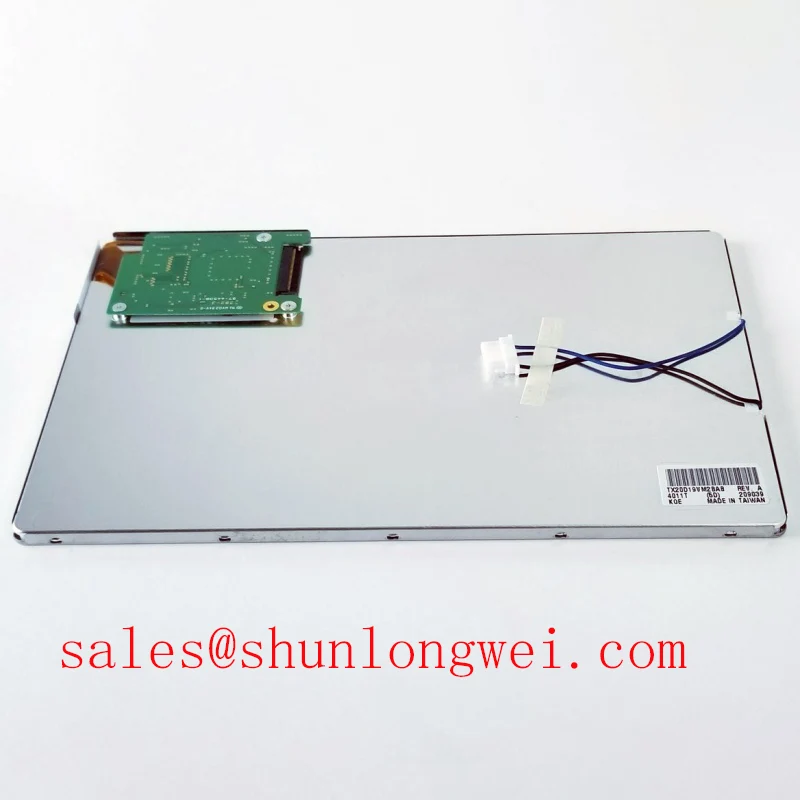
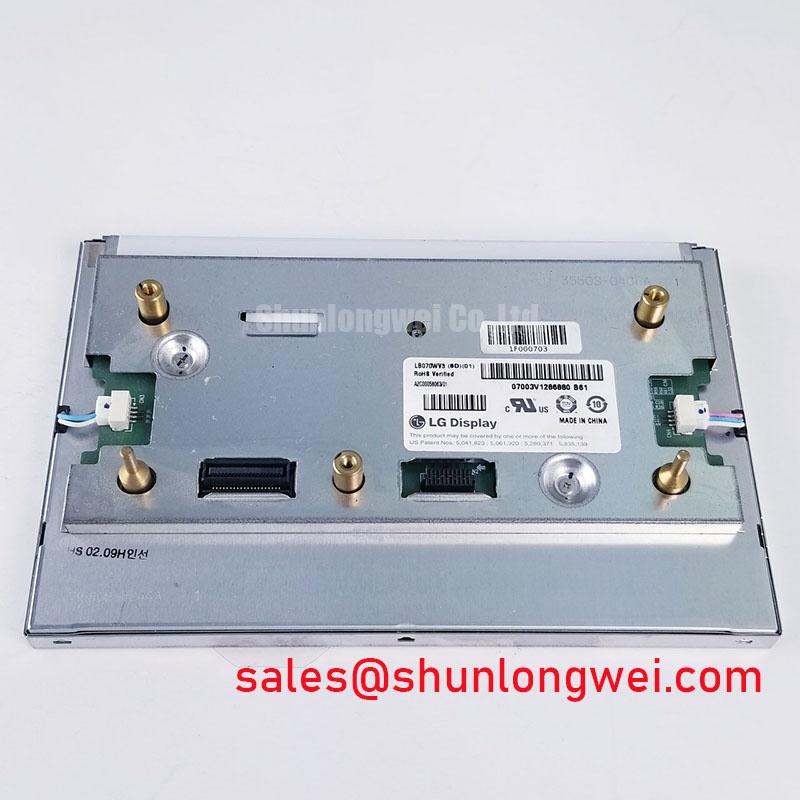
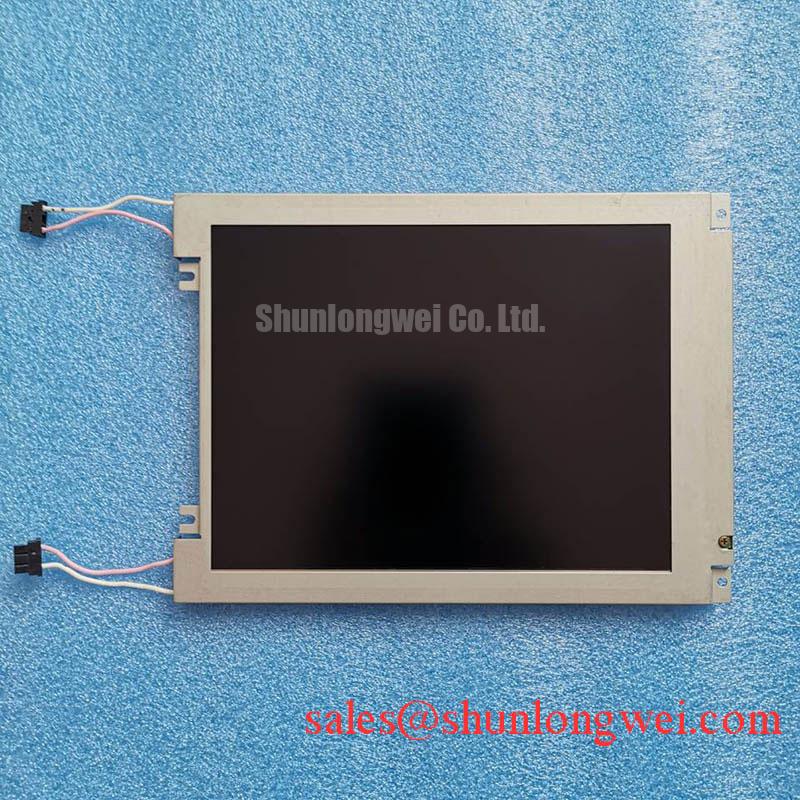
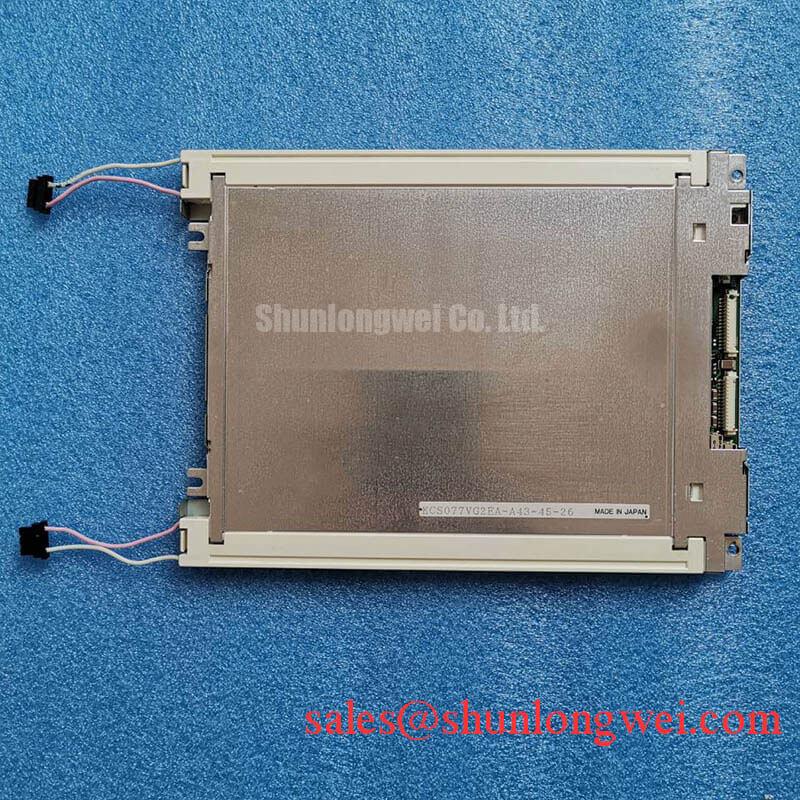
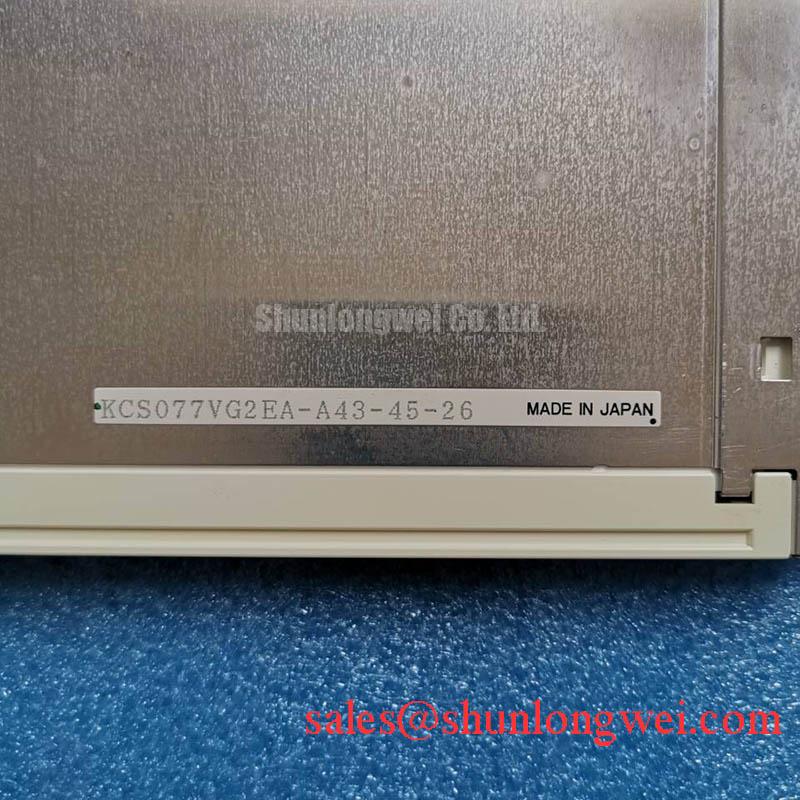
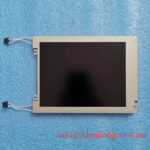
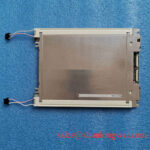
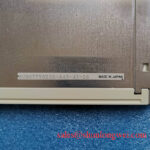
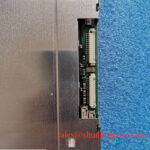
Begin incoming inspection by checking the module label against the equipment service record, then examine the bezel, visible glass area, connector, and flex cable under controlled lighting before applying power. The KCS077VG2EA-A43 is identified in the supplied product information as a Kyocera TFT-LCD Display Module for industrial HMI and display equipment. The available listing data confirms the product category and module construction, while interface, optical, dimensional, electrical supply, and environmental values must be verified from the original panel documentation before installation.
| Manufacturer | Kyocera |
| Part number | KCS077VG2EA-A43 |
| Product category | Industrial Grade LCD/HMI Panel |
| Construction | TFT-LCD Display Module |
| Specification status | Product classification verified from the supplied listing data |
This page deliberately separates confirmed identification data from system-dependent integration information. The supplied factory parameter set does not confirm resolution, active-area dimensions, luminance, viewing angle, backlight type, connector pinout, supply voltage, signaling standard, response time, or operating temperature range. A replacement assessment should therefore compare the original display documentation and the host controller interface rather than relying on physical appearance alone.
Kyocera’s industrial TFT-LCD display technology information provides useful manufacturer-level context, but it should not be treated as a substitute for the exact KCS077VG2EA-A43 datasheet. For an equipment repair team comparing panel families, TCG084SVLQAPNN-AN30-S may be reviewed as a separate reference model; compatibility still requires a complete mechanical and electrical comparison.
Industrial Bezel Mechanical Envelope Tolerances and Mounting Verification
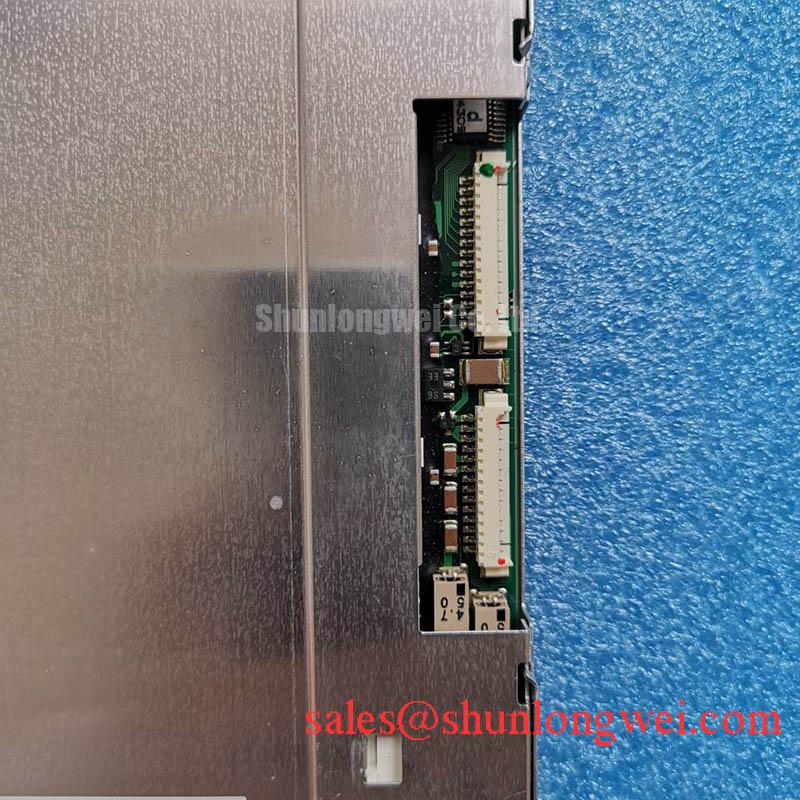
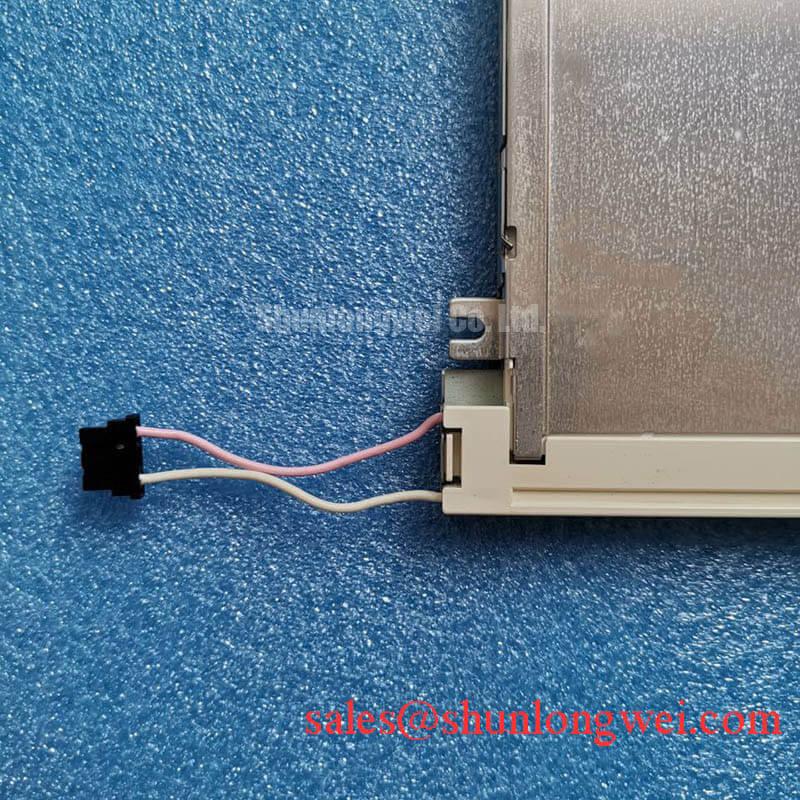
Place the replacement panel on a clean, flat inspection surface and compare its bezel envelope, visible display opening, mounting holes, connector position, and cable exit direction with the removed unit. The confirmed product classification describes a TFT-LCD display module, but the supplied data does not state the external drawing or hole pattern. Do not assume that a similar diagonal size or bezel shape establishes mechanical compatibility.
Design Consideration: The chassis should support the display evenly around its mounting perimeter, with no local pressure transferred to the glass, flex cable, or connector. Fasteners should be tightened progressively in a cross pattern using a torque value established by the panel drawing, screw size, bracket material, and gasket construction. The proposed M3 torque range in the application brief is not an official KCS077VG2EA-A43 factory specification and should not be applied without mechanical validation.
Inspect the bezel after tightening and repeat the check with the display operating on a uniform white and gray test field. Brightness variation near a mounting edge, a dark corner, or a pressure-shaped optical mark may justify loosening the assembly and checking bracket flatness, spacer placement, and screw loading. This inspection does not prove an internal optical defect; it is a method for separating chassis-induced stress from panel-related symptoms.
Signal integrity must be evaluated at the host system level. The available product information does not confirm whether this specific unit uses LVDS, TTL, or another interface. The system integrator should verify the required supply voltage, connector pinout, differential impedance target, clock arrangement, and power sequencing from the original panel documentation. Where a differential interface is confirmed, keep the pair routing controlled and test the complete cable and connector path with the known-good display and host board.
💡 Bench Tip: Disconnect power before handling the display cable, protect the work area against ESD, and ensure the flex cable is fully parallel to the connector before locking it.
Single Vertical Hairline Defect and Column Driver Localization
For incoming QA, display a full-screen white field, a black field, and primary red, green, and blue fields. Record whether the line remains in the same column, changes visibility with the test color, or disappears when the source image changes. This multi-field check helps classify the observation without assigning a single cause prematurely.
A narrow vertical line that remains fixed across several colors may require examination of the panel edge, flex attachment area, connector seating, and host signal path. Use a 45-degree flashlight inspection with the display unpowered to look for external scratches, edge impact, contamination, or a shadow that belongs to the surface stack rather than the active pixel matrix. The flashlight method is an observational aid only; it cannot confirm a microscopic driver fault.
When the line is visible, compare the same image through a known-good controller path where practical. An oscilloscope may help determine whether the source timing and data activity are stable, but the measurement should be made against the original interface specification. If the issue follows the panel, document its position, color dependence, temperature condition, and repeatability. If it follows the cable or controller, inspect connector retention, ground reference, shielding, and cable routing before assigning the panel as the failed item.
Cold operation can change liquid-crystal response behavior and may lengthen the visible transition between gray levels. The supplied factory information does not state the operating temperature range, GTG response-time specification, heater provision, or cold-start procedure for this model. Engineers evaluating a marine radar or navigation bridge console should verify these values from the original Kyocera documentation and validate the complete enclosure, heater, controller, and display assembly under the intended temperature profile.
Do not add a heater strip or alter the backlight control solely because a cold image appears slow. First confirm the panel’s approved operating conditions, the controller timing, the power rail behavior, and the temperature measured at the display surface. A field observation can support troubleshooting, but it is not a factory rating or a life prediction.
Backlight Driver and High-Voltage Inspection Boundaries
The available official product information identifies the unit as a TFT-LCD display module but does not confirm whether the installed backlight is CCFL, LED, or another configuration. It also does not provide an ignition voltage, secondary insulation rating, PWM dimming ratio, acoustic performance value, half-life specification, or MTBF figure. These values must not be inferred from the model number or from the construction of another Kyocera display.
Before connecting a replacement, identify the original backlight driver, connector, enable line, dimming method, and current or voltage requirements from the equipment service documentation. The system integrator should verify whether the driver is an independent assembly or part of the display module. A constant-current LED driver must not be connected to a panel with an unverified backlight interface, and a high-voltage backlight circuit must be isolated and tested only with equipment suitable for that circuit.
For a suspected dark display, first confirm image data, panel power, enable state, and backlight output in the approved test procedure. A dark screen may result from missing image data, absent backlight drive, protection shutdown, connector problems, or panel damage. Use an approved meter and probe arrangement for the relevant circuit, maintain the manufacturer’s clearance requirements, and avoid live probing at exposed high-voltage points unless the service procedure explicitly permits it.
Claims about acoustic buzz, 1000:1 dimming, more than 50,000 hours of service, or a particular CCFL striking range cannot be assigned to KCS077VG2EA-A43 from the supplied factory data. For system-level environmental planning, the Industrial Display & HMI Solutions resource can provide broader integration context, while the exact panel documentation remains the controlling source for this part.
Thermal Cycling, Polarizer Condition, and Interface Timing
Inspect the display after the intended thermal exposure for surface haze, edge lifting, seal irregularity, connector movement, image retention, and changes in uniformity. The supplied specification record does not confirm a temperature range, thermal-cycle qualification, polarizer adhesive construction, perimeter sealant material, or humidity rating for this exact model. These properties should therefore be treated as verification items rather than guaranteed characteristics.
Cold temperatures can alter liquid-crystal viscosity and produce slower visible transitions, while rapid temperature changes can create condensation risk when a cold panel enters a warm, humid enclosure. A practical evaluation should control the ramp, allow the module to stabilize, and inspect the display before, during, and after the test. Record image uniformity, line defects, flicker, startup behavior, and connector stability. If condensation is possible, the equipment designer should define enclosure pressure equalization, sealing, and service handling requirements.
For TTL or LVDS integration, verify the actual signal standard, clock frequency, data mapping, polarity, setup and hold requirements, and allowable timing margin from the original Kyocera panel documentation. The product listing does not publish those values. Use a known-good source and observe the clock and data relationship at the panel connector, not only at the controller output. Cable replacement, routing changes, or added connectors can alter the observed signal quality even when the controller remains unchanged.
Potential use in a harsh marine radar or navigation bridge console should be treated as a compatibility assessment. Salt exposure, sunlight, enclosure temperature, vibration, condensation, and cleaning chemicals are properties of the complete equipment design, not standalone ratings established by the supplied KCS077VG2EA-A43 data. Kyocera’s technical materials on silicon nitride substrates concern a different product area and should not be used as evidence for this LCD module’s environmental qualification.
Before approving a replacement, retain the original panel drawing, connector details, controller settings, optical inspection record, and environmental test results with the service documentation. That evidence allows the engineering team to distinguish confirmed panel attributes from conditions imposed by the host display system.