

Content last revised on October 11, 2026
Suppressing Pixel Jitter and Horizontal White Lines Induced by Adjacent 400V Motor Drives
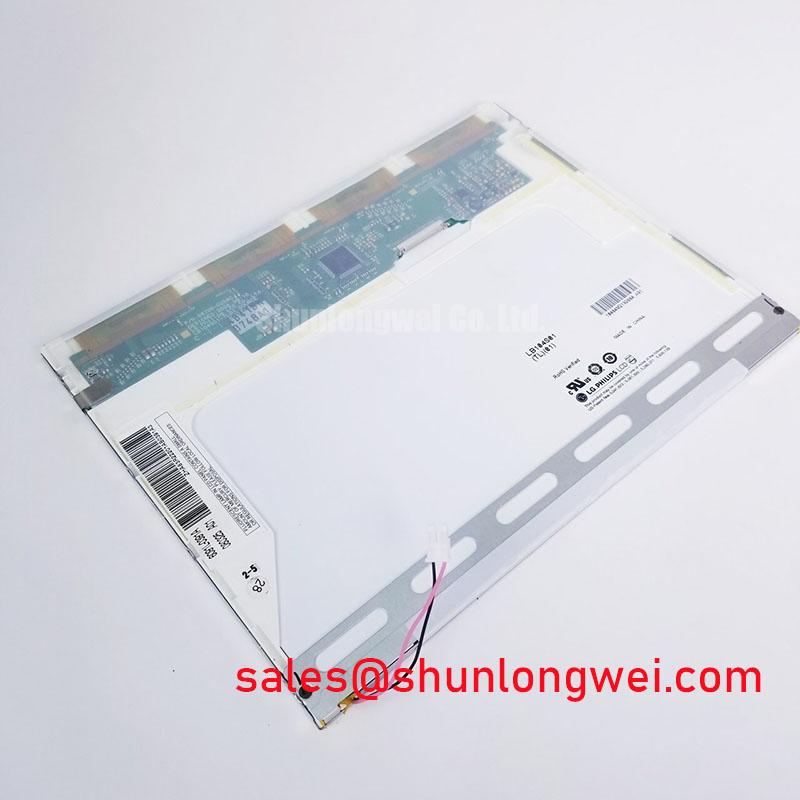
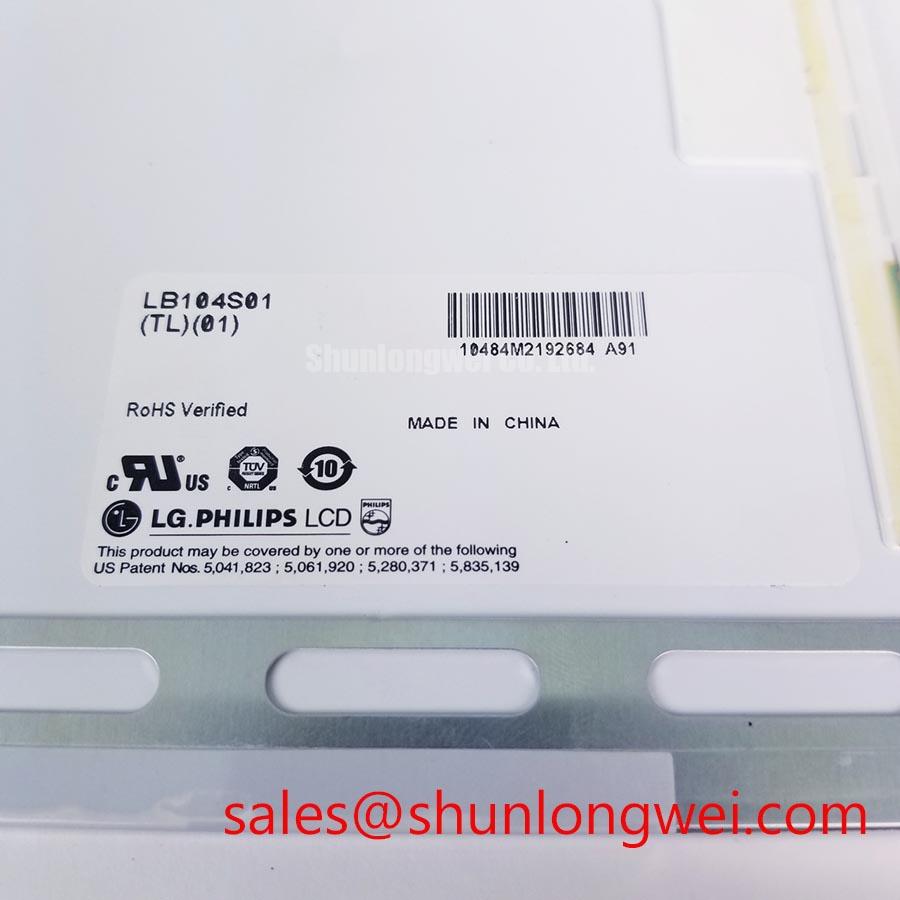
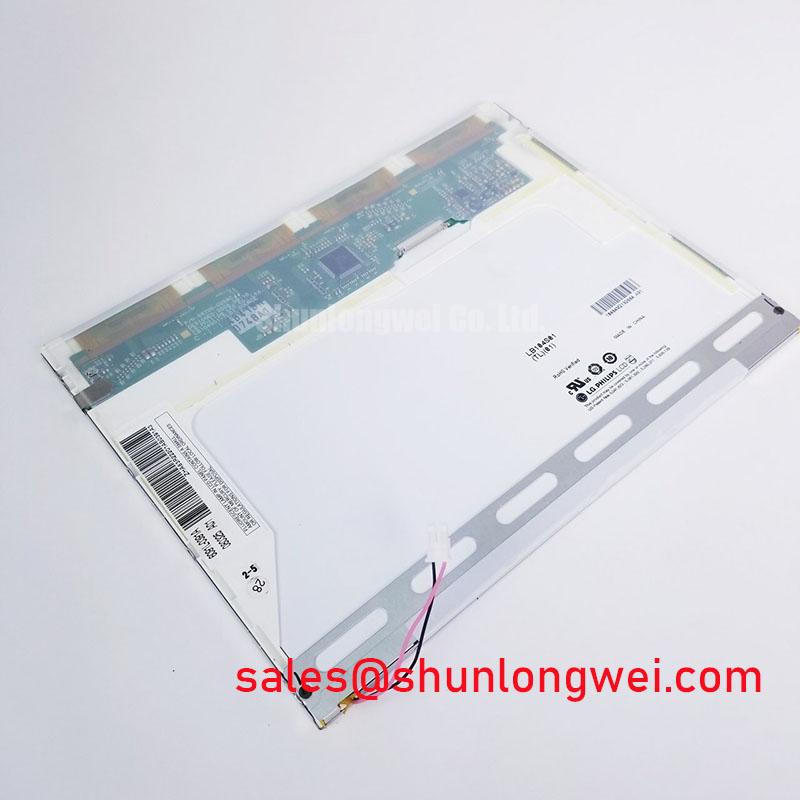
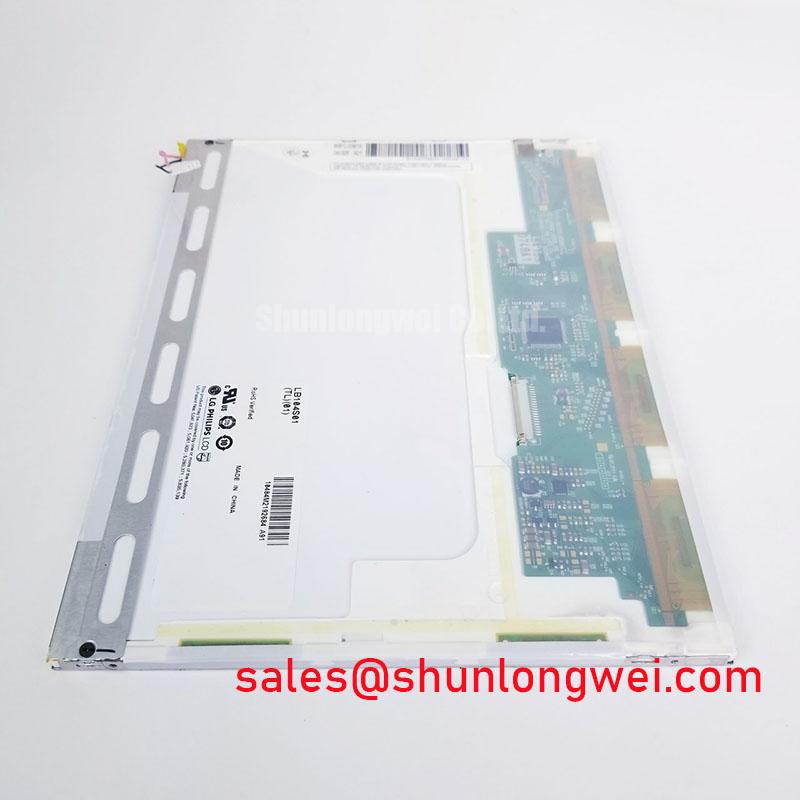
When pixel jitter or horizontal white bands appear beside a variable frequency motor drive, first separate the display signal path from the drive cabinet wiring and inspect the complete FFC or LVDS route. The LB104S01-TC01 is identified as an LG Display industrial LCD/HMI panel in an HMI touch screen assembly, so system level cable routing, shield termination, and connector retention remain part of the installation assessment rather than intrinsic panel ratings.
A 360 degree shielded cable arrangement can reduce the coupling area exposed to switching fields when the shield is terminated according to the host equipment grounding architecture. Avoid routing the display cable parallel to motor output conductors for long distances, particularly near cable glands, contactors, and inverter filters. If the noise changes when the cable is repositioned, the result points toward coupling or return path behavior rather than a confirmed panel defect.
Common mode ferrite suppression may be evaluated by the system integrator where the signal interface and cable construction support it. Selective testing is important because an unsuitable ferrite or poorly bonded shield can alter signal quality without removing the interference source. Compare the affected display with a known good signal path using an oscilloscope, checking the differential waveform, common mode movement, and timing consistency at the panel connector.
The display surface also needs evaluation under the intended lighting. A high ambient light environment can reduce perceived contrast even when the video signal is stable. Check the panel with the actual enclosure window, viewing angle, and glare conditions in place. The touchscreen technology and optical surface should be confirmed from the original panel documentation before specifying a replacement interface or cover lens. General information on projected capacitive touchscreen operation is available through Touchscreen Capacitive Projected Multi Touch Systems.
Dynamic Contrast Ratio Stabilization and Liquid Crystal Birefringence Temperature Tracking
Temperature changes can alter liquid crystal optical response, perceived grayscale separation, and viewing angle behavior. During commissioning, observe the display after the enclosure reaches its normal operating condition rather than judging contrast immediately after a cold start. Record whether grayscale inversion, uneven luminance, or color shift changes with temperature and with the operator’s viewing position.
TN, IPS, and MVA technologies can produce different viewing cone and grayscale characteristics, but the supplied product baseline does not assign a specific panel technology or confirm a symmetrical viewing angle for LB104S01-TC01. Those characteristics must therefore be matched against the original equipment documentation during replacement evaluation. A panel that fits mechanically may still produce unacceptable operator visibility if its optical behavior differs from the installed unit.
Anti glare treatment should be evaluated with the enclosure lighting, sunlight direction, and operator position reproduced. Etched or coated surfaces can reduce reflected highlights, while contamination, cleaning residue, or a compressed sealing layer can create local haze. Avoid interpreting a temporary contrast change as a permanent panel failure until the surface condition and backlight drive stability have been checked.
Backlight aging should be assessed from the actual driver configuration and operating temperature. LED lifetime curves, half brightness values, and MTBF claims are system and manufacturer specific; they should not be assigned to this model without a matching LG Display specification. When integrating the assembly into an AGV or forklift telematics display, verify startup brightness, dimming response, thermal rise, and low temperature recovery using the original controller.
For broader guidance on enclosure sealing, optical integration, and industrial HMI maintenance, consult the Industrial Display and HMI Solutions engineering resource.
Aluminum Heat Spreader Sizing and Thermal Interface Placement along Narrow Display Edges
Localized heating along a narrow display edge can produce uneven luminance, mechanical expansion, and optical aging. A heat spreader rail may be considered where the enclosure transfers heat into the display frame, but its size, material, contact pressure, and insulation must be determined from the host assembly. The rail should distribute heat without creating a hard point that loads the glass or distorts the bezel.
Thermal interface materials require controlled placement. Excess material can interfere with the frame, while insufficient contact can leave a concentrated hot spot. Inspect the complete perimeter for consistent seating and ensure that the sealing gasket is not folded, stretched, or interrupted near corners. This is particularly important for equipment exposed to dust, vibration, and rapid temperature changes.
Any optical film, diffuser, or light guide should be treated as an assembly specific component. Do not infer internal material composition or yellowing limits from the model number. If localized discoloration is observed, compare the affected area with the heat profile, backlight current behavior, enclosure airflow, and mechanical pressure pattern before assigning a cause.
High EMI installations also require disciplined signal routing. Where a differential display interface is used by the host system, the integrator should maintain the intended pair geometry, continuous reference plane, and controlled connector transition. A nominal impedance or skew target belongs to the interface design documentation and should be verified against the controller, cable, and panel combination rather than assumed from the LB104S01-TC01 product label.
Maintenance Note: Inspect the enclosure airflow path and perimeter sealing gasket during scheduled service, and disconnect power before removing or reseating the display cable.
Solid State WLED Constant Current Driving, PWM Dimming, and Flicker Suppression
Backlight troubleshooting begins with the driver architecture fitted to the host equipment. The supplied baseline identifies LB104S01-TC01 as an industrial LCD/HMI panel and HMI touch screen assembly, but it does not establish a backlight type, driver topology, PWM range, ignition voltage, or lifetime rating. These values should be matched to the original controller and service documentation before a replacement is integrated.
Where a constant current LED driver is used, check the current regulation during startup, steady operation, dimming, and shutdown. Brightness instability can arise from driver protection behavior, supply sequencing, connector resistance, or an incompatible enable signal. Measure the backlight command and supply response together so that a dark screen is not automatically attributed to the LCD cell.
PWM dimming should be evaluated for visible flicker, acoustic interaction with the enclosure, and linearity across the intended brightness range. The suitable frequency and duty cycle are determined by the driver, camera exposure requirements, operator sensitivity, and controller timing. If the assembly is installed in an AGV or forklift display, test the panel while the vehicle electronics, wireless equipment, and traction system are active.
Power sequencing also deserves attention. The display controller, backlight enable line, touch interface, and video source should reach their required states in the order defined by the host design. A white screen during startup or an image that remains after shutdown may involve timing, discharge paths, or controller behavior. Capture the supply and control signals during both events, then compare them with the original functioning assembly.
Touch communication should be checked independently from the image path. USB based touchscreen systems use their own host interface and cable grounding considerations; general interface background is available through Universal Serial Bus Interface in Touchscreen HMI Panels. Confirm connector locking, FPC bend clearance, and strain relief before closing the enclosure, especially where repeated vehicle vibration can gradually reduce contact stability.
For the LG Display LB104S01-TC01, procurement and maintenance teams should match the model marking, HMI assembly form, mechanical fit, optical behavior, touch interface, backlight architecture, and host controller requirements before authorizing installation.