

Content last revised on October 13, 2026
Sharp LJ512U25A Display Replacement and Integration Checks
- Confirm the front-panel cutout, bezel support, and edge clearances before removing the installed display.
- Record the existing host interface, connector orientation, signal format, and backlight arrangement, if applicable.
- Inspect the display edge for local heat concentration, frame pressure, and uneven mechanical loading.
- Isolate display power and any backlight circuitry before disconnecting flex cables or inverter wiring.
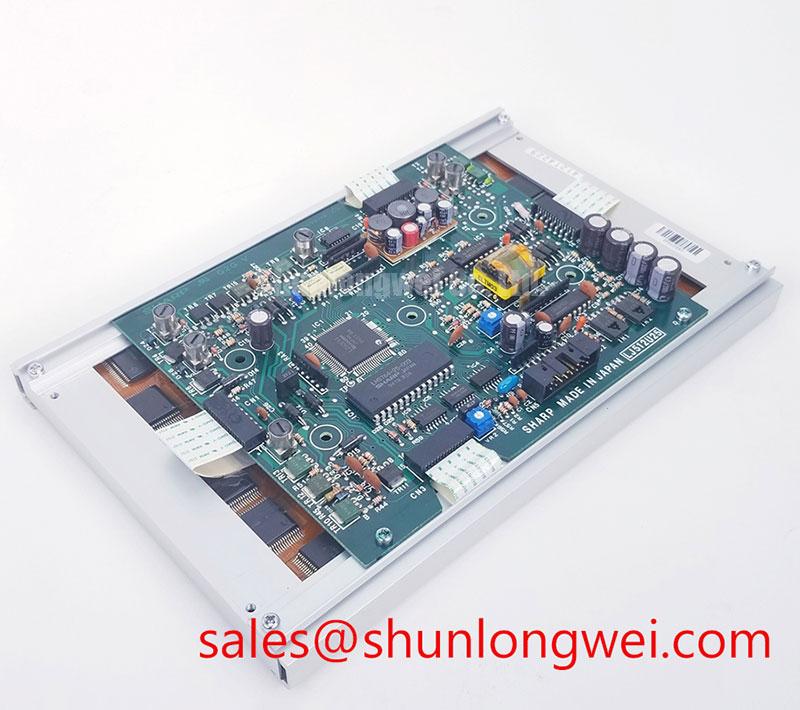
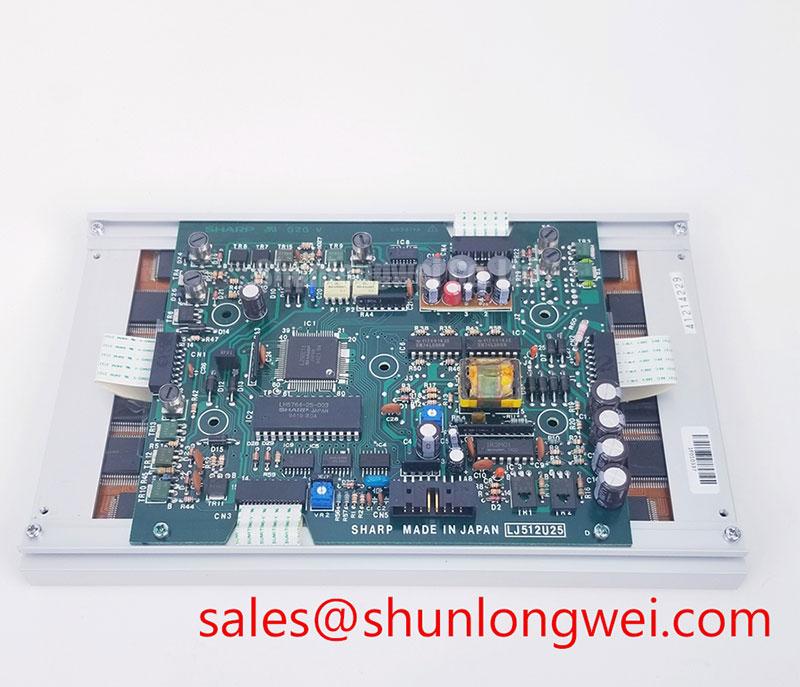
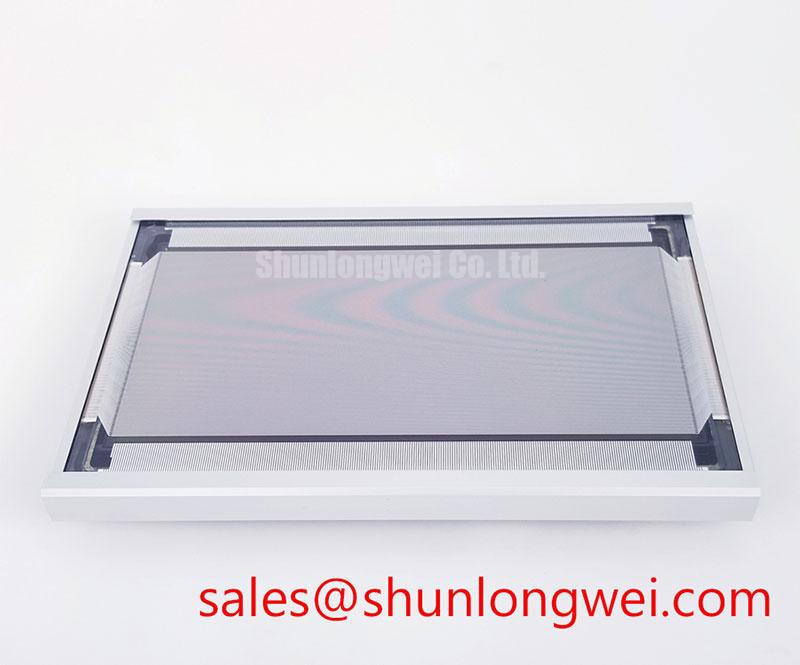
The Sharp LJ512U25A display requires model-specific documentation before its construction and electrical requirements can be confirmed. For a factory automation machine tool or HMI operator terminal, replacement work should begin with physical compatibility and interface mapping rather than assumptions about display technology, voltage, timing, or backlight technology.
| Parameter | Information |
|---|---|
| Model | LJ512U25A |
| Manufacturer | Sharp |
| Display construction | Confirm from the original model-specific documentation |
| Supply voltage, resolution, dimensions, and interface pinout | Consult the original panel documentation before system integration |
A confirmed logic supply, pixel resolution, connector pinout, viewing-angle class, contrast ratio, and illumination architecture are not established here. Those values must be matched against the original panel documentation and the host controller before procurement approval. The same discipline applies when comparing the LJ512U25A with other Sharp display assemblies. The Sharp Devices Europe portal and the Sharp Display Solutions portal provide broader display-product context, but do not replace model-specific documentation.
Aluminum Heat Spreader Sizing and Thermal Interface Placement Along Narrow Display Edges
Thermal management at the narrow display edges should start with contact mapping, not with a presumed rail size or material stack. Inspect the rear frame, controller area, any backlight region, and nearby enclosure surfaces for localized heat transfer paths. A heat spreader rail may be considered where a concentrated warm area is close to the bezel or where enclosure airflow leaves one edge substantially warmer than the opposite edge.
Any aluminum rail or thermal interface must remain clear of the active viewing area, flex cables, connector locks, and pressure-sensitive optical layers. The rail should distribute heat without creating a hard point that bends the glass or loads the frame unevenly. Designers should determine the interface thickness, contact pressure, and attachment method from the actual mechanical drawing and enclosure geometry. These are system integration decisions, not confirmed LJ512U25A factory specifications.
In an LCD system, temperature variation can influence liquid-crystal response, backlight uniformity, and controller timing. In a machine-tool HMI, compare the display image during cold start, stabilized operation, and enclosure heat soak. Look for edge-to-edge brightness change, localized color shift where applicable, or intermittent image instability while monitoring the host timing source. If the panel uses a TTL or LVDS connection, clock jitter and data hold margin should be evaluated across the intended operating temperature window using both the host controller’s and panel’s timing requirements.
When the replacement is installed in a constrained operator terminal, the mechanical review can include the LQ150X1LG81 as a neutral comparison point for display form-factor evaluation. This is not a substitute recommendation; connector position, active area, mounting points, and electrical timing still require a direct compatibility check.
Contrast Stability and Temperature Tracking in LCD Systems
For an LCD system, contrast stability is best assessed by observing grayscale transitions and dark-image uniformity at several viewing directions while the display moves through the equipment’s real thermal conditions. A TN, IPS, or MVA optical response should never be inferred from the LJ512U25A model number alone. Its display technology, panel mode, viewing cone, surface treatment, and contrast ratio require confirmation from model-specific documentation.
For a machine-tool operator terminal exposed to overhead lighting, inspect the front surface for reflected task lights, bright windows, and protective-cover reflections. Anti-glare or anti-reflective treatment may improve practical readability, but the correct surface specification depends on the enclosure, ambient illumination, touch overlay, and cleaning process. A matte surface can reduce reflected highlights while also changing perceived sharpness, so image evaluation should use the actual front-window stack rather than a bare-panel test.
Temperature tracking should include grayscale ramps, low-level dark patterns, and, for color displays, saturated color screens. Record whether a change follows the entire panel or remains concentrated near an edge or corner. Such observations can help separate optical temperature behavior from frame pressure, uneven illumination, cable movement, or host-signal instability. They do not establish a single component-level cause without comparison against a known-good display and the same controller.
For differential interfaces, the system designer should maintain a controlled routing environment and verify pair symmetry, return-current continuity, and connector seating. A commonly used engineering target for high-speed LVDS routing is a controlled differential impedance near 100 ohms, but the applicable value remains subject to the panel and transmitter documentation. Any skew limit must likewise come from the interface budget rather than being assigned to this model without a confirmed datasheet.
Controlled 100-Ohm Differential Impedance Flex Routing for LVDS Systems
Before connecting the LJ512U25A to a replacement controller, identify whether the host uses TTL, LVDS, or another display interface and map the data format, clock polarity, connector orientation, and enable signals. Do not treat a mechanically similar connector as proof of electrical compatibility. In color LVDS systems, JEIDA and VESA mapping differences can produce incorrect colors even when the panel powers up.
Flex routing should avoid sharp folds at the connector exit and should preserve a continuous signal reference through the transition from rigid board to flexible cable. Keep high-current backlight wiring, where present, physically separated from sensitive pixel-clock and data paths where the enclosure permits. The practical objective is to reduce common-mode coupling and preserve the transmitter’s timing margin; the final routing geometry should be validated with the host board stackup and the panel interface requirements.
Power sequencing requires the same attention. Confirm the panel logic supply, enable order, reset behavior, and any backlight activation sequence from the original documentation. A required LJ512U25A logic rail of 3.3 V, 5.0 V, or another value is not confirmed here, so the system integrator should not apply a generic supply assumption. Monitor the supply rise, enable transitions, and display clock during startup to distinguish a sequencing issue from a data-format mismatch.
💡 Pro Tip: For a differential interface, keep each pair’s reference path uninterrupted through the connector and flex transition, then compare clock and data waveforms at the panel end rather than relying only on the controller-side measurement.
For broader enclosure, interface, and service-planning context, the Industrial Display and HMI Solutions resource can be reviewed alongside the equipment’s own wiring and environmental requirements.
Backlight Identification and CCFL or LED Troubleshooting
Before applying backlight troubleshooting procedures, establish whether the installed LJ512U25A assembly uses a separate backlight at all and, if so, whether it is paired with a CCFL inverter, an LED constant-current driver, or another arrangement. Its illumination technology, ignition voltage, dimming method, current rating, and protection thresholds are not confirmed here. Substituting an inverter or LED driver based only on connector similarity can damage the display assembly or produce unstable illumination.
For a CCFL-equipped system, examine the inverter input, lamp connectors, insulation spacing, transformer area, and enable signal while following the equipment service procedure. A cold lamp may require a different ignition condition from its stabilized operating condition, and audible noise can also be associated with mechanical resonance, drive frequency, transformer loading, or enclosure vibration. High-voltage probing should be performed only with equipment rated for the circuit and by personnel qualified to work around the inverter output.
For an LED-backlit system, confirm the driver’s current-control method, dimming input, open-load response, short-circuit behavior, and fault output. PWM frequency and dimming depth should be selected from the driver and panel requirements, with flicker evaluation performed at the actual camera and operator viewing conditions. A backlight that appears acceptable at full brightness may show visible modulation or uneven current distribution during low-duty operation.
In a backlit display system, when the display is dark but the controller continues to send valid image data, compare the backlight enable signal, driver status, and illumination output separately. When an image appears with incorrect colors or unstable sections, return to the interface mapping and power-sequencing checks before changing the backlight circuit. This separates optical illumination faults from pixel-data faults without assigning a single cause from the symptom alone.