



Content last revised on September 25, 2026
Sharp LJ640U35 Industrial LCD Panel: Incoming Inspection
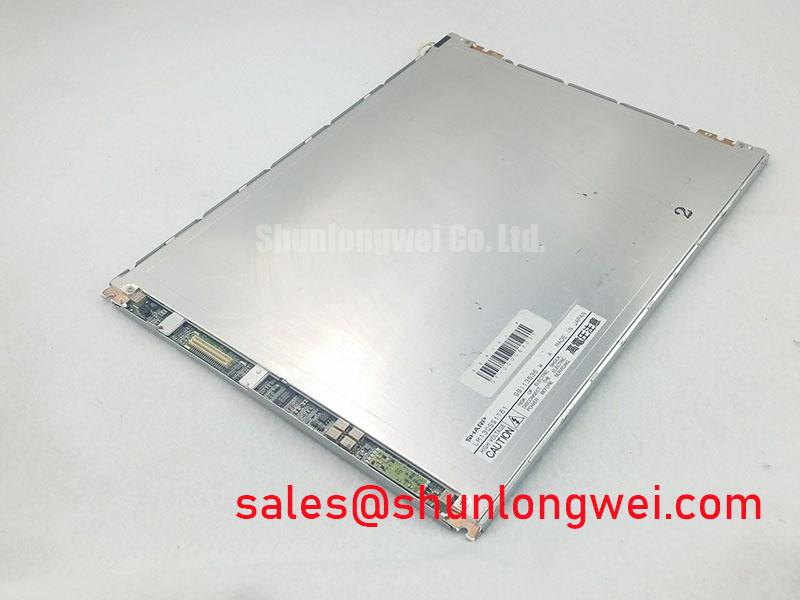
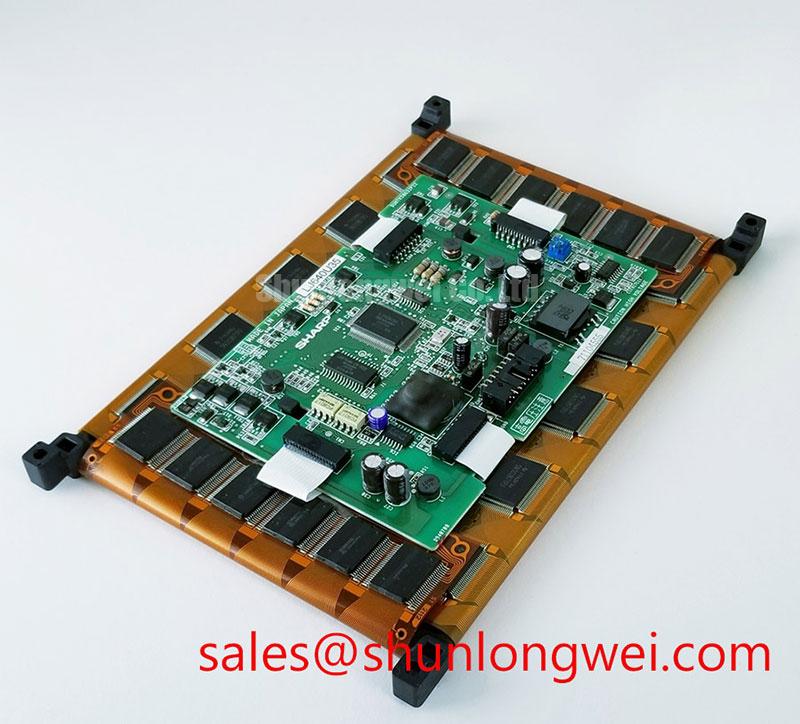
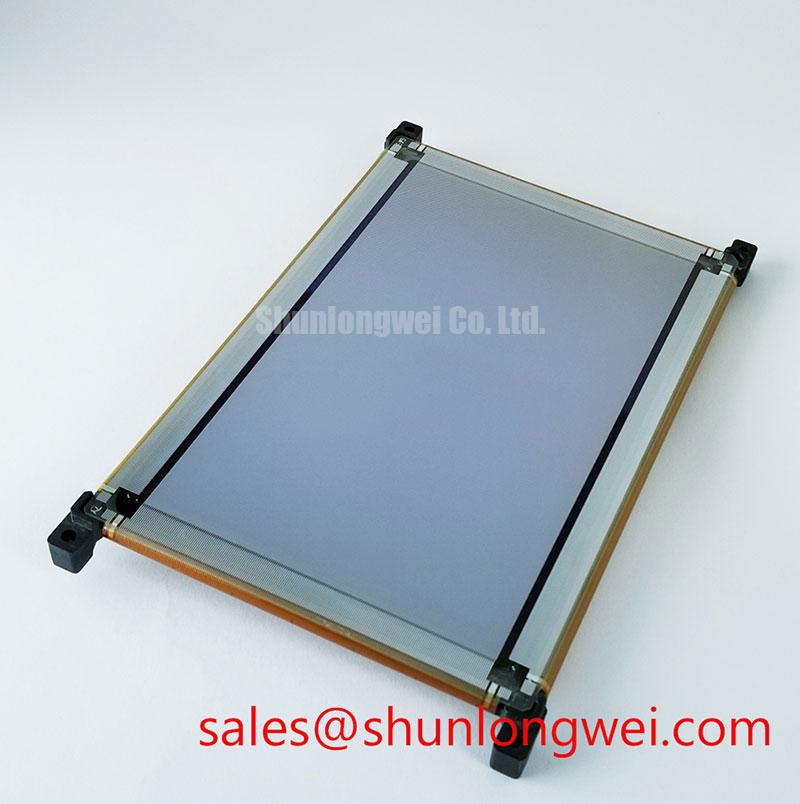
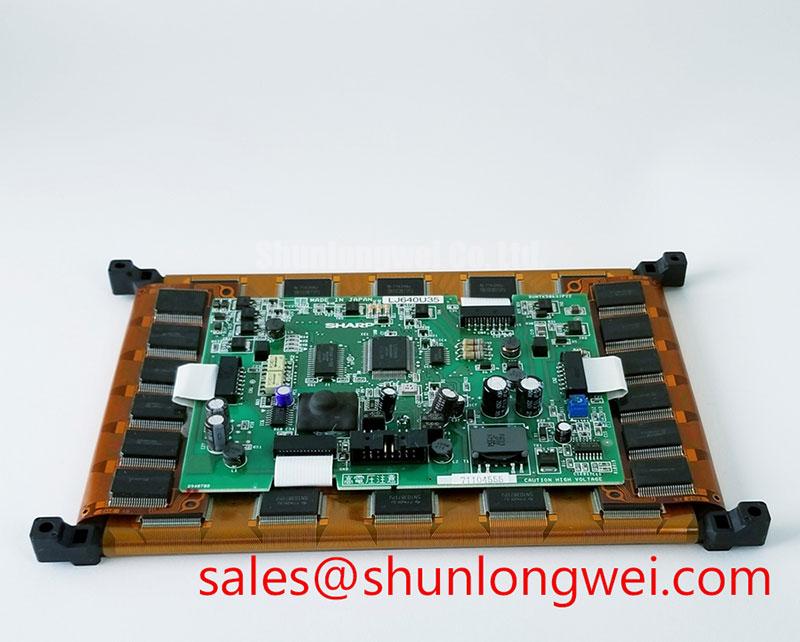
Start incoming inspection by checking the LJ640U35 bezel, glass surface, connector area, and flexible cable for shipping damage before applying power. Record the manufacturer marking as Sharp, compare the module with the equipment service documentation, and confirm the panel's intended application category from the applicable documentation.
The available product information identifies this product as a TFT LCD Display Module. The supplied data does not confirm the panel resolution, active area, viewing angle, luminance, contrast ratio, interface pinout, supply voltage, backlight type, or operating temperature range. Those values should be verified against the original Sharp documentation or the host equipment drawing before installation. The system integrator should verify the required supply voltage from the original panel documentation rather than assuming a standard LCD rail.
For a replacement evaluation, inspect the display under controlled white, black, red, green, and blue test screens. Look for inactive pixels, uneven illumination, vertical or horizontal artifacts, edge leakage, glass cracks, and pressure marks. A known-good controller and cable provide a more useful comparison than a visual test performed with an unverified adapter.
| Manufacturer | Sharp |
| Model | LJ640U35 |
| Product category | TFT LCD Display Module |
| Construction classification | TFT LCD Display Module |
| Specification status | Key specifications require verification against the applicable factory documentation |
Industrial Bezel Mechanical Envelope and Mounting Control
Before fitting the LJ640U35 into an automated guided vehicle display or forklift telematics enclosure, measure the available bezel opening and compare it with the original mechanical drawing. The panel should sit evenly within the chassis without glass contact, local frame distortion, or concentrated pressure around the corners. Since the supplied factory data does not state the outer dimensions, mounting-hole pattern, screw size, or allowable fastening torque, these values must come from the original equipment documentation.
Mechanical alignment affects optical inspection. A frame that is unevenly tightened can place stress on the display assembly and create visual non-uniformity that may be mistaken for an electronic image fault. Use a cross-pattern fastening sequence where the equipment drawing requires multiple mounting points, and tighten only to the documented value. If no manufacturer torque specification is available, treating the torque as a system-level design consideration is safer than assigning a model-specific value.
Check the display after installation in both a powered and unpowered state. The powered check should include full-screen white and dark-field images, because uneven pressure can become more visible against uniform backgrounds. The inspection should also include the connector side and cable exit path. The flexible cable must not be folded against a sharp bezel edge or trapped beneath a clamp unless that arrangement is explicitly supported by the equipment design.
When assessing a different panel for the same equipment, compare the complete mechanical envelope, connector location, active display area, interface electrical requirements, and backlight arrangement. The LM057QC1T08 may be reviewed as a separate display option, but substitution remains subject to dimensional and electrical verification by the system designer.
FFC and FPC Connection Integrity in Electrically Noisy Equipment
Connectors should be inspected for bent contacts, incomplete insertion, damaged locking features, and a cable that is not seated squarely. A display that powers up but shows intermittent lines or unstable image data should be tested against a known-good cable and controller before the panel is classified as defective. This comparison helps separate panel behavior from signal integrity, grounding, connector, and control-board conditions.
The LJ640U35 documentation supplied here does not identify a specific LVDS, TTL, or other signal interface. Do not infer the pinout from connector appearance. Confirm the signal standard, lane assignment, cable orientation, power sequencing, enable signals, and backlight control requirements from the original Sharp panel documentation. A cable with the same pitch or connector shape is not automatically electrically compatible.
For equipment located near variable-frequency motor drives, contactors, or regenerative braking circuits, grounding should be evaluated as a complete system design consideration. Keep high-current switching paths physically separated from display signal routing, provide a controlled return path, and check shield termination according to the enclosure and controller design. Common-mode filtering may be appropriate when measurements show conducted or radiated interference, but the final component selection should follow oscilloscope and compliance testing rather than a generic parts list.
Power electronics references such as LC filter design principles can help explain the relationship between switching noise, impedance, and filtering. They do not establish a filter value or EMC result for this Sharp module. The display itself should not be described as independently certified to a complete equipment EMC standard.
💡 Bench Tip: Use ESD protection, release power before cable insertion, and confirm that the FFC or FPC is fully parallel with the connector lock before testing.
For optical acceptance, use a repeatable test image and stable ambient lighting. Check pixel activity, image geometry, brightness uniformity, and color balance across the screen. If the equipment is intended for direct sunlight, the panel's contrast and surface treatment must be confirmed from the applicable factory documentation rather than estimated from appearance.
Humidity Storage, Thermal Exposure, and Backlight Evaluation
Storage and installation conditions should be reviewed against the original Sharp environmental specification. The supplied information does not provide a humidity limit, condensation rule, thermal operating range, storage range, response-time rating, backlight lifetime, or seal construction. These values are therefore not treated as LJ640U35 factory parameters.
For an AGV or forklift telematics display, inspect the module after transport and after environmental exposure for fogging, image retention, connector oxidation, surface contamination, and changes in uniformity. Allow a cold module to reach a controlled inspection condition before powering it, because condensation can create a temporary or permanent electrical hazard. The enclosure designer should also assess airflow, drainage, vibration isolation, and protection against cleaning fluids.
Liquid crystal response can vary with temperature, but the amount of change depends on the panel construction and its specified operating conditions. If slow gray transitions are observed, compare them at controlled temperatures with the original panel and controller settings. Do not assign a guaranteed response-time value without a supporting Sharp datasheet.
Backlight testing should be performed with the correct driver and control method identified from the equipment documentation. Measure brightness consistently at the same locations and settings, then compare the result with a known-good unit. A claimed lifetime or brightness-maintenance figure must come from the applicable factory specification or an identified test report; no field failure rate or service-life prediction is assigned here.
The Sharp Display Solutions official portal can be used as a manufacturer reference point for display technology and product information. It should not replace the exact LJ640U35 documentation required for interface and environmental qualification.
Edge Thermal Management and Controller Timing Verification
Thermal evaluation begins with the complete display assembly rather than the LCD glass alone. Confirm the backlight driver type, current-control method, controller losses, enclosure temperature, and heat path before adding a spreader or changing the mounting frame. The LJ640U35 factory information supplied here does not confirm an edge-lit LED architecture, luminance rating, light-guide material, or allowable thermal limit, so those characteristics must not be assumed.
When the display is installed beside a power conversion board, inspect whether heat from braking resistors, switching devices, or insulated gate drivers reaches the panel through the chassis. Regenerative braking and high-power resistor circuits can create local temperature rise that affects nearby electronics even when the display supply remains within its nominal range. Thermal design should minimize heat transfer into the module while preserving the mechanical support required by the equipment.
Display timing should be checked at the controller output and at the panel connector when image instability is reported. Verify clock quality, data transitions, enable timing, reset behavior, and power-up order against the original interface specification. An oscilloscope comparison with a known-good signal path may reveal impedance discontinuity, grounding disturbance, or controller timing drift without assigning a single cause prematurely.
For a related system-level evaluation, engineers may consult LQ150X1LG11 as a separate display-related component reference. It is not presented as a direct replacement for the LJ640U35. Additional repair and evaluation guidance is available through Industrial Display & HMI Solutions, while compatibility remains dependent on the original equipment design, measured interface signals, and verified environmental requirements.