


Content last revised on October 3, 2026
LM64C08P Product Verification
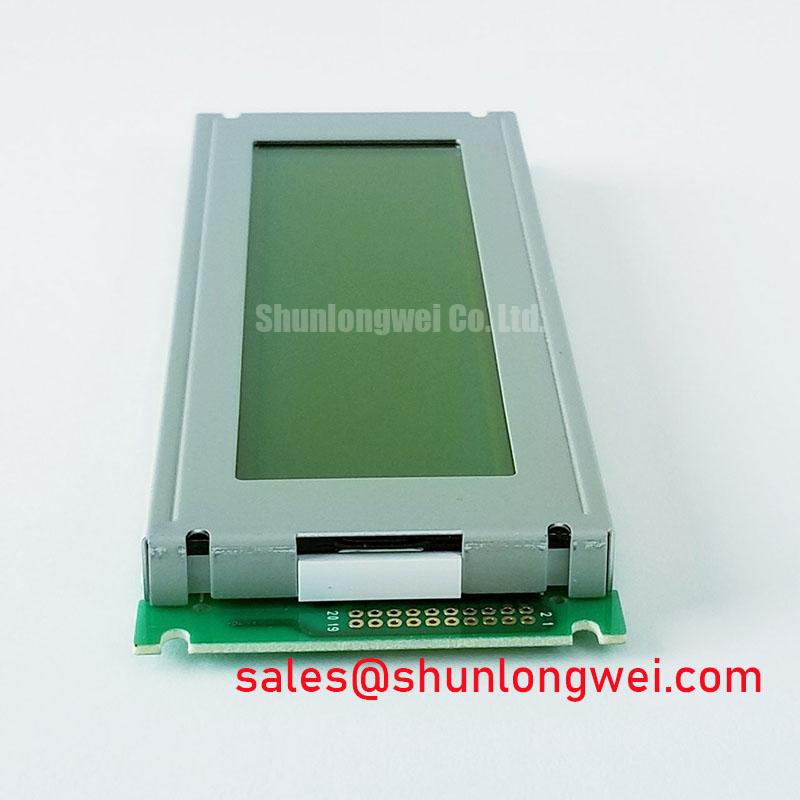
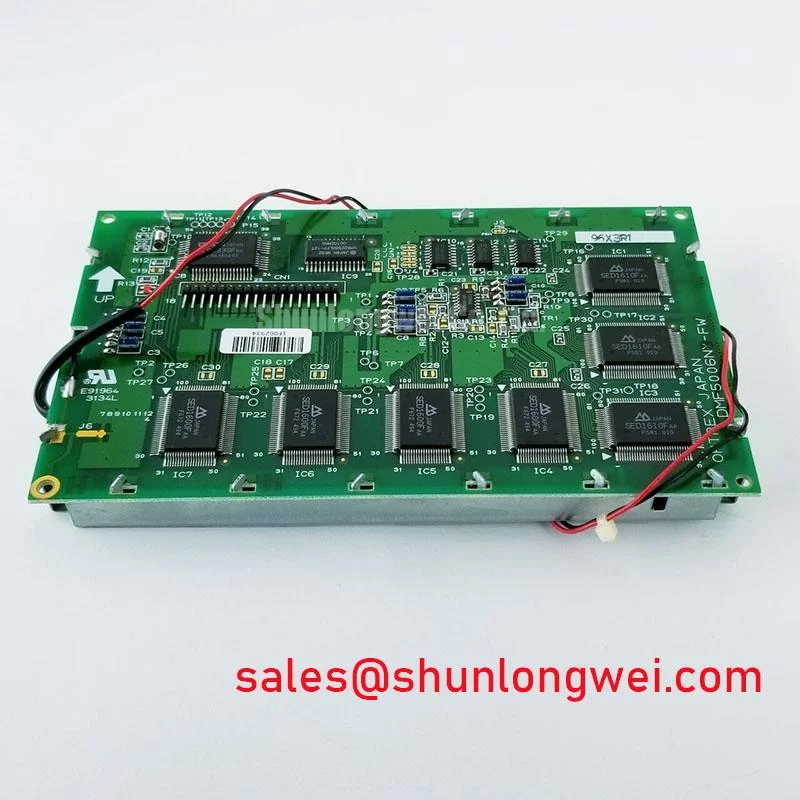
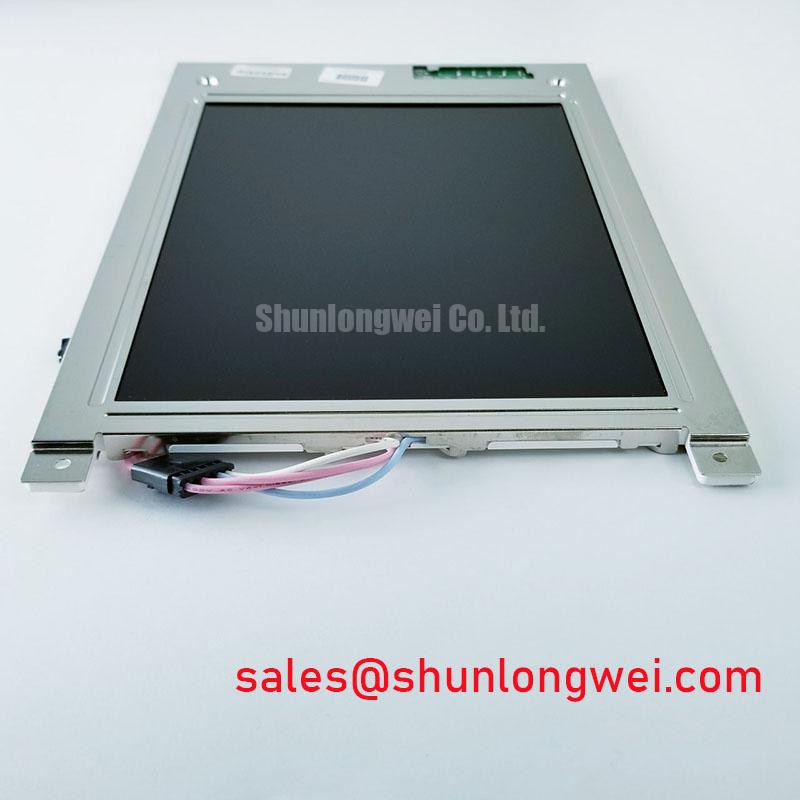
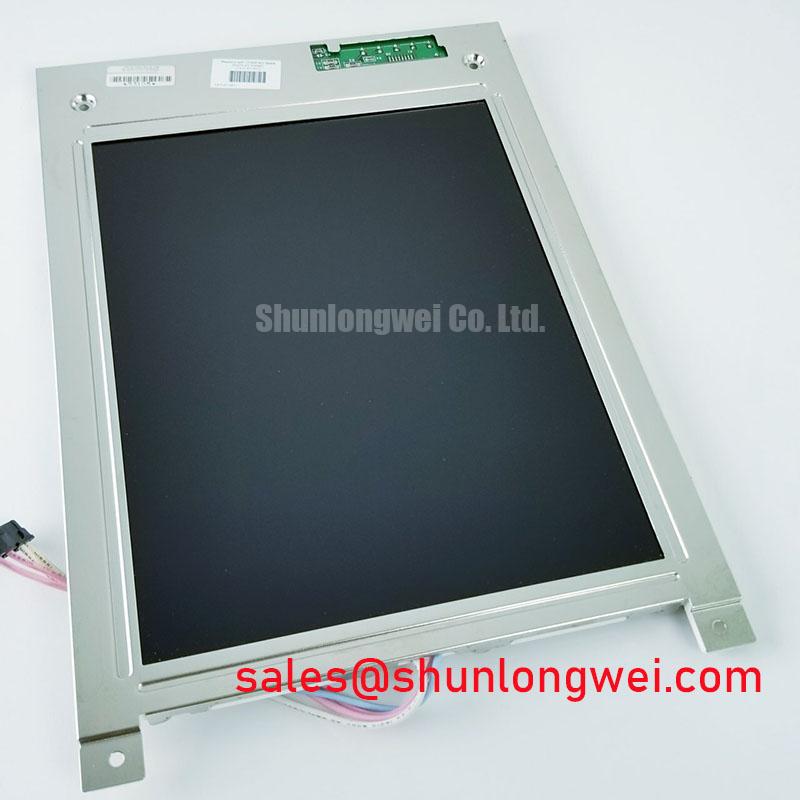
Inspect the bezel, connector and display surface of the Sharp LM64C08P before applying power, then compare its markings with the unit removed from the equipment. The verified product classification is an industrial grade LCD/HMI panel in a TFT-LCD display module housing (Official Factory Specification). That classification does not establish its dimensions, resolution, electrical ratings, backlight type or interface pinout. For a repair decision, those details must come from the original panel documentation and the equipment drawings.
Industrial Bezel Fit and Mounting Stress
Start mechanical acceptance with the removed panel and its chassis aperture side by side. Check the bezel outline, visible display area, mounting-hole positions, connector clearance and cable exit path. A panel that fits the opening can still load unevenly against a gasket or bracket. With the display showing a uniform dark image, inspect for pressure-related bright patches or other nonuniform areas before and after mounting. This comparison is more useful than assuming that an apparent size match establishes mechanical interchangeability.
Mounting torque must follow the applicable Sharp documentation or the equipment manufacturer’s instructions. No LM64C08P-specific screw size, torque limit or bezel tolerance is established by the verified information here. As a Design Consideration, tighten compatible fasteners evenly and check the image after the assembly is seated; the installer should determine the fastening sequence and limits from the actual bracket and hardware. Inspect for contact between the bezel and nearby chassis features, particularly where vibration could change the load on the panel.
During incoming inspection, display full-screen black, white and primary-colour patterns using a compatible controller. Record isolated pixel defects separately from broad brightness variation, edge shading and marks that change when the bezel is lightly supported. Keep the viewing position and brightness setting consistent between observations. A photograph can document a finding, but acceptance criteria should come from the equipment specification rather than an assumed universal pixel-defect limit.
A railway passenger information terminal or cab display is one possible compatibility assessment, not a declared application or approval for this module. Before evaluating that installation, compare the original panel’s drawing with the chassis and review the equipment’s vibration, environmental and visibility requirements. For another Sharp display under consideration, the LM64P10 can be examined as a separate candidate; it should not be treated as a direct replacement without confirming its mechanical dimensions, connector, signals, power requirements and optical characteristics.
Thermal Cycling, Optical Inspection and Cable Strain
Temperature testing should begin with the limits in the original LM64C08P documentation. An operating range and a thermal-cycle qualification cannot be inferred from the industrial grade classification alone. As a Design Consideration, assess the assembled display at the equipment’s specified temperature extremes, allowing it to stabilise before comparing uniform-field images. Cold conditions can alter LCD response, but an observed slow transition needs comparison with the documented test conditions and the controller’s signal timing before it is attributed to the panel.
Inspect the perimeter after environmental testing for changes in the visible image, contamination or separation at accessible external interfaces. Do not infer the condition or composition of an internal seal from an intact front surface. If the equipment uses a protective window or optical bonding, confirm that construction from the equipment bill of materials; it is not a verified LM64C08P feature. The same distinction applies to moisture and dust protection: enclosure sealing must be evaluated as an assembly property.
Give the display cable its intended route before fastening the panel. Check that the connector is fully seated, its locking feature is engaged where present, and the cable is not pulled across a sharp chassis edge. Repeated service access can put bending strain near a flexible cable’s termination; the equipment designer should establish bend clearance and restraint using the actual cable specification. During a vibration evaluation, monitor the image while checking the connector and cable restraint, rather than assigning intermittent pixels to the panel without isolating the signal path.
💡 Bench Tip: Disconnect power and use ESD precautions before reseating the display cable, then confirm that it enters the connector squarely before closing its lock.
For an HMI that holds static graphics on screen, document any persistent image after changing to a neutral test pattern. Record the prior content, operating conditions and recovery observation; do not label a transient effect as permanent damage from one inspection. Viewing-angle or colour-shift acceptance also needs the original optical specification and the equipment’s required viewing positions. An IPS or MVA mode has not been established for the LM64C08P.
Backlight Drive, Dimming and Power Sequencing
Identify the LM64C08P backlight connection and approved drive requirements from the original panel documentation before connecting a driver. The verified information does not establish a backlight technology, ignition voltage, current, dimming range or service-life rating. Applying values taken from another display could make a brightness test invalid or damage the assembly. When troubleshooting a dark image, first determine whether image data is present and then check the documented backlight supply and control path with suitable instruments.
For equipment that controls brightness by PWM, audible noise and visible flicker are system-level observations, not proof of a particular panel fault. As a Design Consideration, sweep the equipment’s permitted dimming range while observing a uniform image and listening near the driver assembly. Compare the PWM waveform at the relevant control input with the controller design, and check whether brightness changes smoothly. The appropriate frequency, duty-cycle behaviour and measurement limits must be set by the documented driver and equipment requirements; no LM64C08P-specific PWM range is verified here.
Brightness and colour uniformity are best compared after the panel reaches a repeatable operating state. Use the same image pattern, viewing geometry and instrument settings for the removed unit and the candidate unit. A change across the screen may warrant inspection of the optical stack, its mounting pressure or the backlight drive, but a single visual symptom does not identify one cause. No quantified backlight decay curve or operating-life figure is available from the verified product information.
Power-up order matters when integrating a display with its controller and backlight supply. Verify the panel’s required supply voltage, control-signal levels and sequencing against the original documentation, then capture the rails and enable signals during startup and shutdown. If a white screen or residual image appears, compare the measured sequence with a known-good installation before changing the controller. The LMS700KF01-001 is another display product that can be reviewed when assessing equipment-level display options; its listing does not establish that it is a backlight driver or an electrical companion to the LM64C08P.
Signal Integrity, Shielding and Display Noise Checks
Before investigating image noise, identify the LM64C08P interface and connector pin assignments from its original documentation. Neither an FFC connection nor an LVDS interface is confirmed by the verified classification. Trace the equipment’s actual signal path from controller to panel, inspect connector seating, and compare power and signal waveforms with a known-good assembly where one is available. Horizontal bands or unstable pixels may involve the controller, supply, cable or panel; their appearance alone cannot establish the source.
As a Design Consideration, preserve the equipment’s intended cable routing and shield connections when replacing a display. Where the documented design uses a shielded cable, check continuity at its specified termination points. Where it uses common-mode suppression, confirm the installed component and location against the schematic before making changes. Shielding or ferrite changes should be evaluated on the complete equipment under its operating conditions, rather than presented as a certification or immunity property of the LM64C08P.
If display disturbances occur while nearby motor-drive equipment operates, capture the disturbance alongside the display supply and relevant interface signals. Repeat the test with the original cable route and chassis connections restored. This provides evidence for an equipment-level noise investigation without assuming that a particular drive voltage, grounding change or filter will resolve it. Practical guidance on assessing an industrial display within its enclosure is available in Industrial Display & HMI Solutions; the final compatibility decision still depends on the LM64C08P documentation and tests on the target equipment.