

Content last revised on October 2, 2026
Optical-Stack Thermal Distortion Checks under Continuous Operation
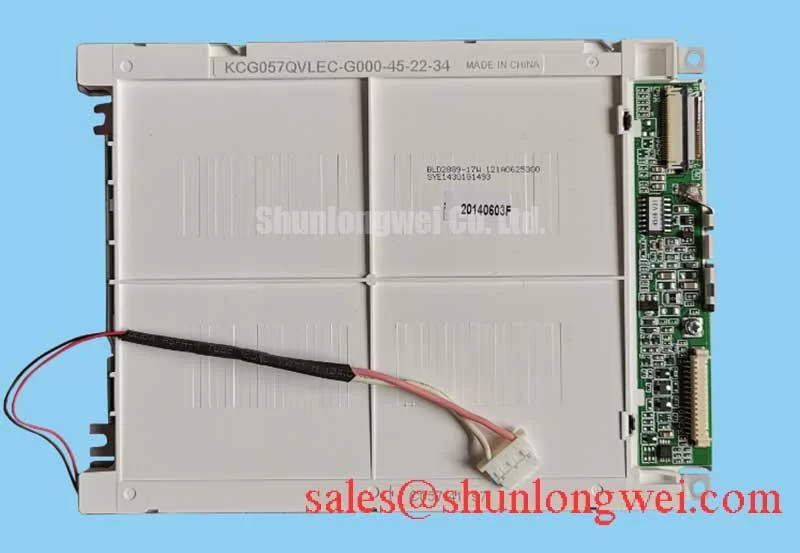
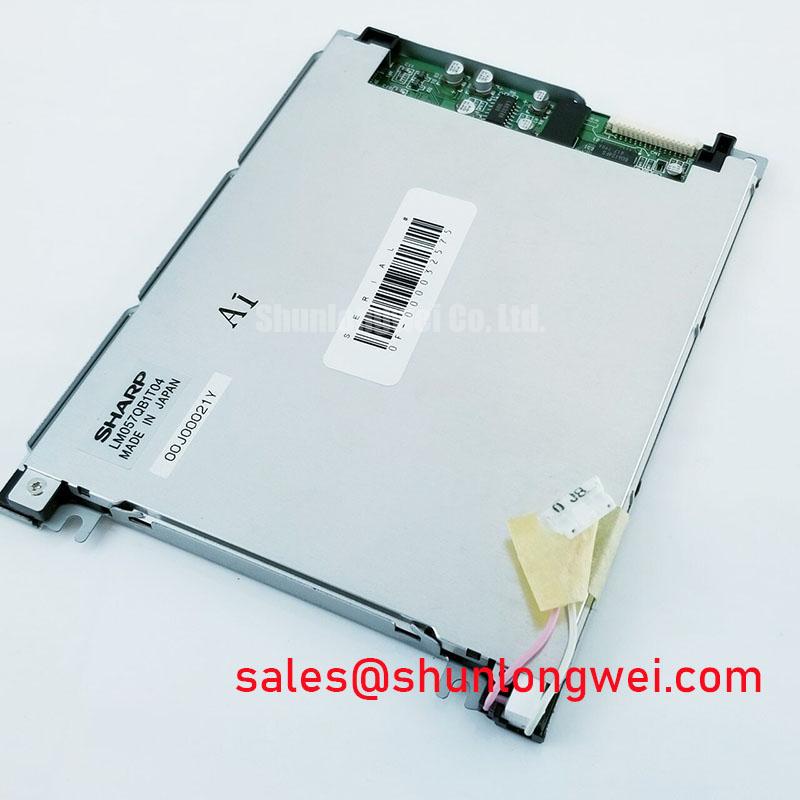
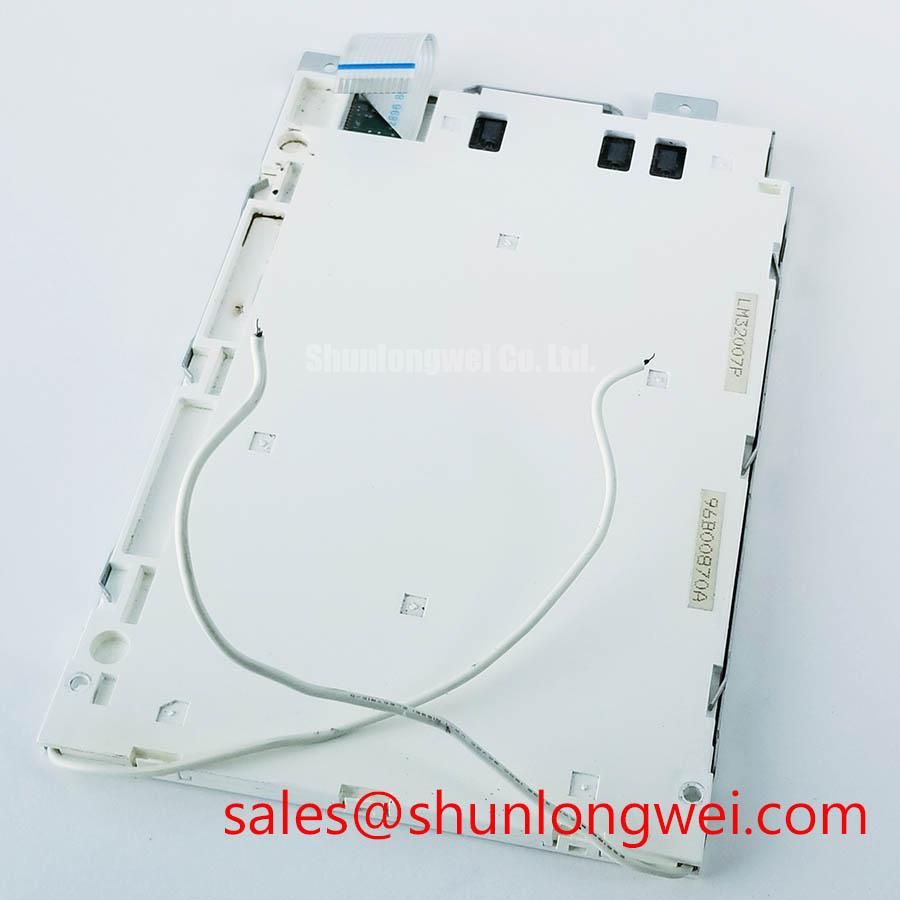
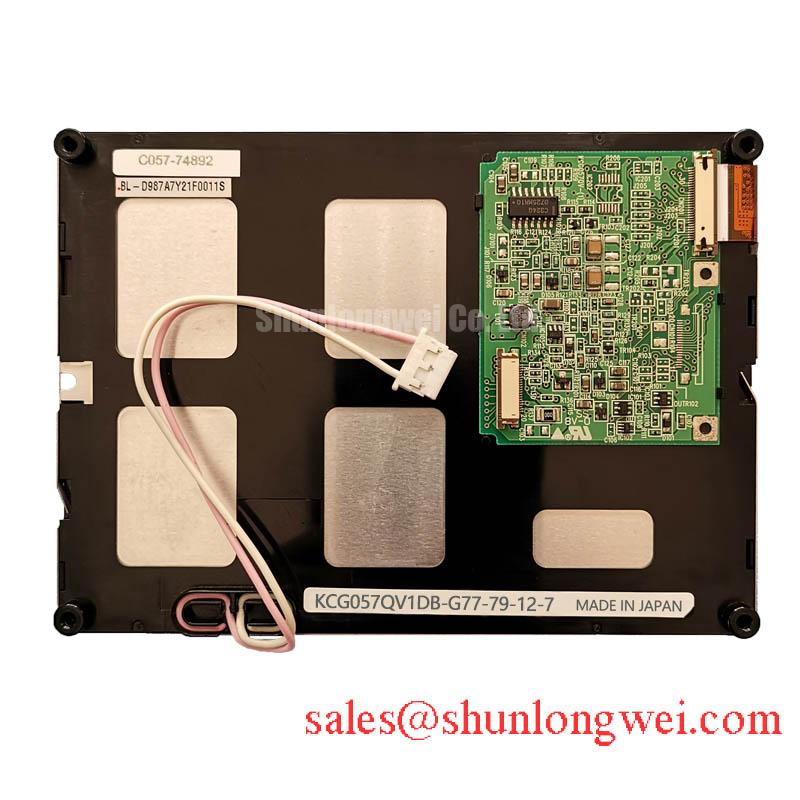
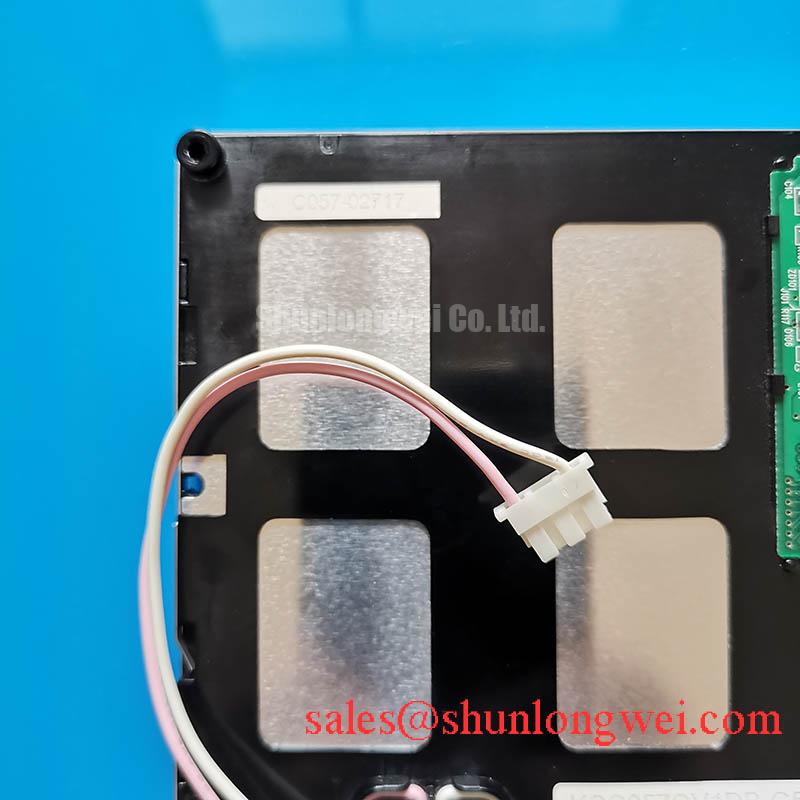
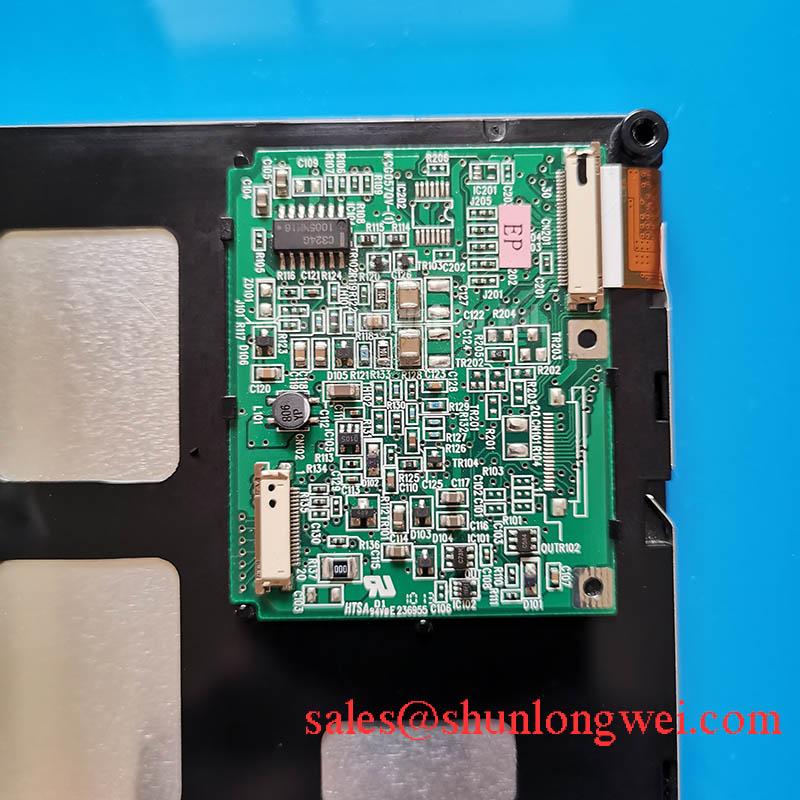
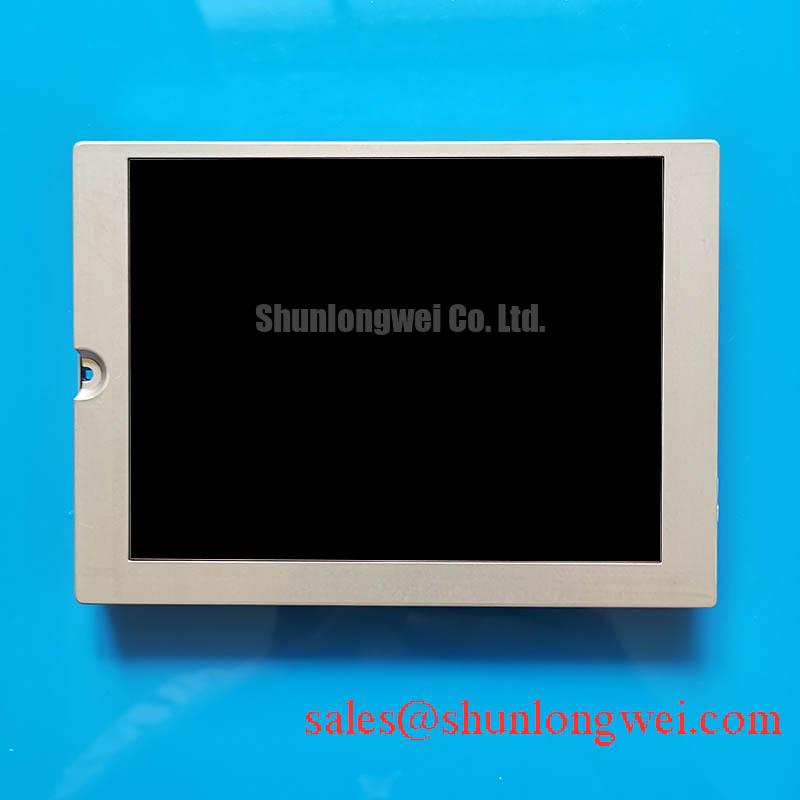
With power disconnected, compare the connector, mounting points and visible display area of the removed unit against the Kyocera KCG057QV1DB-G56 before connecting it to the host. The verified product identification describes an industrial TFT-LCD display module. It does not, by itself, establish the panel supply voltage, signal pinout, backlight type or mechanical dimensions. Those items must be checked against the original panel documentation and the equipment drawing before a repair or integration decision.
Begin thermal evaluation with the assembled display, not an exposed panel on a bench. A warm enclosure wall, nearby power supply or restricted airflow can create an uneven temperature distribution across the module. Under continuous operation, inspect full-screen neutral images for new bright regions, dark regions or changes near the frame. Record the ambient and enclosure conditions when the effect appears, then repeat the observation after the assembly returns to room temperature. A reversible change and a persistent change call for different follow-up checks; neither establishes a particular internal optical material as the cause.
Design Consideration: If the enclosure needs a heat-spreading rail, size and locate it from measured temperatures and the equipment’s mechanical drawing. The rail should not turn the display edge into a clamping surface. Verify that the proposed contact arrangement leaves the panel seated without visible image distortion, and compare temperatures at several points around the opening while the backlight operates in the host’s normal duty cycle. The internal diffuser construction, prism-sheet arrangement and light-guide material of this specific module have not been established by the available product identification, so material-specific yellowing or buckling predictions would be inappropriate.
Cold-start behavior deserves a separate observation. Liquid-crystal response can slow as temperature falls, making moving text or graphics appear to trail even when the incoming image data is correct. If the equipment includes a heater, check its control sequence and the temperature at which the display is commanded to show critical information. Do not assign a cold-operating limit or heater setting to KCG057QV1DB-G56 without its applicable specification. For a heavy mining shovel or earthmoving telematics display, this is a compatibility evaluation of the complete cab assembly, including enclosure sealing and temperature control, rather than a claim that the panel is qualified for that equipment.
Optical Luminance Changes & Backlight Retrofit Considerations
When a display looks dim, first compare the image under a controlled viewing condition and check whether brightness changes uniformly across the active area. Then inspect the host’s brightness command, backlight supply path and connector seating. A brightness change alone cannot identify the failing part: the backlight drive, optical stack, host control and viewing environment all affect what the technician sees. Record the measurement method and operating condition if luminance readings are taken, so later readings can be compared on the same basis.
The supplied identification does not confirm whether this TFT-LCD module uses a CCFL or an LED backlight. A proposed CCFL-to-LED retrofit therefore cannot be specified from the model name. The system integrator should verify the original backlight technology, electrical connections, drive requirements and optical fit from panel documentation before evaluating any change. Where an LED conversion is independently justified for an existing assembly, Design Consideration: assess constant-current control, brightness-command behavior, visible flicker and acoustic noise in that assembly. No dimming ratio, ignition voltage or service-life figure is established here for this model.
The video interface needs the same documentation-first approach. Confirm the host transmitter type, connector pin assignments, pixel mapping and timing requirements before applying power to a replacement module. If the documented interface is LVDS, review differential routing and clock integrity in the host and cable. If it is TTL, review the relevant clock and data timing instead; TTL should not be treated as a differential interface. For either documented arrangement, compare the host’s output timing with the panel’s specified input requirements across the equipment’s operating conditions. JEIDA and VESA mappings should be checked only where the confirmed interface calls for that distinction. Incorrect mapping can alter displayed colors even when an image remains visible.
Color shifts should also be assessed at the intended viewing position before attributing them to a driver fault. Panel mode and viewing-angle performance have not been confirmed for this model, so an IPS or MVA compensation scheme cannot be presumed. A stable test image viewed from repeatable positions provides more useful evidence than an unsupported assumption about the liquid-crystal mode.
Thermal Expansion Clearance Sizing across Heavy Industrial Metal Enclosure Cutouts
Measure the removed display and the enclosure opening independently. Check the bezel envelope, active-area alignment, connector exit and cable bend space against the equipment drawing; do not infer dimensions from the KCG057QV1DB-G56 designation. In a metal enclosure, the display and surrounding structure can move differently as temperature changes. Design Consideration: allow clearance according to the documented mounting geometry and verify it at the equipment’s temperature extremes, while keeping seals and restraints effective for the intended installation.
Before tightening a bracket, place a uniform image on the display and look for localized dark or bright marks near contact points. Repeat the inspection after the enclosure is secured. A mark that changes with bracket loading may indicate mechanical pressure, but its location alone does not identify the affected internal layer. Use the equipment manufacturer’s fastening method and the panel’s approved mounting instructions; no fastener size or torque limit is established by the supplied specification for this module.
Backlight control should be evaluated in the completed enclosure as well. If the documented drive scheme supports PWM dimming, inspect brightness changes at the actual operating settings for visible flicker, irregular response and audible noise. Select the control conditions through host-system testing rather than assigning a frequency or duty-cycle requirement to an unconfirmed backlight. This matters especially when a display is viewed beside vibrating metalwork or other sources of sound that can obscure where a noise originates.
For a sourcing comparison, KCG047QV1AA-G210 can be assessed as a separate Kyocera display candidate, not assumed to be a direct replacement. Confirm its documented outline, mounting features, connector, electrical ratings, image timing, optical requirements and backlight drive against the original assembly before considering interchangeability.
Single Vertical Hairline Defect & Signal-Path Checks
Start with a controlled image test: show red, green and blue full-screen patterns in turn, noting whether a suspected vertical line stays in the same position and whether its appearance changes with the displayed color. Then compare the result with a neutral image and a known-good signal source, if one is available. This separates observations about pixel behavior from assumptions about its cause. A stationary hairline can warrant investigation of the panel signal path, connector and host output; it does not, on its own, prove a column-driver open circuit or a particular bonding defect.
With the display operating under a suitable service procedure, view the screen under angled external light and compare the location of a dark feature with the illuminated image. This can help distinguish an image-data anomaly from an illumination irregularity, but it is not a definitive test of an internal driver connection. Avoid pressing on the display to provoke a response, since added mechanical load changes the test condition and can obscure the original symptom.
If the confirmed interface is LVDS, inspect the cable route, shield termination and differential pairs alongside the host schematic. Pro Tip: Disconnect power before reseating the display cable, then keep paired signal paths together when evaluating a replacement cable. Unstable pixels or intermittent colors may justify an oscilloscope comparison with a known-good signal path; the appropriate impedance, skew and clock margins must come from the documented interface and system measurements, not an assumed specification for this panel. Near servo drives or other high-frequency equipment, repeat the observation with the equipment in its relevant operating states while assessing grounding and cable routing as system-level design considerations. The display module alone does not establish EMC compliance for the assembled machine.
Keep a record of the displayed pattern, connector condition, enclosure state and symptom location before changing parts. That record makes a repeat test meaningful and helps prevent a backlight observation from being conflated with a video-path fault. For broader host-and-panel troubleshooting context, Industrial Display & HMI Solutions provides a framework for reviewing display integration in demanding equipment.