





Content last revised on September 25, 2026
Industrial Bezel Mechanical Envelope Tolerances and Mounting
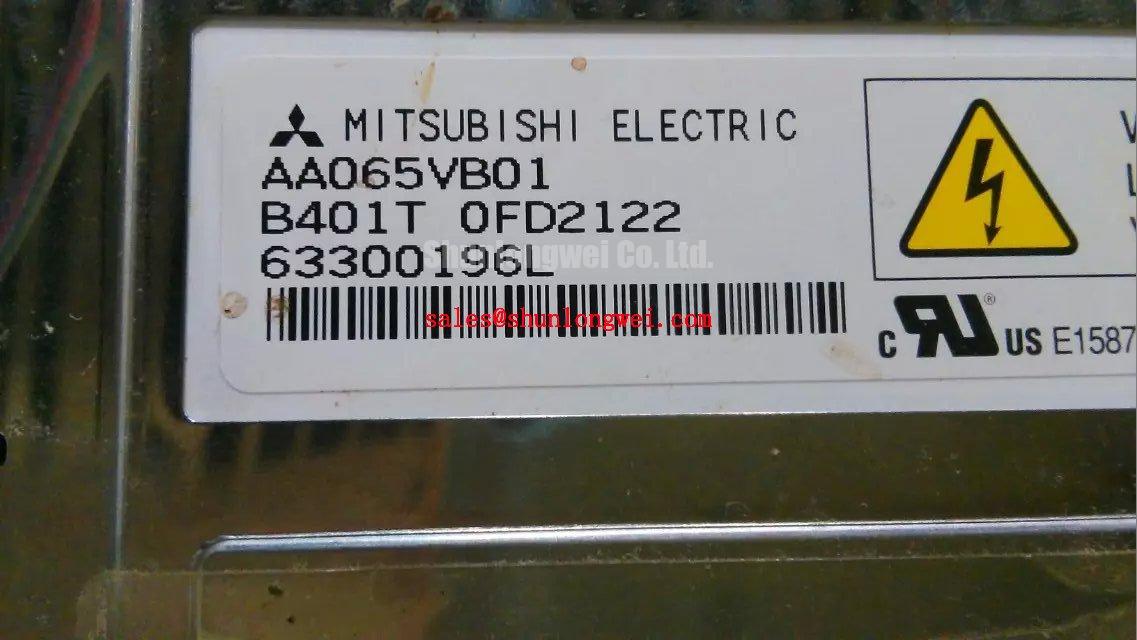
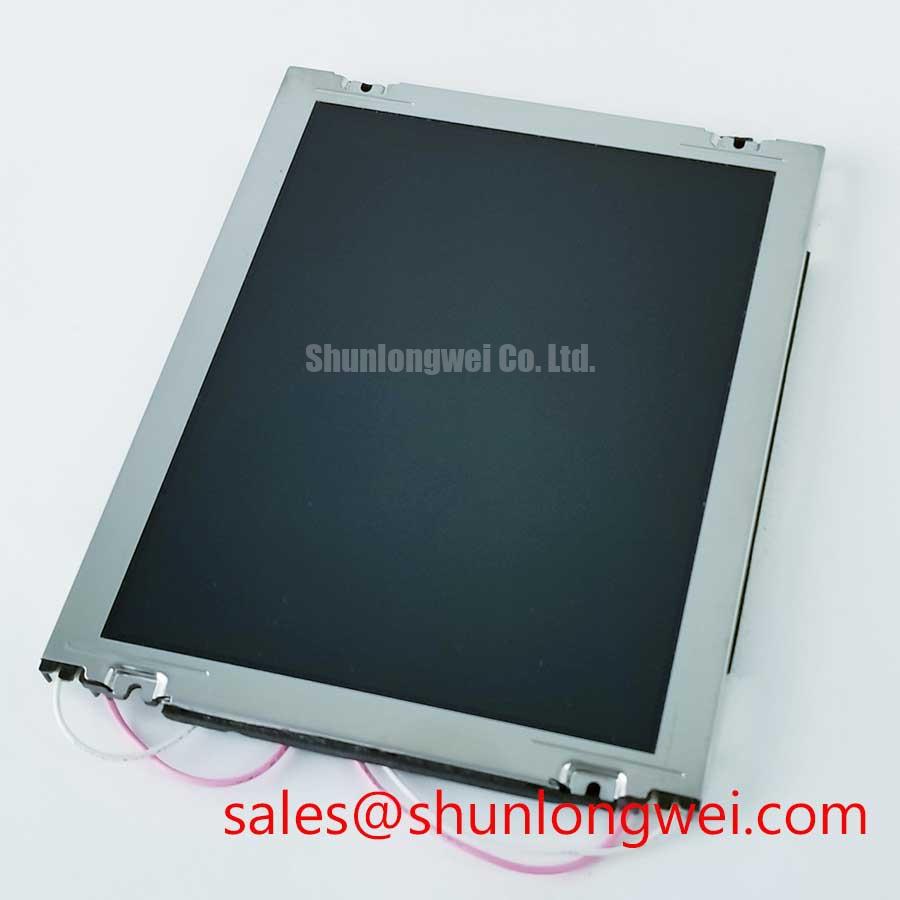
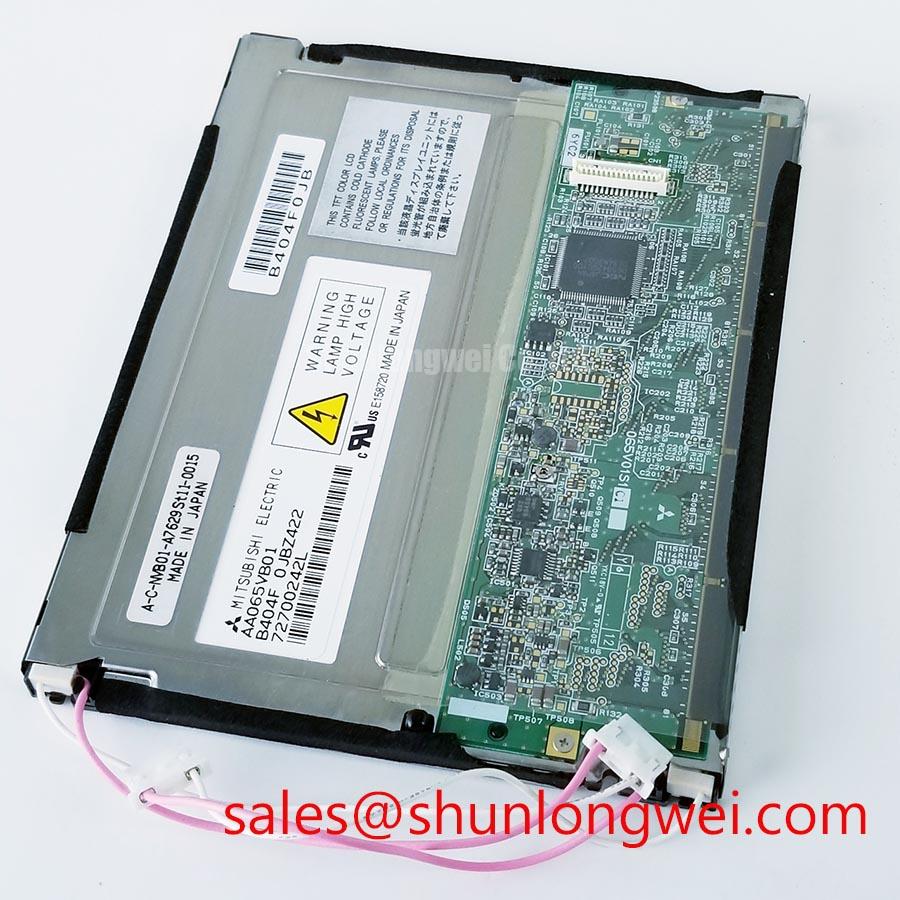
Before removing an installed panel, record its orientation, bezel overlap, mounting points, cable exit direction, and the position of any compression pads or brackets. Compare the replacement Mitsubishi Electric AA065VB01 against the equipment’s original panel documentation and the removed unit. The available product information identifies it as a TFT-LCD Display Module in the Industrial Grade LCD/HMI Panel category; it does not specify the module’s dimensions, mounting-hole locations, bezel tolerances, or fastener torque.
That distinction matters during a field repair. A panel that appears to fit can still be stressed by a chassis opening, uneven bracket pressure, or a cable forced against an enclosure edge. Do not infer the AA065VB01’s mechanical envelope from its model number or from another display in the same product family. Measure the existing opening and mounting arrangement, then verify those measurements against the original panel documentation before installation. The AA084VC01 can be consulted as a separate Mitsubishi Electric display reference, but its specifications should not be transferred to the AA065VB01.
Design Consideration: Tighten mounting hardware progressively and evenly, using the equipment or panel manufacturer’s specified torque where available. No AA065VB01-specific screw size or torque value is provided in the available product information. Applying an assumed torque or pulling the panel into alignment with fasteners can introduce mechanical stress and visible image nonuniformity. If the original service documentation does not provide a torque, confirm the fastening method with the equipment manufacturer rather than treating a general-purpose value as an official specification.
For railway passenger information systems or cab signalling displays, compatibility is a system-level question, not an application guarantee for this module. The integrator should check the panel’s complete dimensions, active display area, mounting interfaces, viewing orientation, and enclosure clearances against the installed unit. Also inspect the chassis for distortion and confirm that seals, brackets, and cable retainers return to their documented positions. These checks help distinguish a panel fit issue from a fault elsewhere in the display assembly.
Direct sunlight and strong workshop lighting can make a screen appear washed out, but no AA065VB01 brightness, contrast ratio, viewing-angle, or anti-glare specification is supplied here. Assess image legibility in the actual installation and compare it with the equipment’s original acceptance criteria. Do not use an unverified lux level or contrast figure as a pass/fail threshold for this model.
Polarizer Condition and Optical Inspection Under Industrial Lighting
With the display powered through its specified host equipment, inspect the image at the normal operating distance and viewing position. Look for localized discoloration, uneven brightness, scratches, lifting at the visible surface, or changes that appear only at particular viewing angles. Record whether the symptom is fixed on the panel or changes with the displayed content. These observations help separate a display-surface concern from a signal, backlight, or upstream image-generation problem.
The available AA065VB01 product details do not state its panel technology beyond TFT-LCD, nor do they specify polarizer construction, optical retardation films, viewing angles, grayscale behavior, response time, or surface treatment. Do not assume TN, IPS, or MVA characteristics, and do not use viewing-angle figures from a similar-sized display as substitutes. For a replacement decision, obtain the original specification or confirm the required optical characteristics with the equipment documentation.
When a dark screen or weak image is reported, first verify that the host equipment is operating and producing the expected image signal. Then inspect the display connection and the documented power path, taking care to distinguish a dim image from a fully absent image. A flashlight inspection may help determine whether image content is present without normal illumination, but it does not by itself identify a failed component. Confirm findings with the equipment’s service procedure and known-good signal conditions.
Temperature can affect LCD response, but the AA065VB01 operating and storage temperature limits are not included in the available product information. Do not infer a cold-start range or response-time change for this model. If the equipment operates in a cold enclosure, check the panel’s official temperature ratings and the host system’s start-up requirements. Any heater or temperature-control strategy belongs to the system design and should be validated against the panel documentation and enclosure conditions.
For persistent marks after static screen content, vary the displayed image and allow the system to follow its documented operating procedure before classifying the condition. The provided specifications do not establish an image-retention limit, recovery time, or lifetime rating for the AA065VB01. In railway PIS or cab display service, review the equipment’s own screen-management behavior and service history; avoid promising a particular recovery or operating life without supporting manufacturer data.
Data Mapping, Signal Path, and Power-Up Checks
During a no-image or split-image repair, inspect the complete path from the host controller to the display connector. Confirm connector seating, cable orientation, latch engagement, and any signs of pin damage or contamination. Compare the installed cable and controller configuration with the original equipment drawings. The available product information does not provide the AA065VB01 interface type, pin assignment, data mapping, logic supply voltage, connector part number, or power-on timing.
Do not select a cable or configure a controller based on a generic TFT-LCD assumption. The system integrator should verify the required supply voltage and signal format from the original panel documentation. Likewise, verify whether the equipment uses a particular channel arrangement or data mapping before changing controller settings. A mapping mismatch can produce abnormal image placement or color presentation, but those symptoms require confirmation against the documented signal path rather than diagnosis by appearance alone.
Check power at the points specified in the equipment service manual, using appropriate test equipment and procedures. Observe the supply during start-up and shutdown if the fault is intermittent, and compare the sequence with the host manufacturer’s requirements. No AA065VB01-specific voltage limits, rise-time limits, sequencing delays, or discharge behavior are stated in the supplied product data. Do not introduce generic timing values as though they were factory requirements.
Field Alert: Power down the equipment and follow its service procedure before disconnecting or reconnecting the display cable, since live connection can expose interface pins to unintended electrical conditions.
If the backlight appears inactive, determine whether the host supplies illumination control or relies on a separate driver by consulting the equipment schematic. The AA065VB01 information provided here does not identify a backlight type, driver topology, current requirement, dimming input, or compatible driver module. LM64P10 is a separate display-related product reference; its presence does not establish electrical or mechanical compatibility with the AA065VB01. Verify all interface and backlight requirements before considering any system combination.
For intermittent artifacts, capture the symptom and inspect the signal path under the same operating conditions in which it occurs. Check connector retention and cable routing, then compare the signal at documented test points with a known-good system configuration where available. Avoid changing multiple parameters at once: a controlled comparison preserves useful diagnostic evidence and reduces the risk of masking the original fault.
Thermal Path and Edge Clearance in the Installed Assembly
Inspect the rear and perimeter of the display assembly for blocked ventilation, trapped cables, contact with heat-producing components, and changes to the original thermal interface. The available AA065VB01 data does not specify power dissipation, thermal limits, allowable case temperature, heat-spreader requirements, or LED lifetime. Consequently, an aluminum rail or other heat-spreading part should not be added on the basis of an assumed panel construction or an unverified temperature target.
Design Consideration: Preserve the equipment’s documented clearances and airflow, and evaluate temperature at representative operating conditions if the repair changes the enclosure or adjacent hardware. Any thermal modification should be determined by the system designer using the panel’s official limits and measurements from the installed assembly. Do not press a heat spreader against the display or route it across cables unless the mechanical and electrical documentation permits that arrangement.
When brightness control or flicker is reported, review the host settings and the documented backlight control method. The supplied product information does not establish whether the AA065VB01 supports PWM dimming, what frequency it accepts, or how brightness should be controlled. Verify the interface before adjusting controller parameters, and assess the result with the actual content and operating environment. A change that appears acceptable on a static test screen may behave differently with moving text or camera-based inspection.
For an equipment replacement assessment, compare the complete panel specification rather than relying on the Mitsubishi Electric name or TFT-LCD category alone. Relevant items include the mechanical outline, optical performance, electrical interface, power requirements, backlight control, environmental limits, and mounting method. Only the model identity, manufacturer, product category, TFT-LCD module description, and stated factory-specification status are provided here; other values require the original manufacturer documentation. The Industrial Display & HMI Solutions resource provides broader integration context, while model-specific acceptance remains dependent on verified AA065VB01 documentation and the target equipment requirements.


