

Content last revised on October 6, 2026
Sharp LM64C509 Inspection and Integration Overview
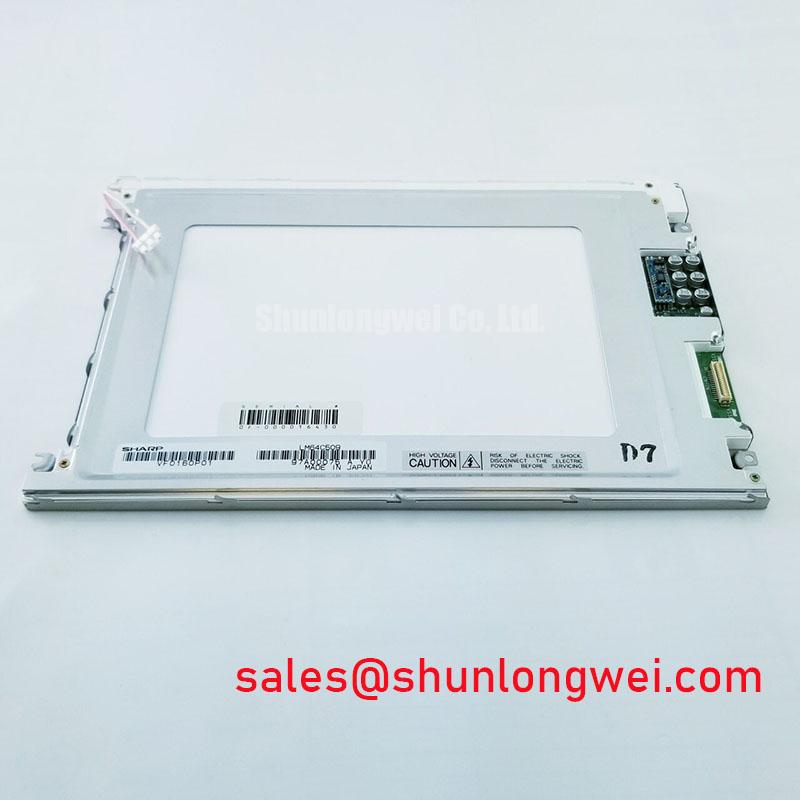
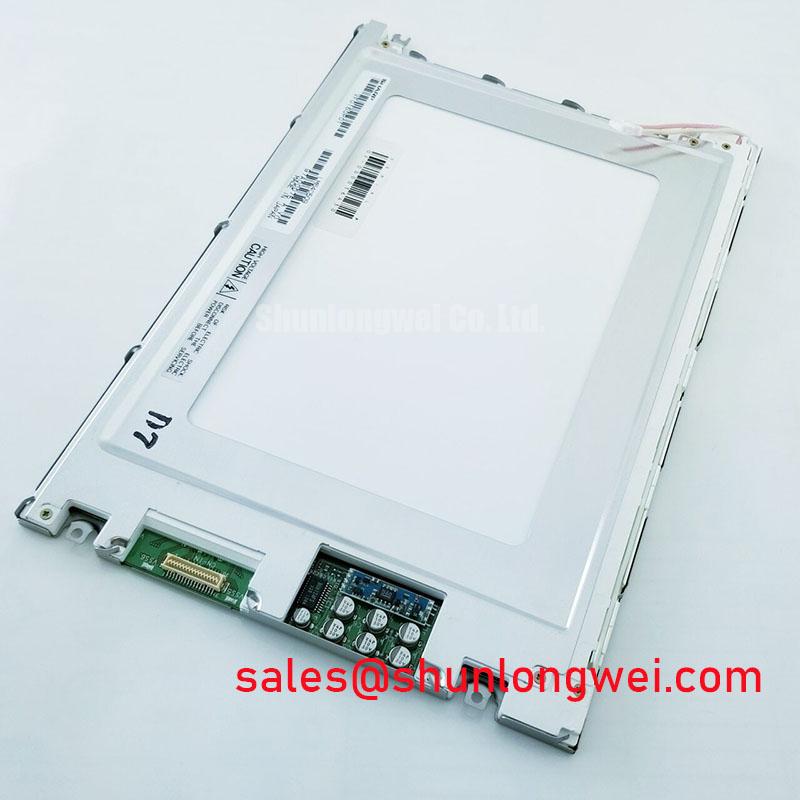
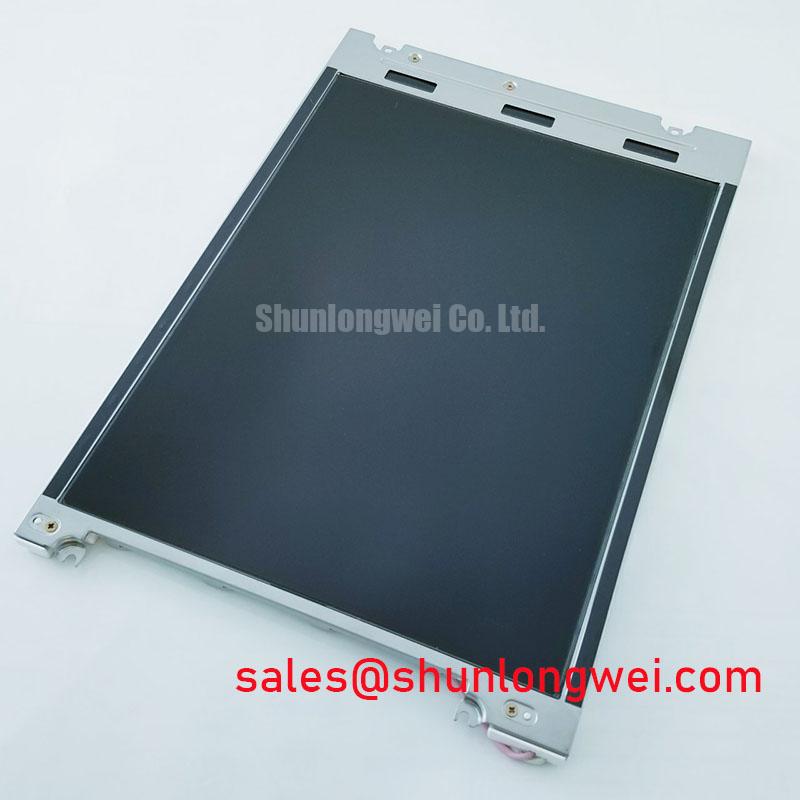
Begin incoming inspection of the Sharp LM64C509 by checking the module label, glass condition, connector seating, and visible flex cable alignment before applying power. The documented product identity is an Industrial Grade LCD/HMI Panel supplied as a TFT LCD Display Module, with an official factory specification status. The available product information does not confirm resolution, active area, interface type, supply voltage, backlight architecture, luminance, viewing angle, response time, or environmental ratings, so those values must be verified against the original panel documentation before system integration.
For repair engineers, the most useful first comparison is between the removed unit and the replacement at the mechanical and interface level. Confirm the mounting pattern, display window position, connector orientation, cable exit direction, and bezel clearance. A display that fits the enclosure can still be electrically incompatible if its interface timing, pin assignment, power sequence, or backlight control method differs from the host equipment.
| Manufacturer | Sharp |
| Model | LM64C509 |
| Product category | Industrial Grade LCD/HMI Panel |
| Construction description | TFT LCD Display Module |
| Specification status | Official Factory Spec Verified |
Micro Twist Mechanical Stress Fracture Prevention on Glass Substrate Driver Bumps
Inspect the glass perimeter and driver connection area under diffuse light before the display is mounted. Look for chipped edges, pressure marks, uneven frame contact, and a flex cable that enters the connector at an angle. These checks do not prove a driver connection fault, but they help separate handling damage from an electrical or signal path problem. The LM64C509 product information supplied for this page does not confirm the internal driver construction, so driver bump geometry and bonding materials should not be assumed during troubleshooting.
Use a controlled primary color inspection sequence with full screen red, green, and blue images, then add white, black, and mid gray fields. Observe the panel directly from the normal service position and record the location of any persistent bright, dark, or discolored pixel area. A fixed line, localized column defect, or region that changes with cable movement should be investigated against the known good signal path rather than assigned to one cause immediately.
A flashlight held at approximately forty five degrees can help reveal whether a dark area is related to illumination distribution or an image forming defect. The test is qualitative. If the dark region changes with the angle of reflected light while the image content remains stable, inspect the optical surface and bezel environment. If a line remains tied to the displayed image, compare the input signal, connector seating, and host timing with a known working assembly.
FPC handling deserves the same attention as the glass. Do not pull the flex cable to position the panel, and do not allow the chassis to press directly on the cable bend. When the connector has a locking bar, release it fully before insertion, keep the cable edge parallel with the connector body, and close the lock without side loading. Bench Tip: Use ESD protection and confirm that the flex cable is fully parallel and seated before locking the connector.
For equipment such as a heavy mining shovel or earthmoving telematics display, vibration testing should be performed with the panel supported in its intended bezel rather than held by the glass. Designers should evaluate whether the mounting frame distributes contact pressure evenly and whether cable movement can occur during shock or service access. The appropriate vibration and impact limits remain system determined unless they are stated in the equipment or panel documentation.
Backlight service evaluation also requires evidence from the original documentation. Do not assume an LED or other backlight arrangement, constant current requirement, brightness rating, or MTBF curve from the model number alone. If the host system shows a dim image, first check whether the image data is present, then assess the illumination circuit and connector continuity using the equipment service procedure. Any claimed lifetime, including a brightness maintenance point, requires a manufacturer or test source before it can be used for a maintenance forecast.
Mitigating Gray to Gray Response Escalation During Cold Start Machine Power Up
Cold start evaluation should begin with a controlled observation of the first image after power is applied. Record whether the display remains blank, shows a temporary white field, develops an incomplete image, or presents slow transitions between gray levels. These observations are useful only when correlated with the host supply behavior, display enable sequence, video timing, and backlight control signals.
The LM64C509 specification information available here does not state a gray to gray response time or operating temperature range. Consequently, no particular cold temperature limit or response value should be assigned to this model without the original Sharp documentation. Liquid crystal response can vary with temperature, but the practical repair task is to establish whether the observed delay follows the panel temperature, the power sequence, or the source signal timing.
For a cold start test, allow the complete assembly and its immediate enclosure to reach the planned test condition. Apply power using the equipment’s normal sequence and capture the display behavior at startup. Repeat the observation with the known good panel where available. An oscilloscope comparison of the supply rails, display enable control, and video timing can identify sequencing differences that are not visible from the screen alone.
Power sequencing should be treated as an integration requirement rather than an assumed property of the LM64C509. The system integrator should verify the required supply voltage, logic levels, reset behavior, backlight enable condition, and timing limits from the original panel documentation. Where the host controller starts before the display supply has stabilized, designers should evaluate whether the sequence contributes to a white screen, incomplete image, or residual image during shutdown.
Thermal cycling also needs mechanical observation. Watch the perimeter for changes in frame pressure, cable routing, connector retention, and optical uniformity as the assembly moves through its specified system temperature range. The available product data does not confirm a range such as negative thirty to positive eighty five degrees Celsius, nor does it verify a perimeter sealant formulation. Such values must not be attributed to this model without a source.
For a telematics display in heavy earthmoving equipment, the display should be evaluated in the same mounting orientation and enclosure arrangement used in service. Airflow, sunlight, heater location, and vibration can alter the panel’s thermal condition. Engineers should verify the display response after cold soak, warm operation, and power interruption, while avoiding a conclusion that one visible symptom identifies one failed component.
High Nits Edge Lit LED Rail Thermal Dissipation and Light Guide Preservation
Measure the optical output only after confirming that the host backlight drive is operating within the documented requirements. The LM64C509 data supplied for this page does not confirm luminance, backlight type, optical guide material, edge rail construction, or a brightness maintenance rating. It is therefore inappropriate to specify a rail size, thermal interface thickness, luminance target, or L70 and B50 value as a factory characteristic.
A useful bench comparison is to display a uniform white field and inspect the screen for edge brightening, corner falloff, bands, and localized hot areas. Repeat the inspection at several brightness settings supported by the original system. Record the ambient condition and instrument method so that a later comparison is meaningful. Visual inspection can identify nonuniformity, but it cannot replace calibrated luminance and chromaticity measurement when the equipment requires a defined optical performance level.
When a narrow display edge runs close to a metal bezel or heat source, the mechanical designer should consider a controlled heat path that does not press against the glass or flex cable. This is a Design Consideration, not an LM64C509 factory requirement. The final thermal arrangement should be validated through temperature measurement at the installed assembly and through inspection of image uniformity after the planned operating cycle.
Do not assume that an apparent yellow edge proves optical guide degradation. Possible contributors include illumination aging, contamination, bezel reflection, camera white balance, driver current variation, or local heating. Compare the affected region with a known good panel and, where possible, use a calibrated optical instrument. Any claim about a specific polymer, yellowing threshold, or brightness lifetime requires documentation from the panel manufacturer or a qualified test report.
For direct sunlight service, evaluate contrast with the actual cover window, bezel, surface finish, and ambient illumination. The available product information does not verify a contrast ratio above a particular value at a stated lux level, nor does it confirm an anti glare coating. Designers should therefore test text legibility, reflected glare, black level, and viewing position in the completed enclosure instead of transferring generic TFT display values to the LM64C509.
The linked Industrial Display and HMI Solutions engineering guide can be used as a broader reference when reviewing enclosure, thermal, optical, and environmental integration factors. It should supplement, not replace, the model specific documentation and the equipment manufacturer’s acceptance criteria.
Dynamic Contrast Stabilization and Liquid Crystal Birefringence Temperature Tracking
Evaluate image stability using natural text, gray ramps, dark icons, and high contrast status screens. Check the display from the normal operator position and from the practical side angles used during service. Note whether contrast changes with temperature, brightness setting, viewing position, or image content. These observations help define the integration problem without assuming a TN, IPS, or MVA panel structure that has not been confirmed for the LM64C509.
The available factory information does not specify a viewing cone, dynamic contrast ratio, static contrast ratio, PWM frequency, duty cycle linearity, or panel mode. Values such as symmetric eighty five degree viewing angles or a two hundred hertz to one kilohertz dimming range must therefore be verified from the original Sharp documentation before being used in a design review.
When the host system uses brightness modulation, engineers should inspect the control waveform with suitable measurement equipment and compare visual flicker at the intended brightness levels. Any audible noise, camera banding, or visible low brightness instability should be evaluated at the complete system level because the source may involve the backlight driver, cable routing, control firmware, or mechanical resonance. The final setting is system determined and should be validated with the installed controller.
Long periods of static HMI content require a display policy that limits unnecessary fixed graphics where the equipment function permits it. Alternate status areas, use modest screen changes, and verify the result on the complete panel rather than relying on a general burn in statement. The supplied model data does not provide a specific image retention rating or service life prediction, so no guaranteed duration should be assigned.
For a replacement assessment, the LM64P10 may be reviewed as a separately documented display option, but mechanical dimensions, connector details, timing, optical characteristics, and power requirements must be compared directly rather than treated as interchangeable. The LM64C509 remains identified here as a Sharp TFT LCD Display Module, and final compatibility depends on the original equipment documentation and measured interface conditions.