

Content last revised on October 17, 2026
Sharp LM64P74 LCD Panel Inspection and Integration
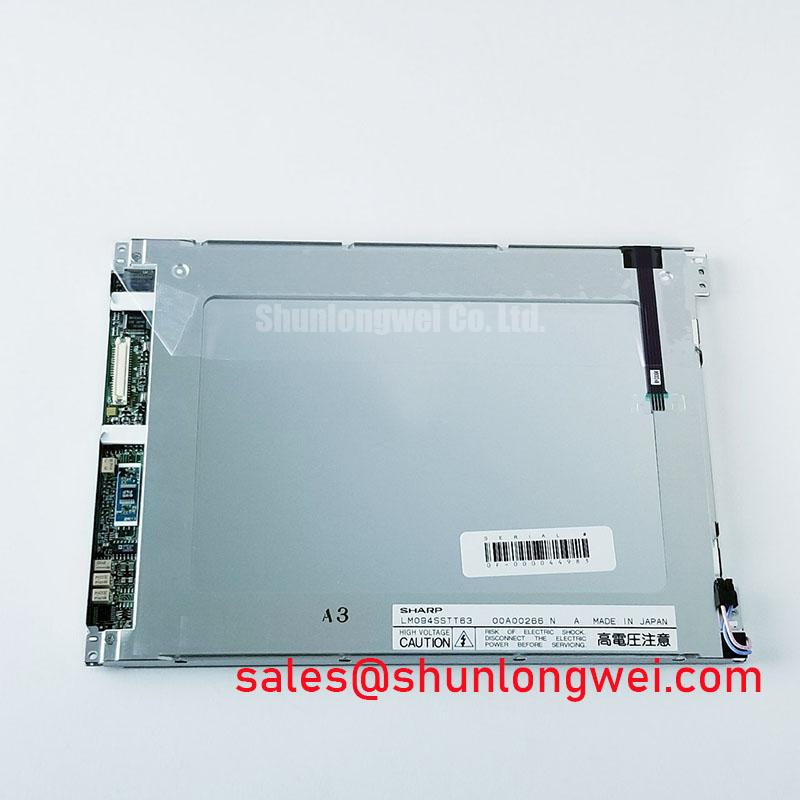
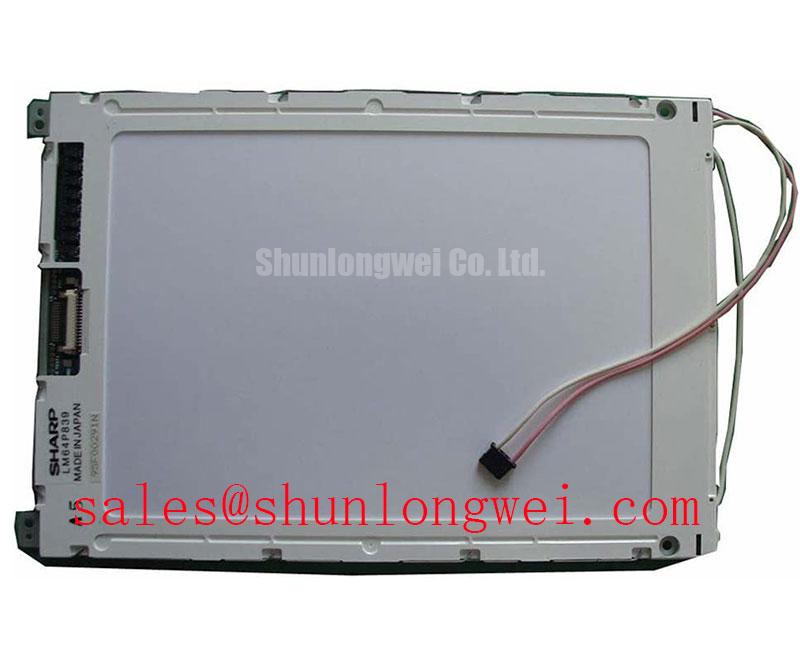
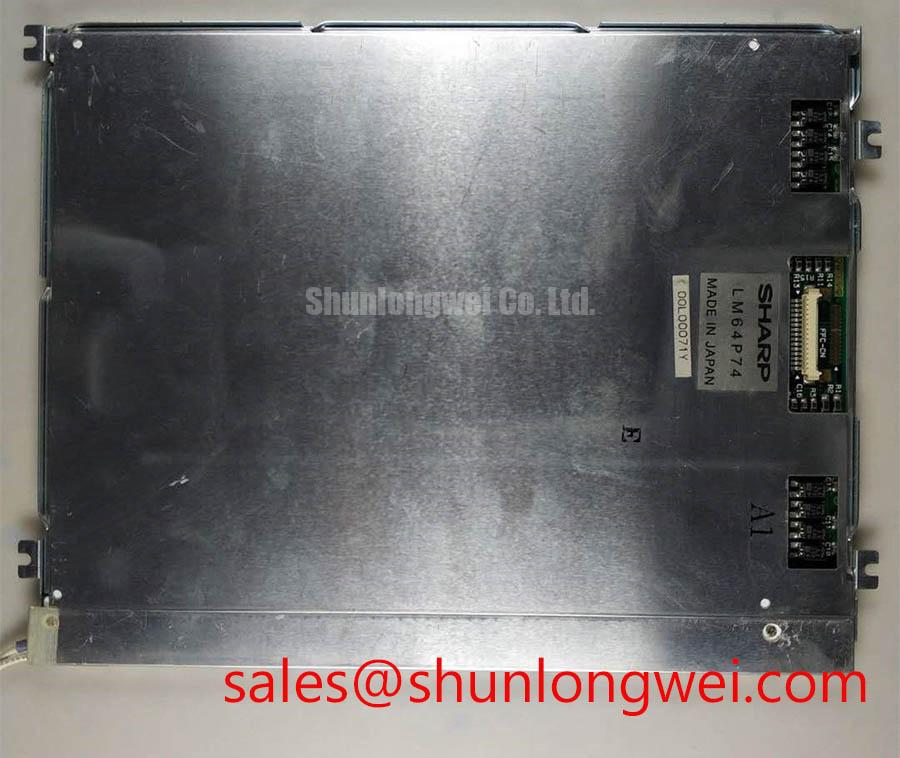
When a bridge console shows missing rows, pale characters, or an intermittent display after vibration, isolate power before reseating the panel connector and inspect the contact interface under controlled workshop lighting. The LM64P74 is a Sharp monochrome passive matrix LCD panel. Its exact supply rails, timing limits, connector assignment, and optical dimensions must remain aligned with the original panel and equipment documentation during replacement.
This panel category is commonly evaluated in industrial operator interfaces, control cabinets, and marine radar or navigation bridge consoles where readability and mechanical contact stability affect service decisions. The Sharp Display Solutions Official Portal provides manufacturer level display technology context, while the panel installation itself still depends on the host electronics, bezel, cable assembly, and power sequencing.
| Manufacturer | Sharp |
| Part number | LM64P74 |
| Product category | LCD panel |
| Display structure | Monochrome passive matrix LCD panel |
| Electrical limits | Consult the original panel documentation and host display circuitry |
Combating Contact Resistance Escalation under Mechanical Vibration
Missing rows and columns should first be examined at accessible connectors and, where the assembly uses them, the panel edge contacts, elastomeric zebra strip, and bezel clamp. A vibration exposed console can develop intermittent conduction when a strip shifts laterally, when the bezel loses even pressure, or when surface contamination changes the contact path. Treat the symptom as an interface condition requiring controlled inspection rather than assigning a single cause.
Remove the panel only after the equipment has been isolated, then record the original position of the bezel and connector parts before cleaning. Where a serviceable zebra strip is present, check whether it sits squarely across the full contact field. A strip that is folded, locally compressed, or displaced can produce character loss that changes when the bezel is touched. The mechanical stack should distribute pressure evenly across the contact length. The installed assembly must follow its own mechanical drawings and specified compression requirements; do not disturb bonded connections or sealed cell assemblies.
Contact contamination and polarizer aging can appear together in older terminals. Inspect accessible contacts for dull areas, deposits, or uneven wear without scraping the conductive surface. Where the original service procedure permits cleaning, use a controlled lint free method and allow the interface to dry fully before reassembly. The polarizer system can also lose contrast as thermal exposure increases, while cold conditions slow liquid crystal response. A cold start evaluation should therefore compare character formation and refresh behavior after the panel reaches the equipment’s normal operating condition.
For an urgent replacement assessment, compare the contact pitch, bezel opening, mounting arrangement, and cable orientation with the failed unit. Any alternative panel requires confirmation of its complete mechanical, electrical, timing, and optical compatibility with the host system.
Polarizer Delamination Bubble Mitigation and Optical Retardation Film Inspection under Workshop Lighting
Bright workshop lamps can reveal optical defects that remain difficult to see in a dim service bay. View the unpowered panel at several angles and look for local haze, bubbles, rainbow-like retardation areas, or a boundary that expands from the bezel edge. These observations can indicate aging within the polarizer or adhesive stack, but they should be compared with a known good display under the same illumination.
FSTN and STN monochrome panels depend on the liquid crystal cell, polarizer system, and illumination arrangement to produce readable contrast. Ultraviolet exposure, repeated heating and cooling, and long term mechanical stress can change the appearance of the polarizer surface. Do not press a bubble or attempt to flatten a delaminated area during field service. Pressure can enlarge the affected region and introduce a permanent optical mark.
The connector inspection in this stage should remain separate from the optical assessment. Where an accessible zebra strip is present, check it for embedded debris and confirm that cleaning has not left a film on the conductive contacts. Anhydrous IPA may be considered for compatible external contact surfaces as a Design Consideration, subject to the equipment service procedure and material compatibility. Keep solvents away from printed markings, adhesives, and exposed optical edges.
For a marine radar or navigation bridge console, display contrast must be evaluated with the actual enclosure window, viewing angle, and ambient illumination. Salt laden air, condensation, and bezel movement can influence the complete assembly even when the LCD cell itself remains electrically functional. The system integrator should verify sealing, window cleanliness, and mechanical restraint at the equipment level rather than treating the panel as an independently certified environmental assembly.
Digital Parallel Bus Timing: Frame Sync, Line Pulse and Shift Clock
When characters are unstable or the screen appears to lose synchronisation, capture the host display signals at the panel interface and compare their order with the original equipment design. In a parallel monochrome interface, frame sync commonly identifies the display frame, line pulse defines line transfer, and shift clock controls the transfer of pixel data into the display path. The actual logic polarity, bus width, timing relationship, and pin assignment for the LM64P74 installation must come from the applicable panel documentation and host board design.
Check the sequence of supply rails, any applicable reset signals, and display clocks during cold start. A panel can show contrast changes or incomplete text when its supply and signal sequence does not meet the specified requirements. If the host design includes a negative LCD supply or contrast rail, check it for startup overshoot, ripple, and temperature drift with suitable probing technique. Confirm the function of each terminal from the documentation: VEE and V0 can serve different purposes and must not be assumed interchangeable. Use the host and panel specifications to define acceptable limits; do not substitute a generic rail value for the original design requirement.
FSTN and STN liquid crystal response also changes with temperature. At low temperature, slower molecular response can make a valid data stream appear visually delayed, while thermal drift in the contrast network can wash out text. A controlled cold start comparison should record the time between power application, stable bias generation, first valid frame, and readable contrast. This creates a useful service record without assigning a universal response time to every LM64P74 installation.
⚠️ Field Alert: Disconnect equipment power before inserting or removing the panel cable, because live connector movement can expose the display interface to unintended signal and bias conditions.
Suppressing Ghosting and Crosstalk through Bias Voltage Checks
Ghosting, faint residual characters, and contrast fade should be investigated through the bias network, connector interface, and timing relationship together. Where a bias divider is used, drift with age can alter the LCD drive voltage levels, while a noisy bias supply can make the same character appear different during scanning. Measure the rail at the panel interface with the correct reference point and compare it with the host circuit documentation.
Ripple control is a system design responsibility. The service engineer should examine regulator stability, return current paths, decoupling condition, and the physical routing between the bias generator and panel connector. Keep high current switching paths away from sensitive display timing lines where the equipment layout allows. The required ripple limit, divider ratio, and temperature compensation curve must be established from the original design and verified across the intended operating range.
A thermistor based contrast network may track temperature, but its correction direction and resistance curve belong to the host implementation. If the display becomes readable only after warming, compare any thermistor connection, bias divider condition, and serviceable panel contacts before changing the contrast adjustment. Do not compensate for a loose zebra strip, where fitted, by increasing the bias level, since that can mask a mechanical fault while placing the liquid crystal drive outside its intended operating conditions.
PWM backlight behavior, where a host assembly includes a controlled backlight, should also be assessed at the complete equipment level. The system designer should choose a modulation frequency and duty range that meet the backlight driver, camera, operator comfort, and EMC objectives, then verify the result under the actual enclosure and supply conditions. The LM64P74 identification supplied here defines the monochrome LCD panel category; it does not establish a universal backlight interface or independent EMC certification. For wider display selection and integration context, consult The Ultimate Guide to Industrial TFT LCD Technology.