Content last revised on October 6, 2026
Humidity Storage and Thermal-Cycle Checks
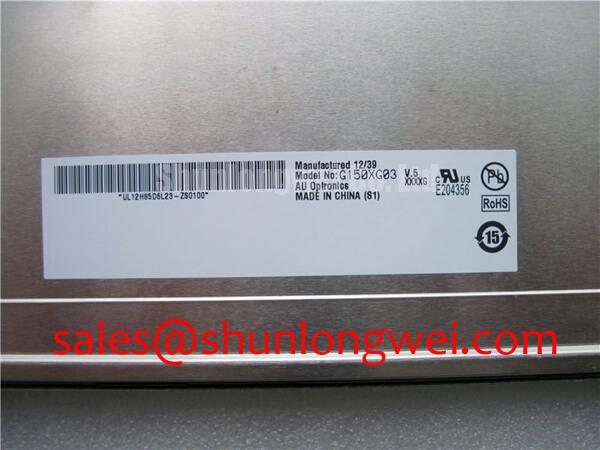
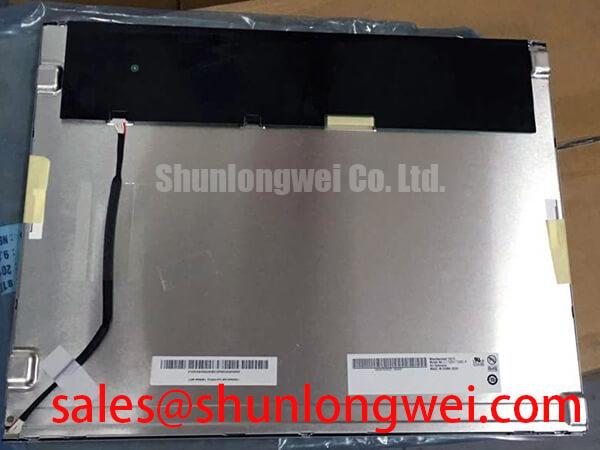
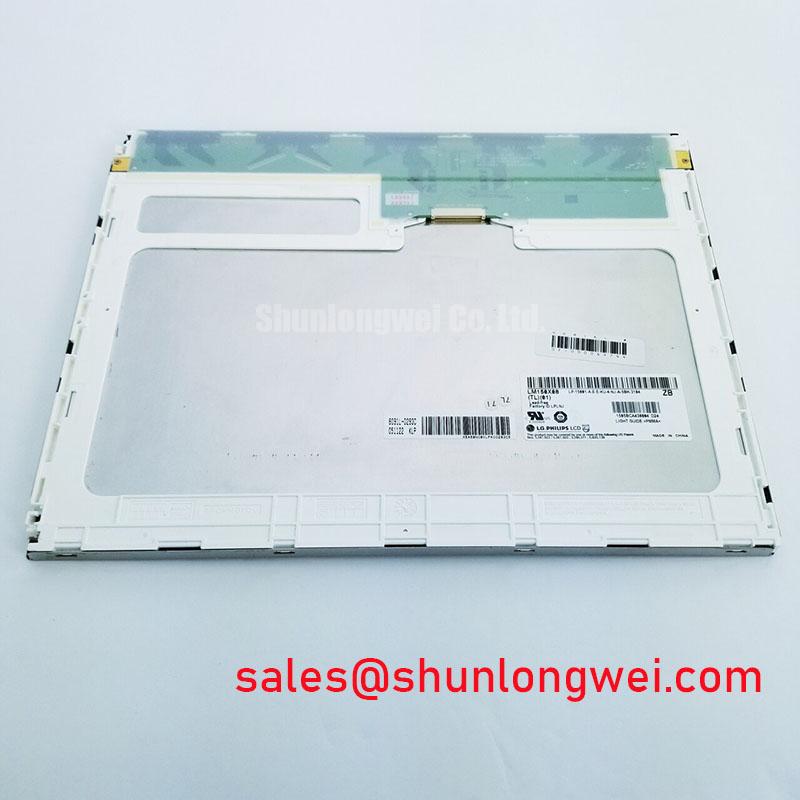
The LP150X05-B2 is identified in the supplied product information as an LG Display TFT-LCD display module. That identification is useful for locating the correct part, but it does not establish a storage humidity limit, operating temperature range or condensation rating. A maintenance team should obtain the original panel documentation before treating any environmental figure as an official specification.
For a panel removed from a damp cabinet, inspect the perimeter, connector area and visible display surface before applying power. Look for moisture residue, staining, changes in the edge bond and uneven appearance while the panel is off. These observations do not identify a single cause of failure; they help determine whether the display assembly and its enclosure need separate attention. If a cold unit has entered a warmer room, allow its temperature to stabilize and check for condensation before electrical testing.
Design Consideration: Liquid-crystal response can change with temperature, so motion blur or slow grayscale transitions observed in the field should be compared at controlled temperatures with a known-good display and the original performance specification. Do not assign a response-time failure from appearance alone. For equipment exposed to demanding thermal or humidity conditions, document the actual enclosure environment and compare it with the panel’s verified limits. The Ultimate Guide to Industrial TFT LCD Technology provides broader context for evaluating display margins without substituting for this model’s documentation.
Where servo drives or other switching equipment operate nearby, distinguish an image-path fault from an environmental display fault. Check cable routing, shielding continuity and connector seating; then compare the incoming signal with a known-good path using suitable test equipment. The interface type, differential impedance target and timing budget must come from the original panel and host-board documentation. They should not be inferred from the model name or from practices used on other LCD assemblies.
Chassis Fastening and Optical Pressure Marks
Before fitting the LP150X05-B2, compare the replacement module with the removed assembly at the bezel opening, mounting points and connector exit. The supplied product information does not state an outline drawing, fastener size or mounting torque. Confirm those details against the LG Display mechanical drawing and the equipment maker’s chassis instructions rather than applying a generic screw setting.
Design Consideration: Uneven clamping pressure can produce visible nonuniformity in an LCD assembly. Seat the module squarely, keep debris out of the contact surfaces and tighten approved fasteners progressively in the sequence specified for the chassis. Inspect a uniform dark image and a uniform light image after installation. If a pressure mark changes as the assembly is seated, stop and check bezel clearance, gasket placement and mounting alignment before attributing the mark to the panel itself.
Inspect the dust seal as part of the same operation. A displaced or hardened gasket can compromise the enclosure boundary or load one edge of the display more heavily than the others. The correct gasket compression and permitted chassis tolerances are system-level requirements; neither can be established from the panel model alone. Record the condition of the removed gasket so that later maintenance can distinguish a developing enclosure problem from a new display symptom.
Backlight aging also belongs in the optical inspection, but no brightness half-life or service-life figure is provided for this model. Compare luminance and uniformity under repeatable settings if the equipment has an established acceptance procedure. A dim image may involve the backlight, its power electronics, control settings or the optical path. Test those elements separately before replacing additional hardware.
Viewing-Angle and Surface-Glare Evaluation
Check the installed display from the positions operators actually use, not only from directly in front of the cabinet. Color shifts, reduced contrast and grayscale inversion can affect readability at oblique angles. The supplied specifications do not identify the LP150X05-B2 as an IPS or MVA panel and do not provide a viewing-cone rating, so a wide-angle performance claim would be inappropriate without the original optical specification.
For compatibility assessment in a marine radar or navigation bridge console, compare the existing unit’s mechanical fit and displayed image with the proposed replacement under the console’s actual lighting conditions. This is an evaluation example, not a claim that the panel is qualified for salt spray, outdoor sunlight or marine service. Check the enclosure sealing and any protective front window independently of the LCD module.
Reflections from a window or overhead lamp can resemble poor display contrast. Examine the panel with its installed cover glass in place, because the cover glass, air gap and surface condition all affect what the operator sees. The supplied product information does not specify an anti-glare or anti-reflective treatment, sunlight readability or an ambient-light contrast rating. Verify those properties from the applicable display and equipment documentation before making a visibility commitment.
If the equipment uses a separate touch overlay, evaluate it as a separate assembly. Glove operation and performance with water on the surface depend on the touch technology, controller settings and cover construction; they are not properties established by the LP150X05-B2 identification. During fault isolation, test image quality without assuming that missed touches, glare and an unstable video signal share a cause.
Backlight Start-Up and Image-Fault Diagnosis
At power-up, establish whether the panel has an image signal, illumination, both or neither. With the equipment safely isolated, compare the installed connections with the original wiring record and inspect for loose contacts or cable damage. The supplied product information does not specify the LP150X05-B2 backlight technology, inverter type, striking voltage or dimming method. Select test points and instruments only after identifying the actual backlight circuit from the original documentation.
⚠️ Maintenance Note: Disconnect power and follow the equipment discharge procedure before reseating the display or backlight connectors.
If an image is faintly visible while illumination is absent, investigate the backlight supply and its control path alongside the display assembly. If illumination starts and then stops, capture the sequence of supply, enable and any available fault output; the behavior may relate to a protection function, wiring fault or load problem. Open-load and short-circuit responses are determined by the fitted driver design, not by an assumed property of this panel. Avoid repeatedly restarting a faulting circuit until the equipment schematic identifies the intended diagnostic procedure.
For intermittent lines, flicker or image loss, first check connector seating and cable movement with power removed. Next, measure the host output and panel input under the conditions specified by the equipment maker. In a cabinet with substantial electrical noise, inspect signal return paths, shielding and cable routing before changing display settings. A waveform comparison with a known-good assembly is more informative than assigning every flicker event to electromagnetic interference; compatibility and EMC performance must be verified at equipment level.
Finally, check power sequencing against the original panel and controller requirements. Do not assume a supply voltage, pin assignment or enable delay from another LG Display model. Keep the observed start-up sequence, image behavior and backlight behavior in the maintenance record so the next technician can repeat the same test under comparable conditions.