
Content last revised on September 10, 2026
G150XG03 V5 AUO Industrial LCD Display Module
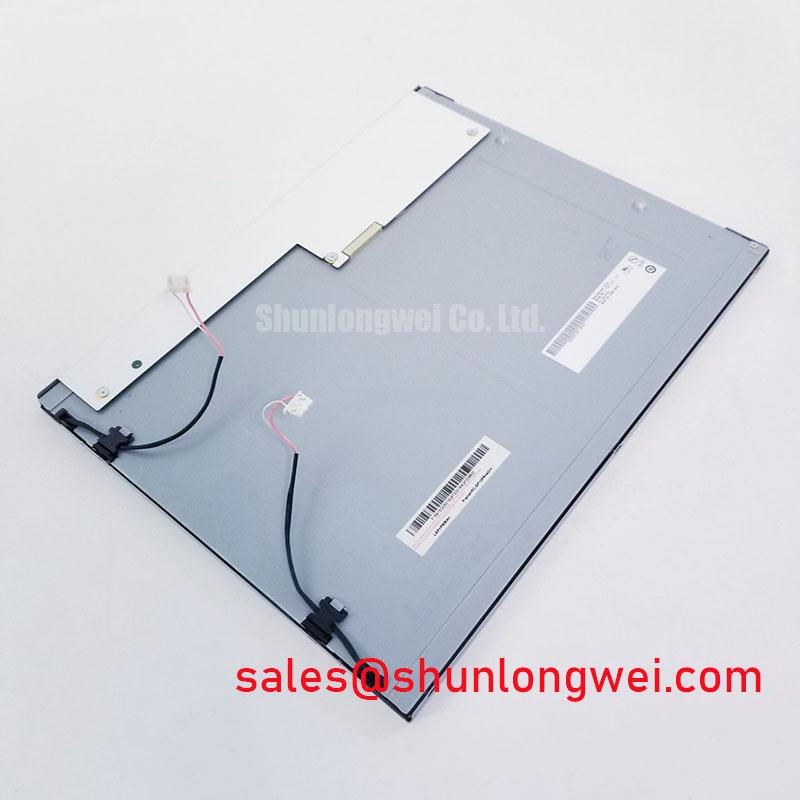
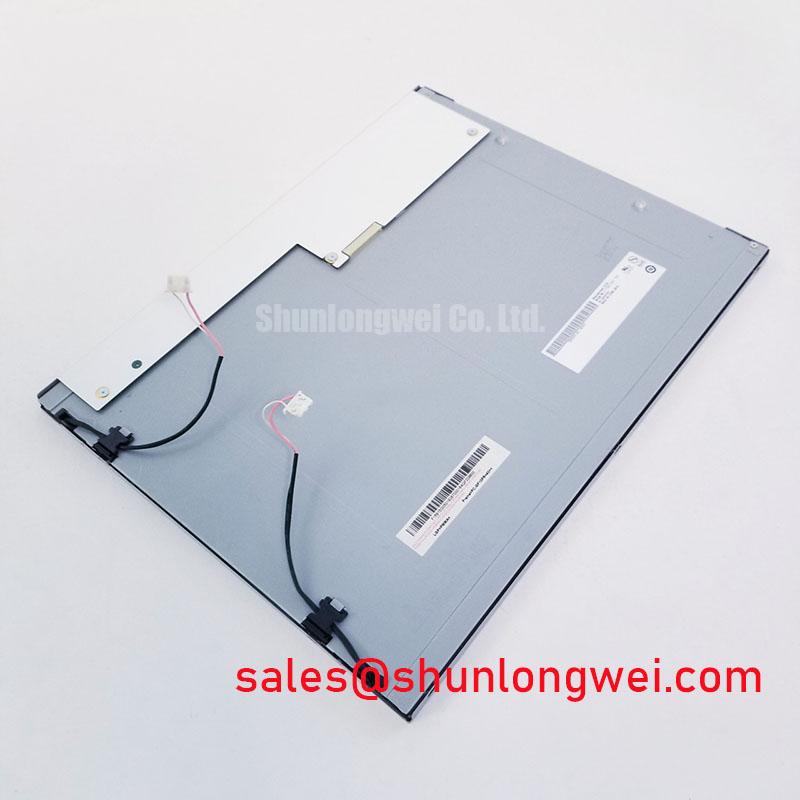
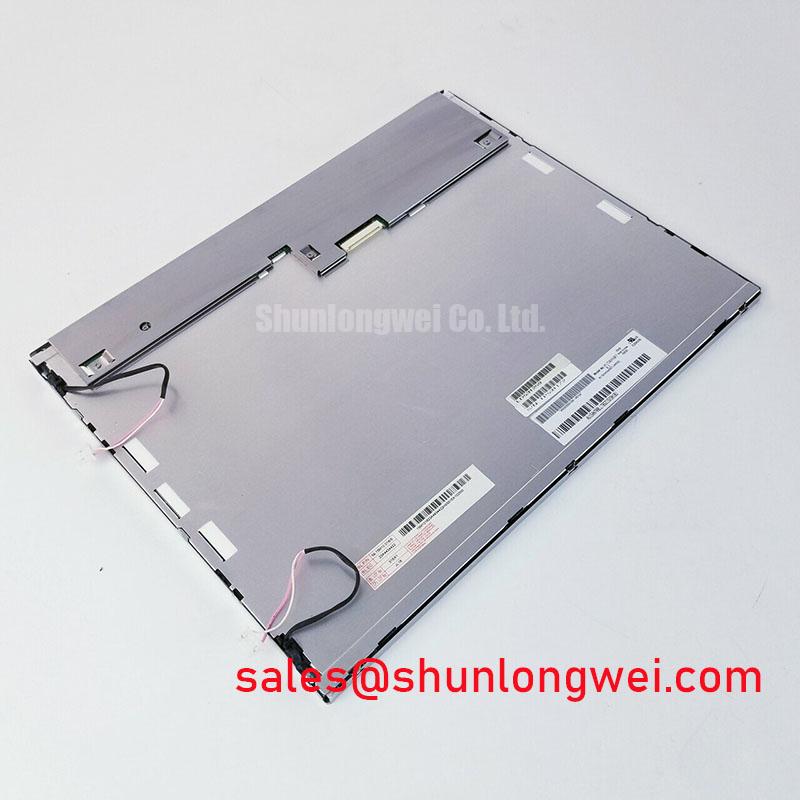
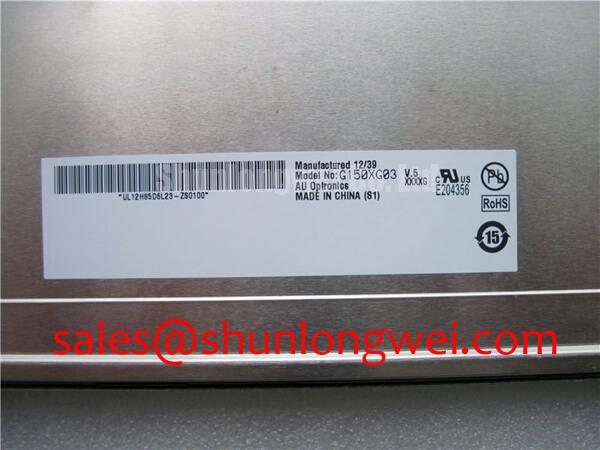
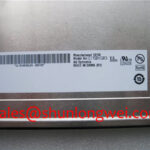
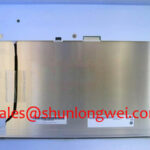
Start the replacement check by comparing the existing panel label, connector position, mounting pattern, and cable orientation with the proposed G150XG03 V5 before applying power. This first inspection helps prevent a mechanically similar display from being connected to an electrically different host system.
The G150XG03 V5 is an AUO TFT LCD Display Module classified for industrial LCD and HMI panel applications. The available factory information identifies the manufacturer as AUO, the product category as an Industrial Grade LCD/HMI Panel, and the package type as a TFT-LCD Display Module. Its specification status is listed as Official Factory Spec Verified within the supplied product information.
| Model | G150XG03 V5 |
| Manufacturer | AUO |
| Product category | Industrial Grade LCD/HMI Panel |
| Package or enclosure | TFT-LCD Display Module |
| Specification status | Official Factory Spec Verified |
The supplied factory data does not state the panel resolution, active-area dimensions, overall mechanical dimensions, viewing-angle values, luminance, contrast ratio, response time, interface pinout, supply voltage, backlight configuration, or connector part number. These values should be taken from the original panel documentation or the equipment manufacturer’s service documentation rather than inferred from the model designation.
For procurement and maintenance teams, the correct replacement decision therefore begins with physical and electrical compatibility. Engineers should verify the original panel’s interface type, signal mapping, power requirements, enable sequence, backlight control method, and mounting details before installation. The G150XG03 V5 product reference can be used alongside the original equipment documentation during this comparison.
Grayscale Inversion Mitigation and Optimal Viewing Direction Alignment
Viewing behavior must be confirmed from the panel documentation before this model is integrated into an operator interface. The supplied factory information does not confirm whether the G150XG03 V5 uses a normally white TN structure, IPS, MVA, or another liquid crystal mode. It also does not provide a verified viewing cone or grayscale inversion specification. A design review should not treat a generic LCD viewing-angle value as a guaranteed characteristic of this specific panel.
For a replacement display used in a navigation console, control cabinet, or industrial monitoring panel, evaluate the screen from the actual operator position rather than from a straight-on bench position only. Check dark gray, mid-gray, and colored test images while changing both vertical and horizontal viewing direction. TN-type displays can show stronger grayscale inversion when viewed away from their preferred axis, while other panel technologies may offer a more symmetric visual response. The correct acceptance criterion should be based on the original equipment’s viewing geometry and the service requirement.
Ambient illumination also changes the practical result. A surface treatment described as anti-glare, if confirmed by the relevant AUO documentation, may reduce reflected highlights under bright lighting, but it cannot compensate for poor viewing-axis alignment or an unsuitable enclosure window. Engineers should assess reflections from overhead lighting, bridge-console windows, status lamps, and protective covers with the display installed in its final orientation.
Low-temperature behavior requires a separate check. Liquid crystal response can become slower as temperature falls, but the exact response-time shift for this model is not stated in the supplied specifications. If the display is evaluated for an outdoor or marine console exposed to cold storage, the system integrator should record image transitions during cold-start testing and verify whether the host system provides an approved warming method. Any heater strip, thermal control loop, or enclosure insulation should be selected and validated at system level, with attention to optical uniformity, condensation control, and the panel manufacturer’s operating limits.
Preventing Frame Lag and Image Smearing in Cold and Outdoor Industrial Facilities
Frame lag and visible smearing should be investigated through controlled signal testing rather than assigned to one component immediately. Confirm that the source timing, pixel format, refresh configuration, and cable connection agree with the original display system. If the host controller expects a different data arrangement, the resulting image behavior may resemble a panel response problem even when the display itself is functioning correctly.
The supplied data does not confirm whether the G150XG03 V5 uses LVDS, TTL, eDP, or another interface. It also does not confirm JEIDA or VESA bit mapping. The system integrator should verify the required interface and data format from the original panel documentation. When an LVDS interface is confirmed, differential pairs should be routed according to the host controller and panel documentation, with attention to consistent pair geometry, return-current continuity, connector seating, and cable strain.
Cold environmental testing should compare the same moving image at room temperature and at the intended low-temperature condition. Use a known-good source pattern containing text, grayscale ramps, and moving edges. Observe whether the effect follows the video source, the cable, or the panel position. An oscilloscope or protocol measurement tool can help verify the known-good signal path when the display image does not provide enough information.
Outdoor facilities add enclosure concerns that are separate from the LCD cell itself. Seal design, pressure equalization, condensation management, and mechanical stress around the display opening should be reviewed by the equipment designer. The supplied factory information does not state perimeter sealant composition or thermal-cycle qualification for this model, so those characteristics must not be assumed. A marine radar or navigation bridge console may require additional environmental protection against salt-laden air, moisture, vibration, and direct glare, subject to the completed enclosure design.
Backlight performance also needs documentary confirmation. No official LED backlight lifetime, brightness maintenance curve, constant-current requirement, or half-life rating is included in the supplied data. Do not use a generic 50,000-hour figure as a guaranteed value for this panel. If the original equipment uses a dedicated backlight driver, verify its output behavior, dimming control, fault response, and connector assignment from the equipment documentation.
💡 Pro Tip: Keep the display cable and its differential signal return path arranged as specified by the original equipment design, then verify image stability with the final enclosure and cable length installed.
Constant Luminance Output Control and Display Lifetime Verification
Luminance stability is a system-level result involving the panel, backlight, driver, enclosure, ambient temperature, and optical stack. The G150XG03 V5 product information supplied here confirms the TFT-LCD module category but does not provide a verified luminance value, LED count, backlight current, dimming method, thermal resistance, or L70/B50 rating. These parameters should be obtained from the applicable factory specification before a brightness-control circuit is designed.
When integrating the panel into an HMI or equipment display, begin by identifying how the original unit controls brightness. Some systems regulate a backlight driver, while others use a dedicated enable or dimming signal. The required supply voltage and control polarity must be verified from the original panel documentation. The model name alone is not sufficient evidence for selecting a replacement power rail or backlight driver.
Thermal management should focus on measured temperature distribution rather than an assumed internal construction. Record temperatures near the display edges, driver electronics, enclosure window, and nearby heat-producing equipment during representative operation. If a metal heat spreader or mechanical support rail is considered, the design should preserve the manufacturer’s mounting clearances and avoid placing pressure on the active area or flexible connections. Any thermal improvement should be checked against image uniformity, startup behavior, and the enclosure’s environmental conditions.
For long-duration evaluation, establish a baseline image and measure luminance using the same instrument position, test pattern, drive condition, and ambient-light condition. Repeat the measurement after the defined test interval selected by the system owner. A valid L70 or B50 claim requires a documented test method and an applicable source; no such lifetime data is included in the supplied information for this product. Engineers should therefore treat lifetime prediction as a qualification activity, not as an unstated factory guarantee.
Additional guidance for enclosure design, industrial HMI integration, and harsh operating environments is available in the Industrial Display and HMI Solutions engineering resource. The final design should still be checked against the panel documentation and the environmental requirements of the complete equipment.
Single Vertical Hairline Defect and Line-Fault Localization
When a vertical line appears, preserve the original cable position and photograph the symptom before changing the configuration. A line can arise from the display drive path, connector contact, controller timing, mechanical stress, or the image source. The observation alone does not establish a single cause.
Use a three-stage primary-color bench test. Display solid red, solid green, and solid blue images separately, then compare the line’s position, color, width, and visibility. Add a full-white image and a full-black image to determine whether the defect remains fixed relative to the panel. If the line changes with the input pattern, signal mapping and source timing deserve attention. If it remains fixed in the same physical column across tested patterns, inspect the panel connection and mechanical condition without applying pressure to the active area.
A 45-degree flashlight inspection can help separate an illuminated backlight issue from a dark image-line defect. Observe the surface at an oblique angle with the display powered and unpowered, using controlled lighting. A defect that changes with external illumination may require inspection of the optical surface or enclosure reflection. A persistent narrow line within the image may require comparison with the known-good signal path and connector continuity.
Do not press the bezel, glass, flexible cable, or bonded connection while testing. Mechanical pressure can change the symptom temporarily and make the diagnosis less reliable. The supplied factory information does not define a permissible single-line defect limit or a field repair procedure for this model, so acceptance should follow the original equipment service criteria or the purchase specification.
Before approving the G150XG03 V5 for a field replacement, verify the connector orientation, pixel format, display timing, backlight control, mechanical fit, and environmental operating requirements against the removed panel. If any of these items remain undocumented, obtain the original panel drawing or equipment interface record before energizing the assembly.