
Content last revised on September 12, 2026
LQ080Y5DR01 Identification and Replacement Verification
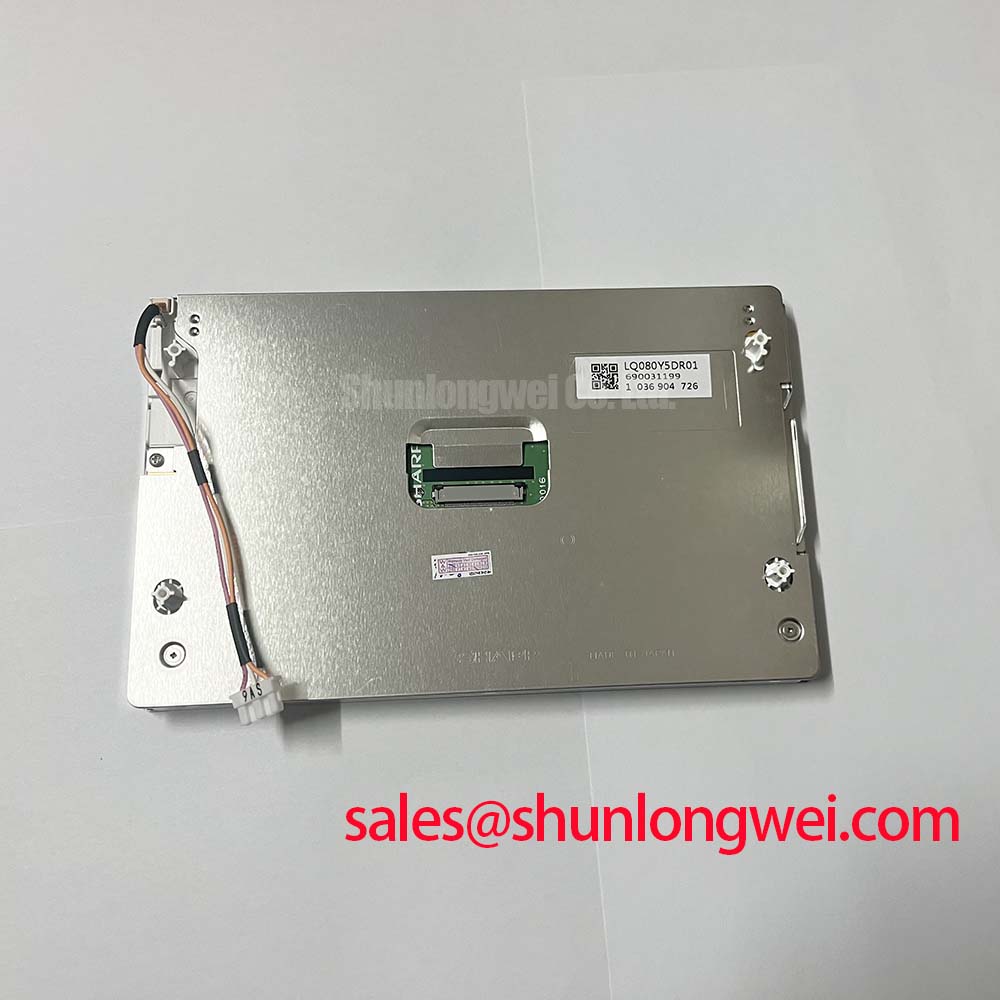
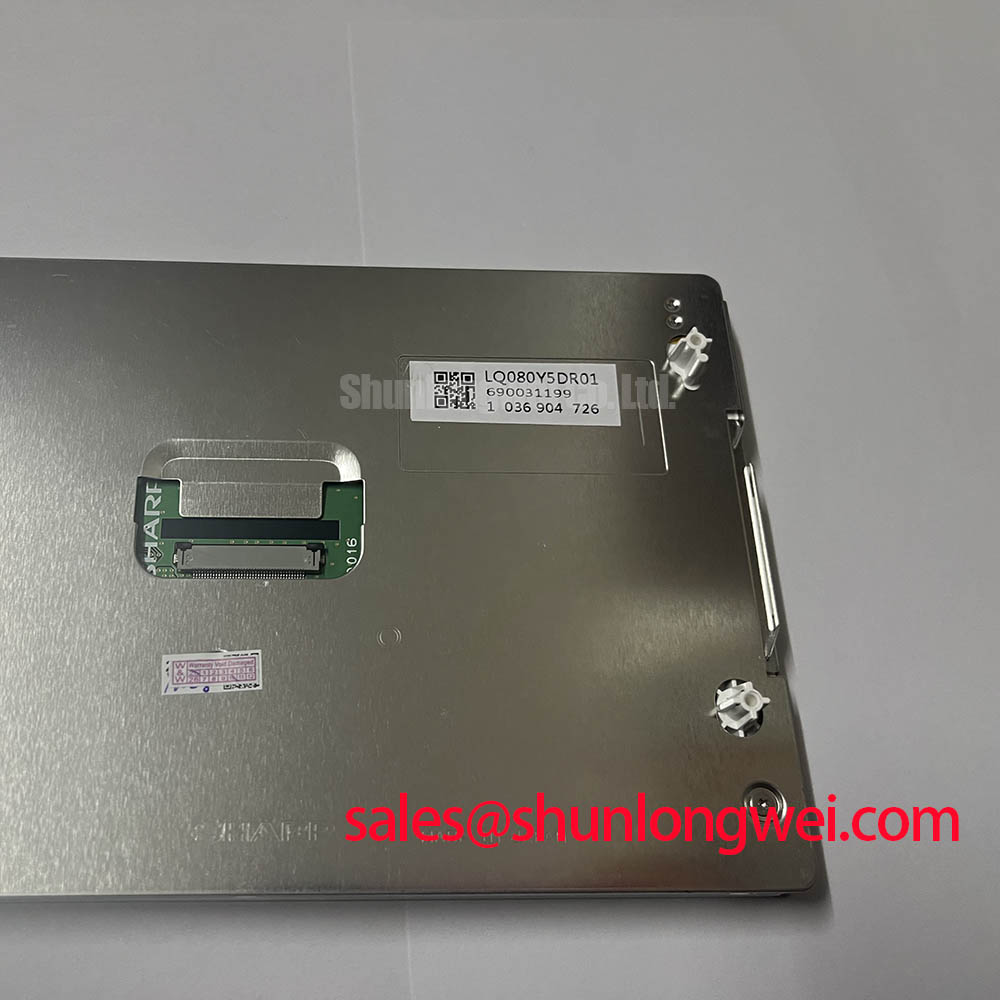
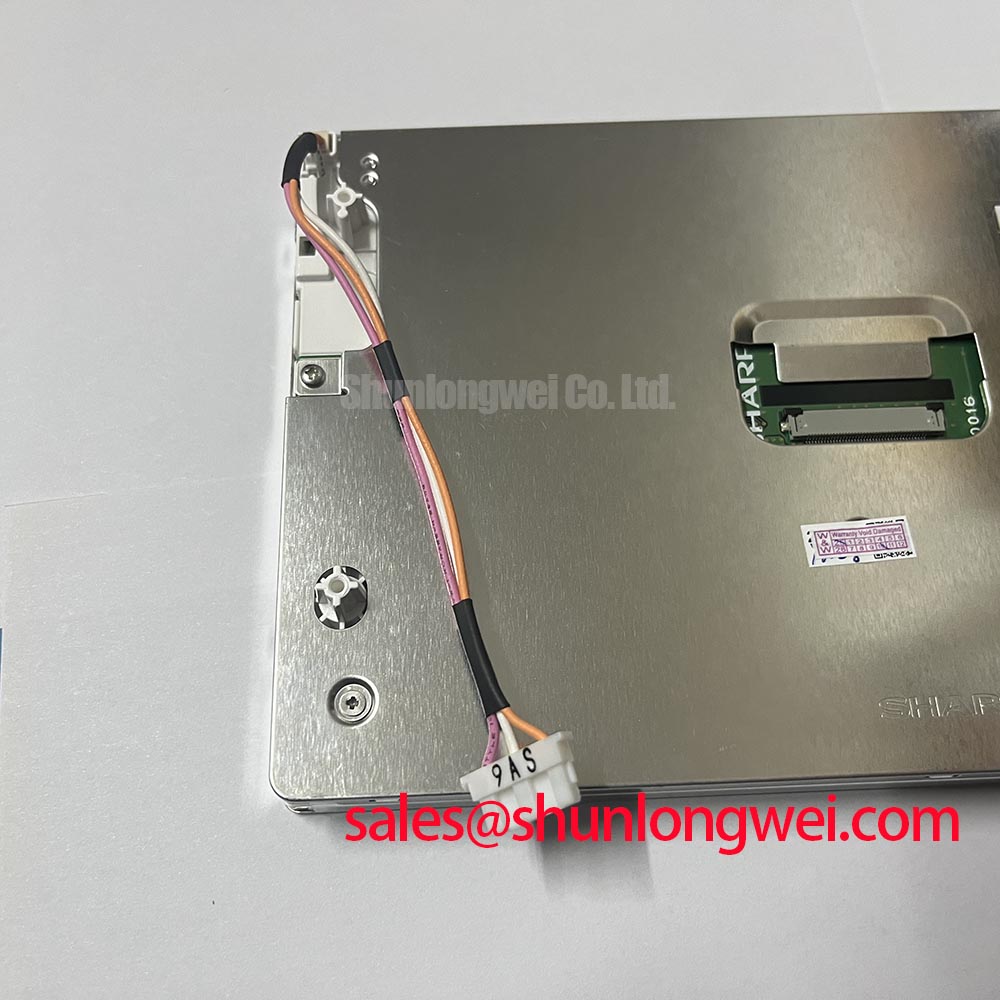
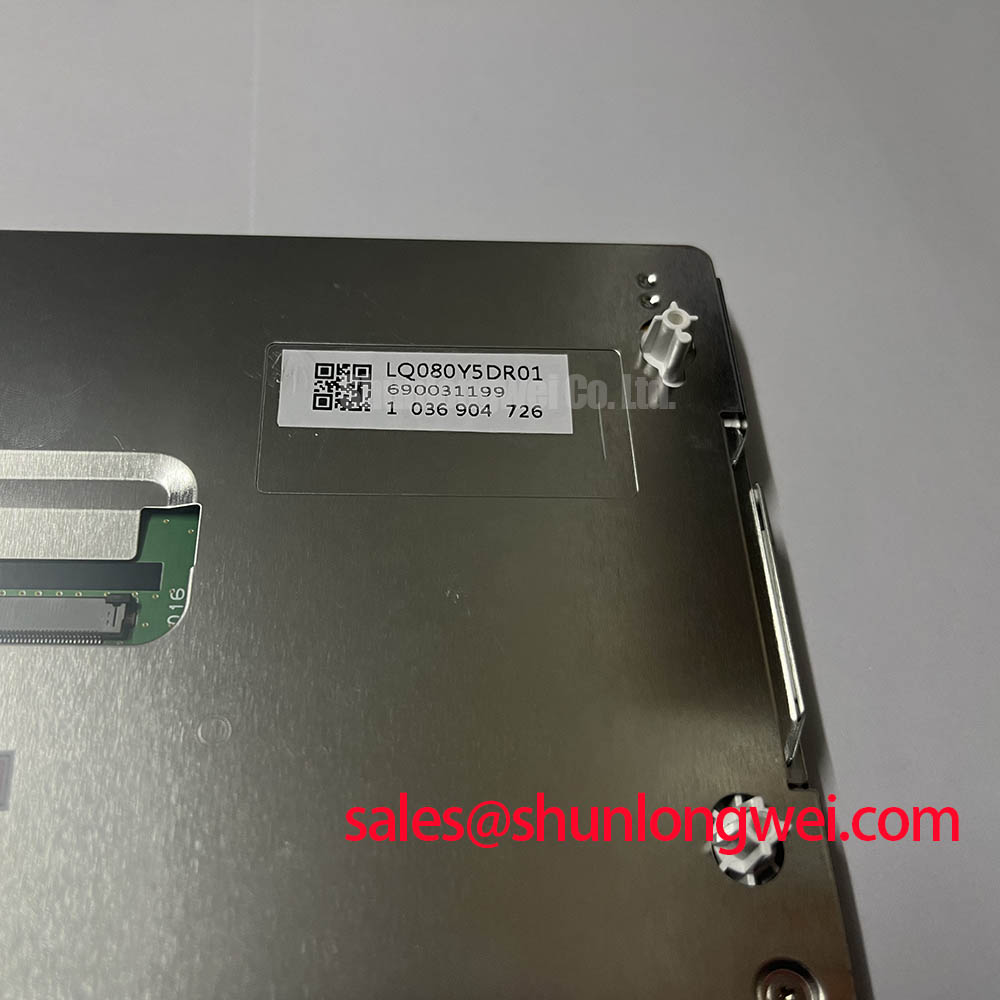
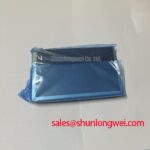
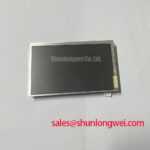
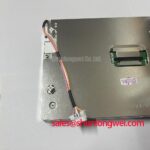
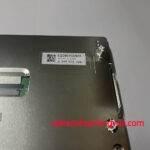
Begin the bench check by comparing the installed panel’s label, connector position, visible active area, and mounting points with the replacement candidate before applying power. The LQ080Y5DR01 is identified in the supplied factory information as a Sharp TFT LCD Display Module for industrial LCD and HMI use. However, the available specification context does not provide confirmed electrical timing, interface, backlight, optical, or mechanical dimension values. Those items must be checked against the original panel documentation and the equipment service drawing before installation.
| Item | Available specification status |
|---|---|
| Model | LQ080Y5DR01 |
| Manufacturer | Sharp |
| Product category | TFT LCD display module for industrial/HMI evaluation |
| Construction | TFT LCD Display Module |
| Specification status | Key parameters require verification against the applicable documentation |
| Interface | Verify from the original panel documentation |
| Backlight type and drive conditions | Verify from the original panel documentation |
| Mechanical envelope | Verify from the original panel documentation and chassis drawing |
This distinction matters during an industrial repair. An LCD module can have a visually compatible diagonal size while still differing in connector pinout, pixel format, timing sequence, backlight drive method, mounting envelope, or active-area position. The part should therefore be evaluated as a complete electromechanical interface rather than by appearance alone.
Surface Anti-Glare and Anti-Reflective Evaluation for High Ambient Readability
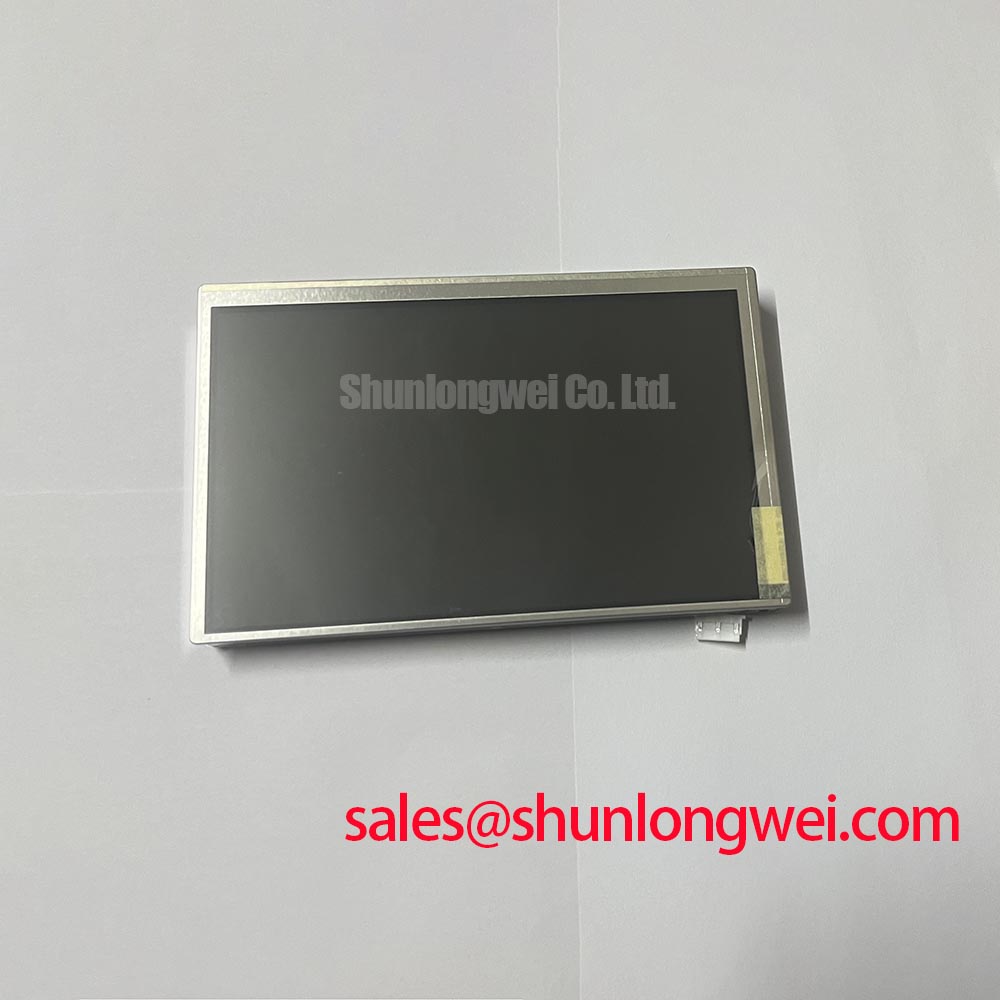
For a replacement assessment, inspect the display surface under the same lighting conditions found at the equipment location. A directional lamp can reveal reflections from the protective window, bezel, and LCD surface, while a full-screen white image helps expose brightness nonuniformity and surface contamination. The supplied factory data does not confirm an anti-glare etched layer, anti-reflective coating, surface hardness, or viewing-angle specification for the LQ080Y5DR01. These characteristics should not be inferred from the model number.
When the panel is considered for a railway passenger information system or cab signalling display, readability depends on the complete optical stack. The front window, air gap or bonding method, display surface, ambient illumination, and viewing direction all affect perceived contrast. A glossy protective cover can create a strong reflected image even when the LCD itself has acceptable contrast. Designers should assess the assembled front surface at the expected operator position rather than qualifying the bare module in isolation.
TN, IPS, and MVA panels can produce different grayscale and color behavior as the viewing direction changes. The panel technology used in this specific model is not confirmed in the provided factory parameter set, so a replacement engineer should compare grayscale transitions, black-level stability, and color shift directly with a known-good panel. A nominally similar viewing cone does not prove equivalent field readability. The original equipment display profile, protective glass, and calibration settings also influence the result.
For video integrity, identify the actual electrical interface before examining signal quality. The supplied information does not confirm whether this module uses LVDS, TTL, or another interface arrangement, and it does not provide a JEIDA or VESA mapping. The system integrator should verify the transmitter format, lane arrangement, pixel clock relationship, connector pin assignment, and power sequencing from the original panel documentation. A connector that physically mates may still carry a different signal map.
Where a differential interface is confirmed, the board designer should maintain controlled routing, consistent reference planes, and closely matched differential pairs. A common industry design consideration is a nominal 100 Ω differential environment, but this is not an official LQ080Y5DR01 specification and must be reconciled with the transmitter, cable, connector, and receiver documentation. The correct validation method is an oscilloscope review of the known-good signal path, including clock quality, eye opening, common-mode behavior, and any visible reflections at the panel connector.
💡 Pro Tip: Keep the differential clock and data routing geometrically consistent through the connector transition, then verify image stability with the final cable and chassis installed rather than with an open bench harness.
For a same-size or same-resolution replacement study, engineers may also review LM64P10 as a separate display option. It should be treated as an independent candidate requiring its own interface, optical, timing, backlight, and mechanical comparison; it is not presented here as a guaranteed substitute for the LQ080Y5DR01.
Preventing Frame Lag and Image Smearing in Low-Temperature Installations
Cold operation should be evaluated with the complete display assembly powered and receiving the intended video pattern. Liquid-crystal response can change with temperature, but the supplied information does not confirm the LQ080Y5DR01 operating temperature range, storage temperature range, response-time rating, or gray-to-gray performance. The equipment engineer should obtain those values from the applicable Sharp documentation before assigning the module to a low-temperature enclosure or outdoor terminal.
Frame lag and smearing should be assessed using moving grayscale bars, alternating high-contrast patterns, and the actual application graphics. A static image can appear normal while motion reveals transition limitations. Record the display behavior after the panel, controller board, cable, and enclosure reach thermal equilibrium. If the image changes during cooling, compare the panel output with the input timing and backlight state so that a video-processing or power-sequencing issue is not confused with an LCD response characteristic.
Thermal cycling also affects the surrounding assembly. The available factory data does not confirm perimeter sealant material, optical bonding construction, moisture resistance, or validated temperature-cycle limits. These properties must be verified from the original product documentation or the equipment manufacturer’s qualification records. For a sealed HMI, designers should review enclosure breathing, condensation control, front-window sealing, and cable entry paths as system-level design considerations.
Backlight behavior requires the same care. The supplied parameters do not identify the backlight technology, LED arrangement, constant-current requirement, dimming method, rated luminance, or lifetime curve. Do not connect an assumed backlight supply simply because the connector appears similar. The system integrator should verify the required supply voltage, current, enable signal, and dimming method from the original panel documentation.
Where the equipment uses an external constant-current driver, inspect the driver’s startup and shutdown behavior alongside the panel controller. A transient enable condition, an incorrect dimming polarity, or a supply ramp outside the equipment design can produce a dark screen, uneven illumination, or residual image effects. The correct corrective action depends on measured signals at the panel interface and should be confirmed with the display timing documentation.
For related display-chain planning, the LMS700KF01-001 can be reviewed as a separate Sharp display solution within a broader panel and backlight sourcing study. Its electrical and optical requirements must be evaluated independently; the link does not establish compatibility with the LQ080Y5DR01.
Flush-Mount Open-Frame Bezel Integration and Perimeter Gasket Shock Isolation
Before cutting a replacement bezel, measure the original panel’s outer envelope, active area, viewing area, connector clearance, cable bend path, and fixing-hole pattern. None of these dimensions are included in the supplied official parameter set for the LQ080Y5DR01. The chassis drawing remains the controlling document for aperture size and mounting tolerance. A replacement that fits the opening can still place mechanical stress on the glass or obstruct the connector.
Open-frame integration should support the module without forcing the visible area against a rigid front surface. Use a compliant perimeter interface where the equipment design requires shock or vibration isolation, while ensuring that the gasket does not intrude into the active area or press unevenly on the panel edge. The material, compression range, and environmental suitability of that gasket are system design considerations, not confirmed specifications of this Sharp module.
Fastener loading should be distributed progressively across the mounting pattern. If the existing service drawing specifies M3 hardware and a cross-pattern tightening procedure, follow that drawing rather than transferring a generic torque value from another display. The supplied LQ080Y5DR01 data does not provide an official mounting torque, screw length, bracket thickness, or allowable frame load. Engineers should validate the assembled panel for dark-field uniformity, corner stress, touch or window interference, and connector strain after installation.
Localized pressure can create optical nonuniformity that is only visible on a black or dark-gray test image. Inspect the display before final tightening, after tightening, and after a thermal soak. Compare the same test pattern at several viewing angles because reflections from the bezel and front window can resemble a display defect. If a dark region follows the bracket or gasket location, release the mechanical load and repeat the inspection rather than assigning the symptom to the LCD electronics immediately.
Long-duration HMI use introduces a separate image-retention assessment. The provided factory information does not specify a burn-in limit, image-retention rating, compensation algorithm, or operating-life guarantee for fixed graphics. When the application contains a persistent logo, route map, status bar, or cab instrument scale, designers should evaluate screen-saver behavior, periodic image movement, luminance settings, and thermal conditions as part of the complete equipment validation.
Full-Screen Primary-Color AOI Screening and Background Uniformity Audit
After installation, begin inspection with full-screen red, green, blue, white, black, and mid-gray patterns. Look for stuck sub-pixels, vertical or horizontal line defects, edge shading, flicker, uneven backlight zones, and contamination visible through the front surface. This screening sequence is a practical inspection method, not a published defect-acceptance limit for the LQ080Y5DR01. Pixel-defect criteria should be taken from the applicable purchase specification or original equipment documentation.
A 45-degree flashlight inspection can help separate surface reflection and internal shadowing from active-pixel defects. Change the light direction while displaying a black pattern, then compare the observation with the backlight disabled or at the lowest permitted operating state. A shadow that follows the external light path may involve the cover or surface stack, while a line that remains fixed with the image interface may require signal-path investigation. These observations are screening clues, not single-cause diagnoses.
When a line or block appears, verify the input data at the panel connector and compare it with a known-good unit under the same timing conditions. The supplied specifications do not confirm TTL or LVDS timing values, clock jitter limits, data hold times, gamma reference voltages, T-CON architecture, or gray-level calibration for this model. The controller should therefore be configured from documented panel timing rather than from a visually similar display.
Power sequencing deserves a direct measurement. Monitor the panel supply, logic enable, backlight enable, reset signals, and video activity during startup and shutdown where those signals are present in the original design. A white screen, residual image, or delayed picture can involve sequencing, controller initialization, backlight timing, cable integrity, or panel electronics. Use the documented timing requirements and compare the waveform order with a known-good assembly before changing firmware or hardware.
For procurement and repair records, retain photographs of the label, connector orientation, mounting interface, and pre-installation display test. Record the equipment revision, controller board revision, cable identification, and the documentation used to verify the interface. This evidence supports a controlled replacement decision without treating unconfirmed voltage, timing, optical, or mechanical values as factory ratings.
Additional system-level background is available in The Ultimate Guide to Industrial TFT LCD Technology, which can assist engineers reviewing TFT architecture, interface selection, optical behavior, and common integration assumptions.


