



Content last revised on October 8, 2026
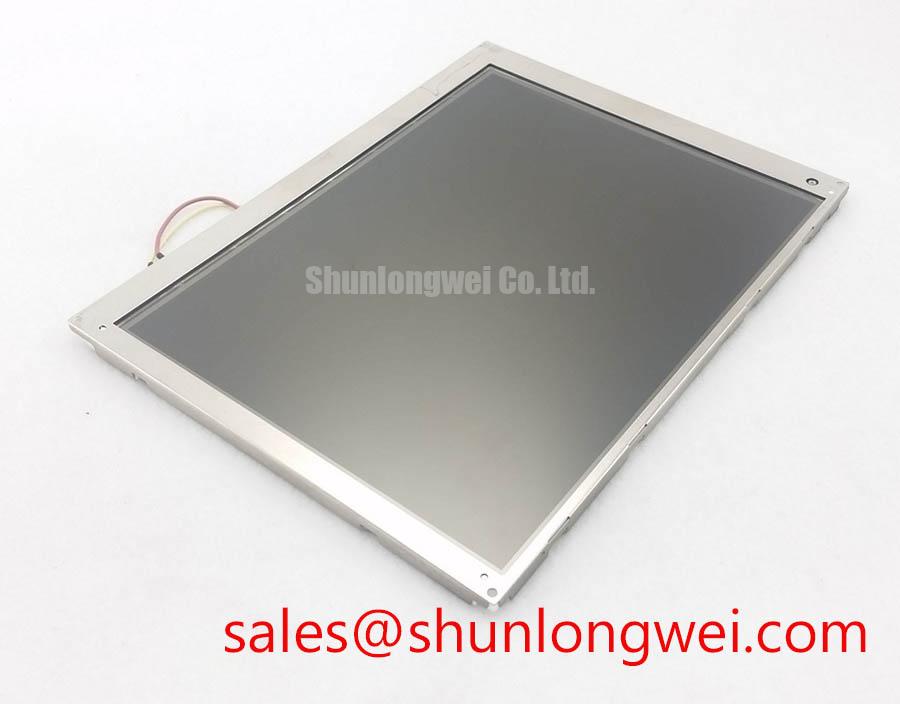
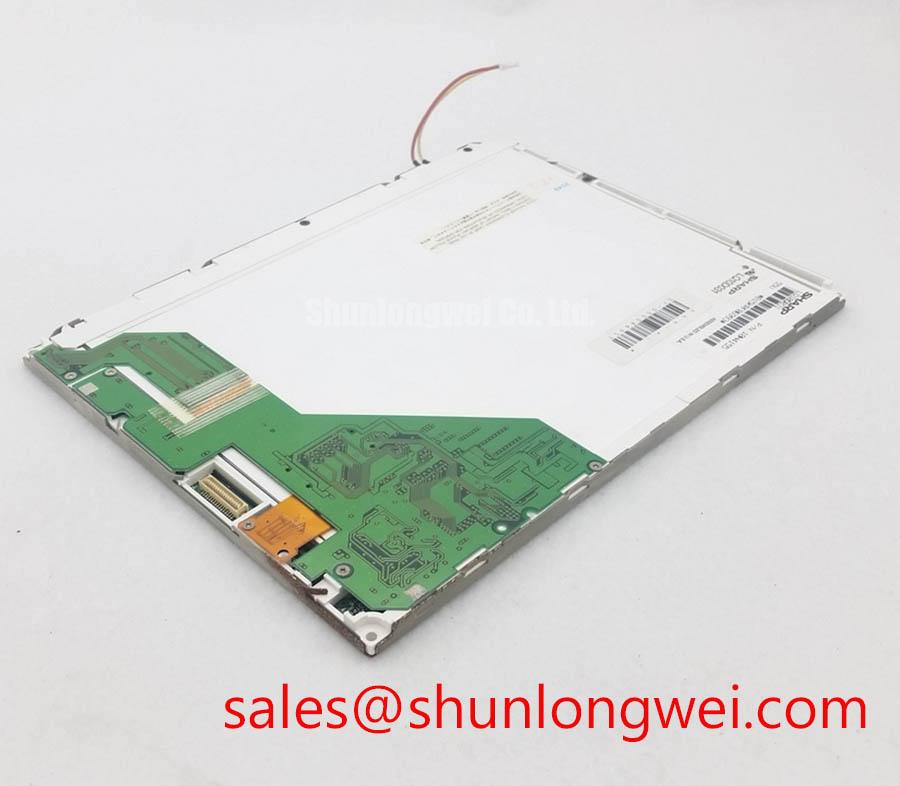
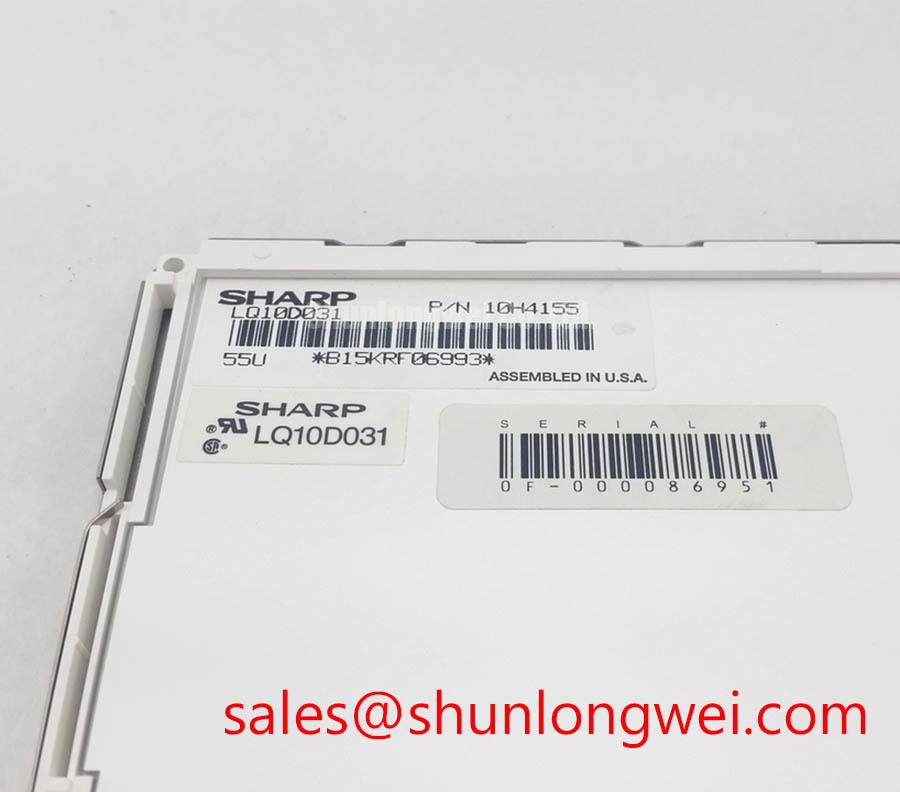
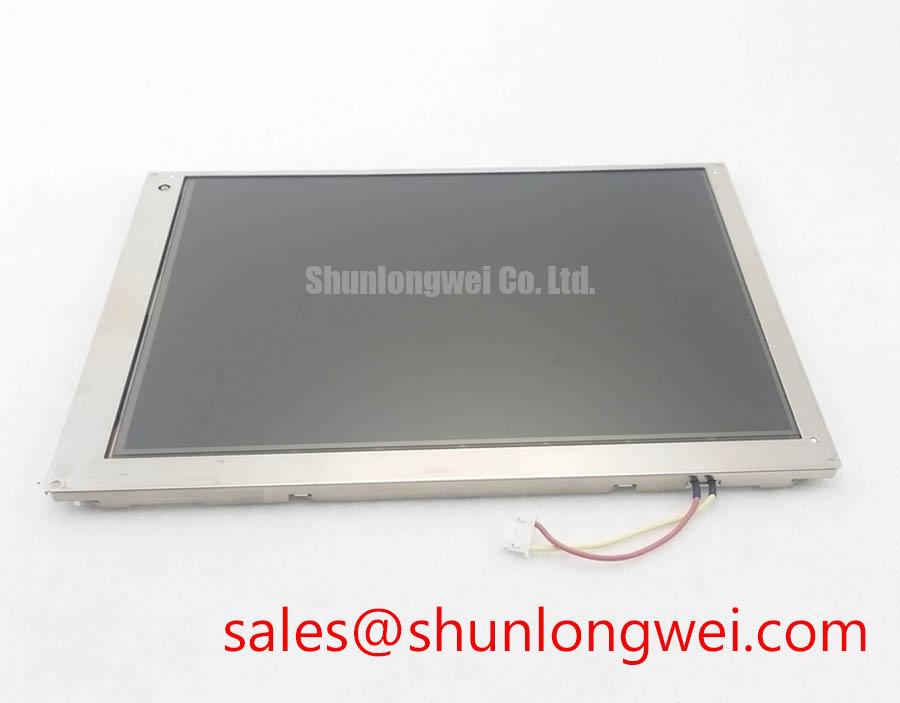
LQ10D031 Sharp TFT-LCD Display Module
Before fitting LQ10D031 into a protection or SCADA console, inspect the TFT-LCD module for bezel damage, connector contamination, flex-cable creasing, and visible pressure marks, then compare its identification and electrical interface with the original panel documentation.
LQ10D031 is a Sharp TFT-LCD Display Module classified for industrial LCD and HMI applications. The available factory information identifies the product category, manufacturer, module construction, and specification status, but does not provide confirmed resolution, active-area dimensions, interface pinout, logic voltage, backlight electrical data, viewing-angle rating, or operating-temperature limits. Those values should be verified against the original Sharp documentation or the equipment service record before installation.
| Parameter | Verified Information |
|---|---|
| Model | LQ10D031 |
| Manufacturer | Sharp |
| Product category | Industrial Grade LCD/HMI Panel |
| Module construction | TFT-LCD Display Module |
| Specification status | Basic factory identification available; detailed specifications require verification |
Surface Anti-Glare and Anti-Reflective Evaluation for High Ambient Readability
At a high-voltage substation protection or SCADA dispatch console, begin the optical check with the display powered off. Hold the panel under the same overhead lighting used at the operator position and look for deep scratches, localized glossy patches, edge whitening, and reflections from cabinet windows. These observations help separate surface damage from faults in the liquid-crystal cell or backlight.
The available factory data does not confirm whether LQ10D031 uses an anti-glare etched surface, an anti-reflective coating, or an additional cover-glass treatment. AG and AR should therefore be treated as integration questions rather than confirmed features of this model. An AG surface can reduce sharp reflected images by scattering incident light, while AR treatment is generally evaluated by its ability to reduce reflected optical energy without producing distracting haze. The correct assessment requires a side-by-side inspection under the actual console lighting, not a conclusion based only on the product category.
TN, IPS, and MVA terminology should also be verified from the original panel documentation. A nominal viewing-angle figure, including any claimed symmetric viewing cone, cannot be assigned to this unit without a confirmed datasheet. During incoming inspection, display a black, white, and mid-gray test field while viewing from the operator’s normal seated and standing positions. Check for grayscale inversion, contrast loss, color shift, and loss of small text detail. Mid-gray patterns are particularly useful because viewing-angle weaknesses can be less obvious on full-white screens.
The T-CON section should be evaluated as part of the complete display assembly. Gray-scale voltage generation and gamma correction are panel-specific functions; a replacement module should not be assumed to match the original gamma curve simply because the connector appears compatible. Compare dark-to-light transitions, neutral gray steps, and fine alarm text with a known-good screen. If gray bands merge or colored steps appear, verify the source timing, panel configuration, and T-CON behavior before attributing the symptom to the optical surface.
TTL or LVDS timing must likewise be confirmed from the original equipment documentation. Clock jitter margin, data hold timing, signal polarity, and channel mapping are interface properties of the panel and host combination. For a field evaluation, probe the known-good signal path with suitable differential measurement equipment and compare clock stability and data eye quality at the panel connector. Do not substitute a generic timing assumption for a confirmed LQ10D031 interface specification.
For panel selection work, engineers comparing a different display size or resolution can review LM190E08-TLG6 as a separate product reference. It should not be treated as a drop-in replacement for LQ10D031 unless mechanical dimensions, optical characteristics, interface mapping, power requirements, and firmware settings are independently verified.
Thermal Cycling, Polarizer Condition, and Seal Integrity
Inspect the polarizer and perimeter seal before applying power. Look for edge lifting, bubbles, cloudy regions, rainbow-like stress marks, and contamination near the active area. These findings may be associated with storage, mechanical stress, humidity exposure, or thermal history, but they do not identify a single failure mechanism without additional testing.
The supplied factory information does not confirm an operating-temperature range for LQ10D031, nor does it specify polarizer adhesive construction, perimeter sealant material, or thermal-cycle qualification. The frequently used industrial window of sub-zero operation through elevated enclosure temperatures must therefore be treated as a system-level design consideration, not as an official rating for this model.
At low temperature, liquid-crystal response can become slower and gray-to-gray transitions may appear less uniform. To evaluate this behavior, place the complete display assembly in a controlled environmental test setup and display moving gray bars, alarm text, and alternating black-and-white patterns. Record the screen response at the intended operating points, allowing the module and controller to reach thermal equilibrium. A delayed visual transition can also originate in the video source, frame timing, image-processing path, or backlight control, so the test should compare the panel with a known-good reference under identical drive conditions.
Thermal cycling should include visual inspection after each test interval for edge delamination, sealant cracking, moisture ingress, and new line defects. A vertical line may result from a display-cell fault, COG bonding stress, TAB connection damage, or a signal-path problem. Confirm the symptom by displaying solid red, green, blue, white, black, and mid-gray fields, then inspect the corresponding connector and cable while avoiding flexing during operation.
Backlight endurance must not be represented by an assumed 50,000-hour value because no such figure is included in the available verified data for this model. LED lifetime depends on junction temperature, drive current, thermal path, optical target, and the definition used for brightness maintenance. If the original documentation specifies a brightness-maintenance point, use that exact condition. Otherwise, measure initial luminance and repeat measurements under controlled temperature and drive conditions, identifying the test method and instrument settings in the service record.
The backlight driver is part of the equipment interface and may not be interchangeable with another display solution. Engineers reviewing a related Sharp display product can consult LM64P10 as a separate reference for system-level display planning. Its electrical compatibility with LQ10D031 must be established from confirmed circuit and connector documentation.
Flush-Mount Open-Frame Integration and Perimeter Gasket Isolation
Before mounting the module, measure the host chassis opening, support ledges, connector clearance, and rear-component envelope against the original installation. The verified information supplied for LQ10D031 does not include outer bezel dimensions, mounting-hole coordinates, screw size, gasket profile, or allowable clamping load. These dimensions must be taken from the panel drawing or the removed unit rather than estimated from the model designation.
Open-frame LCD installation requires even support around the perimeter. A frame that contacts the active area or presses unevenly against the panel can create localized optical non-uniformity, dark patches, or pressure-induced color changes. Use a continuous, compliant interface only where the mechanical drawing permits it, and confirm that the display remains free of stress after the chassis screws are tightened. Any mounting torque value must come from the panel or equipment manufacturer; the available factory data does not verify a specific M3 torque range for this model.
💡 Bench Tip: Wear an ESD wrist strap, support the panel from its rigid edges, and keep the flexible cable in its original routing; repeated sharp bending near a COG or TAB transition can create intermittent vertical-line symptoms that disappear when the cable is released.
When a flush-mounted panel shows a dark corner or uneven white field, inspect the frame contact pattern before replacing the display. Remove external pressure where permitted, retest with a uniform field, and compare the result with the panel outside the chassis. This test helps distinguish mechanical stress from LED diffusion, source timing, or liquid-crystal non-uniformity without assigning a single cause prematurely.
PWM dimming should also be verified at the equipment level. The available specification does not confirm a PWM input, PWM frequency range, duty-cycle linearity, or analog-dimming method for LQ10D031. If the host uses PWM, observe the backlight control signal and check the displayed text through a camera or photometric instrument while varying brightness. Look for visible flicker, beat effects with facility lighting, and brightness discontinuities. The suitable control method remains dependent on the verified backlight interface.
For harsh industrial enclosures, the mechanical design should account for vibration, cable strain, panel flatness, and service access. Broader enclosure and HMI integration considerations are available in Industrial Display & HMI Solutions. These are engineering considerations for the complete assembly and do not add unverified ratings to the Sharp module.
VESA and JEIDA Mapping Checks for LVDS or TTL Integration
Confirm the interface type from the original panel documentation before connecting power. The verified product data does not identify whether LQ10D031 uses LVDS, TTL, a particular VESA or JEIDA mapping, or a specific logic-supply voltage. Do not assume a 3.3 V or 5.0 V supply, connector pinout, channel arrangement, or backlight enable sequence from physical connector similarity.
A practical bench procedure is to photograph the original wiring, record every connector key and cable orientation, then compare the panel drawing with the host controller configuration. Check whether the image is split, mirrored, color-swapped, or shifted after a controlled power-up. These symptoms can arise from incorrect even and odd channel mapping, unsuitable bit depth, reversed polarity, missing enable timing, or an incompatible timing controller. Verify each possibility against the documented interface rather than changing several parameters at once.
For LVDS systems, differential routing quality remains a design consideration. The often-used 100-ohm differential target and any associated tolerance must be confirmed by the host board design rules and the panel interface documentation. The same applies to pair skew, clock-to-data relationship, common-mode range, and connector loss. These values cannot be presented as official LQ10D031 specifications without a source specific to the module.
At an industrial console exposed to switching equipment and servo drives, inspect the complete signal path for shield termination, cable separation, connector strain, and return-current continuity. An oscilloscope or suitable differential probe can compare the panel clock and data waveforms with a known-good assembly. If artifacts appear only during nearby equipment operation, correlate the event with the interference source and examine cable routing before changing the panel gamma or timing configuration.
Power sequencing should be tested using the documented panel requirements. The supplied information does not verify a rise-time window, reset delay, display-enable delay, or backlight-enable order for this model. Measure the logic supply, control signals, and backlight controls during startup and shutdown, then compare them with the original equipment waveform. Applying power in an undocumented sequence can produce a blank screen or unstable startup without proving permanent panel damage.
Before approving LQ10D031 for a protection or dispatch console, record the verified mechanical drawing, interface map, logic supply, backlight requirements, timing configuration, optical test results, and installation observations in the equipment service file. This documentation gives the next technician a reproducible reference for panel replacement and prevents an apparently compatible LCD module from being installed on assumptions.

