Content last revised on October 6, 2026
Thermal Cycling, Polarizer Condition and Gasket Integrity
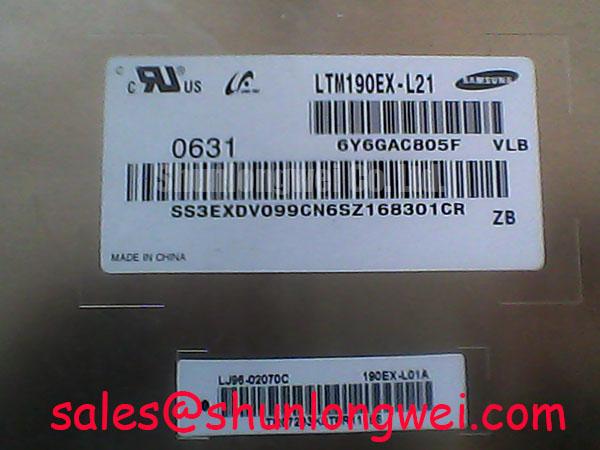
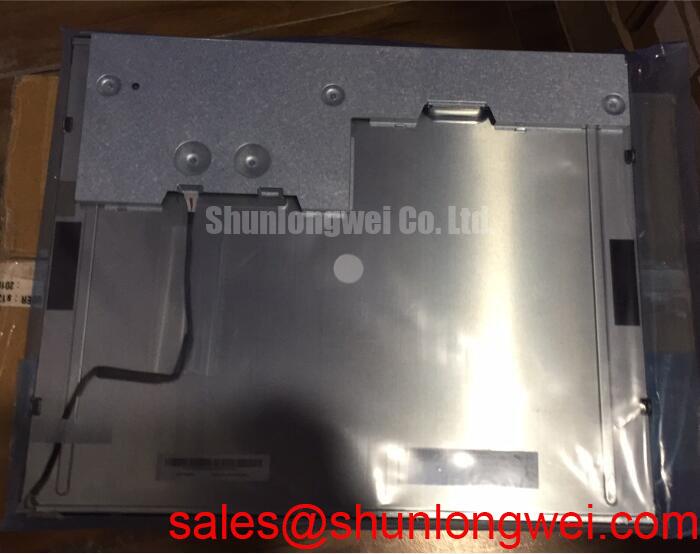
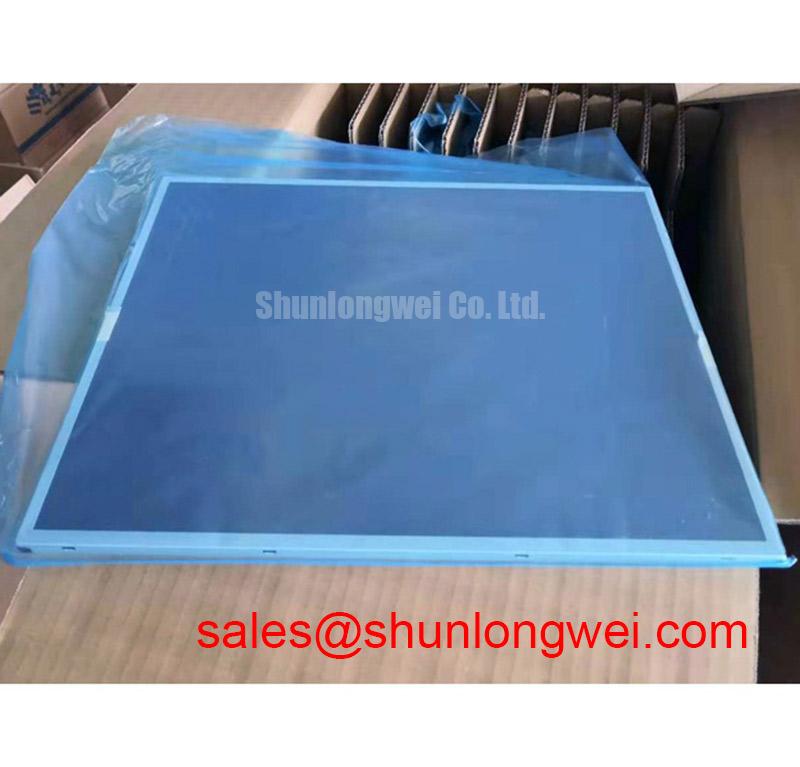
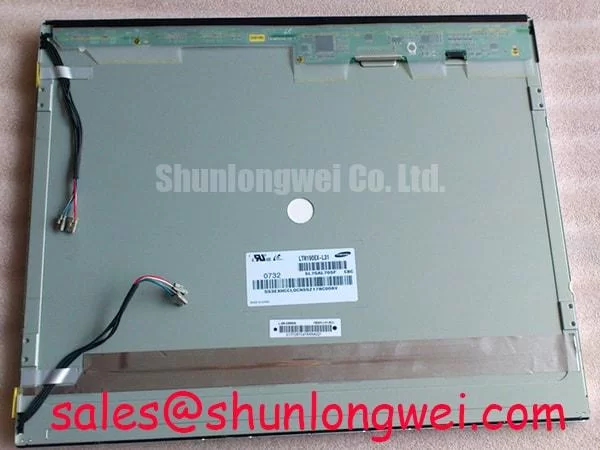
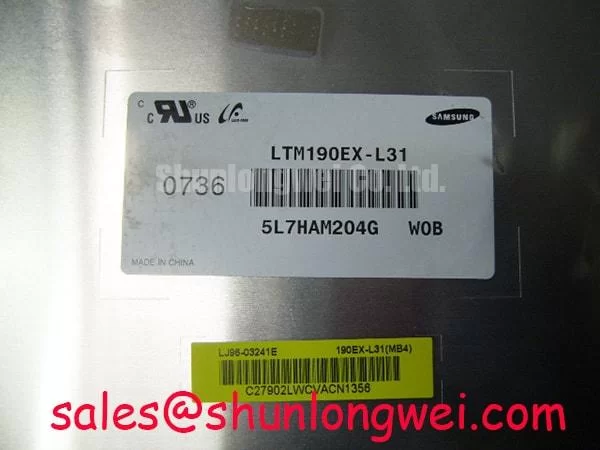
Inspect the bezel, connector and gasket contact area of the LTM190EX-L31 before applying power, then compare the installed assembly with the original equipment drawings. This TFT-LCD display module may be used in an industrial LCD/HMI assembly. The supplied product identification does not establish its supply voltage, connector pinout, interface type, backlight requirements, operating temperature limits or optical ratings. Those values must come from the applicable panel documentation before a replacement is energized or fitted.
Start a thermal inspection at the panel perimeter. Look for lifted edges, visible changes beneath the viewing surface, uneven gasket contact and signs of moisture inside the host enclosure. Photograph any defect with the display off and again with a uniform image on screen. This separates a surface or enclosure observation from an image defect without assigning either one a cause prematurely.
Cold liquid crystal generally responds more slowly, so a display that appears sluggish after a cold start should be assessed after its operating environment stabilizes. That is a Design Consideration, not a temperature rating or a stated gray-to-gray response specification for the LTM190EX-L31. Do not treat proposed thermal-cycle endpoints as factory limits: verify the permitted storage and operating ranges in the original panel documentation before planning a chamber test. If the host uses a heater, confirm its control sequence and measure panel behavior under the equipment’s approved test procedure rather than assuming the panel requires one.
The enclosure gasket deserves its own inspection. Check whether it is seated continuously, whether cabinet hardware loads it evenly and whether airflow or washdown exposure could bring moisture to the panel assembly. A gasket protects only the enclosure arrangement in which it was qualified; the LTM190EX-L31 identification alone does not establish an ingress rating or confirm optical bonding. For longer-term maintenance planning, The Ultimate Guide to Industrial TFT LCD Technology provides background on display technologies, while acceptance criteria should remain tied to the actual panel and equipment documents.
Keep condensation in mind when moving an assembly between markedly different environments. Allow conditions to stabilize under the site’s approved handling procedure before energizing it, and inspect the enclosure’s drainage, seals and ventilation path. These are Design Considerations for the completed HMI, not claims that this panel has a particular moisture barrier or service life.
Chassis Fastening and Optical Mura Inspection
Before tightening the retaining hardware, place the LTM190EX-L31 in the host frame without forcing the bezel into position. Confirm that the mounting points align, the panel sits flat and the gasket is not folded over an edge. Compare the bezel opening, mounting-hole locations and available clearance with the original equipment drawings. No chassis envelope tolerance or approved fastener torque is established by the supplied product identification, so a proposed M3 torque must not be treated as an official panel limit.
Uneven mechanical loading can coincide with localized bright or dark patches on an LCD image. As a Design Consideration, bring fasteners into contact progressively and evenly, using the equipment manufacturer’s torque specification and fixture procedure. Then inspect a uniform midtone image and a dark image before closing the cabinet. If a patch changes as the mounting load changes, document that observation and check frame flatness, gasket placement and cable interference before attributing the pattern to the panel itself.
Leave room for the cable to follow its intended route without pulling on the display connector or pressing against the rear of the assembly. In an equipment rebuild, also check that brackets do not obstruct the enclosure’s designed cooling path. A warmer region in the completed display can have several contributors, including nearby electronics or restricted airflow; measure the installed assembly under its normal operating conditions rather than assigning the effect to a particular internal backlight structure.
Procurement comparisons need the same mechanical discipline. NL192108JC18-03ND can be placed on a comparison list, but its dimensions, mounting geometry, electrical interface, optical characteristics and environmental limits must be checked against the host requirements. A matching use case does not, by itself, establish a direct replacement.
Incoming Bench Inspection and Image Fault Isolation
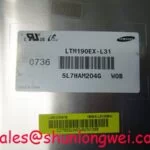
Record the incoming panel’s label and physical condition before connecting it to a known-good, appropriately documented test fixture. Confirm the required supply voltage, pin assignment, connector orientation, interface and backlight drive arrangement from the original panel documentation. The LTM190EX-L31 designation alone is not a safe basis for selecting a supply or wiring a transmitter.
With the correct fixture established, display red, green and blue fields in sequence, followed by a neutral gray field. Look for persistent lines, missing image regions, uneven illumination and color shifts. Repeat observations after checking that the source image and cable are sound. A fixed line may warrant closer examination of the panel-edge connection and drive path, but a visible pattern is not proof of a particular bond or driver failure. Avoid pressing on the display edge to provoke a response.
If the screen is dark, compare it with a known-good signal path and inspect it under angled external light. A faint image can help direct attention toward illumination or its control path, but it is not conclusive on its own; source timing, power sequencing and panel circuitry still require checks. Similarly, a white screen or an image that persists during shutdown calls for review of the host’s specified power-up and power-down sequence. Measure the relevant rails and control signals against the original equipment documentation rather than inventing delay values.
Maintenance note: Disconnect power before reseating a display cable, and check the enclosure airflow and gasket condition during the same service visit.
The display chain also includes the host video source, timing control and illumination control specified for that equipment. Investigate grayscale errors with the known-good source image and documented timing first; gamma or gray-voltage adjustments should not be attempted without an applicable service procedure. The LQ201U1LW31 display is another panel reference for comparing complete display-chain requirements, not an identified backlight driver or confirmed companion to the LTM190EX-L31.
Polarizer and Viewing Performance Under Industrial Lighting
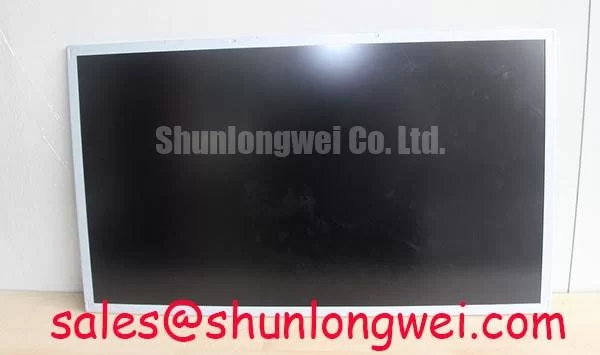
Inspect the viewing surface both with the display off and with controlled test images. Move the light source and the observer separately: a reflection that moves with the light is different from a mark fixed to the panel, while a color change that follows viewing position needs to be assessed against the specified viewing-angle method. Record the test image, lighting and observer position so a later inspection can reproduce the result.
Do not assign a TN, IPS or MVA mode to the LTM190EX-L31 without its applicable specification. Those technologies can differ in off-axis contrast and grayscale appearance, but the model information supplied here does not verify a viewing cone, contrast ratio or anti-glare treatment. If an HMI is difficult to read under strong plant lighting, evaluate the installed orientation, reflections from the cabinet window and the equipment’s documented optical requirements before selecting a panel or changing the cover window.
A petrochemical operator station is one possible host to evaluate, not a stated application approval for this module. In a hazardous-area installation, the complete station’s enclosure, wiring and approval documentation govern the integration decision. Neither an LCD model designation nor an inspection of its front surface establishes explosion-protection suitability.
Finally, check the electrical image path when an apparent optical defect appears only with live video. Compare a stable test image with the host output, inspect the cable seating and measure signal timing against the panel documentation. If that documentation specifies a differential interface, its impedance, clock quality and data timing must be verified as a system; no interface type, impedance target or hold-time limit is established here for the LTM190EX-L31. That distinction keeps lighting, panel loading and source-timing faults from being folded into a single diagnosis.