

Content last revised on September 10, 2026
Thermal Cycling Degradation of Polarizer Adhesives & Sealant Gasket Integrity
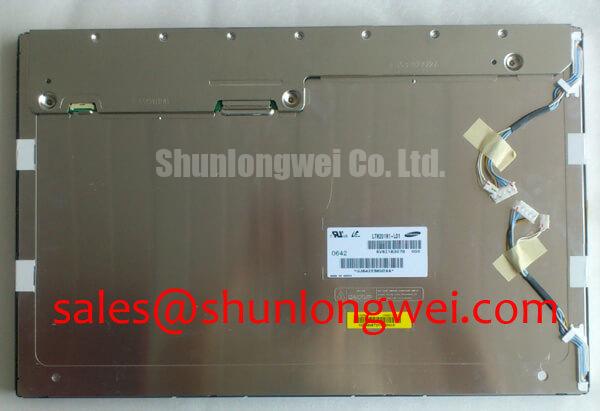
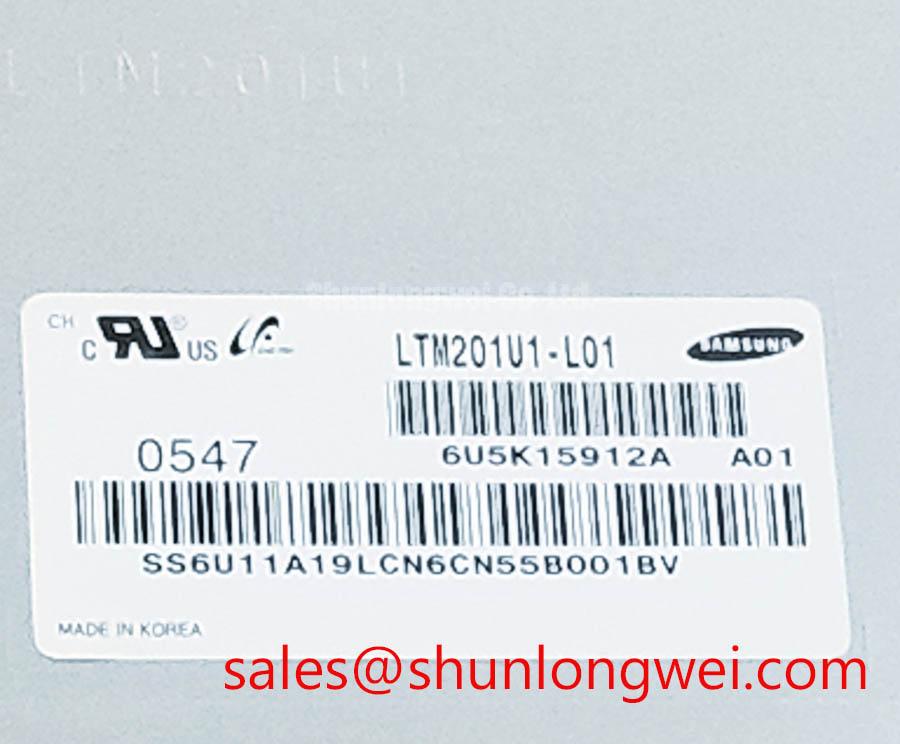
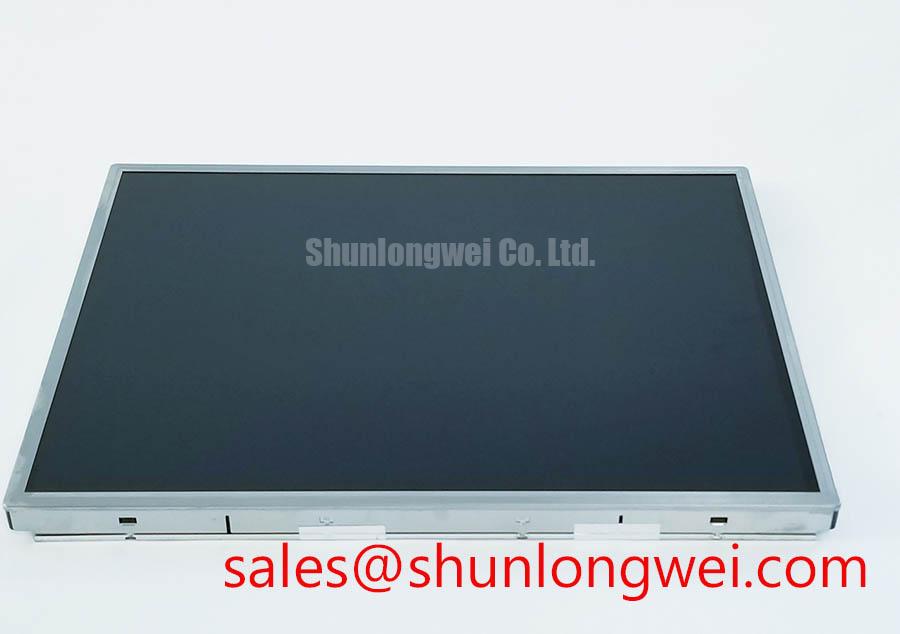
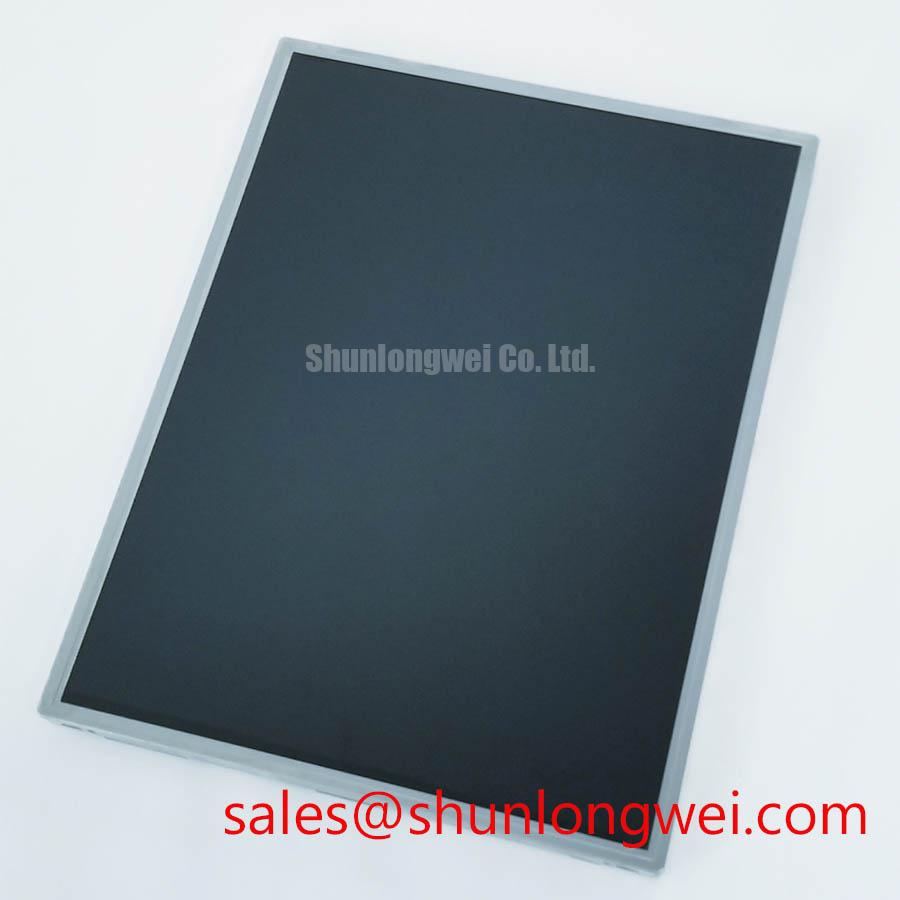
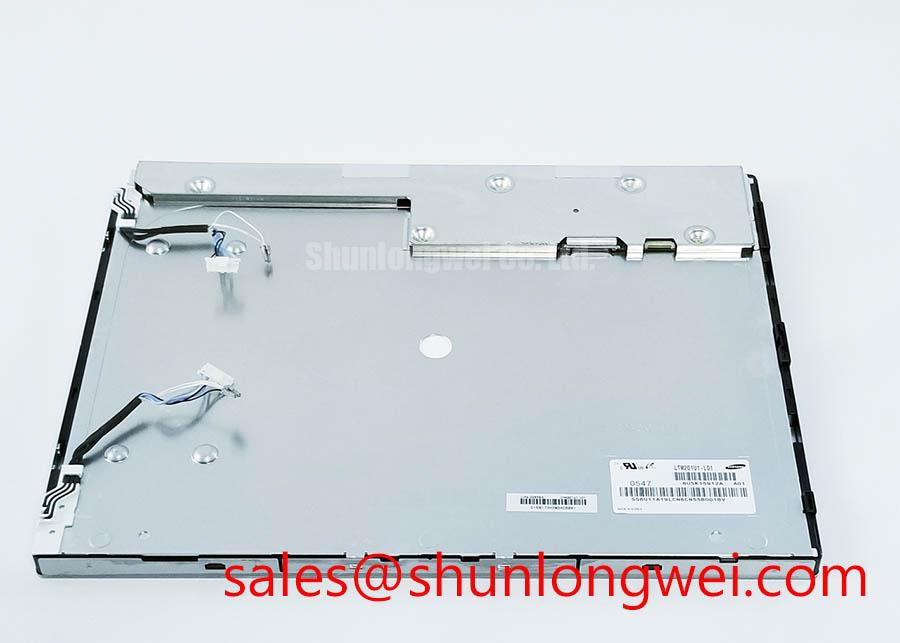
Begin a replacement inspection with the LTM201U1-L01 removed from power: check the bezel, viewing surface, connector area, and perimeter seal for visible damage before applying a test signal. This unit is identified as a TFT-LCD Display Module in the available factory specification context, with Toshiba / Samsung listed as the manufacturer designation and an official factory specification status.
For a field replacement in a heavy mining shovel or earthmoving equipment telematics display, compare the removed panel’s mechanical outline, connector position, optical direction, and mounting points with the replacement documentation. The available product data does not confirm a specific operating temperature range, polarizer construction, sealant material, or gray-to-gray response value for this model. Those limits should therefore be verified against the original panel documentation before exposure to sub-zero starts, heated enclosures, or repeated thermal cycling.
Low temperature can change liquid-crystal response behavior and may produce visible lag during fast screen updates, but the observed effect must be evaluated against the complete display assembly rather than assigned to the panel alone. Check image response at cold start and after the enclosure reaches its normal operating condition. Inspect for edge lifting, haze, bubbles, or moisture ingress around the viewing area and perimeter. These observations can support a service decision without treating a general failure symptom as proof of one internal cause.
Backlight control also belongs to the system verification plan. The integrator should confirm whether the installed backlight requires PWM control, analog control, or another driver method from the original panel documentation. If PWM is used, evaluate frequency selection and duty-cycle linearity across the intended brightness range to avoid visible flicker or audible interaction with enclosure components. Do not assume a particular backlight technology or control voltage from the model number alone.
Industrial EMI Noise Immunity, Chassis Shielding Continuity & Common-Mode Ferrite Chokes
When the display shows pixel jitter, intermittent lines, or horizontal noise bands, first compare the panel signal path with a known-good cable and inspect every connector for incomplete insertion, contamination, or mechanical strain. In equipment containing variable-frequency motor drives, the display cable routing, chassis bonding, connector shielding, and return-current path should be reviewed as one system.
A continuous shield termination around the high-speed display cable can reduce unintended coupling, but the correct grounding method depends on the equipment chassis, cable construction, and EMC test configuration. Designers should verify the panel interface type and pin assignment from the original LTM201U1-L01 documentation rather than applying a generic LVDS or TTL wiring assumption. Common-mode ferrite components may be evaluated where conducted interference is demonstrated, with their impedance, current rating, and placement selected through system testing.
For fast transient current investigation around a drive cabinet, a Rogowski coil can provide a useful non-invasive measurement principle when the instrument bandwidth and integration method are suitable. Background information is available from Rogowski Coil Principle for Fast Transient Current Sensing. Display immunity remains dependent on the complete harness, power supply, chassis, and controller interface, so the panel should not be described as independently compliant with an enclosure-level EMC standard.
Optical and industrial display integration practices can also be compared with information from Sharp Devices Europe Industrial Display Solutions. This external reference does not replace the model-specific documentation required for connector, timing, and environmental verification.
Suppressing Acoustic Capacitor Buzz & EMI Emissions across PWM Frequencies
Audible buzz near an HMI can originate in the backlight driver, power conversion stage, mounting structure, or nearby magnetic components. Disconnect the panel only after the equipment is safely isolated, then check whether the acoustic symptom follows the brightness command, switching load, or enclosure vibration. This approach separates a display assembly investigation from an unsupported assumption about the LTM201U1-L01 backlight design.
The available factory data does not confirm CCFL ignition voltage, LED architecture, PWM dimming ratio, half-life, MTBF, or a guaranteed service lifetime for this model. The system integrator should verify the original backlight documentation before selecting a replacement driver or applying a brightness-control waveform. Where PWM is specified by the driver documentation, measure the waveform at the actual interface and assess brightness linearity, visible flicker, conducted noise, and acoustic response across the operating range.
Do not use an unverified lifetime figure as a procurement or maintenance guarantee. A practical evaluation should record panel brightness, image uniformity, driver temperature, and audible behavior under the real enclosure and duty cycle. Long-term reliability claims require an applicable manufacturer document or controlled test source. General industrial display integration guidance is available through Industrial Display & HMI Solutions.
Logic Supply Voltage Sequencing to Eliminate Driver IC Latch-Up Risks
Before connecting the LTM201U1-L01 to a controller, identify the exact logic supply, signal standard, connector orientation, and power-on sequence from the original panel records. The available product context does not confirm whether this model requires a 3.3 V or 5.0 V logic supply, nor does it confirm LVDS, TTL, JEIDA, VESA, clock timing, differential impedance, or data hold specifications. The system integrator should verify the required supply voltage from the original panel documentation.
During bench testing, observe the supply ramp and display enable relationship with an oscilloscope, then check whether data activity appears before the panel’s documented power conditions are satisfied. Keep the principle clear: prevent signal pins from being driven outside the permitted state during power transitions, and verify the resulting sequence on the complete controller and display assembly. Split-screen artifacts, missing colors, or unstable synchronization may involve mapping, cable seating, timing, supply integrity, or controller configuration; compare each signal against the known-good path rather than assigning a single cause.
Routing should preserve the interface requirements stated by the original documentation. If the interface is differential, maintain a controlled and symmetrical path according to the system design rules, minimize unnecessary stubs, and validate clock quality at the panel connector. If the documentation specifies JEIDA or VESA mapping, configure the transmitter accordingly and confirm color order with a diagnostic pattern.
⚠️ Field Alert: Disconnect power and allow the system to discharge before inserting or removing the display cable, because live connector handling can expose signal pins to damaging transient conditions.