

Content last revised on October 18, 2026
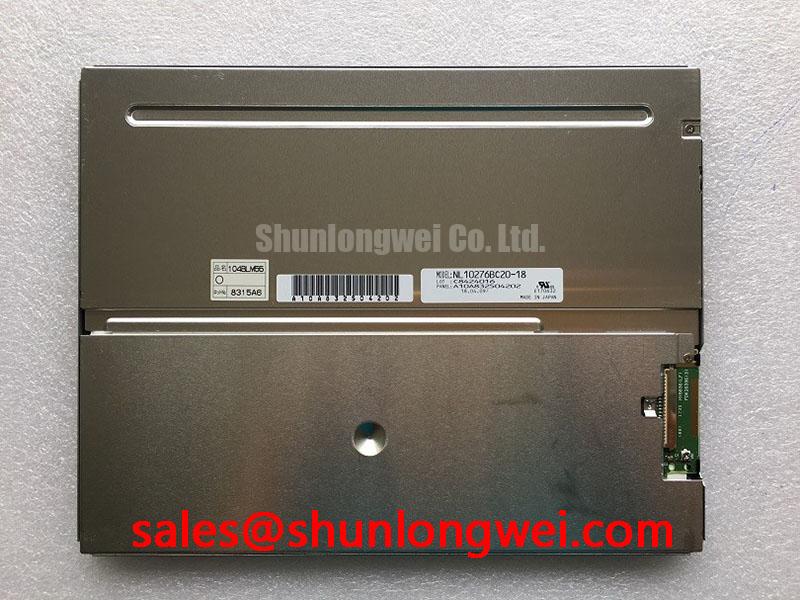
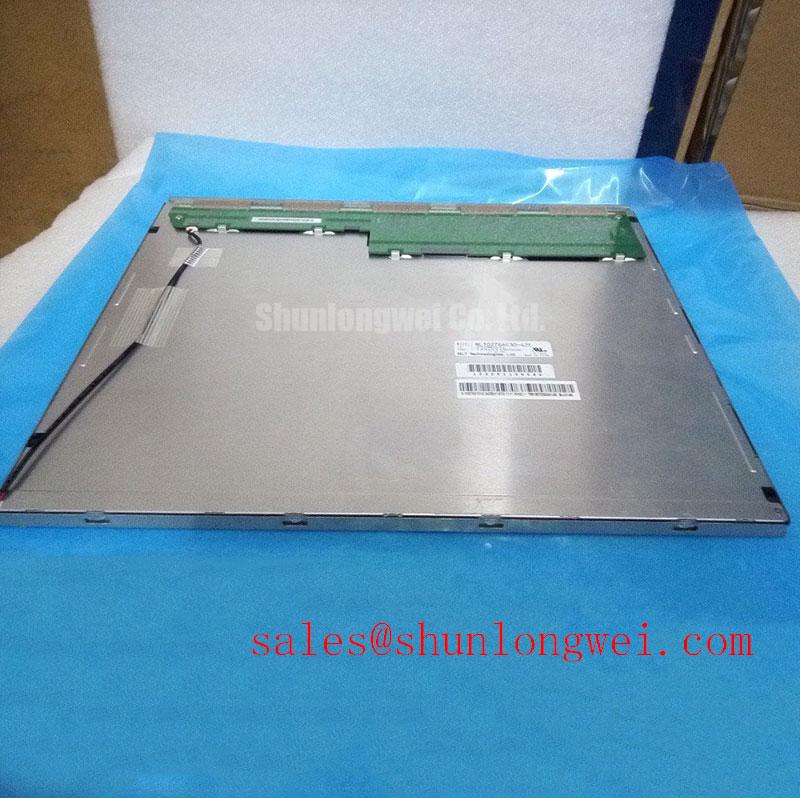
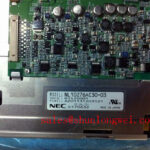
NEC NL10276AC30-03 Product Identification and Replacement Checks
NEC NL10276AC30-03 is identified as an industrial grade LCD/HMI panel using a TFT LCD active matrix color display module. Its supplied product baseline is listed as Decoded Baseline / Standard Form Factor. For a repair engineer, the first task is not to assume that a similar-looking panel will share the same electrical interface. Confirm the original panel documentation, connector pinout, display timing, backlight arrangement, and controller compatibility before energising the replacement.
| Manufacturer | NEC |
| Model | NL10276AC30-03 |
| Product category | Industrial Grade LCD/HMI Panel |
| Display construction | TFT-LCD Active Matrix Color Display Module |
| Specification status | Decoded Baseline / Standard Form Factor |
| Application assessment | Industrial HMI, control-panel, and railway display replacement evaluation |
- Check the panel label against NL10276AC30-03 before removing the installed display.
- Record the existing signal interface, backlight connection, and logic supply arrangement before fitting a replacement.
- Inspect the connector, cable retention, bezel opening, and mounting points for mechanical stress or contamination.
- Test the display with the equipment isolated from power and compare the replacement image path with the known working unit.
The model may be evaluated for CNC operator pendants, industrial HMI consoles, railway passenger information terminals, or cab signalling display assemblies when the mechanical and electrical interfaces match the host equipment. It should not be treated as a drop-in substitute solely because the diagonal size or connector appearance is similar. The original system documentation remains the reference for supply voltage, timing, pin assignment, and backlight control.
Temperature Effects and Sub-Zero Liquid Crystal Response
Cold-start complaints should be separated into panel response, image-source timing, and backlight behaviour before a display is condemned. Liquid crystal response can become visibly slower at low temperature, producing trailing motion or delayed grey transitions even when the incoming image data is correct. At the opposite thermal extreme, enclosure heating, optical non-uniformity, and connector expansion can affect the observed image. These effects are system-level observations and should not be confused with a confirmed operating-temperature rating for this model.
For a railway passenger information system or cab display, record the image condition immediately after cold start and again after the equipment reaches its normal internal temperature. A static test pattern helps distinguish slow pixel transitions from intermittent source data. Moving text, diagonal lines, and mid-level grey patterns are useful because they expose response lag more readily than a full-white screen.
Temperature cycling also places mechanical stress on the bezel, cable, connector housing, and perimeter sealing arrangement. Inspect for a display image that changes when the panel frame is lightly supported, but avoid flexing the glass or pressing the active area. A change in image condition during mechanical observation may point toward mounting stress or an unstable connection rather than a liquid crystal defect.
TTL and LVDS timing should be checked against the original controller documentation. Clock stability, data hold time, reset sequencing, and the relationship between enable signals can change with the host electronics and cable assembly. When a picture becomes unstable only during cold operation, use an oscilloscope at the controller output and compare the clock and data activity with a known-good panel. Do not infer a universal timing margin from the model number alone.
Backlight Driving, PWM Dimming, and Flicker Control
Backlight troubleshooting begins at the driver connection, not at the optical surface. A dark display can result from missing logic power, an inactive enable signal, an open backlight path, a faulty driver, or a panel that is receiving no valid image data. The supplied baseline identifies the product as a TFT-LCD active matrix color display module, but it does not establish a confirmed WLED, CCFL, constant-current, or PWM specification for this exact model.
When the installed equipment uses a solid-state LED backlight, measure the driver input, enable state, dimming control, and output behaviour using the equipment service documentation. Constant-current drivers should be assessed as part of the complete display assembly because the driver and panel backlight requirements must be electrically compatible. A replacement driver should not be selected from voltage or connector similarity alone.
Older equipment may use a high-voltage fluorescent backlight arrangement, while a later retrofit may use an LED assembly. These architectures require different wiring, insulation, control signals, and fault checks. The system integrator should verify the required backlight technology from the original panel documentation rather than assuming that every replacement uses LED illumination.
Visible flicker, uneven brightness, or acoustic noise can also originate in the external driver or power converter. Observe the dimming waveform at the driver interface and compare it with the original system behaviour. If the image is stable at full brightness but unstable during dimming, examine the control signal, grounding arrangement, and driver compatibility before replacing the LCD module.
High-speed display wiring should be routed away from inverter, motor, and relay conductors. Differential routing, return-path continuity, shielding, and connector retention are design considerations for reducing susceptibility to industrial interference. The exact cable impedance, skew allowance, and dimming frequency must be taken from the controller and panel documentation applicable to the installation.
Open-Frame Bezel Integration and Mounting Considerations
Mechanical fit is a frequent source of image defects after an emergency panel replacement. Before fastening NL10276AC30-03, compare the original opening, support ledges, connector clearance, viewing position, and cable bend path. An open-frame display should be supported by its intended mounting points; pressure applied through the active area can create local optical non-uniformity or permanent damage.
Use a flat, clean mounting surface and check that the chassis does not twist as the fasteners are tightened. A gasket can distribute contact pressure and reduce vibration transfer, but its thickness and compression must be established by the equipment mechanical drawing. Do not improvise a rigid spacer that forces the panel against the bezel or traps the cable between the display and chassis.
Fasteners should be tightened progressively in a cross pattern where the chassis design permits it. The correct torque is determined by the panel frame, screw size, threaded material, gasket arrangement, and manufacturer instructions. The commonly suggested torque range of 0.35 to 0.45 N·m must not be presented as an official value for this NEC model without a matching mechanical specification.
After installation, display a full-field white pattern, a dark pattern, and several grey levels. Look for bright corners, pressure marks, dark patches, or changes that appear only after the bezel is secured. If the image is clean before tightening but develops local shading afterward, release the mechanical load and inspect the opening alignment rather than attempting image calibration first.
⚠️ Field Alert: Disconnect power before inserting or removing the display cable to reduce the risk of contact transients at signal and backlight-control pins.
Digital RGB/LVDS Interface Synchronization and Logic Rail Verification
Split-screen images, colour blocks, unstable text, and missing picture regions require a structured interface check. Verify the host controller’s data format, clock polarity, enable timing, bit mapping, and connector orientation against the original panel documentation. A panel may be physically compatible while using a different RGB mapping or timing convention.
Where the host uses a TTL RGB interface, inspect the complete data bus rather than checking only the pixel clock. A missing or misrouted colour bit can produce incorrect tones while leaving the image partially visible. JEIDA and VESA mapping conventions should be compared with the controller configuration before changing firmware or adjusting the T-CON arrangement. These names describe interface mapping conventions; they do not confirm which mapping is used by this model.
Where LVDS is present in the equipment, evaluate the differential pairs as a transmission system. Keep the pair routing continuous, maintain a controlled return path, minimise unnecessary stubs, and separate the cable from high-current switching conductors. A 100 Ω differential target is a common high-speed design consideration, but the applicable value must be confirmed for the actual transmitter, cable, and receiver combination.
Logic power should be measured during power-up, steady operation, and shutdown. The system integrator should verify the required supply voltage from the original panel documentation. A display that shows a brief flash and then disappears may involve power sequencing, enable timing, controller reset, or backlight protection; the symptom alone does not identify one failed component.
For equipment exposed to servo drives or other high-noise industrial electronics, compare the display waveform with the controller located in its normal cabinet position and with the cable temporarily separated from noisy conductors. If the fault changes with cable movement or cabinet loading, inspect shielding termination, connector retention, ground continuity, and routing. For a same-class replacement evaluation, engineers can also review NL6448BC33-24, but its interface and mechanical compatibility must be assessed independently.
Broader selection considerations covering TFT interfaces, optical behaviour, and industrial integration are available in The Ultimate Guide to Industrial TFT LCD Technology. For industry display context, consult the Industrial TFT Display Solutions reference alongside the original equipment documentation.