Content last revised on September 10, 2026
Industrial Bezel Mechanical Envelope Tolerances and Mounting Screw Torque Optimization
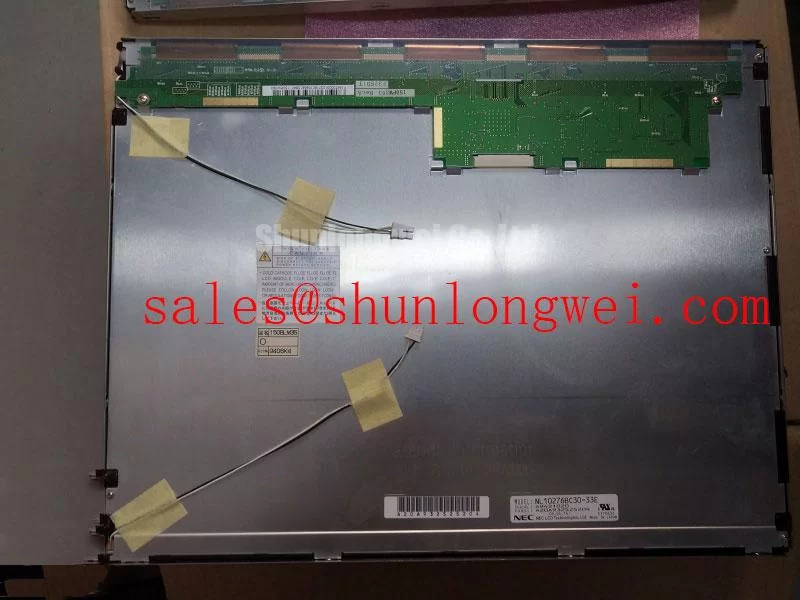
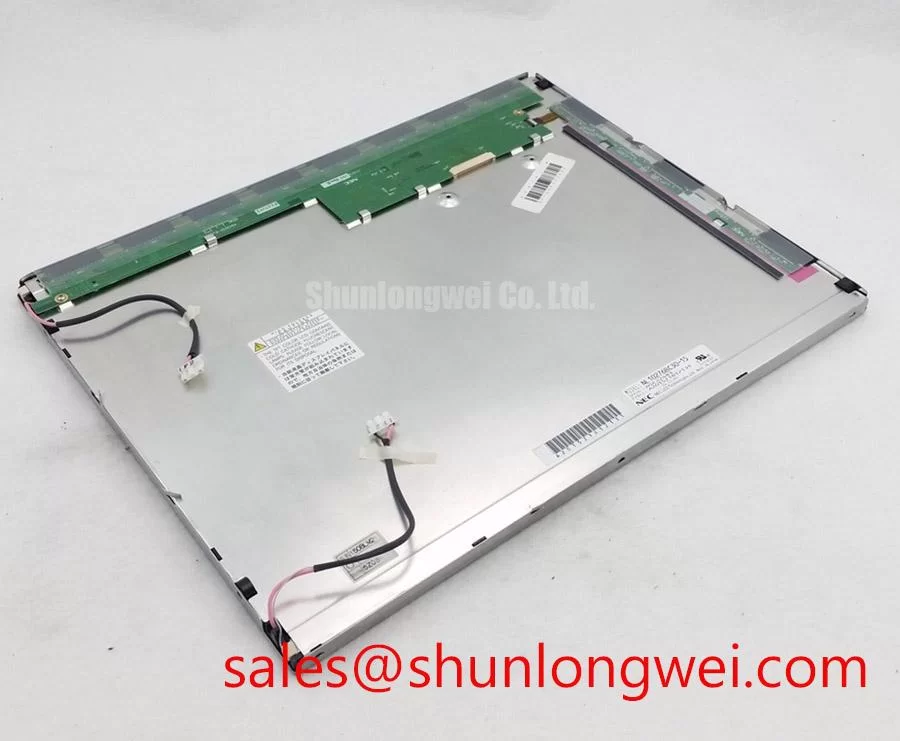
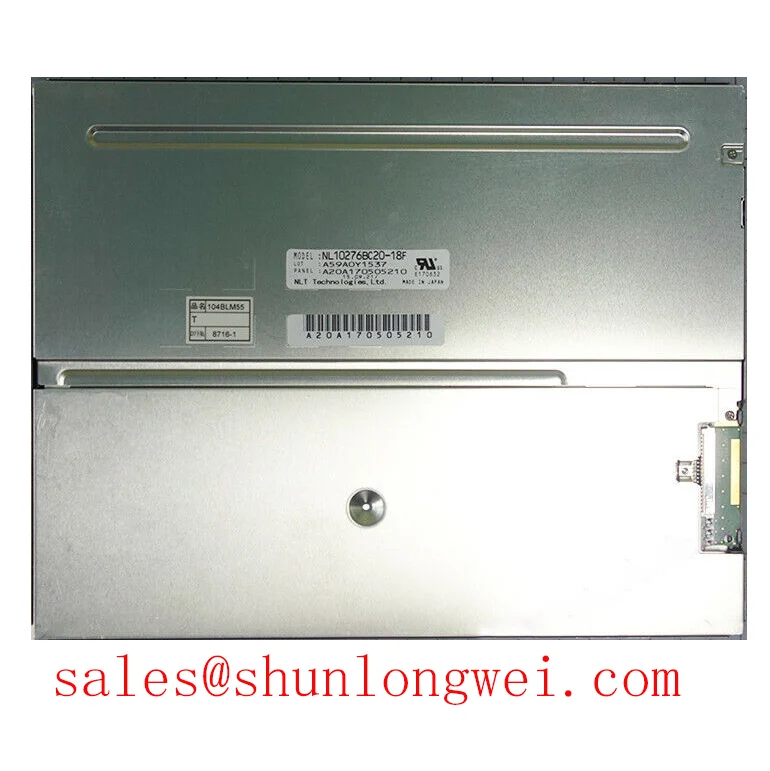
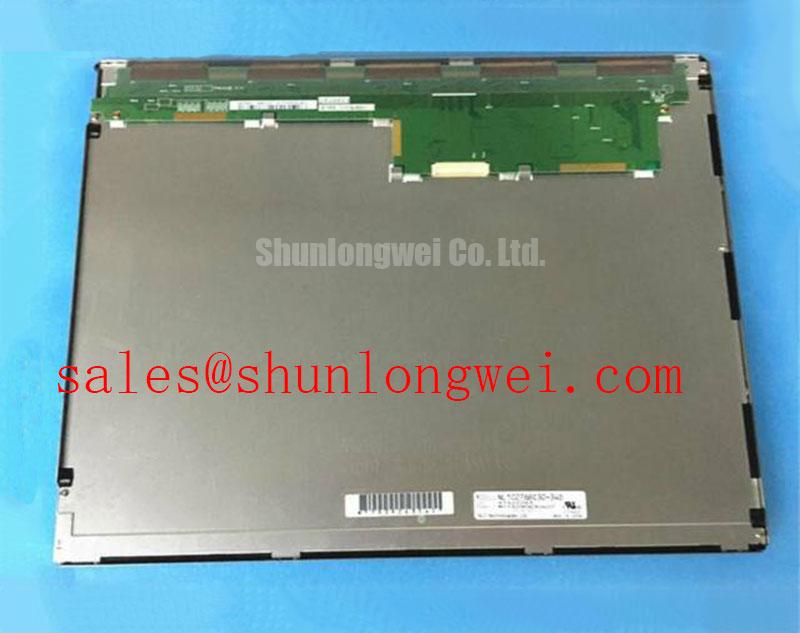
Installers should first compare the replacement module with the removed panel on a clean, flat work surface. Check the visible bezel, mounting holes, connector clearance, cable exit direction, and the distance between the active image area and the equipment opening. The product record supplied for the NL10276BC30-18C does not provide dimensional drawings or mounting-hole coordinates. For that reason, the equipment’s original mechanical drawing remains the controlling reference rather than a generic panel-size assumption.
During a trial fit, place the display into the bezel without tightening the fasteners. Confirm that the module rests naturally in the chassis and that the frame is not being pulled sideways by a misaligned hole. Tightening a screw to compensate for an incorrect hole position can introduce local frame stress. That stress may appear later as uneven brightness, localized optical non-uniformity, or an image area that changes when the enclosure is closed.
Cross-pattern tightening is a useful Design Consideration for panels secured by multiple fasteners because it distributes mechanical loading more evenly. The correct torque must come from the panel drawing, screw specification, threaded insert design, and enclosure material. The supplied information does not confirm a model-specific M3 torque limit, so the commonly suggested torque range in a service note should not be treated as an official rating for this NEC module.
Use a calibrated torque tool when the original service documentation defines a value. If no value is available, the system designer should establish a conservative starting point through a mechanical fit test while observing the display for pressure marks, frame distortion, and changes in uniformity. The final setting should be validated with the complete bezel, gasket, cable routing, and thermal condition in place.
For medical display equipment, the front opening also deserves attention. A narrow bezel gap can create a dust path, while excessive compression from a seal can transfer force into the panel frame. Any sealing method should be evaluated for long-term material compatibility, cleaning chemicals, and service access. The available product data does not confirm optical bonding, ingress protection, or a specific sealing construction for this model; these characteristics must be verified from the original panel documentation before they are used in a clinical enclosure.
Backlight control should be checked at the system level. Do not assume that a replacement display accepts the same dimming signal as the removed unit. The controller may use a dedicated enable signal, analog brightness control, or PWM input, but the correct method for this model is not stated in the supplied factory record. Designers should verify the backlight connector definition, allowable control waveform, polarity, and current requirement from the original documentation.
Industrial EMI Noise Immunity, Chassis Shielding Continuity and Common-Mode Ferrite Chokes
When a replacement display is installed near variable-frequency motor drives or other switching equipment, begin with cable placement rather than immediately changing electronic components. Route the display cable away from high-current motor conductors and switching nodes where the enclosure permits. Avoid unnecessary cable loops, sharp bends at the connector, and unrestrained movement that can change contact pressure during vibration.
The supplied information does not identify whether the NL10276BC30-18C uses LVDS, TTL, or another display interface. The system integrator should verify the interface family and complete pin assignment from the original NEC panel documentation. A cable that appears mechanically similar can still carry a different clock arrangement, signal polarity, voltage domain, or data mapping.
For an LVDS implementation, continuous shield bonding around the cable termination is a practical Design Consideration. The objective is to control the return path for high-frequency common-mode current and reduce the area exposed to electric and magnetic fields. Shield continuity should be checked from the panel-side connector through the chassis entry point and back to the controller enclosure. A painted surface, loose clamp, or isolated cable braid can interrupt the intended path.
Ferrite common-mode suppression may be considered when conducted noise remains after cable routing, grounding, and connector inspection have been verified. Its impedance profile must be evaluated against the signal bandwidth, cable construction, and the display controller output. An unsuitable ferrite can increase edge distortion or interfere with signal integrity, so it should not be selected solely by physical size.
Some design references use controlled differential impedance and tight pair matching for high-speed display links. Those values are system-level routing targets, not confirmed specifications of the NEC module in the supplied record. If the controller documentation defines a characteristic impedance, skew limit, or termination arrangement, route the board and cable accordingly and verify the result with suitable measurement equipment. The relevant test is the signal observed at the receiving interface under the actual enclosure, cable length, grounding arrangement, and switching load.
Pixel jitter, intermittent lines, or horizontal noise bands should be investigated by comparing the suspect unit with a known-good signal path. Inspect connector seating, cable strain, ground continuity, controller supply stability, and clock quality before assigning the symptom to the panel itself. An oscilloscope or appropriate high-speed probing method can help distinguish a timing problem from a power disturbance, but probing must not add excessive capacitance or create a new ground loop.
The related NL10276BC30-24D may be reviewed as a separate NEC display solution when engineers are comparing related system topologies. It should not be treated as an automatic substitute for the NL10276BC30-18C. Interface, mechanical, optical, and backlight details must be matched from documentation before any cross-model decision.
Managing Localized Thermal Gradients and Color Shift
Thermal evaluation should begin with the complete assembly rather than the display module alone. Record the location of controller boards, backlight drivers, power converters, fans, vents, and heat-producing components around the bezel. A display that operates acceptably on an open bench can develop a visible color or brightness imbalance after it is enclosed beside a warm power stage.
The factory context provided for the NL10276BC30-18C does not specify an LED backlight construction, optical plate material, allowable surface temperature, brightness maintenance curve, L70 value, B50 value, or backlight service life. Those figures must not be inferred from the product category. They should be obtained from the relevant NEC documentation or measured through an authorized engineering test plan.
An aluminum spreader rail or other thermal interface can be considered when temperature mapping identifies a local hot spot near the display edge. This is a Design Consideration, not a confirmed internal construction of the panel. The mechanical solution must avoid direct pressure on the glass, interference with the optical stack, obstruction of the backlight path, and galvanic or electrical contact with exposed conductors.
Measure temperature at several locations during the intended brightness level and enclosure condition. Compare the center, corners, narrow edges, connector region, and neighboring heat sources. A thermal camera can reveal gradients, but its readings depend on emissivity and surface finish. Contact sensors may be useful for correlation when they can be attached without altering the thermal path or damaging the panel.
Backlight current regulation also requires verification. The original driver should be checked for output current, enable behavior, dimming control, fault response, and startup behavior. A driver that produces the correct visual brightness at one operating point may still expose the replacement panel to an unsuitable current waveform. If PWM dimming is used, the controller and backlight specification should define the permitted frequency and duty-cycle behavior; the values in a generic application note should not be presented as model-specific requirements.
For surgical navigation and ultrasound display terminals, visual evaluation should include grayscale transitions, low-level image detail, uniform fields, and color stability after the enclosure reaches thermal equilibrium. Review the display from the intended viewing positions rather than relying only on a center-screen inspection. Wide-viewing-angle performance, contrast behavior, and off-axis color shift are application-dependent optical characteristics, and the supplied record does not confirm whether this model uses an IPS, MVA, or another panel structure.
Do not claim a service-life figure for the backlight without an authoritative source. A brightness decay curve depends on drive current, temperature, duty cycle, optical design, and the definition used for end of life. The correct engineering record should identify the source, test conditions, measured brightness reference, and environmental assumptions before a procurement team uses the figure for maintenance planning.
For broader enclosure and HMI integration considerations, engineers can consult Industrial Display and HMI Solutions. That reference may support system-level inspection planning, but it does not replace the NEC documentation for this specific display module.
Display Bus Synchronization and Logic Power Rail Verification
Before connecting the NL10276BC30-18C, identify the controller’s display output and compare it with the original panel cable record. The supplied product information does not confirm a TTL 24-bit RGB interface, LVDS interface, logic supply voltage, power-on timing, pixel clock arrangement, or JEIDA/VESA mapping. These values must be verified rather than selected from a general LCD compatibility chart.
If the original system uses a parallel RGB bus, inspect the red, green, blue, pixel clock, data-enable, sync, and ground assignments against the panel drawing. If it uses LVDS, verify the number of data pairs, clock polarity, channel order, mapping convention, and termination arrangement. A mismatch can produce color inversion, split-screen artifacts, unstable synchronization, or a blank image even when the backlight is operating normally.
The system integrator should verify the required supply voltage from the original panel documentation. Do not assume that a controller designed for one logic rail is suitable for this NEC module. Measure the rail during startup and shutdown with the correct probe reference, then compare its behavior with the panel’s documented requirements. A white screen, residual image, or delayed startup may involve power sequencing, reset behavior, display-enable timing, or controller firmware rather than a single defective panel.
Power sequencing should be assessed as a complete sequence: controller readiness, logic supply rise, display data activity, backlight enable, and removal order. The permitted timing limits must come from the panel and controller documentation. Where those limits are unavailable, the design team should characterize the original equipment and validate the replacement through repeated cold-start, warm-start, shutdown, and brownout tests.
Data-format alignment deserves the same care. JEIDA and VESA conventions can arrange the most significant data bits differently, and the controller may provide a configuration option that changes the observed image. Engineers should compare a known grayscale pattern, primary color fields, fine text, and moving diagnostic graphics. Any mapping change should be documented in the controller configuration so that a later service replacement does not depend on undocumented trial and error.
💡 Pro Tip: Keep high-speed display pairs referenced to a continuous return path and verify clock and data integrity at the receiving end after the final cable and enclosure are installed.
The NL10276BC16-06 can be included in a neutral comparison of same-family display options, but its presence on a related selection list does not establish pin-to-pin, timing, resolution, or mechanical equivalence. Procurement and repair teams should request the applicable drawings and confirm every interface boundary before authorizing a substitution.