

Content last revised on October 8, 2026
Radiated Emissions Control through Backplate Bonding and Cable Shielding
Before reconnecting a NEC NL6440AC33-01, isolate the console supply, inspect the display connector for contamination, and compare the module label with the equipment’s service documentation. In a radar or navigation bridge console, this inspection should include the enclosure seal, cable entry points, and mounting surfaces. Salt deposits, trapped moisture, and loosened cable supports can affect the display assembly without establishing a fault inside the LCD module itself.
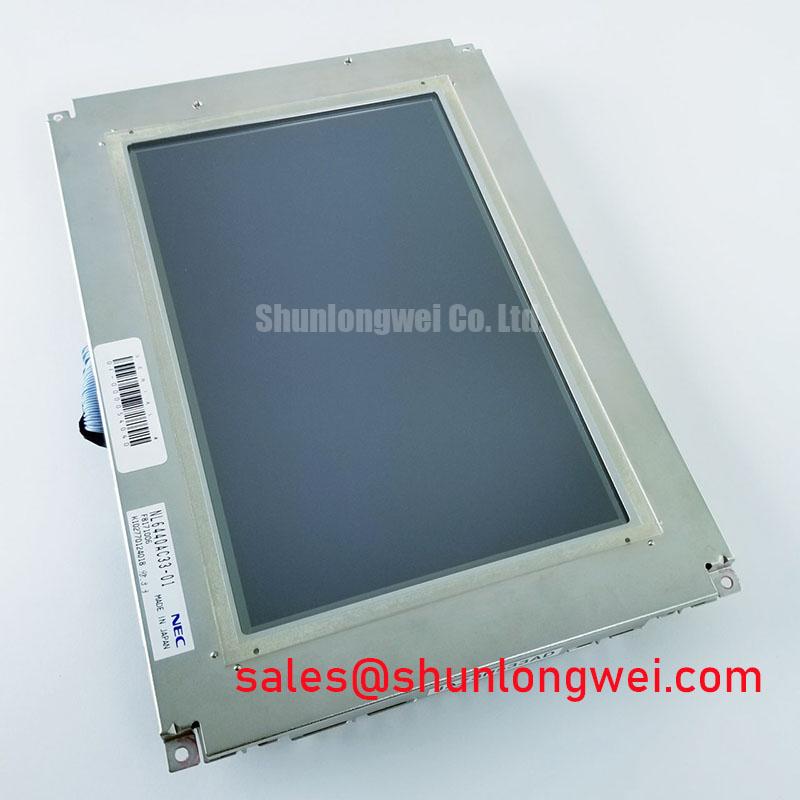
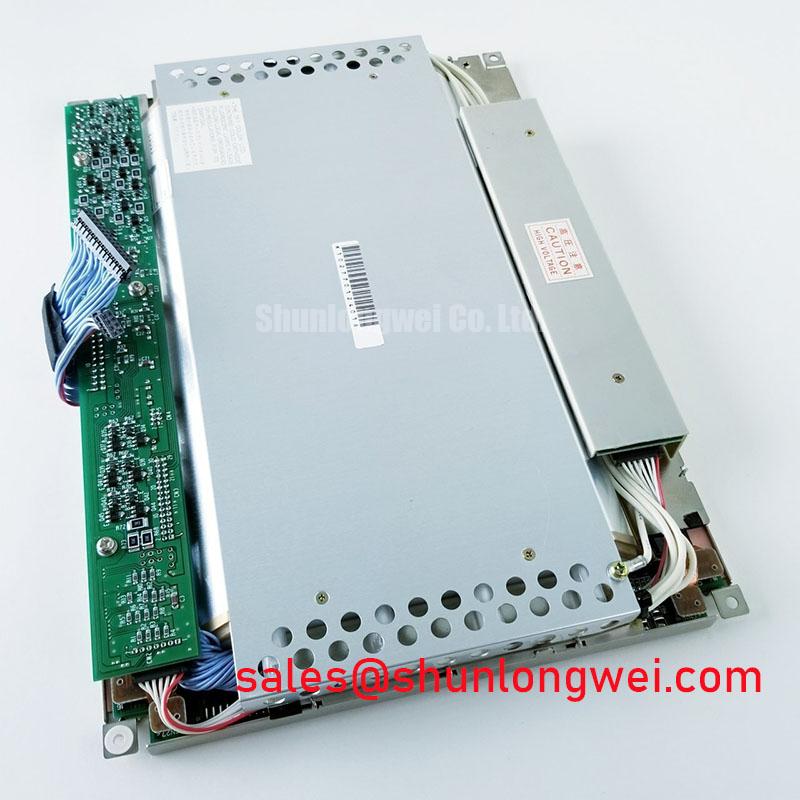
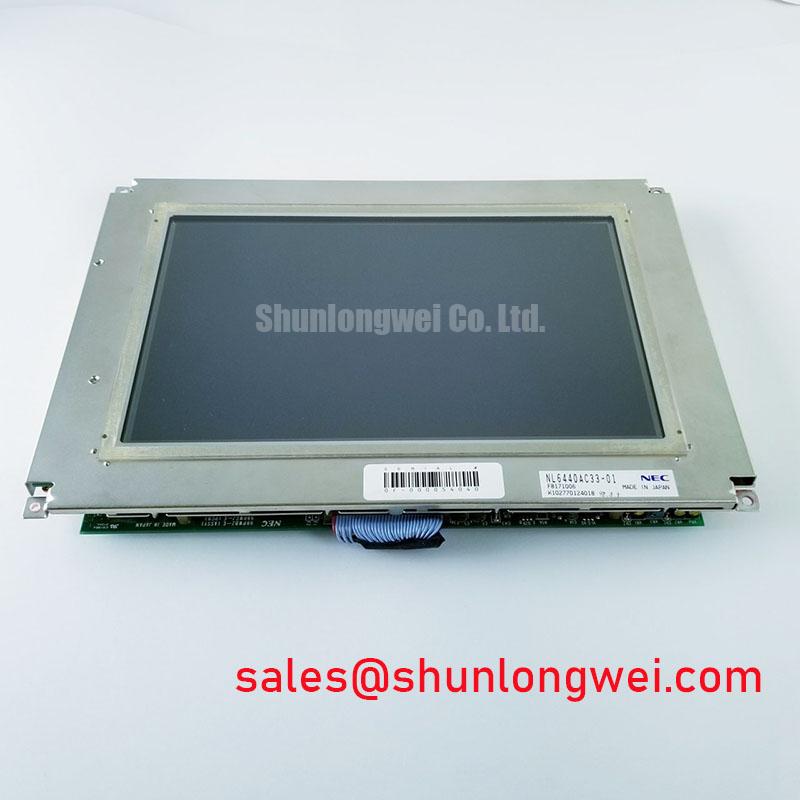
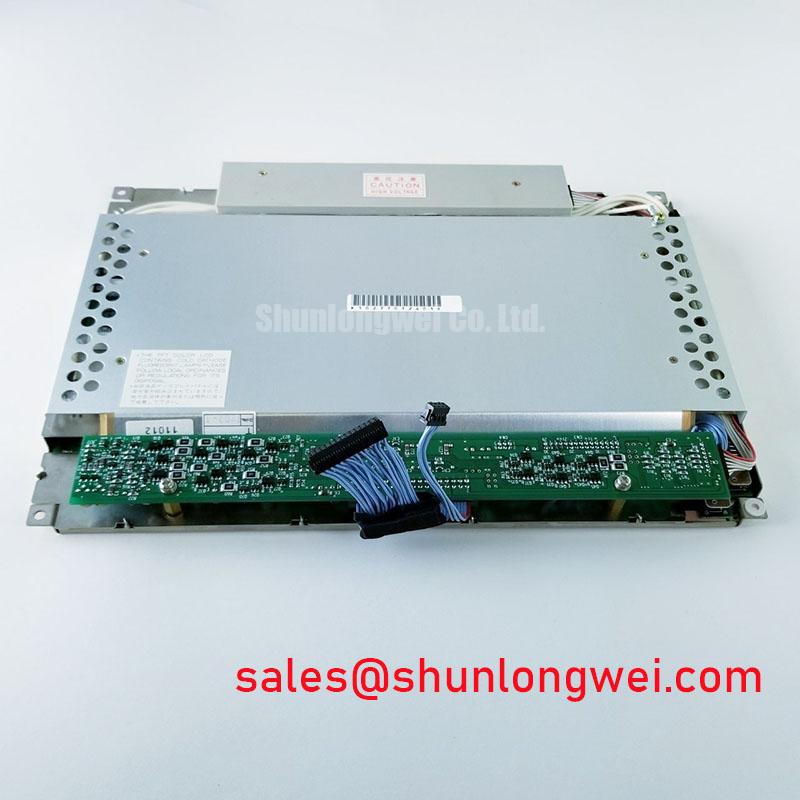
The NL6440AC33-01 is identified as a NEC TFT-LCD display module in the industrial LCD/HMI panel category. Its suitability for a particular marine console remains an equipment-level compatibility decision. The module designation alone does not establish marine approval, sunlight readability, environmental sealing, or compliance with a radiated-emissions standard.
| Product attribute | Product information | Engineering significance |
|---|---|---|
| Model | NL6440AC33-01 | Match the complete designation against the installed module and service parts list. |
| Manufacturer | NEC | Use documentation applicable to this exact NEC model. |
| Product category | Industrial Grade LCD/HMI Panel | Evaluate compatibility with the host display assembly. |
| Module construction | TFT-LCD Display Module | Account for electrical connections, mechanical support, and optical clearance. |
| Numerical electrical and optical ratings | Require the exact model specification | Do not infer supply voltage, interface, brightness, or temperature limits from the model name. |
As a Design Consideration, investigate display noise by tracing the complete return path between the controller, cable shield, chassis, and power supply. Backplate bonding can help control common-mode currents when it follows the equipment’s grounding architecture. Multiple bonds and star connections are not interchangeable remedies: their effectiveness depends on conductor geometry, operating frequency, and how interference enters the assembly. Neither arrangement independently establishes CISPR Class A or Class B compliance.
Inspect the existing shield termination before changing it. Where the equipment specifies a circumferential shield connection, preserve that connection and its mechanical support rather than replacing it with an improvised long conductor. Do not assume that the NL6440AC33-01 uses LVDS or a particular flexible cable interface. Connector assignment, signal format, and shield treatment should follow the original panel and controller documentation.
If horizontal bands or image instability coincide with operation of a nearby motor drive, compare the display supply and controller signals under repeatable operating conditions. Observe whether the disturbance changes with cable routing, chassis bonding, or drive operation. A ferrite may be evaluated as an Engineering Recommendation after identifying the interference path; its selection and placement remain system-dependent. Image noise alone does not prove a defective panel or identify a single coupling mechanism.
For a bridge console exposed to strong daylight, evaluate readability through the actual protective window. Ambient reflections, viewing direction, surface contamination, and the cover glass all influence usable contrast. No numerical sunlight contrast ratio or anti-glare coating specification is established here for this model. Any optical acceptance requirement should therefore be checked against the exact panel specification and a representative installed-console test.
Operating Temperature Boundaries, Cold Response, and Condensation Control
Check the console’s environmental requirements separately from the display module’s operating and storage limits. An enclosure intended for an exposed bridge position does not automatically extend the temperature capability of the LCD inside it. The NL6440AC33-01 should not be assigned a wide-temperature rating without the corresponding model-specific specification.
As a Design Consideration, liquid-crystal response generally slows as temperature decreases. The visible effect can include delayed transitions, motion trails, or slower updating of changing symbols. These observations require comparison with the controller’s output and the panel’s documented response characteristics. A sluggish image during a cold start is not enough to diagnose damage, and room-temperature response data should not be treated as a guaranteed cold-temperature result.
For radar or navigation equipment, designers should evaluate moving targets, scrolling information, and changing status indicators at the intended operating conditions. Record the temperature at the display assembly rather than relying only on an external ambient sensor. Internal heat sources and restricted airflow can make the panel environment different from the air outside the enclosure. The equipment designer must determine whether that difference remains within the module’s documented limits.
Condensation deserves a separate inspection path. Moisture can develop when cold equipment encounters warmer humid air, including during maintenance access or transfer between environments. Inspect the connector area, rear enclosure, and protective window for evidence of moisture before energizing the assembly. Where the equipment includes a heater or humidity-control arrangement, assess its operation against the equipment specification rather than treating heating as a universal panel modification.
Heater placement also needs mechanical and optical review. As an Engineering Recommendation, avoid localized heating that creates uneven temperature distribution across the display, and assess the complete assembly during warm-up. Heater power, control thresholds, and sensor location must be determined by the equipment designer. No heater-strip setting or cold-start compensation value can be assigned to this model from its designation alone.
Signal integrity remains a separate compatibility issue. If the documented interface uses differential signaling, preserve its specified impedance, termination, and routing requirements. Do not apply a generic differential-pair impedance or skew budget before confirming the interface. During diagnosis, compare the controller output with a known-good signal path and suitable measurement equipment; thermal symptoms and signal errors can coexist without sharing the same cause.
When evaluating another NEC display, NL10276BC16-06 can serve as a separate comparison candidate, not an assumed replacement. Compare its documented active area, pixel format, connector assignment, supply requirements, mounting arrangement, and environmental limits with those of the NL6440AC33-01. Similar branding or naming does not establish interchangeable dimensions or controller compatibility.
Chassis Fastener Control, Bezel Clearance, and Optical Mura Inspection
Inspect mounting bosses, brackets, and bezel contact points before tightening the display into the console. Mechanical stress can influence image uniformity, but a visible patch or dark-field irregularity does not uniquely identify an overtightened fastener. Optical contamination, pressure from the enclosure, thermal distortion, and faults elsewhere in the display assembly should remain part of the inspection.
No model-specific fastener size, tightening torque, outline tolerance, or mounting-hole dimension is established here for the NL6440AC33-01. A generic screw torque should not be substituted for the panel manufacturer’s mounting instructions or the console’s approved assembly procedure. Thread engagement, bracket material, washers, and the load path all affect the appropriate fastening method.
As a Design Consideration, support the module through its intended mounting features and prevent the bezel from loading the active display surface. Check that cables do not become trapped behind a bracket and that the enclosure closes without forcing the display into position. Where the equipment procedure specifies a tightening sequence, follow it and inspect the image after assembly. Avoid treating increased clamping force as a remedy for vibration.
⚠️ Maintenance Note: Inspect vibration pads and enclosure gaskets for compression, displacement, or deterioration before reassembly, and replace them only with materials specified for the equipment.
Gasket condition matters in consoles exposed to salt-laden air, cleaning fluids, or oil mist. A damaged seal can admit contamination, while an incorrectly fitted replacement can impose additional pressure on the display assembly. Check mating surfaces and cable-entry seals as part of the same inspection. Environmental protection belongs to the completed enclosure; it should not be inferred from the industrial LCD/HMI product category.
For an optical check, display uniform fields and representative operating screens with the assembly supported in its normal position. Compare any irregularity before and after the approved mounting procedure, without pressing on the viewing surface. Record whether the effect changes with temperature, bezel installation, or viewing direction. This produces more useful evidence than declaring every nonuniform patch a pressure defect.
The The Ultimate Guide to Industrial TFT LCD Technology provides broader context for separating panel characteristics from enclosure, controller, and backlight effects. For maintenance decisions on this model, keep those general principles subordinate to the exact module documentation and the console’s service instructions.
Backlight Driver Noise, Dimming Behavior, and Fault Isolation
Identify the installed backlight and its driver from the equipment documentation before measuring or reconnecting the illumination circuit. The information established here does not confirm the NL6440AC33-01 backlight technology, ignition requirements, dimming method, or driver pinout. Assigning either a high-voltage starting requirement or an LED constant-current specification would therefore create an unsupported integration instruction.
Start a dark-screen investigation by separating image generation from illumination. Check whether the controller is producing the expected display output, whether the documented panel supply is present, and whether the backlight driver receives its enable command. A dark screen can involve the controller, power supply, cable assembly, backlight circuit, or panel. Use the equipment’s diagnostic procedure to distinguish these paths rather than replacing the LCD on the symptom alone.
As a Design Consideration, backlight-driver protection may interrupt illumination when the driver detects an abnormal load or supply condition. The meaning of a fault output, its polarity, and its reset behavior belong to the specific driver documentation. Do not assume that an open-load or short-circuit indication exists, or interpret a signal without its defined operating conditions. Preserve the original protective functions during bench testing.
Audible noise should be investigated alongside electrical measurements. If sound changes with brightness, compare the driver supply, control signal, and physical mounting under the same operating conditions. Switching components and mechanically excited parts elsewhere in the assembly can contribute to noise. A brightness-dependent sound does not, by itself, establish capacitor failure or demonstrate an emissions-compliance problem.
Where the controller uses PWM dimming, designers should evaluate the documented dimming input against the actual driver and backlight. Flicker perception, minimum usable brightness, camera interaction, and acoustic behavior depend on the complete implementation. No fixed PWM frequency range or dimming ratio is established for this model. Any adjustment should remain within the driver specification and be validated on the installed console.
The NEC NL10276BC30-24D is another display-module reference for comparing a complete display-and-driver integration approach. It should not be treated as a backlight driver, companion circuit, or interchangeable panel for the NL6440AC33-01 without a documented compatibility assessment.
For maintenance planning, distinguish backlight luminance degradation from whole-module reliability. A brightness-retention figure and an MTBF figure describe different quantities and require their own test conditions and sources. No numerical service life is established here. Track the installed console’s brightness under consistent settings, inspect cooling and contamination, and use the equipment’s defined readability criteria to determine whether further servicing is required.