



Content last revised on September 24, 2026
Viewing Direction and Grayscale Evaluation
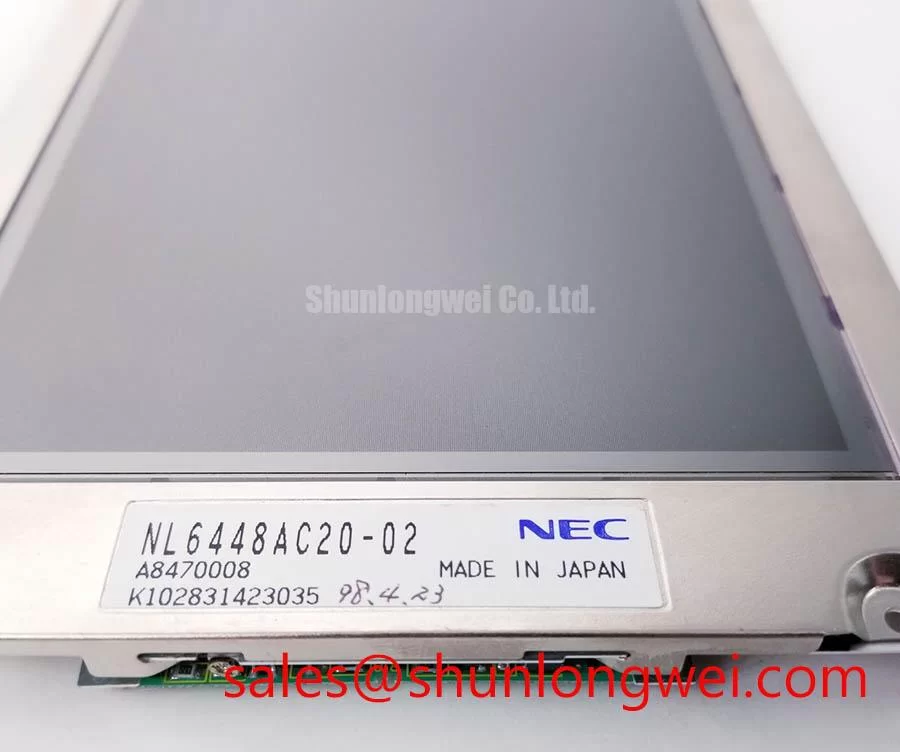
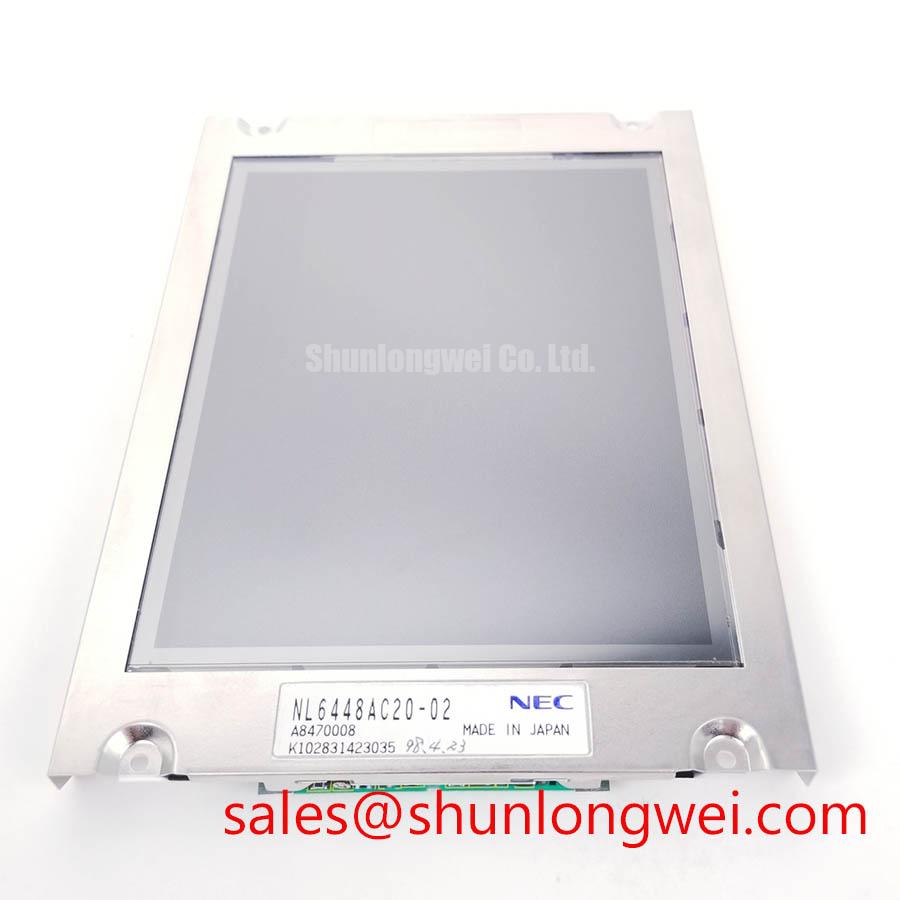
The official identification for NL6448AC20-02 confirms a TFT-LCD module, but it does not establish that this exact panel uses normally white TN technology, IPS technology, MVA technology, anti-glare surface treatment, a defined viewing cone, or a specified operating-temperature range. These properties should not be inferred from the part number or from the appearance of a removed display.
During field evaluation, view the active screen from the operator’s normal position as well as from above, below, and both sides. Use a stable test image containing neutral gray blocks, black fields, white fields, and saturated primary colors. If contrast changes, grayscale reversal, color shift, or brightness nonuniformity appears only from a certain direction, the observation may relate to the installed panel’s optical mode or mounting orientation. It can also result from the host timing board, a damaged polarizer surface, panel stress, or an incorrect replacement panel.
Design Consideration: a TN display can show more viewing-direction sensitivity than IPS or MVA designs, while IPS and MVA panels are commonly evaluated for broader off-axis readability. That general comparison does not identify the optical construction of NL6448AC20-02. Technicians should compare the replacement panel with the original unit at the actual operator angle and under the enclosure’s normal ambient lighting.
High ambient illumination can reveal whether screen readability is being limited by reflected light rather than by the image signal. Examine the cover lens, bezel opening, panel surface, and any added protective film. Do not assume an anti-glare treatment is present unless it is stated in original panel documentation. A glossy or damaged outer surface can make a healthy display appear low contrast when the equipment is inspected near overhead lighting or sunlight.
Cold-environment behavior also needs separation from optical defects. Liquid-crystal response can slow as temperature falls, so a display may appear to smear or update more slowly during a cold start. That observation does not independently prove a panel fault. Verify the equipment’s actual thermal conditions, power state, and display-controller operation. Any heater strip, enclosure warming method, or thermal control arrangement belongs to the host system unless documented specifically for this NEC module.
For passenger information or cab-display evaluations, viewing direction should be checked from the physical installation angle rather than from a bench laid flat on a table. The same screen can appear acceptable during horizontal testing yet become difficult to read after installation in a tilted fascia. Where the original display must be compared with another NEC-format option, engineers can review the published product details for NL10276BC16-06 and verify its mechanical, electrical, and signal compatibility independently before any substitution decision.
Differential Interface Routing and High-Frequency Jitter Evaluation
Before reconnecting NL6448AC20-02, identify the host interface from the original equipment schematic, panel label records, connector pinout, or approved service documentation. The available official classification does not confirm whether this NEC TFT-LCD module uses TTL, LVDS, a particular voltage rail, JEIDA mapping, VESA mapping, or a specified power-on rise-time requirement. These must be treated as system-specific verification items, not assumed panel characteristics.
Split images, repeated vertical regions, unstable pixels, random color fields, or an image that appears only intermittently can be associated with several parts of the signal path. Inspect the cable for creasing near the hinge point, abrasion at chassis pass-throughs, incomplete latch engagement, and tension caused by a misrouted harness. Then compare the host output with the original known-good signal path where practical. A symptom can indicate signal integrity trouble, but it can also arise from host controller timing, supply sequencing, a damaged cable, or panel-side circuitry.
Design Consideration: differential display links are commonly routed as controlled-impedance pairs when the documented interface requires them. A 100 ohm differential impedance target is widely used in many LVDS implementations, but it must not be applied to this module without confirmation of the required interface. The system designer should maintain paired routing, avoid unnecessary discontinuities, and validate waveform integrity at the receiver under the host equipment’s real operating conditions.
Signal mapping is especially important when a panel image is present but visibly scrambled. JEIDA and VESA mapping conventions can place color-bit information differently; connecting a panel that expects one mapping to a transmitter configured for another can produce abnormal color representation or image artifacts. Confirm the host transmitter configuration and panel documentation before altering connector wiring or timing parameters. Do not attempt to correct a mapping issue by swapping individual conductors unless the approved pin assignment confirms the modification.
Power sequencing deserves the same level of discipline. A display module may require a defined relationship between its logic supply, video data, control lines, and backlight enable path, but no rise-time or voltage value is established here for NL6448AC20-02. Engineering Recommendation: use the original equipment sequence as the baseline, monitor relevant rails and enable signals with suitable test equipment, and compare them against original documentation before fitting a replacement panel.
Industrial equipment can place display cables close to motors, servo drives, switching supplies, relays, and other noise sources. Cable shielding, chassis bonding, routing separation, and connector retention are Design Considerations determined by the complete equipment assembly. A display module alone should not be represented as independently compliant with system-level EMC requirements. When investigating an intermittent image, test with the machinery at rest and then under representative electrical activity to determine whether the fault correlates with the operating environment.
Where a repair requires review of a related NEC display solution, NL10276BC30-24D can be assessed as a separate published module. Its interface, physical fit, optical characteristics, and support circuitry must be checked against the original display assembly rather than presumed equivalent.
Backlight Architecture, Dimming, and Flicker Evaluation
The official data supplied for NL6448AC20-02 identifies a TFT-LCD display module but does not confirm a WLED backlight, CCFL backlight, inverter requirement, dimming ratio, PWM frequency, backlight current, ignition voltage, or rated illumination life. The installed equipment documentation and the original panel assembly must establish the backlight type before testing its supply path.
A dark screen is not automatically a failed panel. With the equipment operating under an approved test condition, inspect the screen for a faint image using a controlled external light source at an oblique angle. A faint active image can suggest that image generation is present while the illumination path needs further investigation. A completely blank screen can involve a wider set of causes, including absent panel power, inactive data transmission, damaged control electronics, or a host-side fault. Continue with measured evidence rather than relying on one visual observation.
If the system documentation confirms LED illumination, verify that the host driver is appropriate for the documented LED string arrangement and that its enable and dimming controls follow the equipment sequence. If the documentation confirms CCFL illumination, inspect the inverter connection, lamp harness, and relevant high-voltage isolation practices under the equipment’s approved service procedure. These are different architectures and should not be grouped together as assumptions for this NEC model.
Design Consideration: constant-current control is commonly used for LED backlighting because LED brightness and heating behavior depend strongly on current regulation. PWM dimming is also widely used in display systems, but its implementation is determined by the driver and host controller. Audible noise, visible flicker, intermittent illumination, or uneven brightness can originate in the driver, cable, control signal, supply rail, or the display assembly. Isolate the fault by examining each portion of the actual equipment chain.
Backlight reliability cannot be expressed as a specific service-hour claim for NL6448AC20-02 without an applicable official source. Avoid making replacement decisions from generic lifetime figures. Instead, inspect whether enclosure heat is trapped around the display, whether the bezel applies uneven pressure, whether the rear area is obstructed, and whether the system’s brightness control is behaving consistently. Thermal conditions and brightness demand should be assessed in the complete installation, since they are set by the equipment design rather than by the product category alone.
For applications where the display is installed behind a protective lens or touch overlay, verify that added layers do not introduce optical reflections, pressure points, or unexpected interaction with the existing HMI stack. Capacitive and resistive touch behavior, glove use, and moisture response are properties of the complete touch assembly and controller; they are not confirmed features of this TFT-LCD module.
Vertical Line Defect and Panel-Side Fault Localization
Use controlled red, green, blue, white, gray, and black images to localize image defects on NL6448AC20-02. A narrow vertical line that remains in the same physical screen location across multiple images can help distinguish a panel-area issue from content corruption. A line that moves with the image content, changes with cable movement, or appears only after host warm-up may indicate that the investigation should extend to the video source, timing path, cable, or connector.
A practical bench sequence begins by confirming that the host provides a stable image source. Next, display solid primary colors and neutral grayscale patterns while observing whether the affected line stays fixed. Then apply gentle, non-destructive observation around the connector and cable route without twisting the panel, pressing the active area, or forcing the bezel. Physical stress can worsen an existing display defect and can create misleading results.
A flashlight test at an oblique angle can be useful when differentiating a dark backlight condition from an absent image. If a faint structured image is visible, continue examining the illumination supply path under the original system documentation. If no image is visible, verify panel power, interface activity, cable continuity, and host-board behavior. This procedure does not prove a single cause; it organizes the diagnosis so that display, backlight, and signal faults are not mixed together.
Do not attribute a stable line defect to a specific internal driver failure without supporting evidence. The available official information does not describe the module’s internal bonding, column driver implementation, timing-controller arrangement, or repairability. A persistent line can be consistent with panel-side damage, but replacement is normally evaluated at module level after external interface and host conditions have been checked.
For broader troubleshooting methods covering industrial panel interfaces, optical behavior, installation checks, and common display-selection issues, consult The Ultimate Guide to Industrial TFT LCD Technology. When evaluating NL6448AC20-02 for a railway passenger-information display or cab-signalling display, confirm the original mounting arrangement, system interface, power sequencing, optical readability, and environmental enclosure requirements from the equipment documentation before installation.