


Content last revised on September 24, 2026
Thermal Expansion Clearance Sizing across Heavy Industrial Metal Enclosure Cutouts
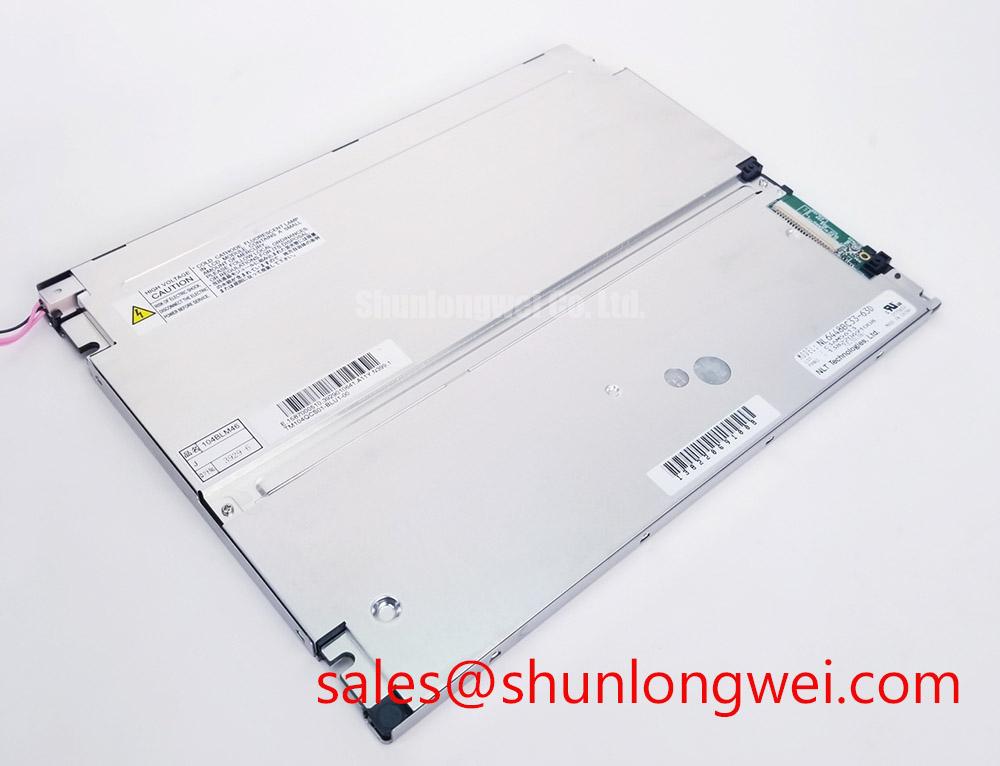
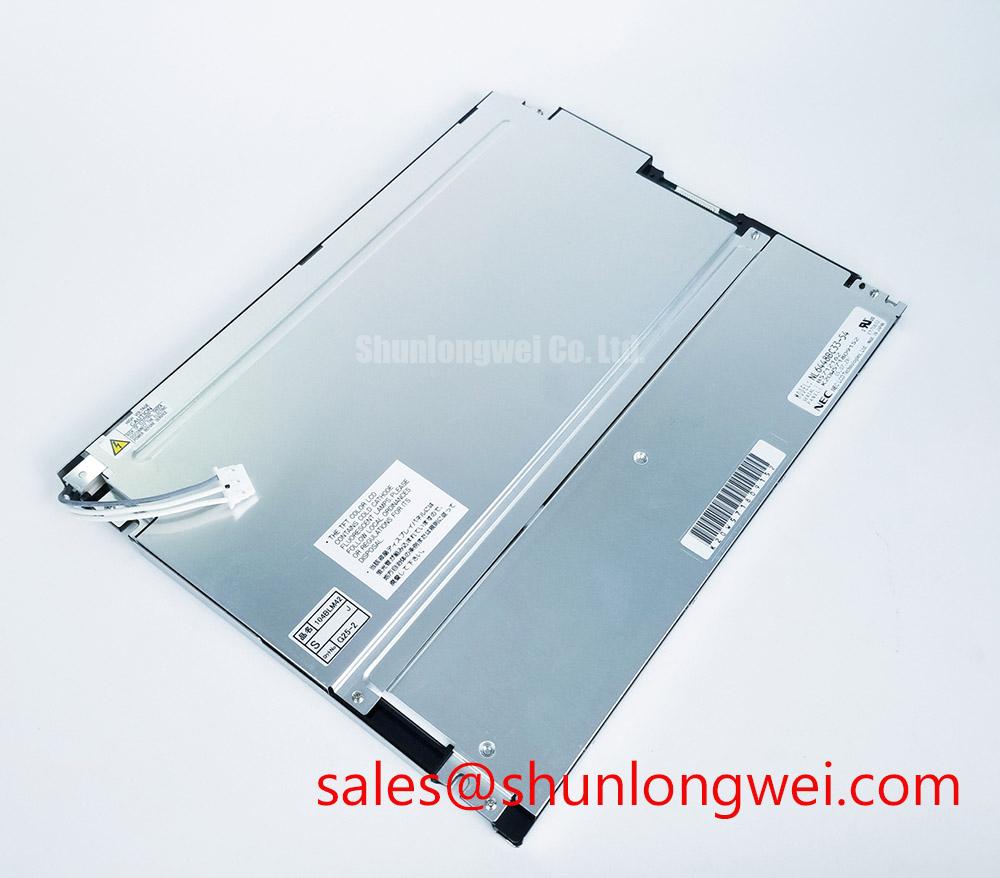
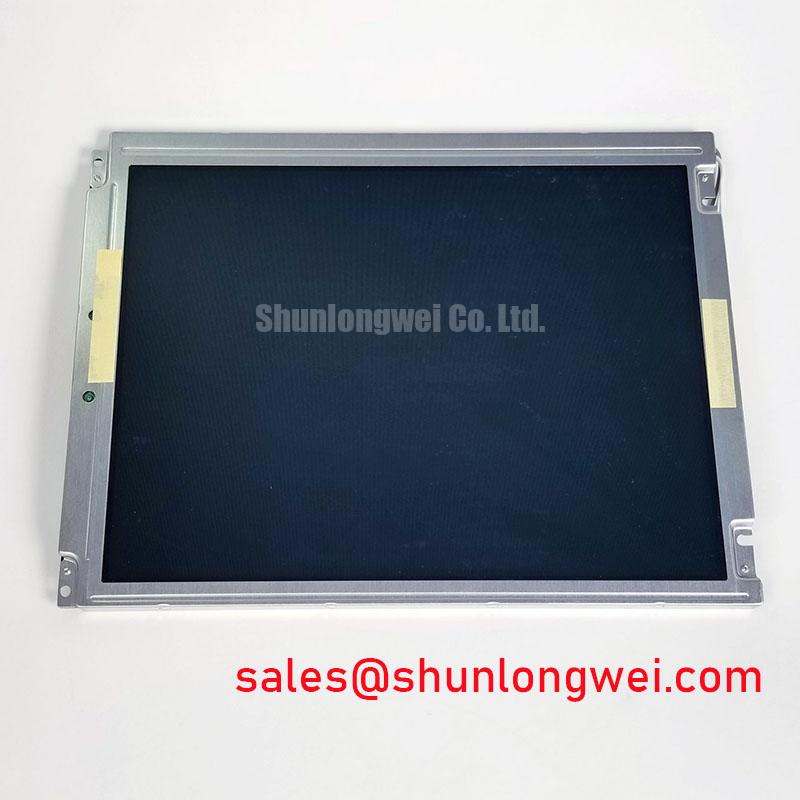
The NEC NL6448BC33-29 is identified in the available product information as an industrial grade LCD/HMI panel supplied as a TFT LCD display module. The manufacturer is NEC. These identifiers should be matched against the equipment service record, panel label, connector arrangement, and mechanical opening before a replacement is installed.
In a high voltage substation protection cabinet or SCADA dispatch console, the metal cutout can impose mechanical stress on a display when the enclosure and panel expand at different rates. This is a Design Consideration rather than a model specific factory limit. The installer should check that the bezel sits evenly against the mounting surface and that the fixing pattern does not twist the display frame. Fasteners should be tightened progressively across the pattern, with the final torque determined by the panel drawing, chassis material, fastener size, and the enclosure manufacturer’s mechanical specification.
Uneven pressure can appear at the service desk as a dark corner, localized brightness variation, intermittent image loss, or a display that changes appearance when the cabinet door is moved. These symptoms do not establish a single cause. Inspect the bezel, mounting plane, cable strain, and display image while the assembly is stationary and during controlled mechanical movement. If the image changes when pressure is applied near the frame, stop mechanical testing and inspect the mounting interface rather than increasing fastener force.
The available product information does not establish a specific outer bezel envelope, active area, mounting hole pattern, optical stack construction, LED backlight rating, or display lifetime value for this exact model. Those values should be taken from the original NEC panel documentation or the equipment maker’s service drawing. A claimed backlight half life or MTBF should not be assigned to this model without the applicable factory test condition and source document. Constant current operation, enclosure temperature, airflow, brightness setting, and duty cycle can all affect the result.
For a replacement assessment, record the original panel’s visible image area, overall dimensions, mounting interface, connector keying, cable exit direction, and electrical interface before removal. The NL10276BC16-06 may be reviewed as a separate same class replacement candidate, but mechanical and electrical compatibility must be verified independently rather than assumed from product category alone.
Suppressing Acoustic Capacitor Buzz and EMI Emissions across 200 Hz to 1 kHz PWM Frequencies
Black screen troubleshooting should begin at the equipment level. Confirm that the display supply reaches the panel connector according to the original panel documentation, then verify the video source, enable signals, and backlight control path. Do not infer a supply voltage from the appearance of the connector. The system integrator should verify the required supply voltage, signal standard, pin assignment, and power sequencing from the original NEC documentation or the host equipment schematic.
The supplied product context does not confirm whether this particular display uses a CCFL backlight, an LED backlight, LVDS, TTL, or another interface. It is therefore unsafe to assign a cold ignition voltage, PWM dimming ratio, differential pair impedance, or timing value to the NL6448BC33-29 without a model specific datasheet. If a replacement display is connected to a controller using a different signal family, the panel may remain dark, show unstable graphics, or suffer interface stress. These outcomes require measurement and documentation, not assumption.
When the panel is installed near servo drives, switching power supplies, or protection relays, route the display cable away from high current switching paths where the cabinet layout allows. Maintain the original shield termination and cable orientation unless testing demonstrates a better controlled arrangement. A Design Consideration for high speed differential links is to preserve the intended pair geometry and return path through the complete cable and connector route. The system engineer should validate signal quality with an oscilloscope or suitable differential probe at the panel end, comparing the suspected unit with a known good assembly.
EMI symptoms can include periodic image noise, horizontal disturbances, intermittent synchronization, or backlight modulation that changes with nearby equipment activity. Such symptoms may also result from grounding, power supply ripple, connector contact resistance, cable damage, or a controller fault. Check the panel with the cabinet’s major switching loads in their normal operating state, then repeat the test with nonessential loads isolated where safe. The display module itself must not be described as independently certified for complete equipment EMC compliance; system level compliance depends on the host design, enclosure, wiring, grounding, and test configuration.
⚠️ Field Alert: Disconnect cabinet power and follow the equipment discharge procedure before inserting or removing the display cable, because contact during live insertion can expose signal and supply pins to unintended electrical stress.
For a SCADA dispatch console, also inspect the T CON timing path and grey scale behavior. If the image is present but tonal transitions are incorrect, compare the host timing configuration with the original panel records instead of changing gamma values at random. The panel’s internal gamma voltages and timing behavior should be treated as model specific information requiring the correct documentation.
Diffuser Film and Prism Sheet Thermal Buckling Prevention under Continuous Full Duty Operation
Long duration operation in a sealed control cabinet requires a thermal review of the complete display assembly. The NEC NL6448BC33-29 is identified as a TFT LCD display module, but the available product data does not specify its internal diffuser films, prism sheets, light guide construction, optical coatings, or thermal limits. These internal details should not be inferred from the product category.
A practical inspection starts with the cabinet temperature around the panel, the airflow path, the heat generated by adjacent power electronics, and the brightness setting used by the operator. Compare the display surface during cold start and after normal operating temperature has been reached. A brightness change, uneven field, or localized shadow may relate to thermal conditions, mechanical pressure, backlight aging, signal processing, or an optical defect. Use a known good controller and cable where available to separate panel behavior from upstream electronics.
High brightness sunlight can make a healthy panel appear weak even when the backlight is operating correctly. Review the front surface condition, viewing angle, cabinet window, and ambient reflections before increasing drive settings. The available factory information does not confirm an anti glare or anti reflection treatment for this model. An AG or AR property should therefore be verified from the original NEC documentation or by inspecting the approved equipment configuration.
Touch functionality also requires careful separation from the display module itself. The identified product category is an LCD/HMI panel, but no factory data supplied here confirms an integrated resistive or capacitive touch layer, glove performance, water response, or touch controller interface. If the console uses a separate touch overlay, test the overlay, controller, cable, and display independently. A failure to register a gloved or wet touch should not automatically be attributed to the LCD module.
Backlight control must remain compatible with the host controller. Do not add a PWM frequency, duty cycle, current value, or dimming curve to the replacement configuration unless it is specified for the original panel and driver. When the equipment uses brightness modulation, engineers should verify visible flicker, acoustic noise, image stability, and thermal behavior across the actual operating range. The acceptable result is system determined and should be confirmed during cabinet testing.
For broader service guidance on panel selection, interface review, and industrial TFT integration, consult The Ultimate Guide to Industrial TFT LCD Technology. It can support the evaluation process, while the exact electrical and mechanical limits for this NEC model must remain tied to its applicable documentation.
Preventing Frame Lag and Image Smearing in Cryogenic Storage and Outdoor Industrial Facilities
Sub zero operation should be evaluated against the original panel temperature specification rather than a generic industrial LCD assumption. The verified information supplied for the NL6448BC33-29 does not state an operating temperature range, storage temperature range, grey to grey response time, sealant specification, or guaranteed image performance during thermal cycling. These values require confirmation before the display is installed in an outdoor cabinet, cold storage area, or unheated substation shelter.
At low temperature, liquid crystal response can become slower and moving graphics may show apparent smearing. Similar symptoms can result from controller timing, video source frame rate, cable integrity, or a changing backlight condition. Let the complete assembly stabilize under the intended environmental condition, then compare static text, alarm banners, trend graphics, and moving cursor behavior with the known equipment baseline. Avoid rapid thermal transitions during diagnostic handling because condensation can create a separate insulation and connector risk.
At elevated temperature, inspect the cabinet’s heat path and confirm that the display is not receiving direct heat from a power converter, braking resistor, relay bank, or ventilation outlet. The system designer should evaluate enclosure sealing, condensation control, pressure equalization, and cable bend conditions as part of the environmental assessment. The display module’s suitability for a particular outdoor or high voltage control installation remains subject to the complete equipment design and the manufacturer’s documented limits.
When image data is missing, check the controller output with the display disconnected only when the equipment procedure permits it. Compare clock activity, data activity, enable behavior, and power sequencing with the original service baseline. An absent image may involve the host controller, cable, connector, backlight circuit, or panel electronics, so the result of one voltage check should not be treated as a complete diagnosis. Record the test instrument, reference point, operating temperature, and cabinet state for each measurement.
For procurement, identify the unit as NEC NL6448BC33-29, an industrial grade LCD/HMI panel and TFT LCD display module, then request confirmation of the exact mechanical drawing, interface pinout, backlight arrangement, environmental ratings, and revision status before integration. This documentation check is particularly important when the panel is intended for a high voltage substation protection or SCADA dispatch console where an apparently similar display may not share the same electrical or mechanical interface.