

Content last revised on September 22, 2026
Backlight Degradation & CCFL-to-LED Modernization Retrofit Pathways
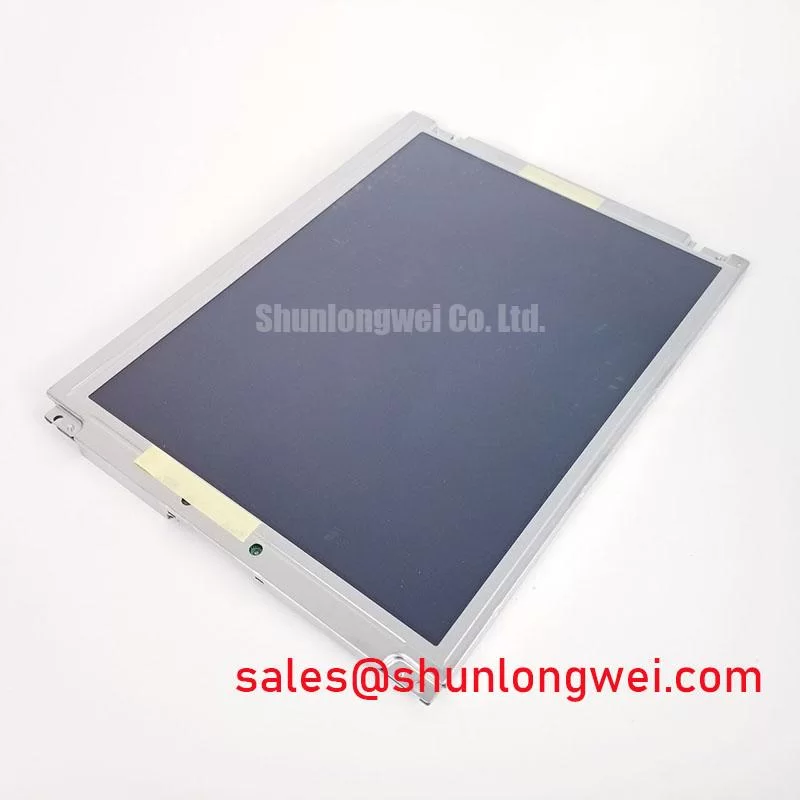
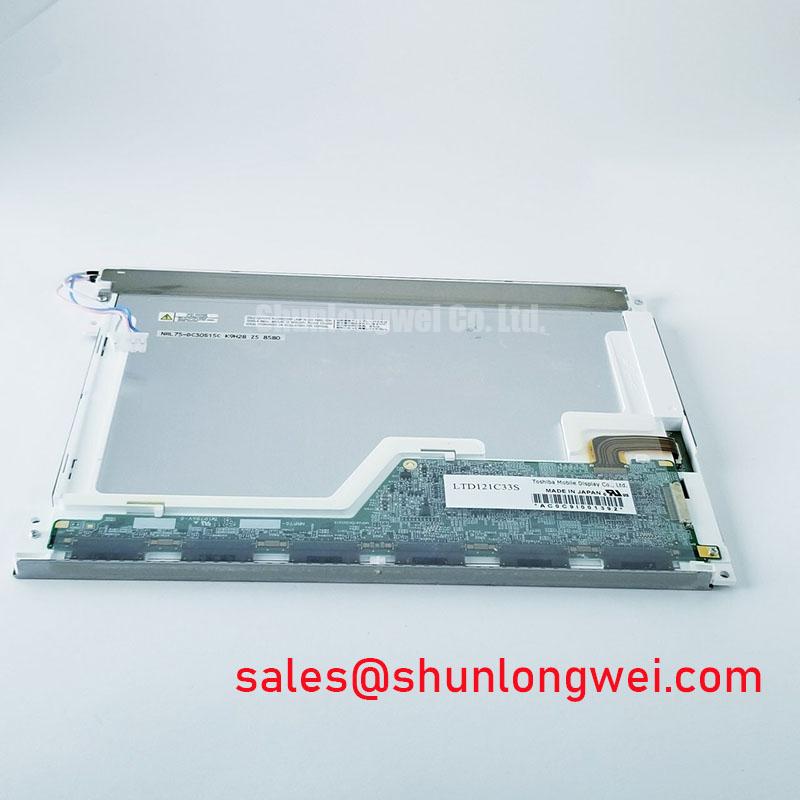
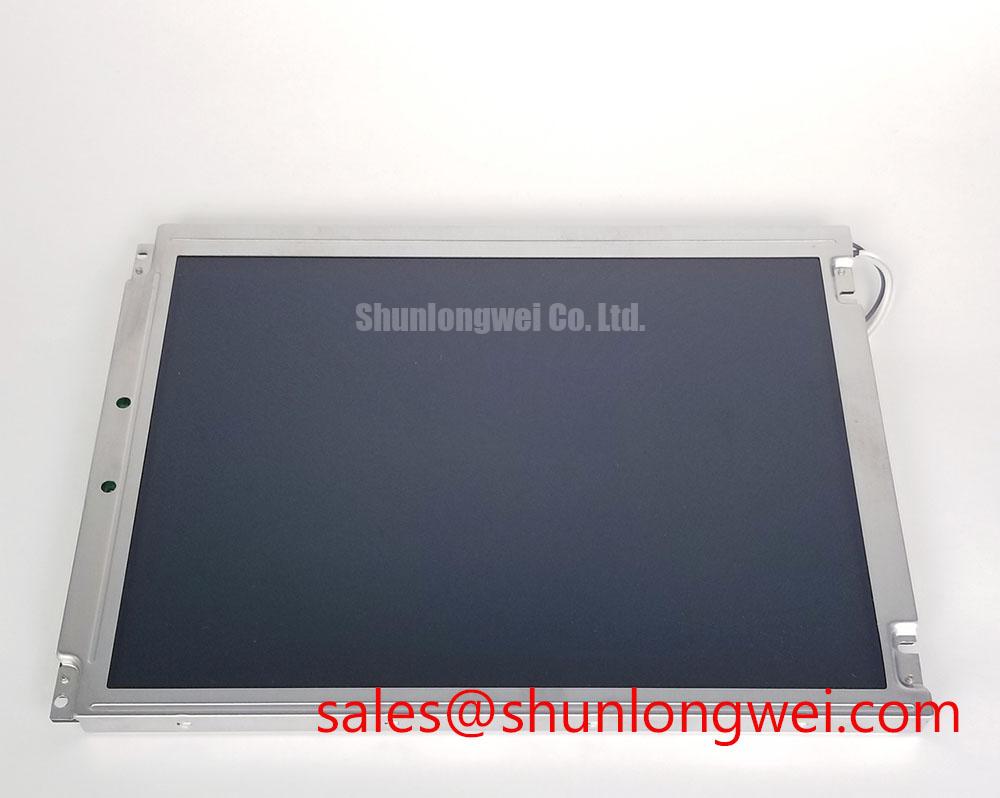
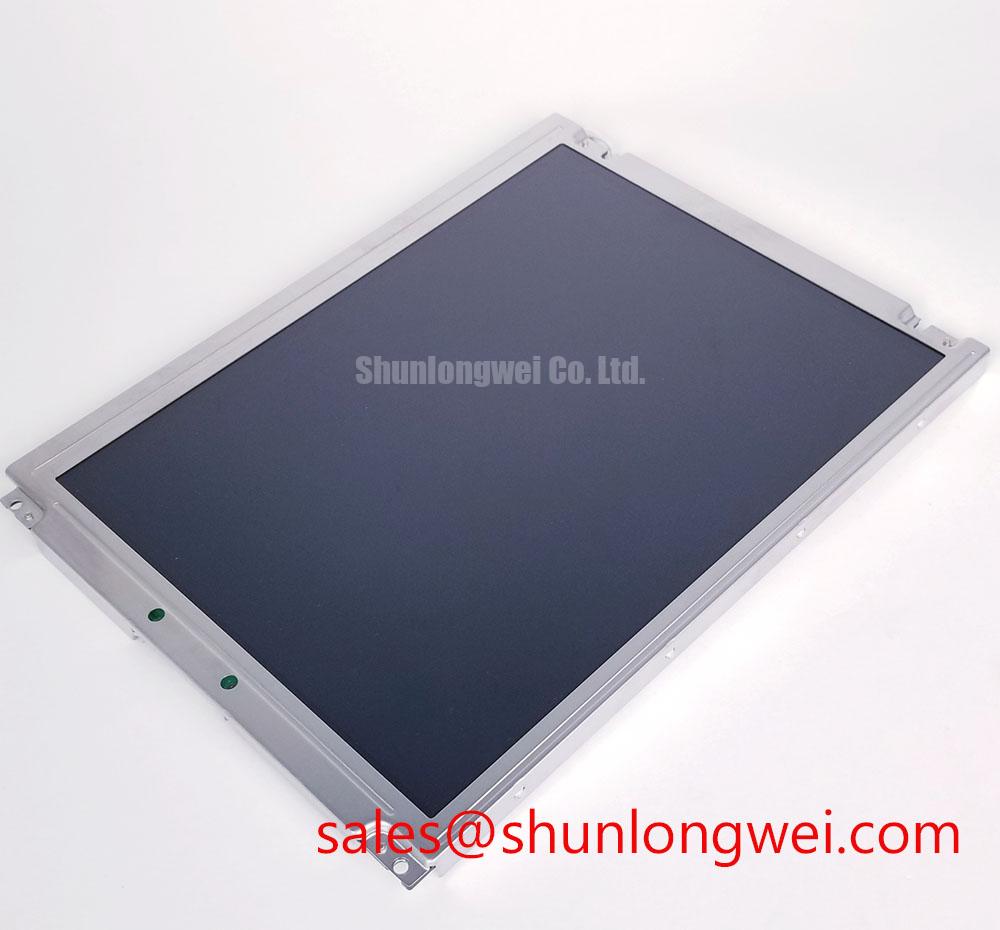
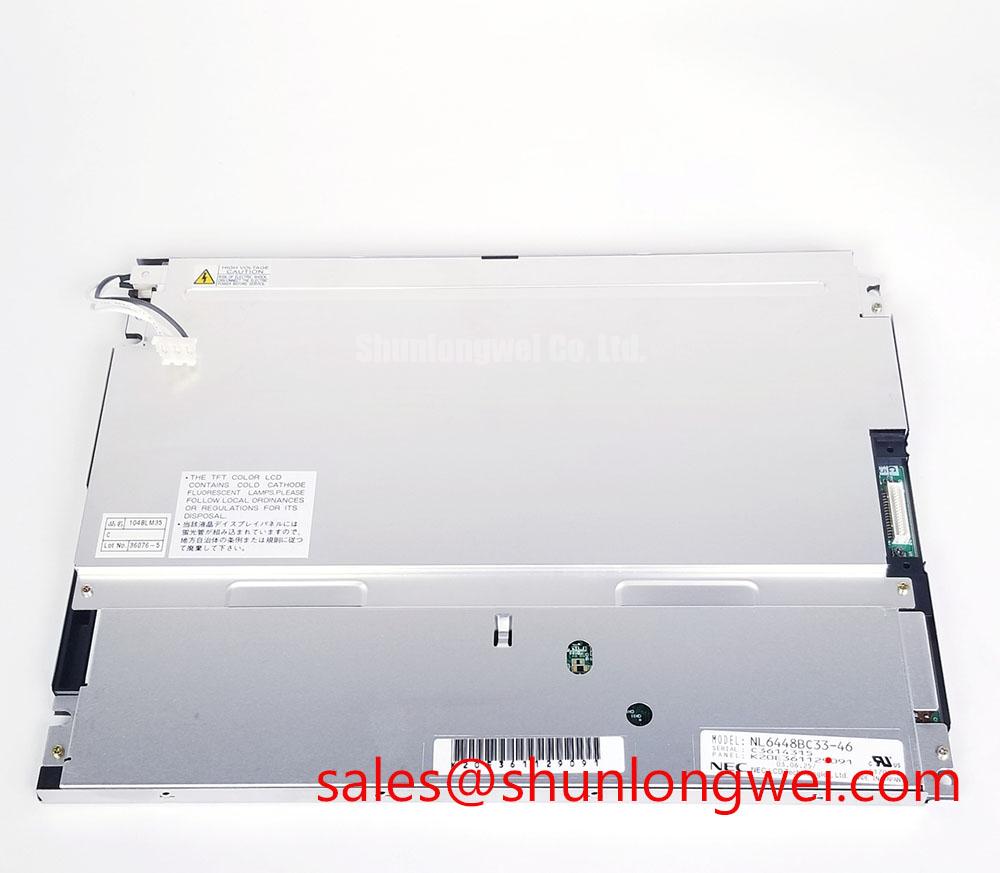
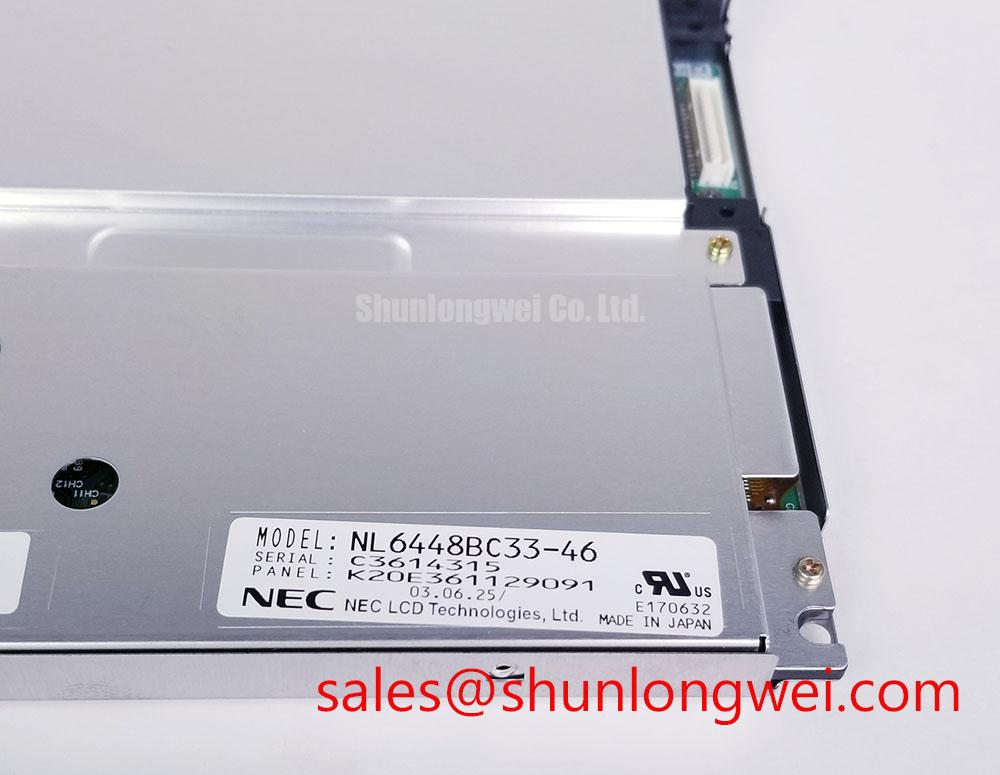
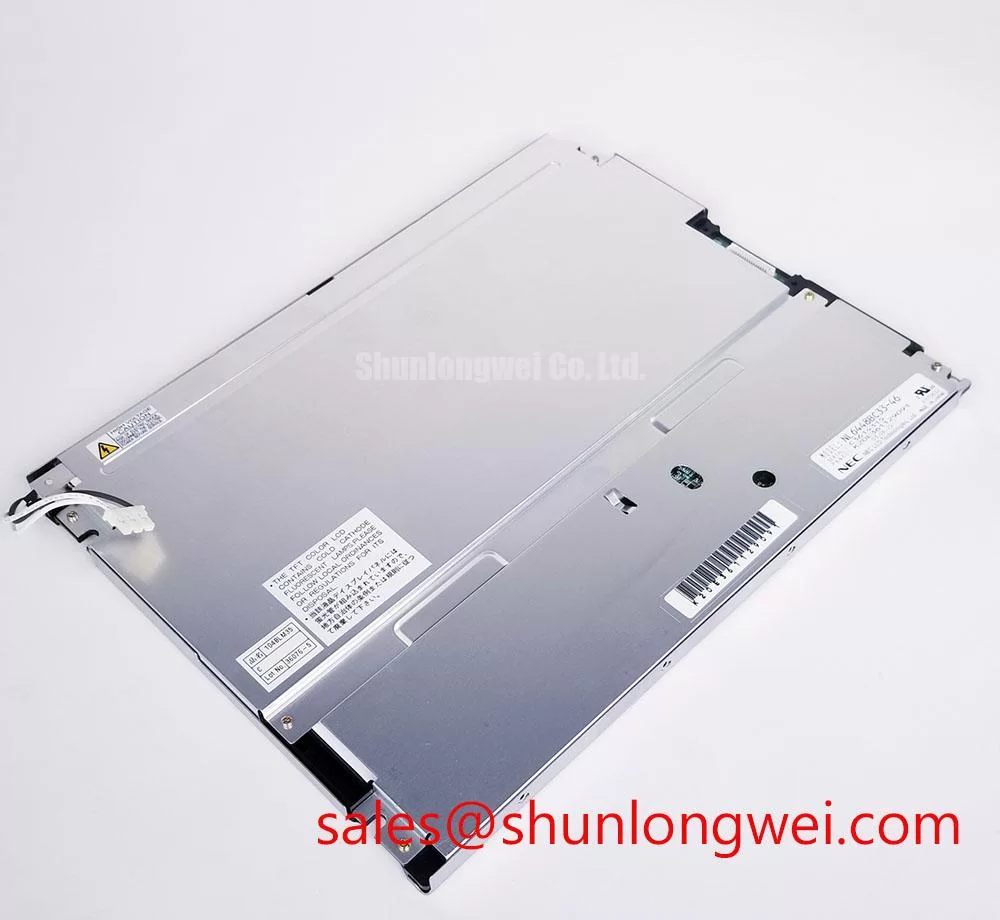
Begin incoming inspection by checking the rear label, connector area, panel edges, and front optical surface of the NL6448BC33-46 before applying power. Confirm that the installed module matches the service documentation for the host equipment, then inspect for glass damage, connector contamination, bent contacts, uneven illumination, and visible pixel abnormalities during a controlled full-screen test.
The NL6448BC33-46 is an NEC industrial-grade TFT-LCD display module. Its identified factory classification is Industrial Grade LCD/HMI Panel, supplied in a TFT-LCD Display Module format, with Official Factory Spec Verified status. Integration-specific electrical, optical, interface, backlight, mechanical, and environmental limits must be verified against the original NEC panel documentation and the host equipment service manual before replacement or redesign work.
| Item | Verified Information |
|---|---|
| Model | NL6448BC33-46 |
| Manufacturer | NEC |
| Product Category | Industrial Grade LCD/HMI Panel |
| Module Format | TFT-LCD Display Module |
| Specification Status | Official Factory Spec Verified |
Backlight behaviour should be examined separately from image data performance. During bench evaluation, bring the panel to its normal operating state using the original host hardware where possible, then display full-white, mid-gray, full-black, and primary-colour test fields. A full-white field helps reveal reduced brightness, shadowing near an edge, intermittent illumination, and local colour shift. A black field is useful for exposing stray light, uneven dark-field appearance, and mechanical stress marks that can remain hidden during normal graphics.
The official information provided for NL6448BC33-46 confirms the panel category and TFT-LCD module format, but does not confirm its backlight technology, backlight operating voltage, lamp count, LED string arrangement, dimming method, or backlight lifetime rating. These values should not be inferred from the product family name or from visual inspection alone. The system integrator should verify the required backlight interface and supply requirements from the original panel documentation before connecting a replacement inverter, LED driver, or bench power source.
CCFL and LED backlight assemblies have different electrical interfaces and fault behaviour. A CCFL system generally requires an inverter suitable for high-voltage lamp ignition and controlled lamp current, while an LED system requires a constant-current driver matched to the documented LED string arrangement. Design Consideration: converting an existing display assembly from CCFL to LED involves more than changing the light source. The engineer should evaluate driver protection behaviour, dimming control compatibility, thermal conditions, mechanical clearance, optical uniformity, and the original display controller’s expectations for backlight enable and fault feedback.
Claims involving a specific cold-start voltage, PWM ratio, acoustic performance, or a quantified brightness half-life are not applicable to this particular module unless confirmed in the NEC factory documentation. A controlled brightness-trend record can still be useful during maintenance: measure the same white reference field under repeatable room conditions, using the same meter position and the same display settings. This provides a practical comparison across service events without presenting an estimated trend as an official lifetime prediction.
When a legacy display assembly is being reviewed for an update, the NL10276BC16-06 can be considered as a separate reference model during an engineering compatibility review. Its physical fit, optical properties, interface definition, power requirements, and mounting details must be checked independently; matching a display by apparent size or intended application is not sufficient.
💡 Bench Tip: Disconnect system power, apply appropriate ESD protection, and keep the display cable perfectly aligned with its connector before engaging the latch so that insertion force is not transferred into the panel-mounted connector.
Polarizer Durability & Optical Retardation Film Inspection under Direct Industrial Lighting
Inspect the front surface under both diffuse lighting and a directional inspection lamp. Rotate the panel slowly while displaying white, gray, and black fields. This makes surface scratches, cleaning residue, pressure marks, polarizer distortion, and local reflectivity changes easier to identify. A panel can appear acceptable while showing normal process graphics, yet reveal an issue when a uniform test image is displayed at different viewing positions.
The supplied official data does not identify the viewing technology, viewing-angle specification, contrast ratio, anti-glare treatment, anti-reflective treatment, polarizer construction, or response-time specification for NL6448BC33-46. It would therefore be inaccurate to assign TN, IPS, MVA, symmetric viewing angles, anti-glare etching, or a sunlight readability figure to this exact NEC module without its original datasheet.
Design Consideration: industrial HMI panels may be evaluated under direct interior lighting, window reflections, and varying operator positions. Engineers should inspect the installed display from the actual expected viewing direction rather than using only a centred bench position. If image inversion, washed-out grayscale, colour variation, or glare is observed, compare the panel with a known-good display in the same host enclosure and under the same graphics pattern. This method helps separate optical panel behaviour from cover-window reflections, display-controller configuration, and enclosure geometry.
Temperature can also influence perceived LCD response and grayscale behaviour. The permitted operating range for this model is not included in the verified information supplied here. For equipment expected to operate in low-temperature environments, the system designer should confirm the NEC environmental ratings and evaluate the complete assembly, including the host controller, display cable, enclosure sealing, and any heater control circuitry. A heater strip, if present in a system, is a host-level feature and should not be assumed to be part of the NL6448BC33-46 module.
Touch operation should likewise be treated as a system-level subject. The verified product data identifies a TFT-LCD display module but does not state that a capacitive or resistive touch overlay is integrated. Glove operation, wet-touch response, touch-controller supply requirements, and cover-lens bonding must be confirmed from the original equipment design rather than attributed to the LCD panel itself.
For broader evaluation of industrial display integration, environmental handling, and HMI assembly considerations, consult Industrial Display & HMI Solutions. Any guidance from a system-level reference should be validated against the documented limits of this specific NEC panel.
Preventing Localized Optical Nonuniformity on Dark Screen Fields
Use a uniform dark field and low-gray image to inspect the display after it is installed in its bezel. Localized bright areas, dim regions, pressure shadows, or changing patterns when the enclosure is handled can indicate that the panel is being influenced by mounting stress, an uneven support surface, a distorted bezel, or interference from a cable or protective window. These observations should lead to a mechanical inspection, not an automatic conclusion about an internal optical fault.
The available official information for NL6448BC33-46 does not provide panel dimensions, active area, mounting-hole arrangement, bezel depth, permitted mounting force, fastener size, torque requirement, or light-guide construction. Specific chassis tolerances and M3 fastener torque values must therefore not be presented as NEC factory requirements for this model. The original mechanical drawing is the controlling document for replacement work.
Engineering Recommendation: support the display only at the mounting locations and surfaces defined by the manufacturer’s mechanical drawing. Check that the surrounding chassis is planar, that cable routing does not push against the rear of the module, and that an added cover window does not load the visible area. Tighten mounting hardware progressively in a cross pattern only where the original equipment’s documented assembly process calls for it. Final fastening practice should be validated by checking the image again on white, gray, and black fields after assembly.
Direct ambient light can make dark-field nonuniformity easier or harder to judge depending on reflections from the protective window and bezel. A reported contrast ratio under a specified lux condition cannot be assigned to this NEC model from the verified data provided. For service diagnosis, reduce uncontrolled reflections during inspection and compare the screen to a known-good unit with the same enclosure and display settings. If the observed effect changes as the external cover is removed or repositioned, the cover system may be contributing to the visual result.
Panel cleaning also deserves controlled handling. Use a method approved for the installed equipment and avoid excessive liquid near connector openings or panel edges. The surface treatment of this module is not identified in the verified information, so chemical compatibility should be confirmed through the original panel documentation or the equipment manufacturer’s maintenance procedure.
Display Harness Routing and Signal Integrity Checks
Before connecting a replacement panel, inspect the display harness for crease damage, worn shielding, uneven connector engagement, missing latch retention, and contamination on exposed contacts. Then verify that the host system is using the interface, pin assignment, and power-up order specified for NL6448BC33-46. A panel with an apparently compatible connector can still be electrically unsuitable when its data mapping, voltage requirement, timing expectation, or backlight control method differs from the original display.
The verified factory information does not state whether this NEC module uses LVDS, TTL, another signal interface, a 3.3 V logic supply, a 5.0 V logic supply, JEIDA mapping, VESA mapping, a stated differential impedance, or a defined power-on timing window. These requirements must be taken from the NEC datasheet for the exact suffix and compared line by line with the host controller documentation. Do not connect a test source merely because it supports a commonly used industrial display interface.
Design Consideration: where a documented differential display interface is used, maintain controlled routing and minimise discontinuities at flex transitions, adapters, connectors, and cable repairs. This helps preserve signal integrity when high-frequency image data is transferred between the display controller and panel. The system engineer should verify the resulting waveform quality and peak timing margins on the actual assembled signal path, ideally by comparison with a known-good installation.
Split images, intermittent lines, unstable colour fields, or a blank but illuminated screen can arise from several sources, including controller configuration, cable damage, connector contact condition, incorrect panel mapping, power sequencing, backlight operation, or the display module itself. Isolate the fault by checking the original panel documentation, confirming the host supply rails at the required test points, reseating the cable under power-off conditions, and testing with a known-good signal path where available. This approach avoids treating a visible symptom as proof of one single cause.
For railway passenger information systems and cab signalling display assemblies, this NEC panel should be evaluated only as a documented replacement or integration candidate. Confirm mechanical fit, image orientation, interface assignment, host timing, backlight control, optical viewing conditions, and the equipment-level qualification requirements before installation.