Content last revised on October 4, 2026
Industrial Bezel Fit, Mounting Pressure and Signal Timing
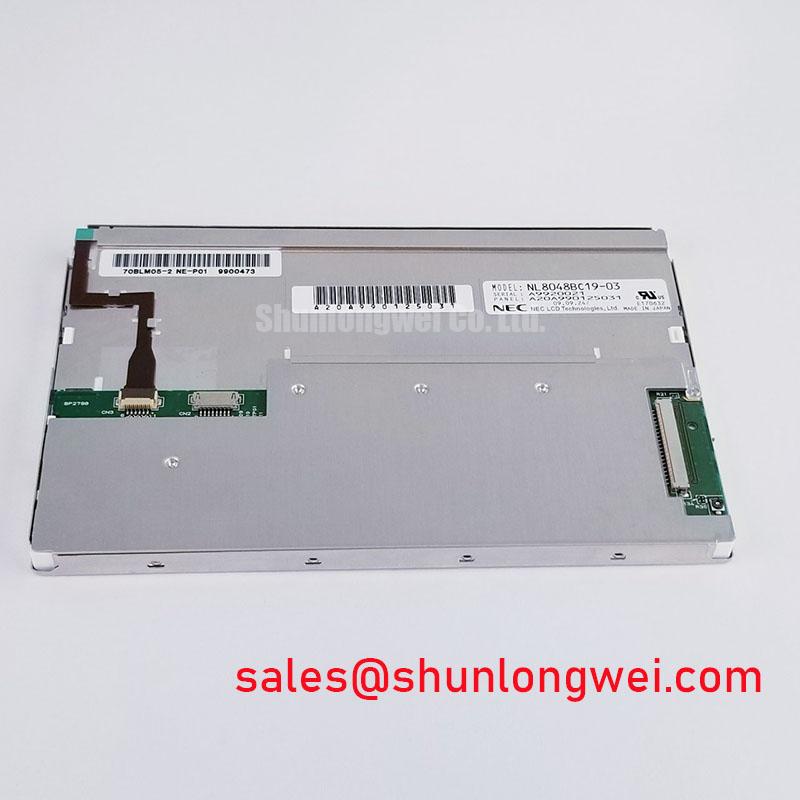
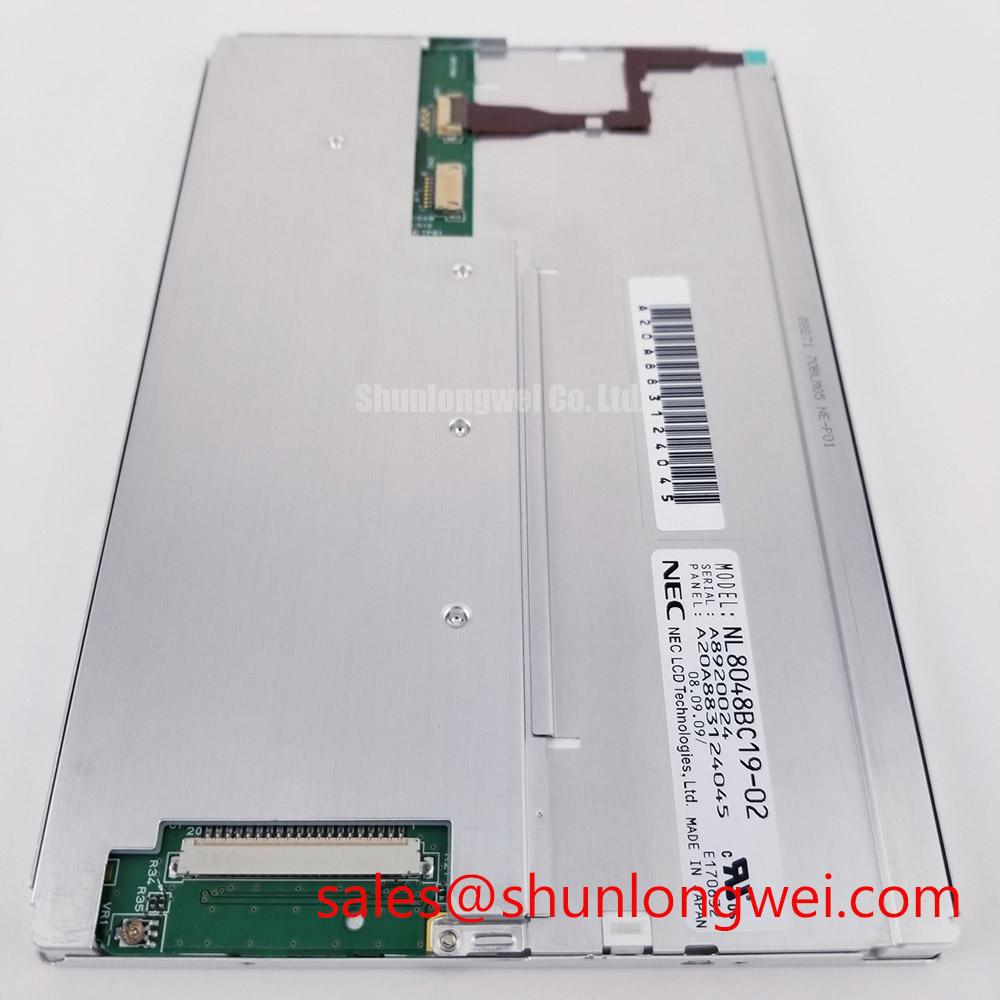
Inspect the bezel, mounting points and connector position of the removed NL8048BC19-02KD before connecting a replacement display. NEC identifies this model as an industrial TFT LCD display module (Official Factory Specification). The supplied factory information does not establish its dimensions, resolution, electrical ratings, signal interface or backlight type, so those details must be checked against the original panel documentation rather than inferred from the model name.
Start a mechanical fit check with the opening in the host enclosure, not the visible image area alone. Record the removed module’s outer envelope, active-area position, mounting-hole locations, connector clearance and cable exit path. A panel that fits the front opening can still interfere with a rear bracket or place a cable under strain. For a repair installation, compare these features with the host drawing and the removed assembly before tightening any fasteners.
Design Consideration: support the module evenly and tighten its specified fasteners in a cross-pattern sequence to limit uneven pressure on the display. Do not apply a generic screw-torque value to this model; the appropriate limit depends on the NEC mounting specification and the host hardware. Uneven clamping can contribute to visible nonuniformity, but a dark-field patch is not, by itself, proof of mounting damage. Check whether the pattern changes when the enclosure is assembled and compare it with a known-good image.
Disconnect power before reseating the display cable or changing its routing.
Electrical fit needs a separate check. The system integrator should verify the NL8048BC19-02KD connector pinout, supply voltage, signal interface, timing and power sequence from the original panel documentation. Do not connect a transmitter because its plug appears to fit. If the documented interface is LVDS, compare lane assignment, clock timing and the required pixel-data mapping with the host design; if it is TTL, assess the corresponding signal timing and loading instead. Neither interface is established by the supplied factory information.
Engineering Recommendation: capture the host display signals during startup and steady operation, then compare them with the documented input requirements across the equipment’s intended temperature range. Intermittent columns or image breakup may involve clock quality, data timing, cable condition or a connector fault. An oscilloscope comparison against a known-good signal path is more useful than assigning a single cause from the image alone. 💡 Pro Tip: Preserve the host cable’s intended pair routing and verify clock-to-data timing at the panel connector, where cable and connector effects are included in the measurement.
Humidity Storage, Temperature Recovery and Display Inspection
Before installing a module that has been stored in a different environment, inspect the accessible connector, frame and viewing surface for contamination or evidence of moisture. Design Consideration: allow a cold module to reach the service environment before applying power if condensation is possible. This is a handling precaution, not an NEC storage or operating-temperature rating for NL8048BC19-02KD; the permitted limits must come from the original specification.
Low temperature can change liquid-crystal response, making moving content appear slower. Treat that as a possible display behavior to evaluate, not a diagnosis of this particular module. If a host shows delayed transitions, first check the image source and timing, then compare the panel after temperature stabilization. Record the displayed test pattern, ambient conditions and whether the behavior persists. That record gives a repair engineer a more useful basis for assessment than an assumed gray-to-gray response figure.
Humidity assessment likewise needs the documented storage conditions and the host enclosure design. Look for visible edge changes, stains or persistent nonuniformity under a consistent test image, without attributing them automatically to seal failure. Where the equipment experiences repeated environmental changes, designers should verify enclosure sealing and service procedures at the system level. No humidity-test result, thermal-cycle range or seal construction for this model is established by the supplied factory information.
Long-service evaluations should distinguish panel condition from the conditions imposed by the equipment. Log operating environment, ventilation state and image symptoms alongside the maintenance history; avoid converting an observed symptom into an unsupported service-life prediction. For background on display technologies and the limits of broad technology comparisons, see The Ultimate Guide to Industrial TFT LCD Technology. Model-specific acceptance decisions still depend on the NEC documentation and measurements from the installed system.
Backlight Driver Identification, Dimming and Flicker Checks
Identify the documented backlight interface before applying power to a loose NL8048BC19-02KD. The supplied factory information does not confirm its backlight technology, driver arrangement, current requirement or dimming method. The system integrator should verify those items from the original panel documentation and trace the host wiring to determine whether the required driver is located in the display assembly or elsewhere in the equipment. A display-image fault and a lighting fault can look similar from the front, so separating the video path from the illumination path is an important early diagnostic step.
If the documented assembly uses an external dimming control, inspect the host control signal and the driver output under the same operating conditions that produce the complaint. Visible flicker may reflect control timing, a supply disturbance, a connection issue or driver behavior. Design Consideration: assess dimming across the brightness settings actually used by operators, including low brightness, and check for interaction with nearby electronics. A particular pulse-width-modulation ratio, constant-current setting or lifetime figure should not be assigned to this NEC model without its specification.
Thermal inspection should focus on accessible, measurable conditions. Confirm that the module and its associated driver retain the ventilation intended by the host design; compare surface temperatures and image uniformity after the equipment reaches a stable operating state. Localized warmth and a bright or dim patch may warrant further investigation, but neither observation identifies an internal material or establishes a remaining service life. Document the brightness command, displayed pattern and enclosure state so a later measurement can be repeated.
For maintenance planning, retain the distinction between a replacement display and a replacement lighting driver. Ordering from an image of the front face alone can leave an incompatible driver, cable or mounting arrangement in the equipment. A purchasing check should therefore match the complete NEC NL8048BC19-02KD designation and the host assembly documentation, while leaving unverified performance claims out of the acceptance criteria.
Viewing Direction, Grayscale Behavior and Console Compatibility
Evaluate readability from the operator positions defined for the host equipment. When assessing NL8048BC19-02KD for a substation protection terminal or SCADA dispatch console, use that equipment only as a compatibility context: verify its viewing angle, mounting orientation and ambient-light conditions against the original panel specification. The supplied factory information does not identify the liquid-crystal mode, viewing cone, contrast ratio or surface treatment, so TN, IPS, MVA and anti-glare characteristics cannot be assigned to this model.
Display a controlled grayscale pattern while viewing the installed screen from the positions operators actually use. A shift in apparent shade can arise from viewing direction, the host’s image processing or panel behavior. Compare the result with the documented optical requirements and a known-good assembly before changing settings. If a touch overlay is fitted to the host, evaluate it as a separate assembly: glove response and operation with moisture present depend on the overlay, controller, protective window and application settings, none of which are specified here as properties of the NEC display module.
Likewise, an incorrect color or uneven grayscale should prompt checks of the source pattern, documented pixel-data format and host configuration before a panel fault is declared. Where the verified interface uses LVDS, a JEIDA-versus-VESA mapping mismatch is one possibility to investigate, not an assumed feature of NL8048BC19-02KD. Gamma settings and timing-control behavior also require the applicable display documentation; changing host values without a reference can conceal rather than resolve a compatibility issue.
For a repair-material comparison, NL10276BC16-06 can be reviewed as a separate NEC display listing, but its link is not evidence of equivalent size, resolution or electrical compatibility. Compare both models’ documented mechanical drawings, connectors, power requirements, timing, backlight interfaces and optical characteristics before considering an equipment-level substitution. The acceptance test should then use the actual enclosure, cable and operator viewing positions, ending with a readable image and stable operation under the host’s documented conditions.