
Content last revised on October 5, 2026
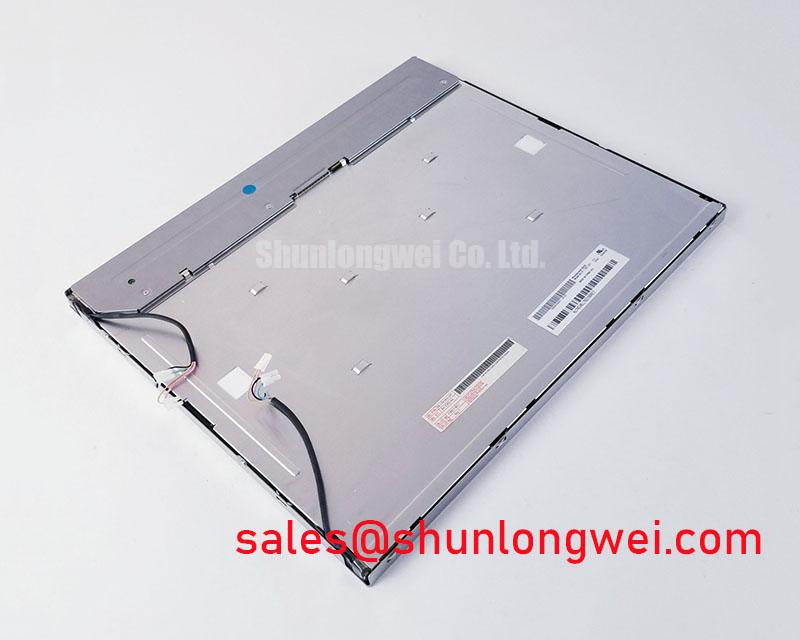
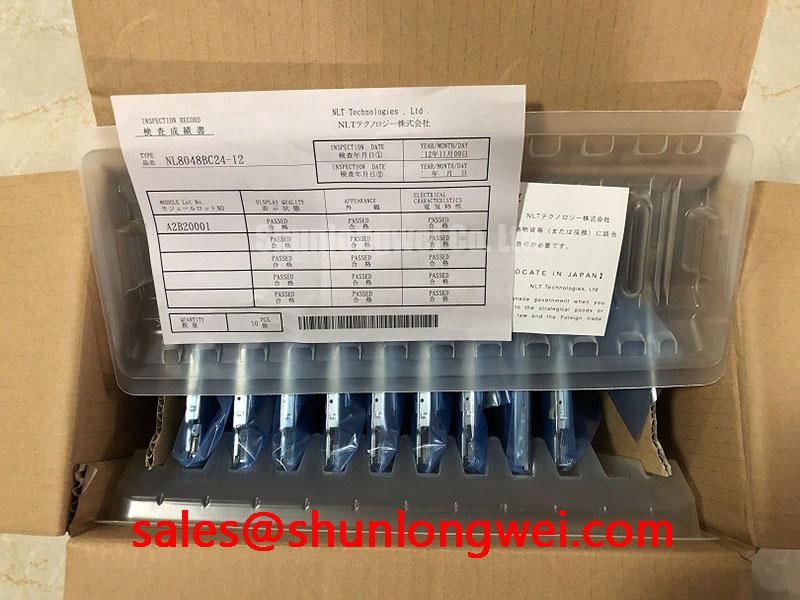
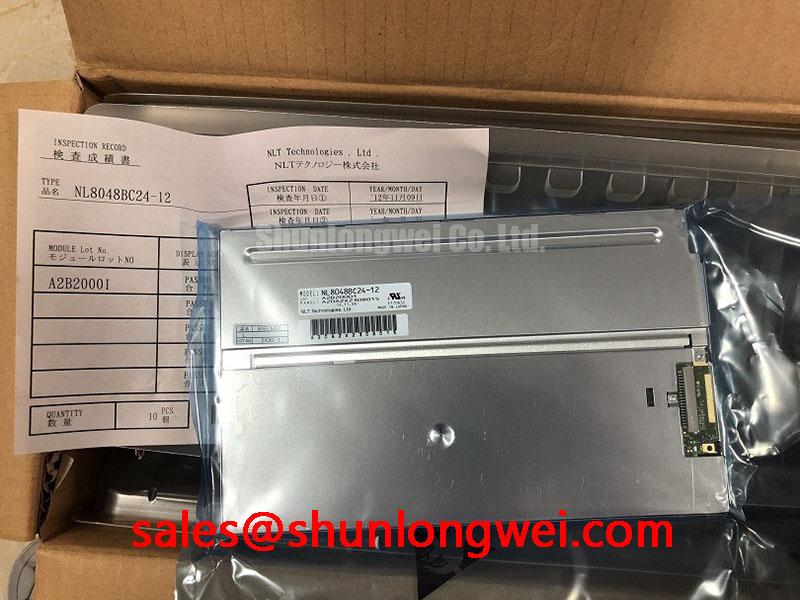
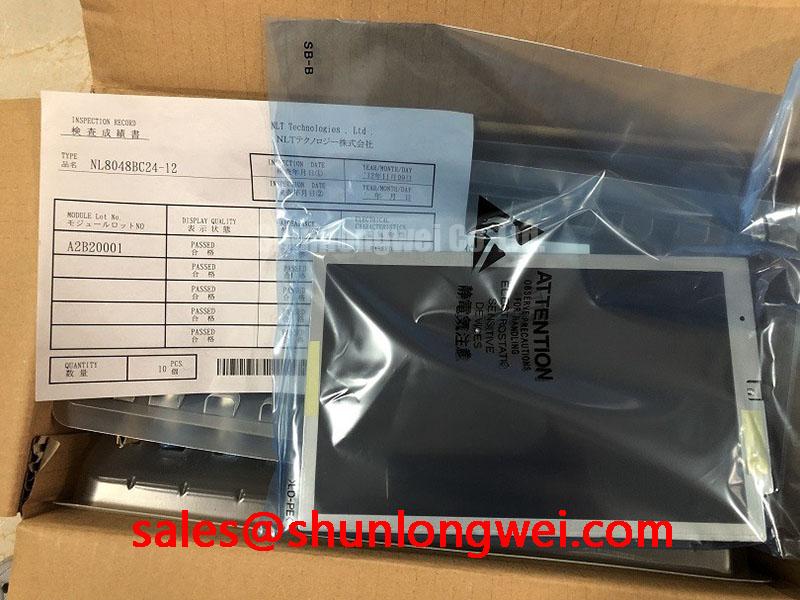
NL8048BC24-12 NEC 9.0-Inch WVGA LCD Display
Verify the replacement panel’s label, connector orientation, supply rail, and signal format before applying power to the equipment. The NL8048BC24-12, identified in the supplied product context as NL8048BC24-12BD, is a 9.0-inch industrial LCD display from NLT Technologies, associated with the NEC product line and produced by Tianma in the stated manufacturing context.
This panel uses a 800 × 480 WVGA active image area, a WLED backlight, and a LVDS one-channel interface supporting 6-bit or 8-bit data. Its specified 3.3 V VCC input and −20°C to +70°C operating temperature range make it a candidate for industrial HMI assemblies, equipment monitoring panels, and telematics displays where the host system already supports the required LVDS mapping and mechanical envelope.
| Parameter | Official specification | Engineering relevance |
|---|---|---|
| Model | NL8048BC24-12BD | Panel identification for sourcing and replacement review |
| Manufacturer | NLT Technologies, NEC product context | Confirm the original equipment documentation before substitution |
| Display size | 9.0 inches, approximately 23 cm diagonal | Relevant to bezel opening, mounting frame, and viewing distance |
| Resolution | 800 × 480 pixels, WVGA | Defines the required display timing and image scaling behavior |
| Brightness | 400 cd/m² | Supports readability in typical industrial environments |
| Contrast ratio | 800:1 typical | Useful for text, alarms, and graphic interface evaluation |
| Viewing angle | 88° / 88° / 88° / 88°, U/D/L/R | Provides a broad symmetrical viewing characteristic |
| Backlight | White LED | Requires compatibility with the host backlight power and control circuit |
| Signal interface | LVDS, one channel, 6-bit or 8-bit | Requires correct panel mapping, clocking, and connector wiring |
| Input voltage | 3.3 V VCC | Must be checked against the original panel documentation |
| Operating temperature | −20°C to +70°C | Defines the stated operating environment for system evaluation |
LVDS Data Synchronization and Logic Power Rail Verification
The supplied specification identifies this display as an LVDS panel rather than a direct TTL 24-bit RGB device. That distinction matters during equipment repair because a controller designed for parallel RGB may require a separate conversion stage, while an LVDS-capable controller must still match the panel’s one-channel data configuration. The system integrator should verify the original panel documentation for connector pin assignment, signal polarity, pixel clock behavior, and the selected 6-bit or 8-bit mapping.
At the bench, begin with the equipment disconnected from the panel and inspect the connector for bent contacts, contamination, cable strain, or an incorrectly seated locking mechanism. Confirm the host board’s display output against the known-good wiring record rather than assuming that two physically similar LVDS connectors have identical pin assignments. A compatible connector shape does not establish compatible power, ground, clock, or data positions.
The 3.3 V VCC rating is an official specification for this display. The supply should be checked at the panel connector during startup and steady operation, with the measurement referenced to the panel ground. Designers should verify voltage rise behavior, reset sequencing, and backlight enable timing from the controller documentation because these system-level conditions are not established by the panel’s nominal input voltage alone. If the screen remains blank while the backlight is active, compare the LVDS clock and data activity with a known-good signal path and check the host configuration for JEIDA or VESA mapping compatibility.
Image splitting, incorrect colors, shifted graphics, or intermittent vertical regions may indicate a mapping, polarity, cable, timing, or signal-integrity issue. These symptoms should be evaluated with the complete signal path in view rather than assigned to the LCD panel without measurement. Keep the differential route continuous through the connector and avoid unnecessary stubs; the final impedance and length strategy should be determined by the controller, cable, and board stack-up.
The panel uses a WLED backlight, so the original equipment should be checked for the correct LED driver architecture. The supplied data does not establish a universal PWM frequency, duty-cycle range, or dimming pin definition for every host design. When dimming is required, designers should verify whether the equipment uses enable control, analog current adjustment, PWM input, or a driver-specific interface. A controlled test under normal and reduced brightness can help identify flicker, audible driver noise, or unstable startup without attributing those effects to the LCD cell itself.
💡 Pro Tip: Keep the LVDS differential pairs routed as a controlled, matched group through the connector transition and verify the panel mapping before tuning display software.
Cold-Start Evaluation and Gray-to-Gray Response Behavior
Cold-start testing should begin by confirming that the complete display assembly remains within the panel’s official −20°C to +70°C operating temperature range. The commonly discussed effects of low temperature on liquid crystal response are system evaluation topics, not additional guaranteed ratings for this model. At lower temperatures, an engineer may observe slower visual transitions, delayed image stabilization, or changes in perceived motion clarity. These observations should be recorded against the host timing, backlight state, and enclosure temperature.
For equipment used in outdoor or exposed industrial locations, place the display and controller in the same controlled thermal condition before applying power. Record the time from power application to stable image, then inspect fixed text, moving values, alarm icons, and grayscale transitions. This approach separates panel response behavior from controller initialization, LVDS lock time, and backlight startup. The test should be repeated with the equipment’s actual cable, bezel, and power supply because thermal mass and wiring can change the startup sequence.
The supplied specification provides brightness, contrast, viewing angle, backlight type, and operating temperature, but it does not provide a model-specific gray-to-gray response table or a brightness maintenance lifetime value. A precise response-time claim or LED lifetime curve should therefore not be assigned to this panel without an applicable manufacturer document or controlled test source. If long operating periods are important, the maintenance plan should use measured luminance and image-quality checks under the real backlight current and enclosure conditions.
During cold operation, inspect the LVDS waveform and supply rail at the panel connector if the image appears unstable. A delayed or incomplete picture can involve controller sequencing, cable behavior, supply impedance, or temperature-sensitive system components. Comparing the panel with a known-good unit under the same conditions provides more useful evidence than judging response from a single visual symptom.
Potential applications include industrial HMI equipment, monitoring consoles, and heavy mining shovel or earthmoving equipment telematics displays, subject to enclosure protection, vibration control, connector retention, and system-level thermal validation. The broad 88°/88°/88°/88° viewing-angle specification can be relevant where operators view data from different positions, but final readability also depends on ambient light, cover glass, surface reflections, and installed viewing direction.
Mechanical Integration, Bezel Loading, and Vibration Review
Before fitting the panel into a replacement chassis, compare the original module’s active area, outer envelope, connector clearance, mounting-hole pattern, and bezel contact points. The official data supplied here confirms a 9.0-inch diagonal size, but it does not provide a complete mechanical drawing with every edge dimension or mounting-hole tolerance. The equipment frame should therefore be measured directly, and the original panel documentation should be used for final cutout and fixing decisions.
Mechanical loading deserves attention in vibrating equipment. The display should be supported through its intended mounting features, while the bezel should avoid pressing directly on the active viewing area. Uneven frame pressure can produce localized optical non-uniformity, image disturbances, or mechanical stress that may not appear during a short bench test. Use the original mounting hardware and isolation method where available, then confirm that the panel remains free from twisting when the fasteners are tightened.
A specific chassis fastener torque value is not included in the supplied official specifications for this model. Any torque used during installation should therefore be treated as a Design Consideration derived from the chassis material, fastener size, bracket construction, and the panel maker’s mechanical drawing. Tighten progressively in a balanced pattern, inspect the image at full white and dark fields, and check the bezel after thermal cycling. Do not treat a general fastener guideline as an NL8048BC24-12 factory requirement.
For an alternative evaluation path, engineers comparing a similar industrial display footprint or resolution can review NL10276BC16-06. This is a neutral comparison reference rather than a direct replacement declaration. Interface, optical, electrical, mechanical, and firmware compatibility must be confirmed independently before any cross-model decision.
In a heavy equipment cab, vibration can reach the display through the mounting frame, cable bundle, and operator console. The practical review should include connector retention, cable bend radius, strain relief, bracket stiffness, and clearance around the panel edges. The panel’s operating temperature specification does not by itself establish a vibration, shock, ingress, or enclosure certification. Those characteristics belong to the completed assembly and require system-level validation.
⚠ Safety Interlock Note: Disconnect equipment power before inserting or removing the LVDS cable, because live cable handling can expose the panel interface to unintended electrical stress.
Polarizer, Viewing Performance, and Direct Industrial Lighting
Inspect the front surface under controlled lighting before installation. Look for scratches, pressure marks, contamination, uneven reflection, or damage around the edge seal and polarizer area. The supplied specification confirms a typical 800:1 contrast ratio and symmetrical 88° viewing angles in the up, down, left, and right directions. These values support broad operator viewing, but they should not be interpreted as a guarantee of identical readability under every cover, filter, or sunlight condition.
For direct industrial lighting, evaluate the panel with the actual front window, protective layer, and bezel installed. Compare dark-background text, warning colors, and fine line graphics at the intended operator angle. Reflections from a flat cover or recessed cavity can reduce practical contrast even when the panel’s typical laboratory contrast specification remains unchanged. If the equipment will operate outdoors, the enclosure designer should assess shading, surface reflection, thermal buildup, and cleaning compatibility as part of the complete optical system.
The available product data does not specify a separate anti-glare etching grade, optical retardation-film construction, sunlight contrast value, or a model-specific polarizer lifetime. Such characteristics should not be inferred from the viewing-angle specification. If the display is evaluated in strong ambient light, use repeatable test conditions and record the complete optical stack rather than attributing changes to the LCD cell alone.
For broader background on TFT LCD operating principles, selection factors, and common integration misconceptions, consult The Ultimate Guide to Industrial TFT LCD Technology. For procurement and repair decisions, retain the panel identification, 3.3 V supply requirement, LVDS configuration, 800 × 480 resolution, WLED backlight type, and −20°C to +70°C operating range in the equipment service record.