Content last revised on October 8, 2026
Thermal Expansion Clearance Sizing across Heavy Industrial Metal Enclosure Cutouts
Check the TM101DDHG04 label against the equipment service record, then inspect the bezel supports, connector latch, and cable exit before energizing a replacement display in a substation protection terminal or SCADA dispatch console. A matching model reference establishes the starting point; it does not establish compatibility with the existing controller, mounting frame, or backlight power circuit. Record the removed panel’s orientation and cable routing so that incoming inspection can distinguish a panel issue from an installation change.
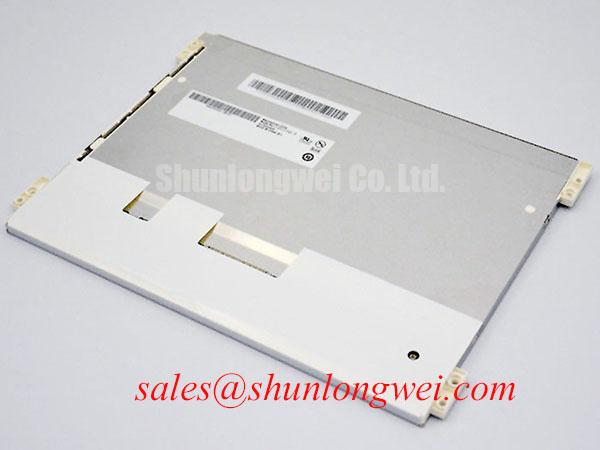
The confirmed product identity is Tianma TM101DDHG04, supplied as a TFT-LCD display module within the industrial LCD/HMI panel category. Mechanical dimensions, active area, pixel resolution, connector assignment, electrical ratings, and operating temperature limits must be taken from the model-specific manufacturer documentation before integration. The industrial product classification alone does not establish suitability for an outdoor cabinet, an unheated protection room, or any particular environmental qualification.
Design Consideration: Check the enclosure aperture against the module outline drawing rather than measuring only the visible screen. The mechanical review should include mounting references, bezel overlap, connector access, and clearance around the cable exit. Allow the panel and metal enclosure to expand without transferring concentrated pressure into the display assembly. Required clearance depends on the actual materials, temperature excursion, dimensional tolerances, and restraint arrangement; it should be determined by the equipment designer rather than assigned from a generic display size.
Before final fastening, display uniform dark and mid-gray patterns with the panel supported in its intended orientation. Repeat the observation after installation under unchanged backlight and viewing conditions. A new cloudy patch, edge shadow, or localized brightness change warrants inspection of mounting pressure, gasket contact, and enclosure flatness. This comparison helps isolate assembly-related optical changes, but it does not prove a particular internal defect. Avoid pressing the screen to make a suspected problem disappear.
Mounting screw size, engagement depth, tightening sequence, and torque must follow the applicable module and chassis drawings. Neither an M3 fastener nor a generic torque range should be treated as a TM101DDHG04 factory requirement without that documentation. Where the mounting arrangement permits staged tightening, inspect optical uniformity as the assembly is secured. For vibration exposure, assess whether cable movement loads the panel connector and whether the bracket restrains the module without distorting its frame.
💡 Bench Tip: Use the bench’s approved ESD controls and support the flexible cable at its connector exit so that installing the bezel does not crease the cable or pull against the latch. Cable bend radius and repeated-flex capability require the cable supplier’s specification. A stationary internal display cable should not be assumed suitable for repeated movement simply because it is flexible.
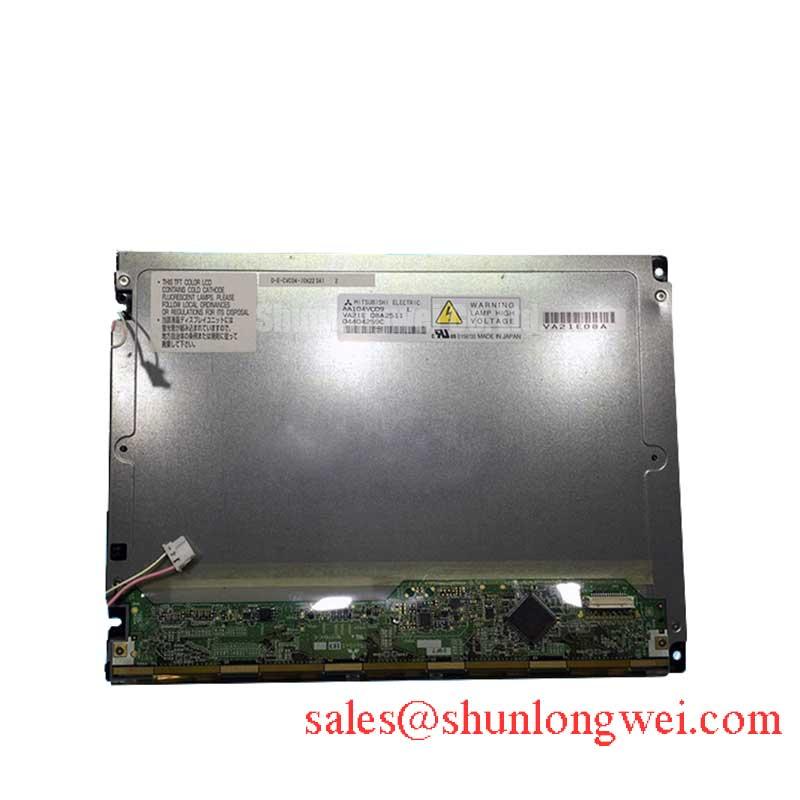
A cross-model sourcing review can include TCG121WXLPAPNN-AN20-S, but its listing is not evidence of interchangeability with TM101DDHG04. Compare both manufacturer drawings and electrical specifications, including outline, resolution, mounting references, connector position, interface, and backlight requirements. For a protection terminal, also confirm that replacing the display does not require unsupported controller settings or changes to the approved equipment configuration.
Display Interface Verification, Data Mapping & Signal Integrity
Identify the actual TM101DDHG04 interface and pin assignment before connecting a test controller. VESA and JEIDA mapping, channel allocation, supply voltage, and timing are verification items, not interchangeable settings. The supplied product identity does not establish an LVDS interface or either mapping convention. Use the model-specific connector table together with the equipment schematic to determine which signals are present and how the controller must generate them.
Design Consideration: If the documented interface uses LVDS, verify the transmitter’s bit mapping, supported color depth, clock relationship, and channel assignment against the panel requirements. Incorrect mapping can produce abnormal colors; an incorrect channel configuration can disrupt image organization. These symptoms are not exclusive diagnoses. An unstable supply, damaged cable, connector contact problem, or incorrect timing configuration can produce overlapping visual effects and should be checked independently.
Begin optical inspection with full-screen red, green, and blue fields, followed by white, black, and neutral gray. Keep ambient light, viewing direction, and backlight setting consistent. Record the position and appearance of suspect pixels, bright points, dark points, and lines rather than assigning an acceptance limit from general industry practice. Pixel-defect acceptance must follow the agreed purchase specification or the manufacturer’s applicable inspection criteria.
For a persistent vertical line, document whether it remains at the same pixel column across test patterns and after a controlled restart. Then verify connector seating and compare operation with a known-good, electrically compatible controller and cable where available. A repeatable line may justify further evaluation of the panel-side drive path, but it does not establish an anisotropic conductive bond microcrack. Do not infer a particular COG or TAB construction from the symptom, or flex bonded areas as a diagnostic shortcut.
Supply and timing checks should use the actual manufacturer limits. Do not choose a logic voltage from a familiar controller board or apply a generic rise-time window. Verify rail behavior at the panel connector, including startup, normal operation, shutdown, and a controlled restart. Confirm the permitted relationship between panel power, image data, and backlight enable. A white screen during startup may involve missing image data or sequencing behavior; it should not automatically be classified as panel failure.
Where signal measurements are required, use probing appropriate to the documented interface and avoid loading the signal path. Differential impedance, allowable skew, clock jitter, and setup or hold requirements belong to the transmitter, interconnect, and receiver specification set. Generic targets are not substitutes for those requirements. Check controller timing over the intended equipment temperature range only after confirming that the panel itself is rated for that range.
For a console expected to start in a cold room, compare startup and moving-image behavior at controlled temperatures within the verified operating limits. Record image settling, visible transitions, and recovery after warming. Any response-time compensation should be supported by the controller and validated with the panel; do not presume that a slow transition at low temperature requires a higher supply voltage.
Backlight Specification Verification & Startup Debugging
Establish the TM101DDHG04 backlight specification before undertaking inverter or driver testing. A dual-channel CCFL arrangement is not confirmed by the supplied product information and must not be assumed from a legacy console’s power board. The panel’s backlight technology, connector assignment, electrical limits, and control requirements determine the appropriate test equipment. Applying a familiar inverter or driver without this check can make the test invalid and expose the assembly to incompatible electrical conditions.
Design Consideration: If the manufacturer documentation identifies a high-voltage backlight circuit, testing should follow the equipment’s isolation procedure and use probes rated for the circuit. If it identifies a current-regulated backlight, verify the specified current control and protection behavior instead. These are conditional diagnostic paths, not alternative specifications for TM101DDHG04. No striking voltage, dimming ratio, or lifetime figure should be assigned without the applicable factory data.
Separate image generation from illumination when investigating a dark display. Check whether the controller is producing the required image signals, whether the documented backlight enable condition is satisfied, and whether the driver reports a protection state. Observe supply behavior during the attempted start. A dark screen can involve the controller, cable, power circuit, backlight, or panel assembly; a single visual observation cannot identify the failed element.
Assess brightness and color uniformity using stable white and neutral-gray patterns after the assembly reaches a repeatable thermal condition. Use fixed measurement positions and consistent viewing geometry. If a colorimeter is available, record its setup alongside luminance and chromaticity measurements. Compare results with the applicable manufacturer limits or agreed incoming-inspection criteria. Without those limits, measurements can document differences but cannot establish official acceptance or rejection.
Brightness adjustment also requires system-level verification. If the documented driver supports PWM dimming, inspect the control waveform and optical output at the settings used by the console. Visible flicker, camera banding, and acoustic noise require separate observations; none establishes the others. The permitted control frequency and duty range should come from the driver and panel documentation rather than a generic industrial-HMI recommendation.
Protection and SCADA interfaces often retain fixed labels and status areas. As a Design Consideration, evaluate persistent-image behavior using the actual interface layout and a controlled recovery test. Where operating requirements permit, the equipment designer may consider display blanking or interface changes during inactivity. Such measures do not establish a panel lifetime guarantee, and they must not obscure alarms or compromise the terminal’s required visibility.
Radiated Emissions Assessment, Backplate Bonding & Shield Termination
Inspect the display cable route, chassis bonding, and connector shield termination before attributing intermittent pixel noise to the TM101DDHG04. In a high-voltage substation protection cabinet, compare display behavior during controlled operation of nearby equipment while respecting site safety procedures. Record the disturbance conditions and whether the effect also appears in controller logs or other interfaces. Correlation helps organize testing, but it does not establish the interference path.
Design Consideration: Shield termination and backplate bonding should follow the equipment’s grounding architecture. Neither multiple bonding points nor a star arrangement is universally correct. Their effectiveness depends on cable construction, enclosure continuity, signal reference paths, and disturbance frequency. Inspect loose joints, damaged shielding, and routing near power conductors before adding suppression components. Any ferrite should be evaluated for its effect on both interference and normal signal operation.
The The Ultimate Guide to Industrial TFT LCD Technology provides broader context for interface selection and display troubleshooting. For this module, keep the investigation tied to its documented interface and the console schematic: verify power integrity, connector retention, cable continuity, and controller timing before interpreting horizontal bands or image instability as a panel defect.
CISPR emissions classification belongs to the tested equipment configuration, not to an unqualified claim about a replacement display module. Cable routing, shielding changes, driver settings, and enclosure modifications can affect that configuration. Preserve the approved installation where possible, document any changes, and have the responsible system engineer determine whether further EMC assessment is required before returning the protection or dispatch terminal to service.