Content last revised on October 17, 2026
Digital RGB Bus Synchronization and Logic Power Rail Verification
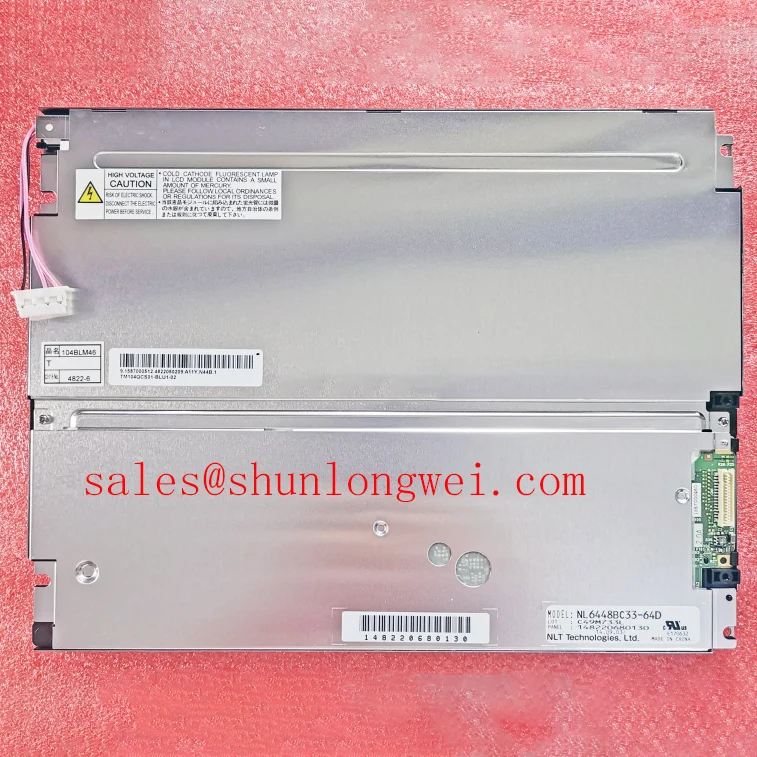
I check the host connector pin assignment before reconnecting a TM104SCH01 on a blank-screen bench. The useful comparison is between the machine schematic, the panel connector and the installed cable. Connector fit alone does not establish electrical compatibility. Identify the supply, return, control and image-signal connections before measuring the powered interface.
Design Consideration: Capture the logic supply at the panel connector during startup and shutdown, alongside the relevant display-control signals. A supply that appears stable on a handheld meter can still dip during startup. Compare the captured sequence with the panel requirements and controller configuration, including signal activity while the panel supply is absent. This helps investigate intermittent white screens and shutdown afterimages without assigning either symptom to a single cause.
For a confirmed parallel RGB connection, examine pixel clock, synchronization, data enable and data timing at the receiving connector. Differential routing and JEIDA/VESA mapping belong to interfaces that actually specify those requirements; they are not universal RGB checks. Compare the installed controller settings with the documented interface before changing cable routing or firmware. A divided image, displaced picture or incorrect color balance needs this distinction.
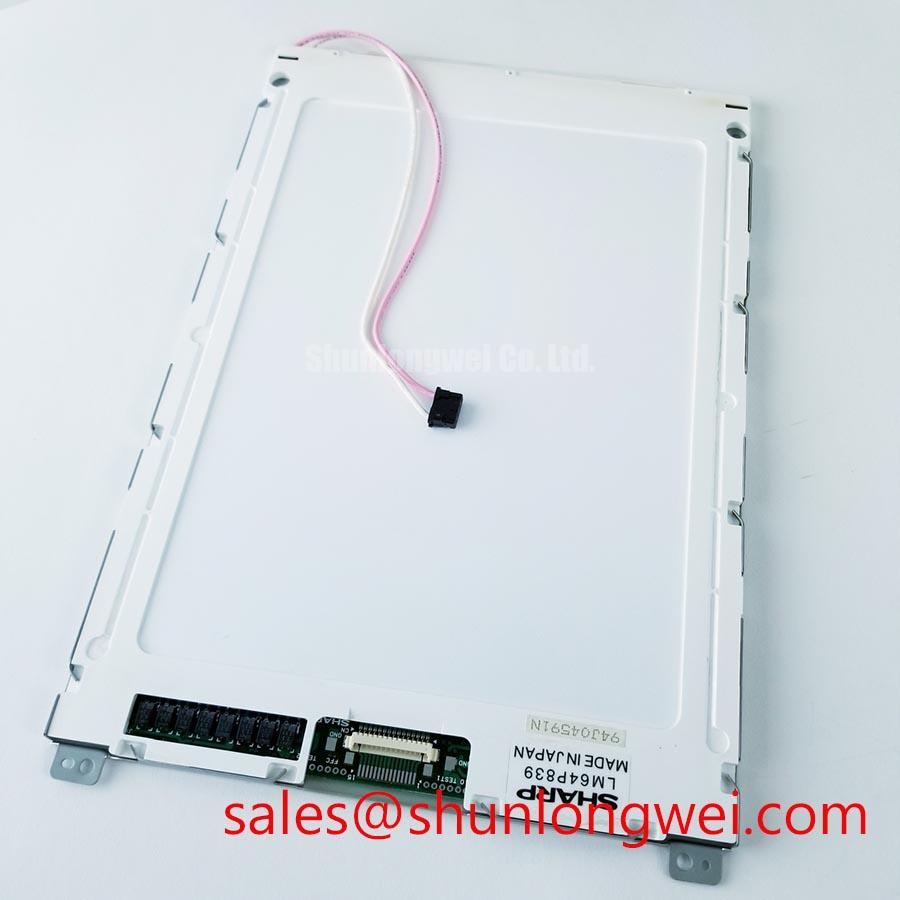
Inspect the flexible cable where it exits the connector and passes through the enclosure. Keep bending away from the contact termination, support the cable against repeated movement and verify that the latch closes evenly. Bend endurance depends on the cable construction and installed motion, so a generic flex-cycle claim provides little help. Field Alert: Disconnect equipment power and allow the display supplies to discharge before releasing or inserting a panel cable.
Backlight Thermal Dissipation and Optical Assembly Preservation
Inspect the brightness pattern before disturbing the optical assembly: a dark edge, broad shadow and uniformly dim image call for different follow-up measurements. Compare a uniform test image at a fixed brightness setting, then check the backlight power path and control signals. Record whether the symptom changes during warmup rather than immediately attributing it to the light source.
Design Consideration: Assess heat transfer through the installed frame, mounting surfaces and enclosure under representative brightness and ambient conditions. Keep mechanical supports from pressing against the active display area. Uneven clamping can influence the observed image, while obstructed enclosure ventilation can change the thermal conditions around the module. Determine any additional heat-spreading arrangement from measured temperatures and assembly constraints.
Backlight service planning requires the specified test conditions and brightness-maintenance definition. Lumen depreciation, complete backlight failure and driver malfunction describe different outcomes. An L70/B50 statement or an MTBF figure cannot establish this panel’s service life without a corresponding manufacturer specification. Use the Tianma NLT Industrial TFT-LCD Display Technologies resource for manufacturer technology context, while keeping model-specific acceptance limits tied to the panel documentation.
At low ambient temperature, compare moving content with a stationary pattern after the equipment has stabilized. Slower liquid-crystal response can produce motion trails without indicating a broken data connection. Any enclosure heating should follow the equipment’s environmental requirements and temperature measurements. For broader explanation of optical behavior and integration tradeoffs, The Ultimate Guide to Industrial TFT LCD Technology provides supporting context.
Grayscale Visibility and Installed Viewing Direction Alignment
Display a grayscale ramp and inspect it from the operator’s actual eye position before fixing the panel orientation. Compare dark-step separation, bright-step separation and text visibility while moving through the intended viewing area. This exposes installation-dependent readability problems that a straight-on photograph can miss.
Design Consideration: Keep viewing-mode terminology separate from observed performance. TN grayscale inversion and IPS or MVA viewing characteristics describe different optical behaviors; they do not establish the TM104SCH01 mode. Evaluate the installed panel against its specified viewing direction and contrast conditions. Manufacturer information from Tianma Microelectronics Industrial TFT Displays can support technology comparisons without transferring another panel’s viewing-angle ratings to this model.
Check reflected overhead lighting with the protective window installed. Surface treatment, window reflections and the display-to-window spacing influence readability together. For persistent HMI graphics, an engineering recommendation is to reduce unnecessary static high-contrast content where the application permits and assess any residual image after changing the pattern. Image persistence alone does not establish permanent damage or a backlight fault.
When evaluating compatibility for an AGV or forklift telematics display, compare viewing position, enclosure support, connector retention and the equipment’s environmental requirements. A comparison with NL6448BC33-71 should include outline dimensions, active area, resolution, interface assignment, power sequence and mounting geometry. Treat it as a separate candidate requiring documented compatibility, rather than a direct replacement established by appearance.
Single Vertical Hairline Defect and Column Signal Localization
Run full-screen red, green and blue patterns, then record whether the vertical line stays at the same physical position and changes with the displayed color. Repeat with a uniform neutral image and, where possible, a controller-generated test pattern. A stationary line helps localize the investigation, but does not by itself prove an internal column-driver open circuit.
Design Consideration: Compare the fault through an independently checked source and cable before attributing it to the panel. Inspect connector seating and cable strain with power removed. Avoid pressing the glass or bonded edges to make a line disappear; the response would not establish a reliable repair. Photograph the pattern and record whether the defect changes between a cold start and stabilized operation.
For a dark screen, oblique flashlight inspection can reveal whether image modulation remains visible. Follow that observation with backlight supply and control checks. A faint image supports investigating illumination, while its absence still requires checking image data, panel power and controller state. Neither observation alone identifies the failed assembly.
If artifacts vary with temperature or cable movement, compare clock and data timing at the receiver against the specified setup, hold and signal-quality requirements. Use the requirements of the actual interface rather than transferring TTL timing assumptions to LVDS. After reseating or replacing a suspect cable, repeat the same patterns and startup sequence under the same conditions to determine whether the original fault has been resolved.