Content last revised on October 8, 2026
Logic Supply Sequencing and Display Data Mapping
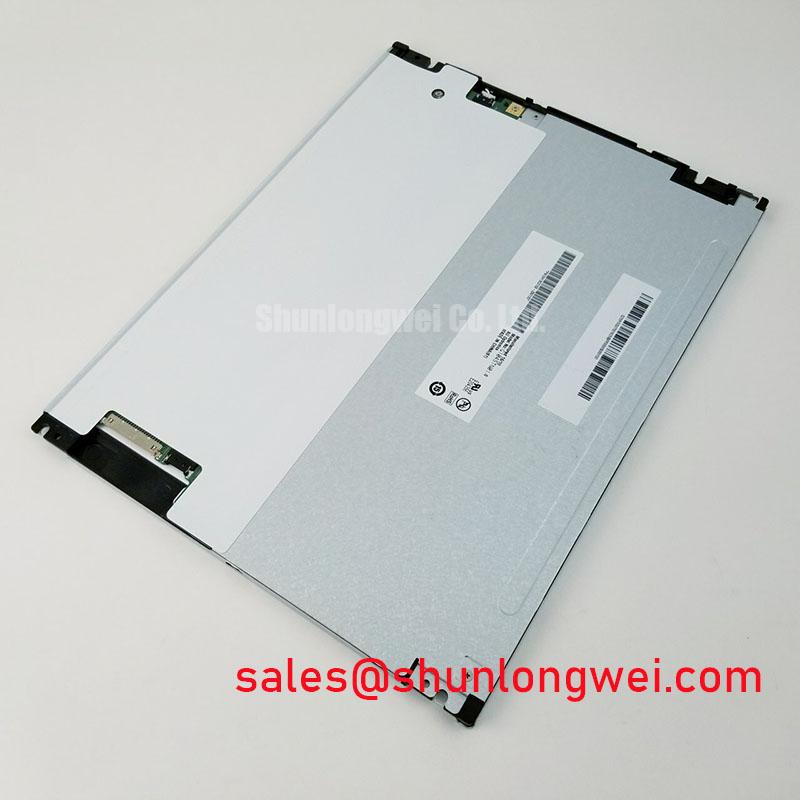
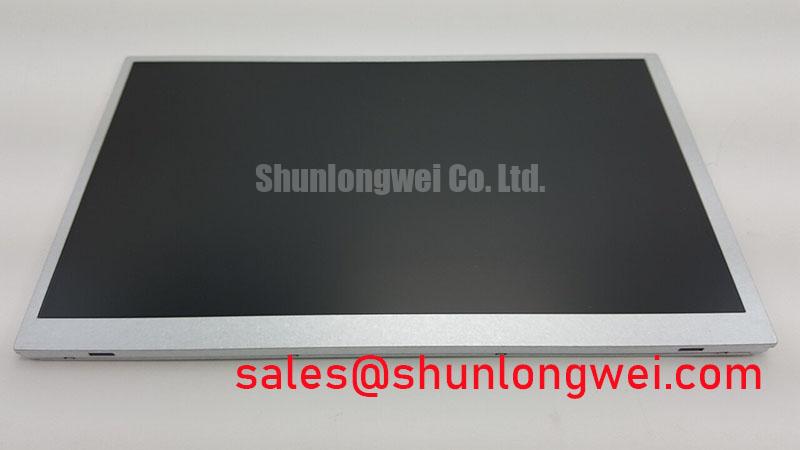
Inspect the connector latch and cable seating on the TV101WUM-AS0 before applying power, then compare the panel label with the equipment service record. This BOE TFT-LCD display module is identified as an industrial LCD/HMI panel, but the available product information does not establish its supply voltage, interface pinout, optical ratings or mechanical dimensions. Those details must be checked against the original panel documentation before a repair or integration decision.
A dark screen after replacement does not, by itself, identify a failed panel. Begin at the host connector: confirm that the cable orientation, contact position and latch engagement match the original assembly. With the panel connected under a controlled bench setup, compare the voltage measured at its supply pins with the value specified in the original BOE documentation. The system integrator should verify the required supply voltage from that documentation rather than infer it from another TFT module.
Power sequencing is a Design Consideration whenever a host controls panel logic and backlight separately. Confirm the documented order of supply, display data and backlight enable, then capture the actual startup waveforms at the connector. If the screen flashes during boot or remains blank until a restart, compare the traces with a known-working assembly before changing firmware timing. Supply rise time, permitted delay and shutdown order are model-specific limits; none should be assigned to TV101WUM-AS0 without its timing specification.
For a display path that uses serialized data, a split image, incorrect colors or intermittent columns can prompt checks of cable seating, signal mapping and the host configuration. JEIDA and VESA describe different data mappings in applicable display systems, but neither mapping should be attributed to this panel until its interface is confirmed. Likewise, differential impedance and clock-jitter limits belong to the documented panel-and-host link, not to a generic LCD checklist.
The backlight circuit needs a separate review. Verify its electrical requirements before enabling an external driver, and use the equipment schematic to locate any dimming input or fault output. A PWM frequency or duty-cycle response suitable for one display cannot be presumed suitable for this one. During a functional test, record whether brightness changes smoothly and whether visible flicker or audible noise appears across the equipment’s intended dimming range. The display assembly described for NL10276BC30-18 is a useful comparison when reviewing the surrounding display chain, not evidence that its driver arrangement or connector is compatible with TV101WUM-AS0.
Incoming Benchtop Inspection of the Display and Backlight
Start the optical inspection with a clean viewing surface and a stable test image. Display a uniform red field, followed by green and blue fields, while checking for non-switching pixels, isolated color defects and persistent vertical or horizontal lines. Repeat any suspected finding at the normal viewing distance and angle: dust on a cover window, a reflection or a source-image defect can resemble a panel fault. Record the location and appearance of a repeatable defect rather than assigning it to an internal bond or driver structure without further evidence.
Next, display a dark field and examine the panel under the lighting expected at the installation site. Look for uneven illumination, localized bright areas and changes near the display edges. A flashlight held obliquely can help reveal whether an apparent dark patch changes with incident light; it cannot conclusively separate every backlight fault from a pixel-driving fault. If a line remains fixed through multiple test colors, compare the host signal, connector seating and a known-working display path before diagnosing the panel assembly.
For brightness and color-uniformity work, allow the display and its driver to reach a repeatable operating state. Keep the test image, dimming setting, viewing position and ambient lighting consistent between measurements. A luminance meter or colorimeter can document differences across the visible area, but acceptance limits must come from the applicable BOE specification or the equipment maker’s inspection criteria. No contrast ratio, sunlight-readability rating or backlight service-life figure is established by the product information provided here.
💡 Bench Tip: With power removed and ESD precautions in place, align the flexible cable squarely before closing its connector latch.
Handle the flexible cable as part of the inspected assembly. Check for creases, damaged contacts and a latch that does not close evenly. Where equipment vibration or repeated servicing is relevant, examine the installed cable route for tension at the connector and confirm that the enclosure supports it without forcing a sharp bend. These are Design Considerations, not a stated bend-life or shock rating for TV101WUM-AS0. For broader background on inspection terms and display behavior, see The Ultimate Guide to Industrial TFT LCD Technology.
Surface Readability and Mechanical Fit
Judge readability using the actual front window and ambient lighting, not the bare panel alone. Reflections from a protective cover can wash out text even when the display appears clear on an open bench. Test representative screens at the operator’s normal position, including small labels and low-contrast status information. An anti-glare or anti-reflective treatment should not be claimed for TV101WUM-AS0 until its surface specification has been confirmed; a removable cover, bonded window or enclosure finish can also change the observed result.
Viewing-angle behavior deserves the same measured approach. Move across the positions from which operators must read alarms and observe changes in brightness, color and grayscale. Do not assume a TN, IPS or MVA mode from the model name. If the equipment requires a wide viewing cone, compare the documented optical limits with an installed-sample test through the final cover window. This matters when evaluating the panel for a high-voltage substation protection interface or SCADA dispatch console, but that application alone does not establish compatibility.
Before authorizing a replacement, compare the original module and TV101WUM-AS0 at the mounting points, visible area, connector position and cable exit. Check that the enclosure does not press on the active display area when closed. A nominally similar LCD can still differ in its outline, interface or backlight requirements. The listing for TCG084SVLQAPNN-AN30-S can serve as a separate display reference during specification comparison; it should not be treated as a confirmed substitute without matching the equipment requirements against both panels’ documentation.
Temperature also affects the installed result. If the equipment must start in a cold enclosure, observe startup, image transition and backlight behavior at the specified equipment temperature while monitoring the supply at the panel connector. Slower image response or an uneven initial appearance warrants controlled comparison with the documented operating limits, not an assumed need for compensation. The allowable temperature range and any prescribed warm-up behavior must come from the panel and equipment specifications.
Flexible-Cable Grounding and Intermittent Image Faults
When an image shows moving noise bands or intermittent pixel errors, inspect the complete signal path before disturbing the display. Confirm that the flexible cable is fully inserted, its latch is closed and its routing matches the service drawing. Then check the host output and panel input with appropriate instruments under the conditions that reproduce the symptom. A disturbance near a motor drive may be relevant, but proximity is not proof of an interference cause.
Shield termination is a Design Consideration governed by the actual cable and connector construction. If the equipment uses a shielded display cable, verify its intended ground connection against the original wiring design. Do not assume that TV101WUM-AS0 has a shielded FFC, a conductive connector shell or a particular LVDS pinout. Ferrite suppression should likewise be evaluated against measured common-mode noise and the system’s signal-integrity requirements, rather than added as a presumed panel requirement.
For a repeatable fault, capture the supply rail and relevant display signals at the same time as the image disturbance. Compare startup and steady-state behavior, then gently check whether movement of the supported cable route changes the symptom without flexing the panel connector. If the documented interface specifies clock and data timing limits, evaluate measurements against those limits across the equipment’s required temperature range. If it does not, obtain the original interface documentation before assigning a jitter, hold-time or cable-loss budget.
Finish the repair assessment with a powered test in the assembled enclosure. Cycle through full-screen colors, a dark field and the equipment’s normal interface while observing the display from its working position. Record any recurring defect alongside the supply measurement, cable configuration and ambient conditions. That record lets the repair engineer distinguish an unresolved integration issue from a repeatable display symptom without attributing either one to an unverified internal failure.