Content last revised on October 4, 2026
Flush-Mount Bezel Fit and Perimeter Gasket Pressure
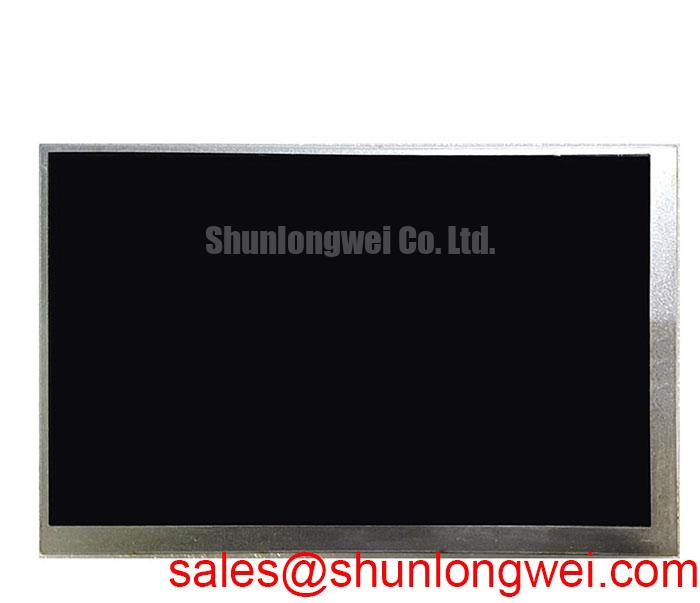
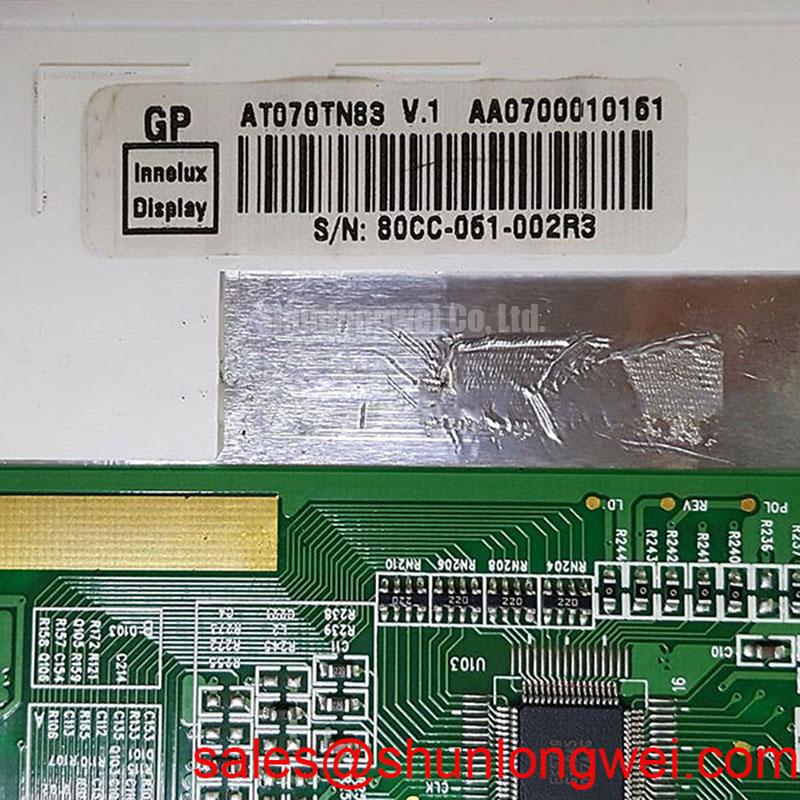
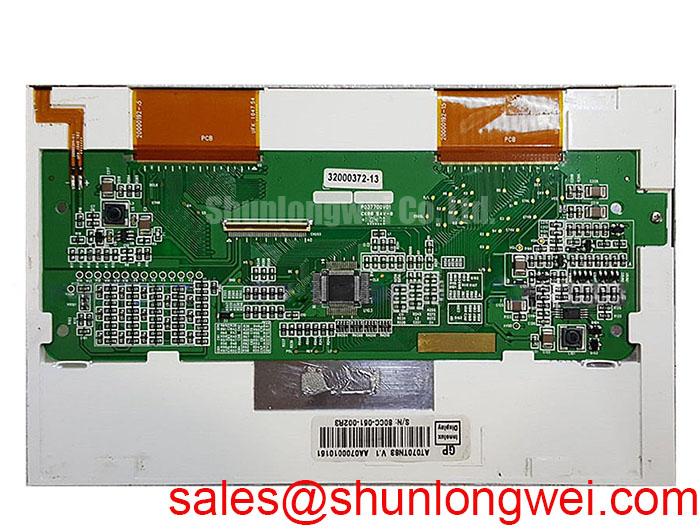
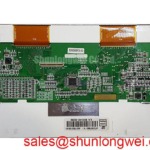
With the equipment isolated from power, inspect the display connector latch and flex cable seating before treating a dark operator screen as a failed panel. AT070TN83-V1 is identified in the supplied official factory information as an Ampire TFT-LCD display module in the industrial LCD/HMI panel category (Official Specification). Those identifiers establish the starting point for a replacement assessment; they do not establish that the panel will fit a particular controller or enclosure. Record the existing module label and cable orientation, then compare the host documentation with the proposed installation.
Before removing the installed display, note where its frame contacts the bezel, where the gasket bears on the assembly, and how the cable exits the enclosure. A dark patch visible only after the bezel is tightened deserves a mechanical check before an electrical diagnosis. Uneven perimeter pressure can change the appearance of a displayed image, but the symptom alone cannot identify the affected part.
For AT070TN83-V1, the supplied factory information confirms the module type but does not provide an outer envelope drawing, mounting-hole pattern, allowable fastener torque, gasket specification, or optical bonding status. Design Consideration: the integrator should compare the original mechanical drawing with the enclosure opening and verify that the bezel supports the intended mounting surfaces without pressing on the visible display area. Set fastener torque from the documented module and enclosure requirements rather than applying a generic screw value.
Check the image first with the panel supported as intended but before final bezel compression, then check it again after assembly. Use the same displayed pattern and viewing position for both observations. If a shadow appears only when the enclosure is closed, ease the assembly back to its documented fit and inspect the gasket path, frame contact points, and cable routing. This comparison is more useful than adjusting display electronics to compensate for a pressure-related symptom.
A perimeter gasket may help the enclosure manage dust and moisture, but it does not demonstrate that the display module itself is sealed. Likewise, optical bonding should not be assumed from the product category. For a CNC operator panel or robot teach pendant under evaluation, confirm any cover glass, bonding layer, sealing method, and cleaning-chemical compatibility against the actual assembly documentation. Direct-sunlight contrast and anti-glare performance also require documented optical specifications and a test under the intended lighting conditions; neither can be assigned to this model from the supplied identifiers.
Display-Edge Heat Paths and Backlight Service Checks
If the screen becomes dim during a shift, compare its appearance immediately after startup with its appearance after the enclosure has warmed. Inspect the host backlight-control circuit and its power connections while following the equipment service procedure. A dim image with otherwise responsive graphics calls for a different set of checks from a screen that shows no image at all, but neither observation proves that the panel is the failed item.
Design Consideration: if an enclosure uses metal rails near the display edges, assess whether they provide a useful heat path without adding pressure to the module. The rail shape, contact material, and allowable contact locations must come from the mechanical design. Do not place a thermal interface against an unidentified optical or electrical feature simply because it feels warm. Compare temperatures and image uniformity in the assembled enclosure under the equipment’s normal operating conditions.
The supplied factory information does not state the backlight technology, drive current, thermal limits, or a service-life rating for AT070TN83-V1. A backlight life or brightness-decay figure therefore cannot be used as a replacement interval for this page. For broader discussion of environmental test planning and long-running HMI installations, see Industrial Display & HMI Solutions; the module’s own documented limits still govern a specific integration assessment.
During service, examine the flexible cable along its routed bend and at the connector entrance. A cable that is repeatedly displaced by the enclosure may produce intermittent symptoms that resemble a panel fault. Keep its route clear of moving hardware, restore the connector latch to its intended position, and repeat the image check with the cover fitted. The acceptable bend path and retention method are determined by the cable and host drawings, not by the display category alone.
Viewing-Angle and Image-Persistence Evaluation at the Console
Put a known test image on the operator screen and view it from the positions people actually use: directly in front of the controls, beside the machine, and at the normal standing height. Watch for changes in grayscale, color, and legibility as the viewing position moves. This is particularly relevant when evaluating a panel for a CNC console or a handheld teach pendant, where enclosure angle can matter as much as the display’s nominal size.
The supplied specification identifies AT070TN83-V1 as a TFT-LCD module but does not verify its liquid-crystal mode, viewing-angle values, contrast ratio, surface treatment, or sunlight readability. It would be unsafe to describe this specific unit as IPS, MVA, anti-glare, or readable at a stated illumination level without the corresponding factory optical data. Design Consideration: if operators report apparent grayscale reversal or washed-out controls, compare the screen at fixed brightness across the intended viewing positions and check for reflections from the enclosure cover before attributing the result to the panel.
Long-displayed HMI graphics deserve a separate check. Show a neutral image after the usual static interface has been on screen, then observe whether an earlier graphic remains visible and whether it changes over time. Do not diagnose permanent display damage from one brief observation. Interface layout, operating duty, and any image-management measures belong to the host-system design; a replacement panel should be assessed using the equipment’s actual display sequence.
For a white screen or an image that appears only during startup, consult the original panel and controller documentation for the supply, signal, and backlight power sequence. Measure what the host delivers at the connector and compare it with the documented sequence before changing controller settings. The supplied information does not establish this module’s supply voltage, connector pinout, signaling interface, clock timing, or data-hold requirements. A visually similar flex connector is not evidence that two panels share an electrical interface.
Industrial Noise Checks, Cable Retention, and Shielding Continuity
When horizontal bands or image jitter appear near operating machinery, first establish whether the disturbance follows a change in the machine’s operating state. Check the display cable latch, its route past power wiring, the host supply at the display connection, and any shielding already specified by the equipment design. Compare observations with a known-good signal path where one is available. Noise may enter through more than one route, so a banded image should not be treated as proof of a defective module.
Design Consideration: preserve the host designer’s intended cable-shield termination and chassis contact while routing display wiring away from switching-power paths where the enclosure permits. Ferrites or other suppression parts require evaluation in the complete system; adding one without checking the signal interface can obscure the original fault or create a new one. The supplied factory information does not confirm an FFC or LVDS pin assignment for AT070TN83-V1, so cable type, grounding, and signal-integrity criteria must be verified from the original panel and controller documentation.
Field Alert: Disconnect power and follow the equipment’s discharge procedure before releasing or inserting the display cable.
After reseating, inspect that the flex enters the connector squarely and that the latch closes without pulling the cable sideways. Refit the enclosure without trapping the cable, then repeat the test across startup, steady operation, and shutdown. If the display changes during power-down, record the timing of the image, supply, and backlight changes for comparison with the host’s documented sequence. That record gives the repair engineer a defensible basis for deciding whether to investigate the controller, its wiring, or the display module next.