
Content last revised on October 22, 2026
Incoming Benchtop Inspection: COG/TAB and ACF Bond-Integrity Assessment
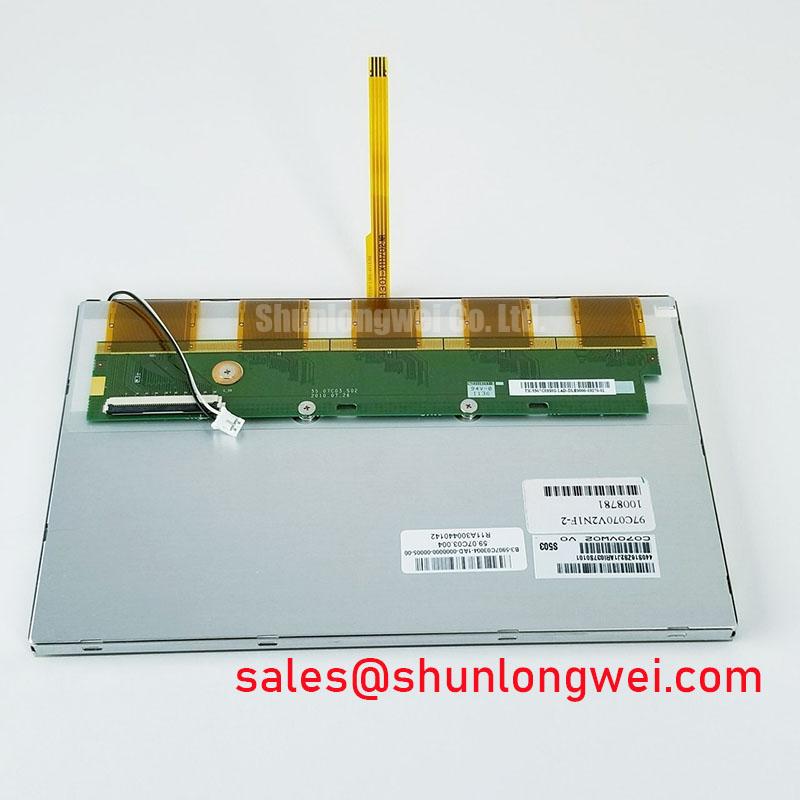
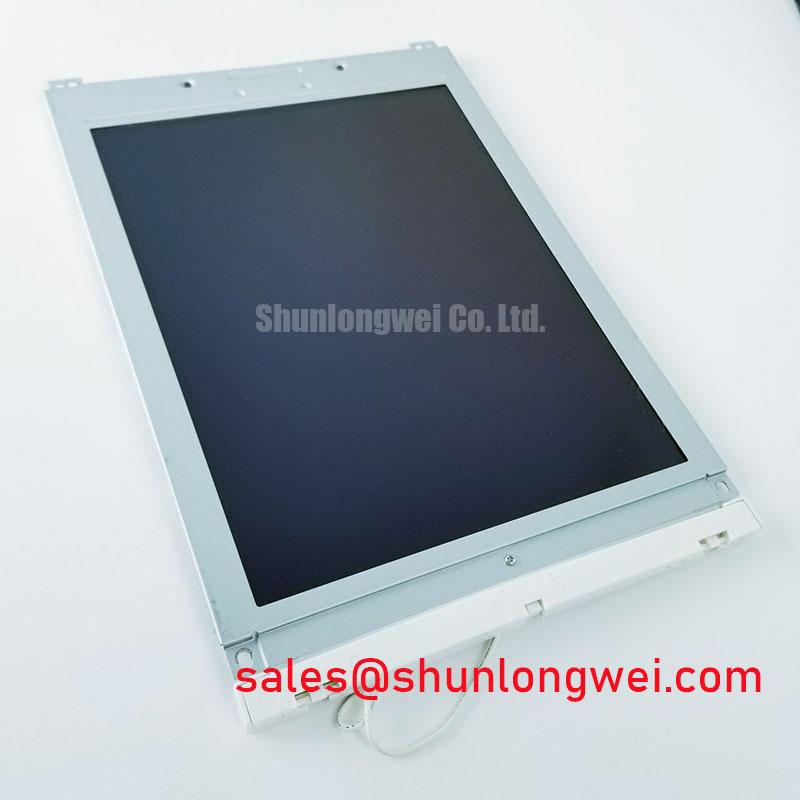
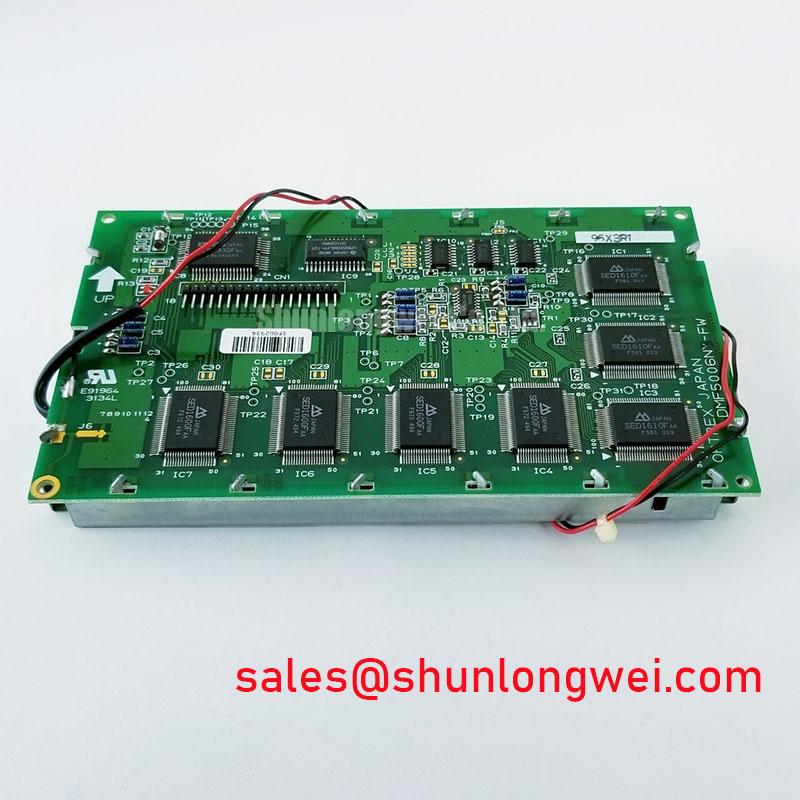
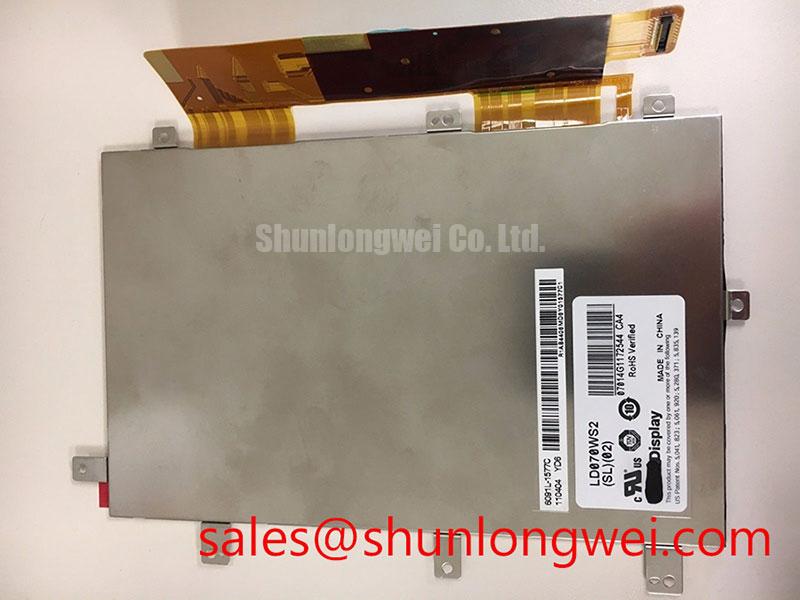
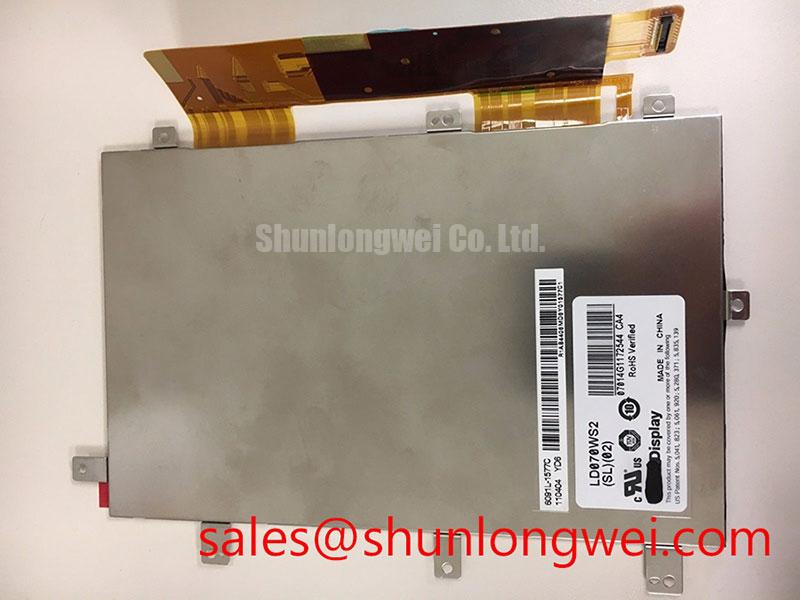
Disconnect the display harness with the equipment powered down, inspect the connector latch and exposed contacts, and check whether the dark screen still carries a faint image under an inspection light. For the LD070WS2-SL02 from LG Display, separate image generation, illumination, and harness faults before deciding that the panel needs replacement. The product is a TFT-LCD active-matrix color display module; a matching model label is the starting point, not proof of electrical interchangeability.
For replacement assessment, consult the original panel documentation for supply voltage, interface pinout, timing, outline dimensions, backlight requirements, and temperature limits. These determine whether the existing controller, harness, and enclosure can support the module. Field Alert: Disconnect power and allow the equipment’s specified discharge interval before releasing or reconnecting the display cable.
Display red, green, and blue full-screen patterns through a compatible controller, recording whether defects remain fixed at the same pixel locations. Follow with uniform light and dark images to distinguish missing image information from uneven illumination. As a Design Consideration, a persistent line warrants comparison across patterns and signal sources; its appearance alone does not establish a damaged driver bond.
For a dark screen, direct an inspection light obliquely across the viewing surface while a recognizable image is commanded. A visible underlying image supports investigation of the illumination path, but does not identify the failed component. Compare the backlight enable command, driver input supply, connector condition, and protection status with the equipment schematic. If no image is visible, continue with controller output and panel power checks rather than assuming an illumination fault.
Inspect accessible flex connections without pressing the glass edge or attempting to reseat bonded interconnects. COG, TAB, and anisotropic conductive film describe construction techniques; they are not confirmed internal construction details for this model here. Pressure-dependent symptoms can also involve cable seating or mechanical loading, so document the conditions before assigning a cause.
Engineering Recommendation: assess brightness consistency after thermal stabilization using repeatable image content, ambient lighting, and driver settings. Brightness depreciation and failure rate are different measurements; neither establishes a service-life rating without the applicable manufacturer test conditions. For long-running static interfaces, consider idle-screen changes and reduced unnecessary illumination, subject to the equipment’s visibility requirements.
Suppressing Acoustic Capacitor Buzz and Backlight PWM Interference
Correlate audible noise with commanded brightness before changing the backlight driver. As a Design Consideration, dimming-related current changes can excite components on the driver board or interact with the equipment supply. Observe the enable signal, dimming command, supply ripple, and driver output using measurement equipment appropriate to the circuit and its electrical hazards.
Keep illumination troubleshooting separate from panel identification. The backlight circuit must be matched to the actual module requirements, including its connection arrangement and operating controls. Dimming frequency, usable duty-cycle range, and startup behavior belong to that verified combination; a generic frequency range or dimming ratio is not an LD070WS2-SL02 specification.
Compare behavior at steady brightness with behavior during brightness transitions. If noise follows dimming, investigate the controller command and driver response together. Changes to filtering or modulation should be validated for brightness stability, startup, component stress, and equipment-level emissions rather than judged by sound alone.
The LQ065T5AR05 is a separate display reference for comparing panel-and-driver integration requirements, not a backlight driver or a declared interchangeable accessory. General display-technology context is available from Winstar Industrial TFT-LCD and OLED Display Modules; those materials do not establish LG Display model-specific ratings.
For cold-start assessment, record image settling and brightness recovery within the panel’s documented operating envelope. Liquid-crystal response can slow as temperature falls. Any compensation, enclosure warming, or delayed interface presentation is a system-level design consideration requiring temperature monitoring and validation, not an assumed feature of this module.
Investigating Pixel Jitter and Horizontal White Lines near Motor Drives
Compare the display during motor-drive idle, acceleration, and steady operation while keeping image content unchanged. A repeatable relationship with switching activity can guide interference testing, but does not exclude supply instability, connector movement, or controller timing errors. Capture the symptom alongside relevant supply and signal observations.
Engineering Recommendation: inspect the actual interface before selecting cable remedies. Shield termination, return-path continuity, cable routing, and connector retention should follow the equipment architecture. Where shielding is provided, evaluate its chassis connection rather than adding an improvised ground that could introduce another current path. Ferrites require evidence of a relevant noise path and validation after installation.
Inspect flexible-cable folds, entry points, and latch engagement with power removed. Repeated flexing at a fixed crease can concentrate mechanical strain; support the harness so enclosure movement does not load the connector. Bend geometry and retention should follow the cable and connector specifications, not a generic bend-life claim.
Check power sequencing when white screens or shutdown image persistence occur. Compare panel supply, controller output, and backlight control against the documented sequence, including restart after a short interruption. For broader diagnostic organization, Industrial Display & HMI Solutions provides related integration context without replacing model-specific timing requirements.
Chassis Fastener Torque and Bezel Clearance for Optical Mura Control
Compare uniform dark and mid-tone images before and after securing the panel in its enclosure. Uneven shading that changes with assembly condition warrants investigation of bezel contact, chassis distortion, mounting support, and cable loading. It does not by itself establish damage to a particular internal optical layer.
As a Design Consideration, determine fastener torque from the approved mounting arrangement, thread engagement, and enclosure materials. Tighten progressively while checking panel seating; do not apply a generic screw-size torque as an LG Display requirement. Maintain the drawing-defined clearance so the bezel restrains the assembly without transferring unintended pressure to the viewing surface.
When comparing the LD070WS2-SL02 with another display such as the TCG057QV1AA-G10, assess dimensions, active area, resolution, interface, and mounting independently; neither similar appearance nor a related product category establishes compatibility. Evaluation for an AGV or forklift telematics display should also address vibration restraint, connector retention, environmental sealing, and readability in the intended enclosure.
Assess sunlight readability through the complete cover stack under representative lighting. Optical bonding and surface treatments change reflections and mechanical loading, but do not independently establish enclosure sealing. After assembly, repeat uniform-image checks, confirm that cable strain relief remains effective, and inspect the perimeter for unintended contact before returning the display to equipment testing.