Content last revised on October 14, 2026
AT080TN52-V-5 Display Integration and Service Checks
- Inspect the panel and bezel for edge pressure, cracks, lifted corners, or uneven gasket contact before energizing the assembly.
- Record the original cable orientation and confirm that the mating connector is fully released before removing the display.
- Check the host controller documentation for the required supply, signal interface, backlight drive method, and power sequencing.
- Run full-screen red, green, blue, white, and black test images before approving the unit for equipment service.
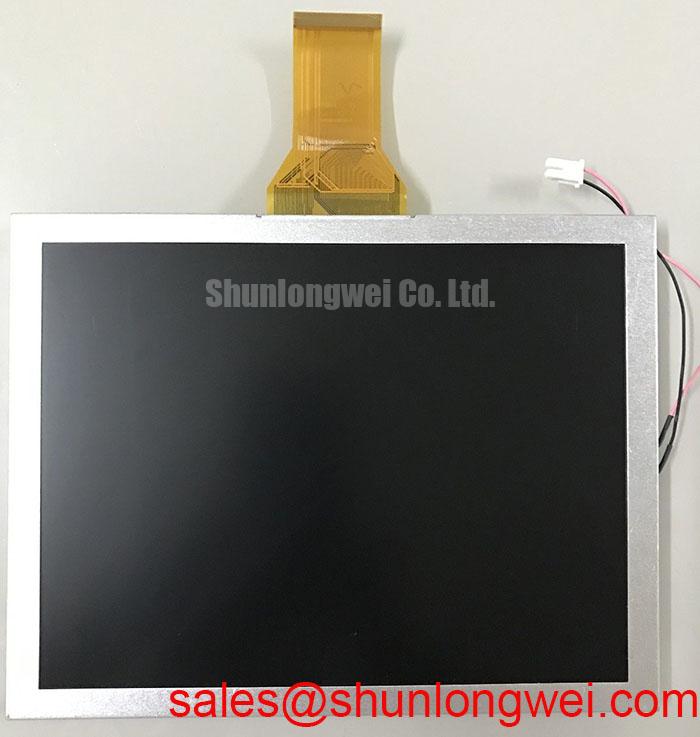
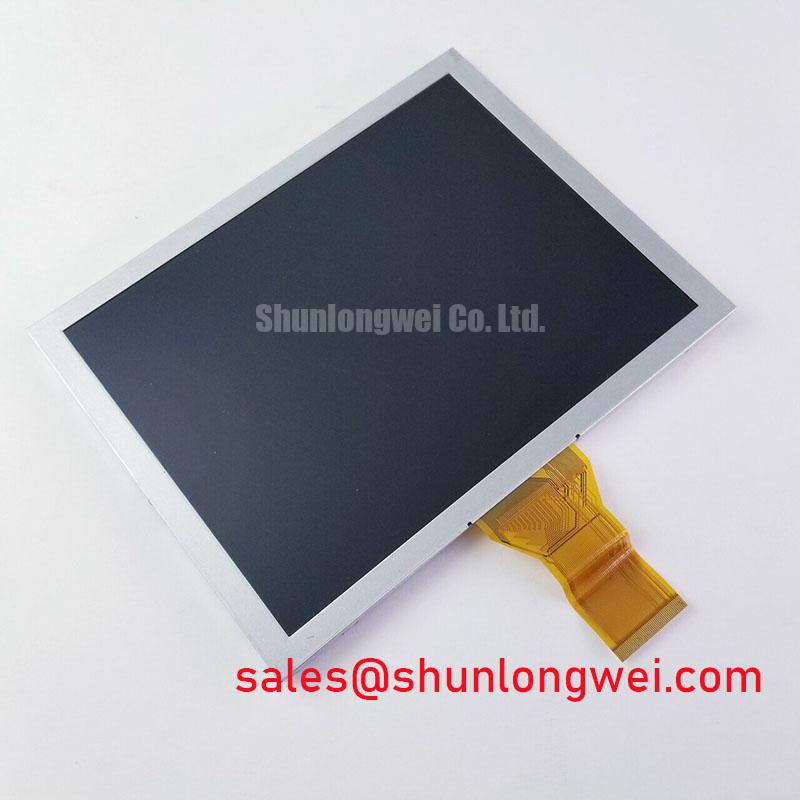
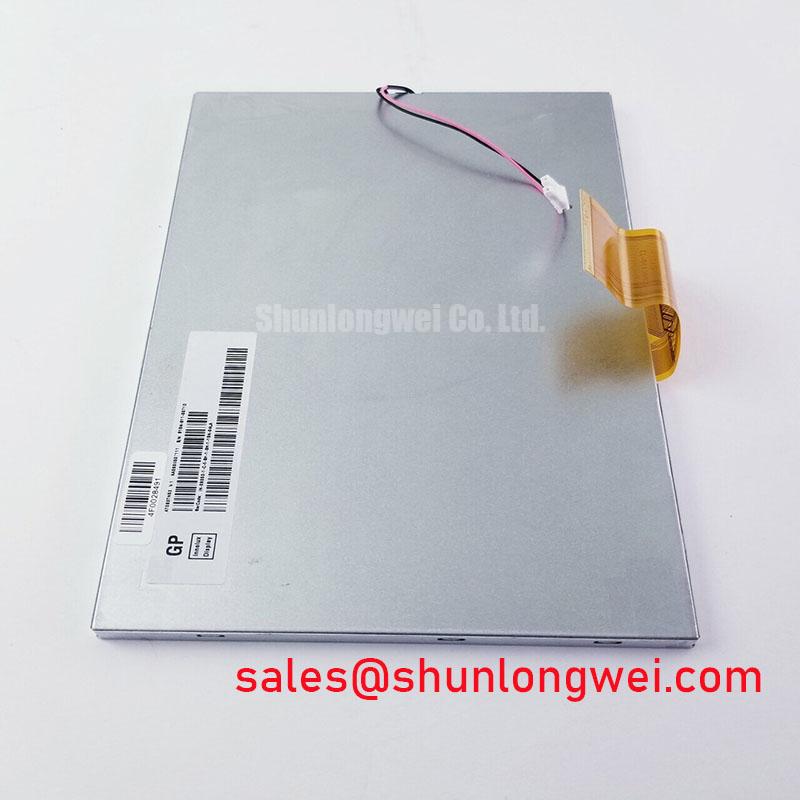
The AT080TN52-V-5 is an Innolux TFT-LCD active-matrix color display module. Supply voltage, interface pinout, optical performance, touch function, and mechanical drawing should be taken from the panel documentation used for the original equipment. Suitability for industrial LCD and HMI applications should be verified against the equipment requirements.
| Manufacturer | Innolux |
| Model | AT080TN52-V-5 |
| Product category | TFT-LCD Display Module |
| Construction classification | TFT-LCD Active Matrix Color Display Module |
Flush-Mount Open-Frame Bezel Integration & Perimeter Gasket Shock Isolation
Start mechanical integration by checking that the enclosure supports the panel evenly around its perimeter rather than allowing the display glass or bezel to carry localized fastening loads. A flush-mounted open-frame installation should leave the display plane supported without twisting the chassis when the surrounding cover is tightened. Compare the panel outline, viewing aperture, connector exit path, and gasket land against the original equipment drawing before making a replacement decision.
Use a compliant perimeter gasket only where it can distribute contact pressure without intruding into the active viewing area. Uneven compression can appear as corner shading, bright pressure marks, or dark-field mura that changes when the enclosure is flexed. These symptoms should be assessed with the panel operating on a uniform black and gray image, followed by a white-field inspection under controlled ambient lighting.
The fastening hardware and tightening sequence belong to the enclosure design, not to the display model unless explicitly defined in the applicable mechanical drawing. As a Design Consideration, use a cross-pattern sequence and a calibrated torque tool so that one corner is not locked down before the opposite side. Do not transfer a torque value from another panel frame or assume that a common screw size establishes an acceptable limit for this module.
Backlight service evaluation should also separate optical uniformity from driver behavior. If the host system uses a constant-current backlight circuit, inspect the current path, enable signal, and protection response while observing the screen for flicker or gradual dimming. A claimed backlight life or brightness-retention curve must come from the applicable Innolux documentation or a defined test report; it should not be inferred from a generic 50,000-hour figure.
For a railway passenger information system or cab signalling display, the enclosure designer should assess vibration transfer, gasket aging, cleaning chemicals, and sunlight exposure as system-level conditions. The same mechanical checks also apply to CNC operator pendants and industrial HMI consoles. The Industrial Display & HMI Solutions reference provides additional context for enclosure-level display integration.
Suppressing Localized Thermal Gradients to Reduce Optical Degradation Risk
Thermal inspection should begin at the narrow display edges, connector region, and backlight driver area, where restricted airflow or adjacent electronics can create visible brightness and color differences. A thin aluminum heat-spreader rail may be evaluated as a system enclosure feature when it distributes heat away from a concentrated source, but its dimensions, contact method, and insulation must be determined from the chassis design rather than assumed from the panel name.
Use a uniform white image for brightness comparison, then repeat the observation after the assembly has reached a stable operating condition. A shift that follows the enclosure temperature may point toward thermal distribution, driver regulation, or optical stack behavior. Do not attribute every yellow region to the LCD itself: compare the affected area with the backlight structure, cable route, nearby power components, and the known-good display path.
The product identity supplied for AT080TN52-V-5 does not confirm a touch layer. If the replacement is being considered for a resistive or capacitive touch HMI, confirm that the original touch controller, overlay, cover lens, and optical bonding arrangement are compatible. Glove operation and wet-finger sensitivity are touch-system characteristics, not inherent claims for this TFT-LCD module.
For high-EMI installations, differential interface routing should follow the host controller specification. Where the controller explicitly requires a 100 Ω differential environment, that value is a System Interface Requirement for the complete signal path, not an official electrical parameter of this panel. The integrator should verify pair assignment, termination, common-mode range, skew tolerance, and cable shielding at the source and load. If the original design uses a different interface, do not retrofit an LVDS assumption into the replacement process.
Optical surface performance also needs direct confirmation. Anti-glare or anti-reflection treatment, outdoor readability, and high-brightness behavior should be recorded from the original panel documentation or measured on the installed assembly. General TFT-LCD operating principles are described by Thin-Film-Transistor Liquid-Crystal Display technology, while industrial display construction references can be reviewed through Winstar Industrial TFT-LCD and OLED Display Modules with the links opening in a new window.
Micro-Twist Mechanical Stress Prevention at Glass-Edge Connections
Screen testing should distinguish an illumination problem from a pixel addressing or glass-edge connection problem. Display a primary-color sequence of red, green, and blue, then inspect a full white field and a full black field. Look for fixed dark columns, intermittent lines, color-dependent defects, or areas that change when the enclosure is gently supported rather than twisted.
A 45-degree flashlight inspection across a black image can reveal shadows, edge illumination, surface marks, and contamination that are difficult to see in a bright scene. This is a bench diagnostic method, not proof of a particular internal failure mechanism. A line defect that remains fixed across colors deserves a different inspection path from a region that disappears when the backlight is disabled or changes with driver enable behavior.
Handle the module by its frame and avoid pressing the glass, flex tail, or bonded edge. Small installation distortions can alter the visible result even when the panel initially passes a static image test. When a defect appears after enclosure assembly, compare the panel outside the bezel with the panel in its mounted state, using the same image patterns and camera position.
Backlight troubleshooting should proceed at the connector and driver level. An open circuit, short circuit, overcurrent response, or protection shutdown can produce a dark screen while the image data path remains active. Measure the host-side signals and backlight control according to the original circuit documentation, and disconnect power before reseating any cable.
💡 Bench Tip: Use ESD protection and keep the flex cable perfectly parallel to the connector before locking its latch; an angled insertion can create an intermittent service fault that looks like a panel defect.
Signal Integrity & Noise Verification in High-Vibration Bays
When a display is installed near variable-frequency motor equipment, begin with cable geometry and grounding continuity before changing software settings. Keep the display cable away from switching power conductors where the cabinet layout permits, preserve the original shield termination arrangement, and ensure that the connector shell or drain path has a deliberate connection to the enclosure reference.
A fully shielded cable can reduce radiated pickup only when its termination, routing, and mating hardware are consistent with the system grounding plan. Common-mode ferrite components may be evaluated by the system designer where measured noise indicates a need, but they are not confirmed accessories of the AT080TN52-V-5. Adding them without checking signal integrity can increase edge distortion.
Use an oscilloscope at the controller and panel ends to compare the known-good signal path with the suspect assembly. Check signal timing and voltage margins, using eye diagrams where appropriate for the interface, and watch for baseline movement, periodic horizontal bands, pixel jitter, or noise that correlates with motor switching. A panel-only replacement should not be approved until the cable, connector, controller output, backlight return, and enclosure grounding have been compared under the same operating condition.
The companion LQ070Y3DG3B may be reviewed as a separate display solution when evaluating related system topologies, while NL8048AC19-13 can support a neutral comparison of another display option. Neither link establishes interchangeability with this model; connector, optical, mechanical, and timing compatibility remain equipment-specific.