

Content last revised on September 12, 2026
Interface Pinout, Timing, Pixel Clock and Skew Compensation
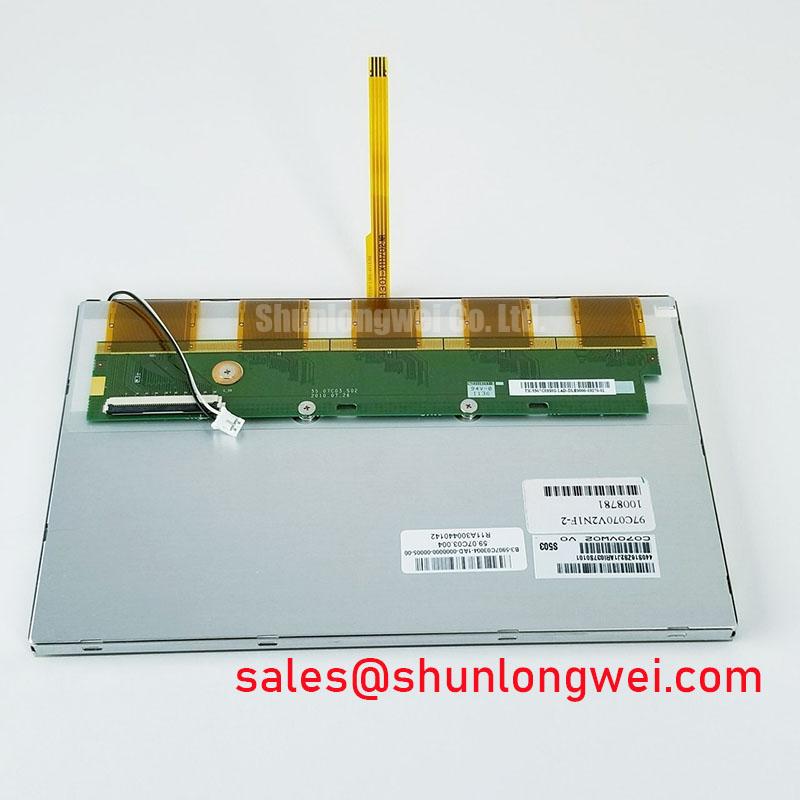
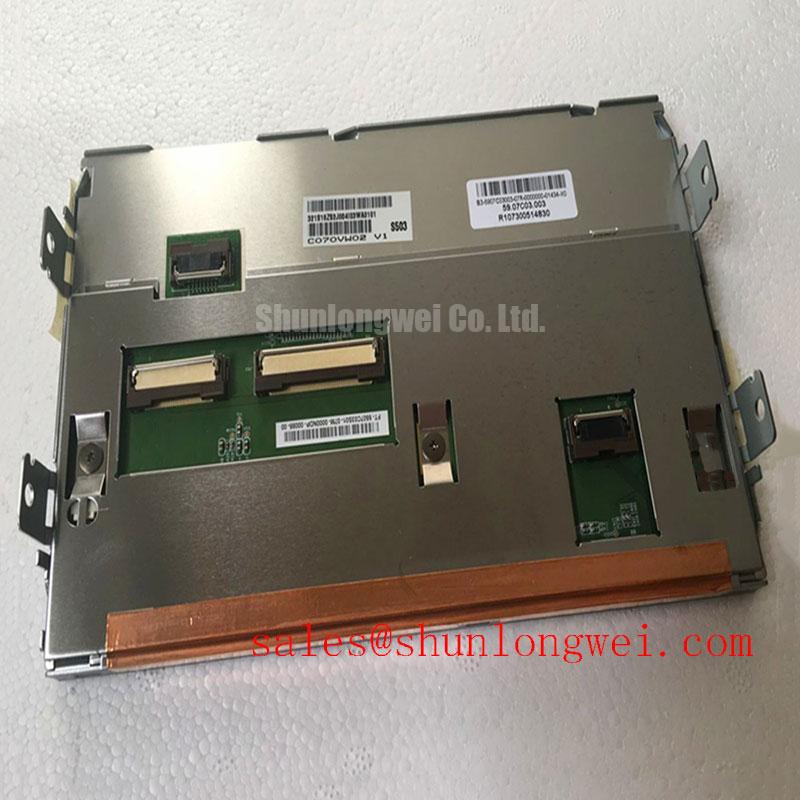
The interface pin count, logic supply requirement, signaling standard, pixel clock range, and data mapping for the C070VW02 V1 must be verified from the original panel documentation and the host controller schematic. These items are not interchangeable assumptions. A panel that physically mates with a cable can still show split images, shifted colors, intermittent sync, or no image if the source uses a different LVDS mapping convention or power sequence.
As a Design Consideration, inspect the existing display cable before removal. Look for local strain at the connector, crushed shielding, damaged differential pair insulation, and signs that the cable latch has not remained fully seated. During signal integrity checks, a controlled impedance differential path and matched pair lengths help limit timing imbalance. The appropriate impedance target, skew allowance, transmitter jitter tolerance, and timing margins remain system determined and should be validated against the original known good signal path with suitable measurement equipment.
The MIPI Alliance display interface resources are useful for understanding why interface generation and timing requirements must be verified at system level, although the installed panel interface must always be established from the equipment documentation rather than inferred from another display family.
When comparing mechanical envelope or display requirements during a service assessment, the LM057QC1T08 can be reviewed as a separate LCD panel reference. It should not be considered a direct replacement without confirming dimensions, electrical interface, connector orientation, timing, and the target equipment firmware behavior.
Mechanical Stress and Glass Substrate Fracture Prevention
Place the C070VW02 V1 on a clean, supported fixture and avoid lifting it by the signal cable or applying torsion across the display surface. A display can appear mechanically intact while stress at the glass edge, bonded areas, or connector region later presents as stationary lines, partial images, or behavior that changes with chassis movement. These observations require inspection and comparison testing; they do not establish a single failure cause.
A practical bench sequence begins with a black field, followed by red, green, blue, white, and neutral gray patterns. Examine each field across the complete active area under stable viewing conditions. This exposes persistent bright or dark pixels, color irregularity, vertical or horizontal line behavior, and nonuniform illumination more clearly than an application screen. A flashlight aimed obliquely across the inactive display can help distinguish a visible image path from an illumination issue, but it is only one diagnostic observation and should be correlated with supply, control, and cable checks.
💡 Bench Tip: Disconnect power before handling the display cable, use ESD controls, and insert the flex or wire harness squarely so the connector latch closes without forcing one side ahead of the other.
As a Design Consideration, the mounting arrangement should support the module frame without imposing localized pressure on the viewing area or cable exit. Verify that surrounding brackets, bezel foam, cable routing, and vibration restraints match the original assembly intent. For industrial display selection and testing context, see Sharp Devices Europe Industrial Display Solutions.
Backlight Supply and Inverter or Driver Debugging
The C070VW02 V1 is officially described as a TFT LCD display module, but the provided factory information does not confirm its backlight technology, lamp quantity, inverter arrangement, supply voltage, dimming method, or control polarity. The system integrator should verify the required backlight supply and control requirements from the original panel documentation. Do not substitute a CCFL inverter or LED driver based only on connector appearance or the display size class.
For a dark screen reported in field equipment, first establish whether the panel receives valid image data and whether any image is visible under controlled external illumination. Then inspect the backlight connector, harness retention, relevant fuses, driver enable path, brightness control signal, and supply behavior under the original system conditions. Flicker, acoustic noise, or uneven brightness can arise from several points in the display chain, including the driver, harness, control signal, power source, or panel assembly. Measurements should be compared with a known good system where possible.
When reviewing related display assemblies or a compatible visual subsystem, the LQ10D321 provides a separate product reference. Its electrical and optical requirements must be assessed independently before use in any repair plan.
For equipment such as earthmoving telematics displays, the enclosure, anti vibration support, thermal path, input protection, and brightness control are system level responsibilities. The industrial grade classification of the C070VW02 V1 identifies the product category, but it does not by itself establish suitability for a particular machine, backlight driver, or operating environment.
Cold-Start Image Behavior During Machine Power-Up
During a cold start evaluation, allow the host equipment to complete its intended power sequence and observe the C070VW02 V1 from boot through stable operation. Slow transitions, temporary ghosting, reduced contrast, or delayed image stabilization can be temperature related, signal related, or associated with the panel supply and controller sequence. Record the ambient condition, observed pattern, image source, and whether the symptom changes after the equipment reaches a stable internal temperature.
The supplied factory information does not state an operating temperature range, response time, storage limit, perimeter seal construction, or thermal cycling qualification for this model. Those values should be taken only from applicable original AUO documentation. As an Engineering Recommendation, technicians should verify panel supply stability, display enable timing, cable seating, and source timing before attributing a cold image artifact to the LCD itself.
For long term industrial HMI maintenance, retain baseline photos from uniform test patterns and record the original mechanical stack up when removing the old unit. This creates a useful reference for later comparison of brightness uniformity, line artifacts, bezel pressure, and connector retention. The broader inspection principles are covered in The Ultimate Guide to Industrial TFT LCD Technology.