
Content last revised on October 18, 2026
DMF-50262NF-FW-ME Display Identification and Replacement Checks
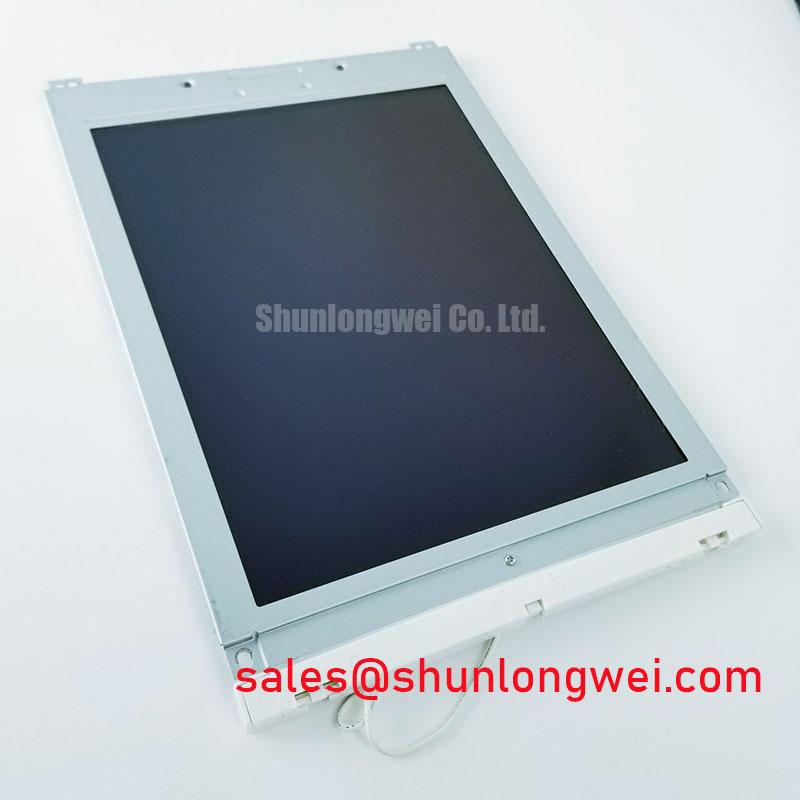
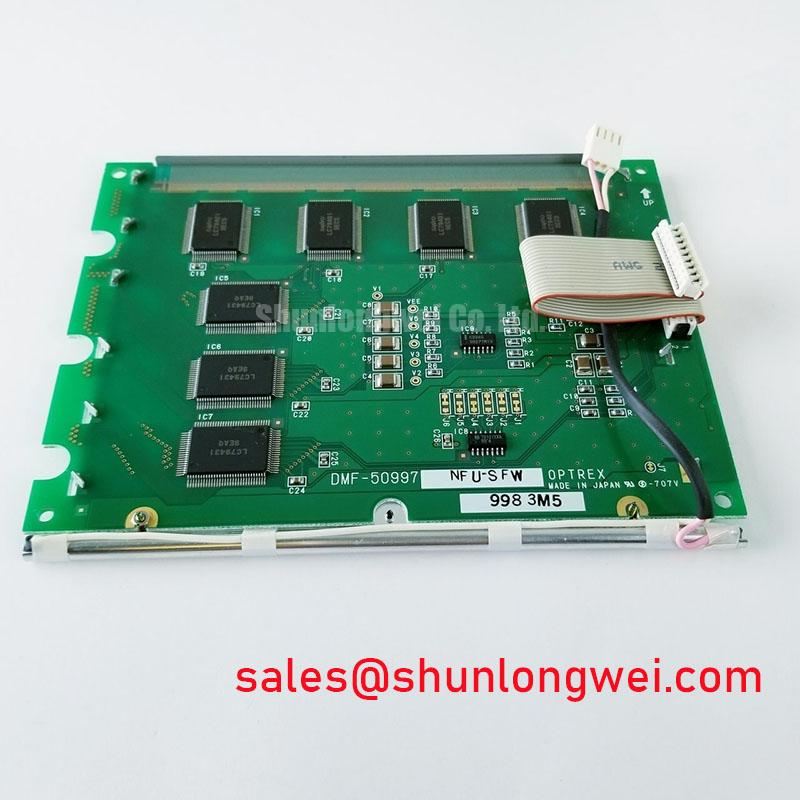
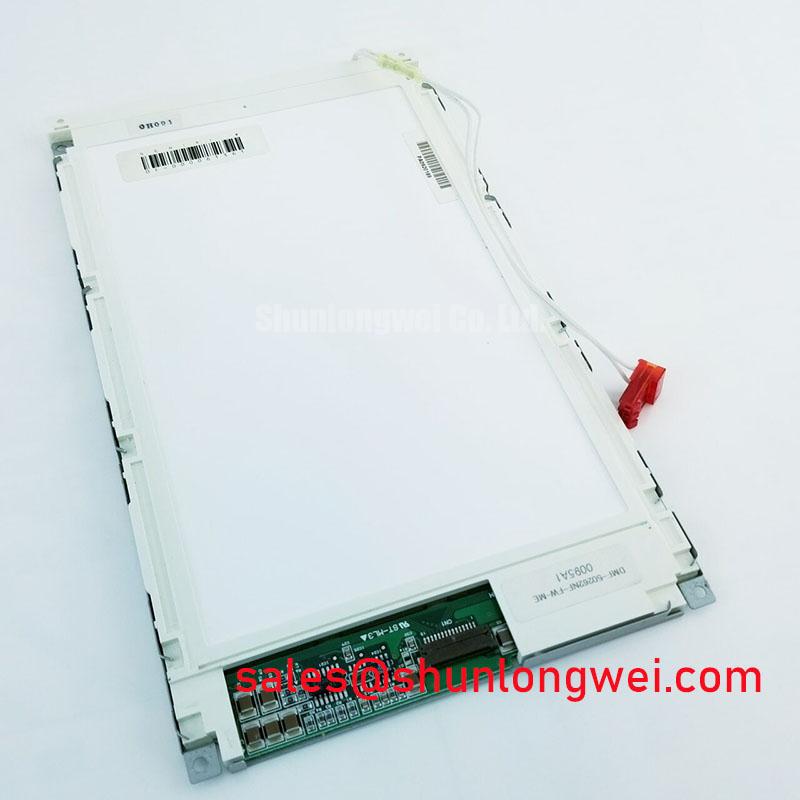
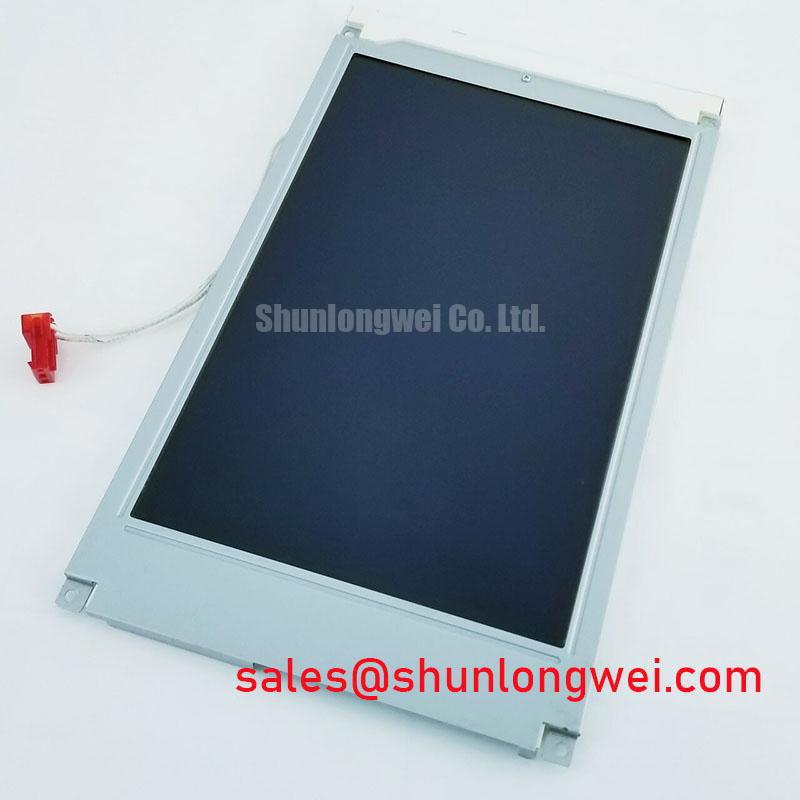
With the instrument powered down, inspect the panel bezel, connections, and display window before applying power, then confirm the replacement marking against DMF-50262NF-FW-ME. This Kyocera / OPTREX LCD is a 240 x 64 dot FSTN positive transflective display with a white LED backlight, an 8-bit parallel interface, and an outline size of 180.0 x 65.0 x 11.0 mm. These basic checks establish whether the mechanical opening, controller bus, and optical operating principle match the original panel used in a precision electronic test or field measurement instrument.
The viewing area is 132.0 x 39.0 mm. The specified operating range is -20°C to +70°C, while the storage range is -30°C to +80°C. The white LED backlight is listed with a half-life of more than 50,000 hours; this figure should be checked against the manufacturer's lifetime test conditions rather than treated as a guarantee across the full operating range. Connector pin order, supply rails, contrast-bias limits, and timing margins should be taken from the original panel documentation and the host instrument design.
Interface Timing and Frame Synchronization for Clean Character Rows
Line smearing on an 8-bit parallel display can involve interface timing, controller configuration, or display-drive conditions. An 8-bit parallel interface alone does not establish that line latch, frame marker, and dot-clock signals are exposed at the panel connector. The service engineer should trace the original board schematic and identify the documented interface before deciding which signals to measure.
Use a known-good signal path as the comparison reference. Check whether the data bus remains stable around the documented data-capture interval and whether control signals meet the required timing. For a command-based interface, check command and data selection, write timing, and any documented readiness requirements. Where scan timing signals are accessible, a distorted latch pulse or incorrectly aligned frame marker can produce repeated bands, smeared text, or an apparent loss of synchronization. Oscilloscope measurements should be made at the panel connector with the probe ground arranged to avoid adding a long measurement loop.
Power sequencing also deserves attention during replacement. Verify the required relationship between the logic supply, display-bias rails, and interface signals against the panel documentation. The shutdown sequence should prevent a partially powered controller from driving the bus into an inactive panel. Designers should verify the host controller's startup and shutdown timing against the documented requirements rather than assuming that a mechanically compatible display will tolerate every sequence.
Because this model uses a white LED backlight, cold-cathode fluorescent lamp ignition procedures do not apply to this part. Do not introduce a CCFL inverter, high-voltage lamp striking pulse, or ballast transformer into an installation intended for this LED-backlit display. Backlight current regulation, enable control, and connector compatibility remain system-level integration items.
For equipment such as a precision electronic test instrument, inspect the display during a cold start and again after the enclosure reaches operating temperature. A symptom that changes with temperature can point toward connector contact variation, timing drift, or bias instability rather than a permanent fault in the liquid-crystal layer.
Restoring Missing Rows or Columns at the Flex Connection
Missing horizontal rows or vertical columns require careful separation of panel-bonding faults from connector alignment faults. Remove power and inspect the host connection. If a locking flex connector is fitted, release its lock without pulling on the flexible cable, and examine whether the cable enters squarely. A cable that is inserted at an angle can leave only part of the parallel bus electrically connected, producing corrupted data or intermittent characters when the enclosure is moved. A fixed missing row or column may instead indicate a panel drive or bonding fault.
The replacement frame should support the panel evenly across its perimeter. Excessive local pressure can deform the glass or disturb internal contact interfaces, while insufficient restraint can allow vibration to shift the contact interface. The correct mechanical condition is even support without point loading; the final clamping arrangement must follow the original instrument construction and the panel manufacturer's mechanical guidance.
When an elastomeric connector or zebra strip is present and serviceable, clean contact surfaces using an approved process compatible with the panel assembly. Do not scrape the conductive interface or compress the strip by tightening one corner first. Bring the bezel down progressively so that the pressure is distributed along the entire contact length. This is a general design consideration, not a stated factory force rating for DMF-50262NF-FW-ME.
| Item | DMF-50262NF-FW-ME | LM12S49 Evaluation Reference |
|---|---|---|
| Display technology | FSTN, positive, transflective | Review linked product documentation |
| Resolution | 240 x 64 dots | Review linked product documentation |
| Interface | 8-bit parallel | Confirm before substitution |
| Outline dimensions | 180.0 x 65.0 x 11.0 mm | Confirm mechanical drawing |
| Backlight | White LED; listed half-life exceeds 50,000 hours, subject to the manufacturer's test conditions | Confirm backlight architecture |
The linked LM12S49 evaluation provides background on other display technologies, but does not establish it as a replacement for this module. Electrical timing, connector geometry, optical orientation, and mounting dimensions must be compared before any substitution is approved. A similar resolution alone does not establish interchangeability.
Maintenance Note: Inspect the bezel seal, connector retention, and ventilation path during scheduled service so dust ingress, condensation, and uneven mechanical loading are found before they affect display uniformity.
LED Backlight Operation and Temperature-Related Contrast Changes
The white LED backlight should be evaluated as a current-regulated illumination system, not as a fluorescent lamp circuit. A dim or uneven image can result from the backlight drive path, optical obstruction, connector resistance, or the display bias system. Compare the illumination across the active area and observe whether the change follows backlight enable state, instrument temperature, or display content.
For a transflective FSTN panel, ambient light and backlight contribution both affect readability. The enclosure window, bezel opening, and internal reflections should therefore be checked when the instrument is tested under workshop lighting and under the intended field lighting conditions. Avoid assigning a contrast problem to the LED assembly until the character layer and bias adjustment have been evaluated separately.
Temperature changes can alter liquid-crystal response and the behavior of the host bias network. If the image becomes pale, dark, or slow after a cold start, monitor the panel while the instrument warms up, keeping both the panel and the instrument within their respective operating limits. The panel's specified operating range is -20°C to +70°C. The result should be compared with a stable reference unit, with attention to supply sequencing, connector contact, and enclosure heat flow.
The panel is not specified here with a particular gamma curve, viewing-angle compensation profile, or controller-side tone table. The engineer should preserve the original instrument's display settings and assess any replacement against the existing optical requirement.
Bias Stability, Ghosting, and Environmental Installation Checks
Ghosting and crosstalk should be assessed while the display shows both static text and changing measurement values. Static residual images may reflect bias imbalance, incomplete power-down behavior, or a controller that continues driving the bus while the panel supply is collapsing. Review the host circuit's display-enable behavior and confirm that the parallel data lines enter their documented shutdown state.
Any negative bias rail used by the original controller must be measured at the panel connector and compared with the instrument's approved circuit documentation. Do not substitute a generic bias value for the original design. Ripple, ground reference movement, and noise coupled from the LED driver can all influence contrast and apparent ghosting, so measurements should be made under the same backlight and data activity conditions used during normal operation.
Mechanical installation is equally important. The panel should sit flat in the bezel, with gasket contact continuous around the opening and no fastener loading that twists the display frame. Where the instrument is exposed to dust or splash risk, the enclosure's protection level is determined by the complete assembly, including the window, gasket, cable entry, and service covers. The IP65, IP67, and IP68 ingress protection classifications describe enclosure protection levels; they do not establish an independent rating for this LCD panel.
When integrating the display into a CNC operator pendant, laboratory analyzer, or portable field instrument, designers should verify sealing, vibration support, connector retention, and condensation control as a complete mechanical system. The LM240103 may be reviewed as another display option, but its electrical and mechanical compatibility must be established independently.
For long periods of fixed measurement display, rotate service screens or use the instrument's existing screen-management function where available. This is a system-level operating recommendation, not a specified burn-in rating for DMF-50262NF-FW-ME. The panel's storage and operating temperature limits remain applicable, with storage specified at -30°C to +80°C. Additional installation guidance for sealing, thermal management, and HMI service work is available in Industrial Display & HMI Solutions.