

Content last revised on October 8, 2026
Industrial EMI Noise Immunity, Chassis Shielding Continuity and Common Mode Ferrite Chokes
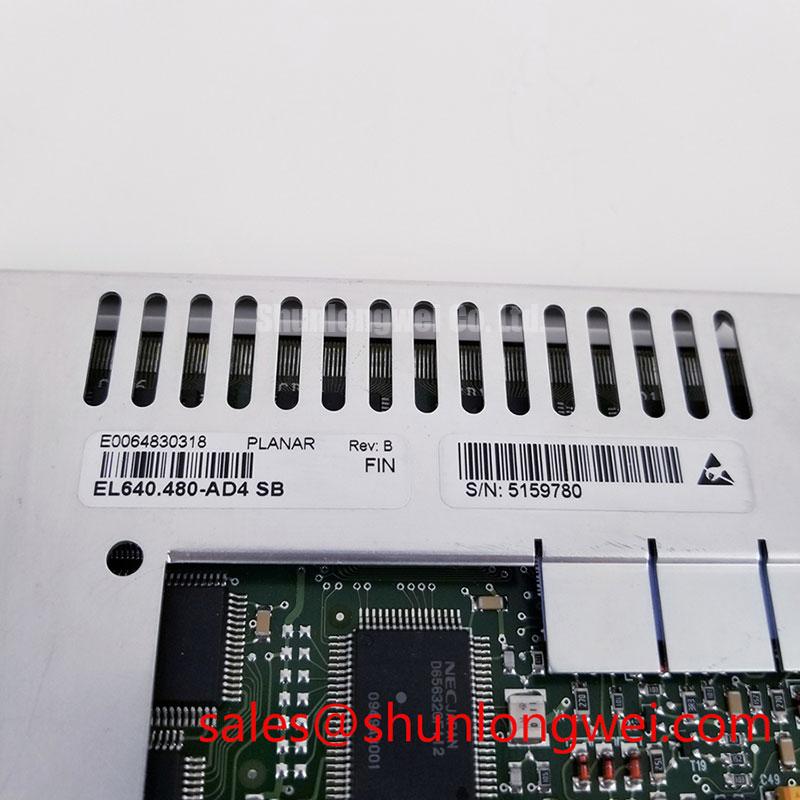
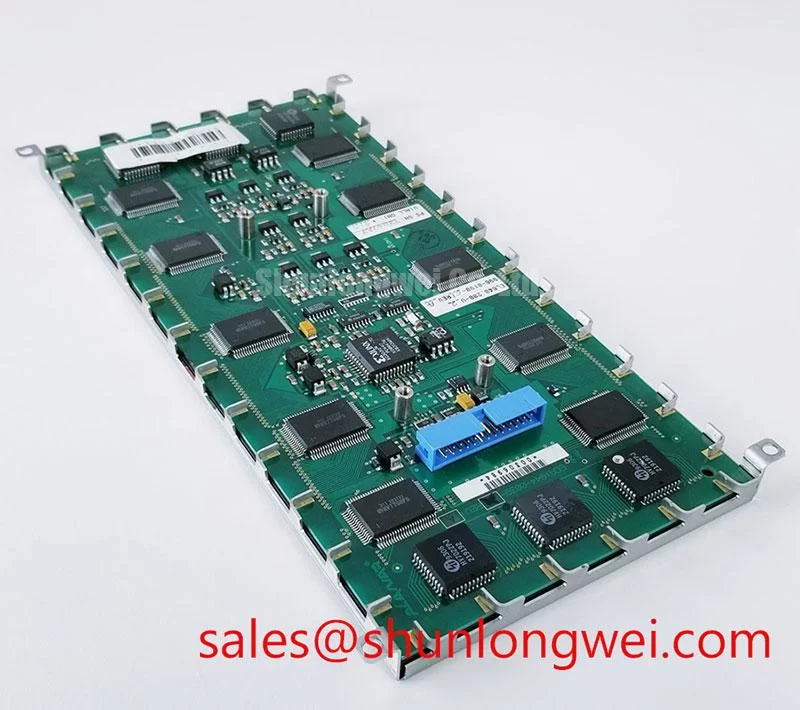
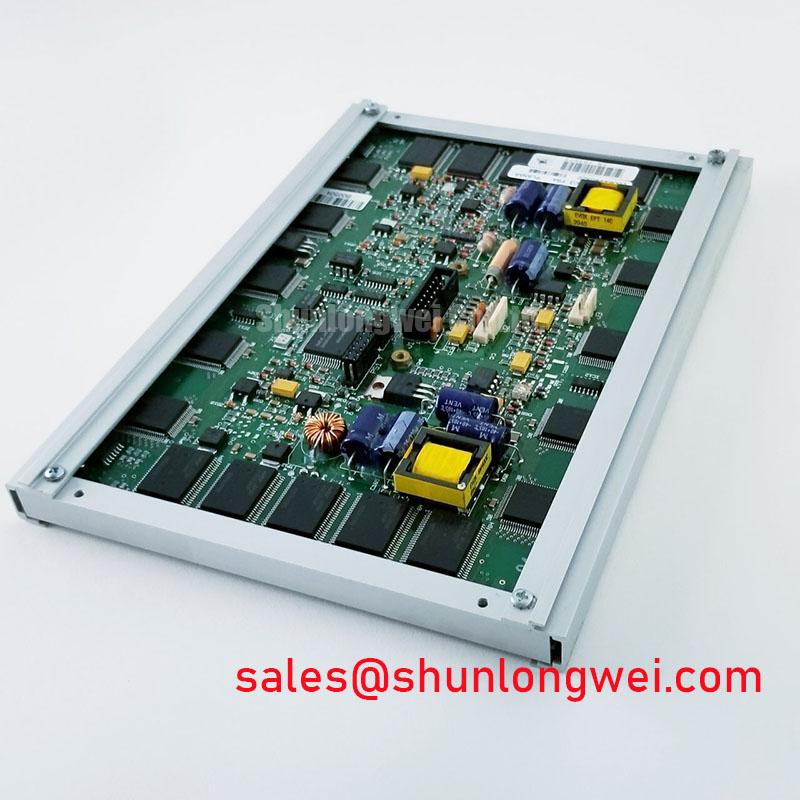
Inspect the connector, mounting points and equipment label before removing the EL640-400-C3-FRA from its enclosure. Record the cable orientation and compare the installed assembly with the original equipment documentation before applying power to a replacement. The supplied product identification lists Planar as the manufacturer and identifies this part as an industrial electroluminescent (EL) display module; it does not establish the supply voltage, interface pinout or optical ratings needed to approve an installation.
When a display develops moving horizontal bands or intermittent image disturbance near a motor drive, begin with observations that separate a signal problem from an enclosure problem. Note whether the disturbance follows motor operation, changes when the display cable is repositioned, or appears on a known good signal path. Inspect connector seating, cable damage and the chassis bonding surfaces without treating any one symptom as proof of an EMI fault. A stable image on the bench does not, by itself, establish that the installed cable route is suitable for the equipment.
Design Consideration: A shielded cable is useful only when its termination and chassis connection suit the host equipment. Check for paint, corrosion or loose hardware at intended bonding points, then compare the installed grounding arrangement with the equipment schematic. A common mode ferrite may be evaluated if measurements show noise coupled onto the cable, but its selection and placement depend on the actual interface and emission path. Neither shielding geometry nor a ferrite value can be specified from the supplied identification data for this module.
Do not infer an LVDS pinout, differential pair impedance or clock skew allowance from the model number or the display category. The system integrator should identify the interface in the original panel documentation and measure the signal at the receiving connector under the equipment’s operating conditions. If the host uses a differential interface, preserve the documented pair assignment and verify signal integrity against the host timing requirements. If it does not, an LVDS troubleshooting procedure would send the repair in the wrong direction. For broader context on display interfaces and image faults, see The Ultimate Guide to Industrial TFT LCD Technology.
Preventing Localized Optical Distortion at the Display Mounting Interface
Before tightening the bezel, set the display in its intended support and check that the gasket contacts the enclosure evenly. Look for trapped debris, a twisted cable or a bracket that bears on one edge of the module. Uneven pressure can coincide with local image variation in some display assemblies, but a dark patch does not, by itself, establish an internal cause. An LCD light guide plate should not be assumed for this EL display.
Design Consideration: Tighten mounting hardware gradually and evenly, using the torque and fastening sequence specified by the equipment or display documentation. No model specific bezel tolerance or fastener torque is established here. After assembly, inspect a uniform image at the normal operating brightness and viewing position. If an uneven area changes when the enclosure is loosened, document the result and check gasket alignment and support flatness before attributing the change to an internal defect.
Dust sealing also depends on the complete enclosure, not the panel nameplate alone. Examine the gasket for compression set, gaps at corners and interference around cable exits; then verify the finished enclosure against its own environmental requirements. A vehicle mounted display, such as an AGV or forklift telematics unit, is one possible compatibility evaluation, subject to confirmation of fit, vibration restraint, electrical interface and the host’s operating environment. The model’s stated industrial category is not a vehicle installation approval.
For dimensional or upgrade screening, NL192108JC18-03ND can be reviewed as a separate display reference. It should not be treated as a drop in substitute: compare both manufacturers’ drawings, connector assignments, electrical requirements and image characteristics before considering any mechanical or electrical change.
Investigating Audible Buzz and Brightness Control
If a display assembly produces an audible tone when brightness changes, locate the sound before changing drive settings. Compare operation with the host at different brightness settings, listen for noise from adjacent power hardware, and inspect the documented power path. A tone that tracks a control setting may warrant examination of the driver circuitry, but it does not identify a particular component. This EL display should not be assumed to contain a CCFL or LED backlight; its drive and brightness-control details must be checked against the applicable documentation.
The same caution applies to flicker. Record whether it is visible directly, appears only through a camera, or occurs alongside image data errors. Check the host brightness control and supply behavior against the original service information before changing a controller. Any dimming frequency, duty cycle or driver replacement must be established from the installed design rather than borrowed from another display family.
Image defects can also be mistaken for brightness faults. If grayscale transitions look abnormal, first compare a known test image with the host graphics output and inspect the signal path. The presence of a particular timing controller or gamma voltage network has not been established for the EL640-400-C3-FRA. LCD-specific IPS or MVA optical modes do not apply to this EL display.
Brightness Stability, Thermal Checks and Service Life Verification
For a display reported as dim, measure it under repeatable conditions before judging whether output has changed. Use the same test image, brightness setting, viewing geometry and warm up procedure for the installed unit and an appropriate documented reference. Record ambient temperature and inspect the enclosure airflow path. A bright area beside a dark area calls for inspection of external pressure and thermal conditions as well as the display electronics; the pattern alone cannot establish the internal cause.
Design Consideration: Keep ventilation paths clear and avoid adding edge supports or heat spreading parts without checking the module drawing and enclosure clearances. Concentrated heat can complicate brightness assessment, while condensation after a temperature transition can make an otherwise sound assembly difficult to evaluate. Allow the equipment to reach a dry, stable condition under its documented service procedure before electrical testing.
No supported luminance decay curve or operating life figure is provided for this model. LED-specific L70/B50 ratings should not be inferred for this EL display. A maintenance record is more useful when it preserves measured brightness, operating settings, enclosure condition and the date of each inspection, so later changes can be assessed against comparable observations.
⚠️ Maintenance Note: Check the enclosure airflow path and gasket condition during scheduled display inspections, and disconnect power before reseating the display cable.