
Content last revised on October 3, 2026
Luminance Maintenance Without Liquid Crystal Degradation
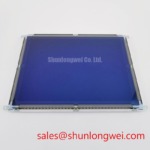
Compare a dim EL640-480-AD4 against a known-good panel under the same image and viewing conditions, then check whether the loss of brightness is uniform or confined to a region. A dark area, unstable brightness and an entirely blank screen call for different checks. Record the image pattern, operating state and ambient conditions before removing the panel; those observations help separate a display concern from a controller or supply fault.
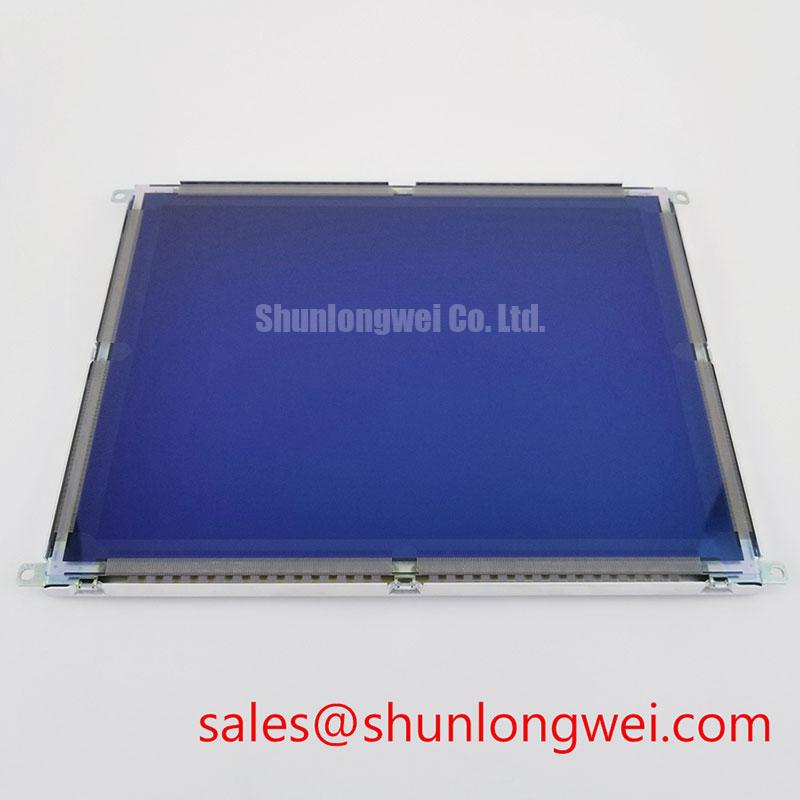
This Planar unit is identified as an electroluminescent panel, not a liquid-crystal cell. Liquid-crystal freezing and LCD backlight wear are therefore poor default explanations for its symptoms. EL luminance can still change with operation, but no model-specific luminance half-life, mean time between failures or shock rating is established here. Treat such figures as procurement requirements to be checked against the applicable Planar documentation, rather than as verified ratings for this unit.
When a screen is slow to appear in a cold enclosure, observe the incoming display signals and supply behavior as well as the visible response. A delayed image need not originate in the panel: the host controller, its startup sequence and the drive electronics are also in the path. The same distinction matters when assessing low-temperature response. Do not assign a response time, minimum operating temperature or viewing-angle rating to EL640-480-AD4 without the corresponding model-specific specification.
For an HMI that leaves the same status fields visible throughout a shift, photograph a uniform test image after the normal display has been cleared. Persistent outlines or uneven brightness merit a repeat test under controlled conditions before the panel is condemned. As a Design Consideration, rotating noncritical static content may be worth evaluating where the host software permits it; the acceptable presentation and test interval belong to the equipment operator’s requirements.
Dynamic Pulse Width and Frequency: Checking the EL Drive Path
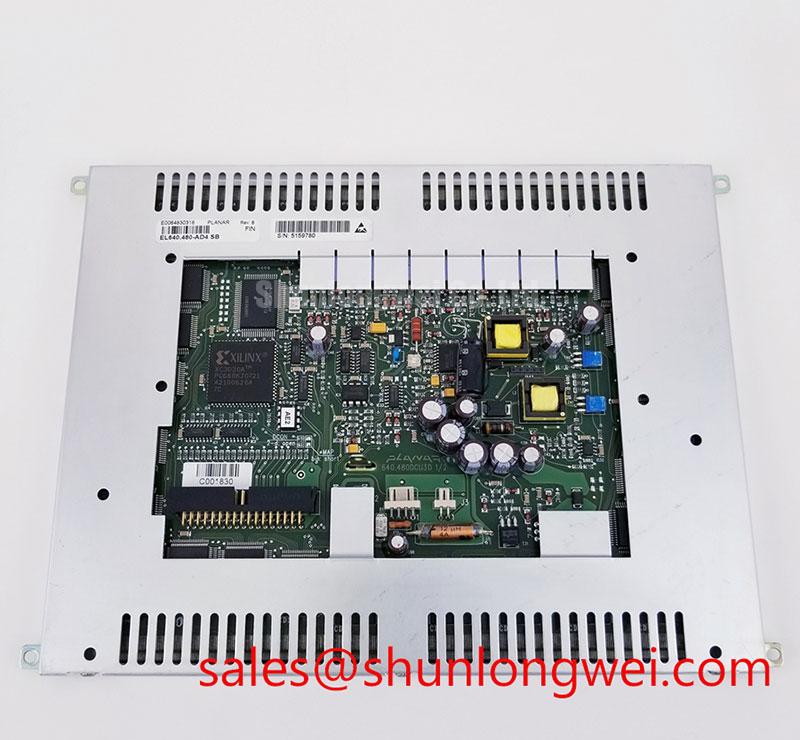
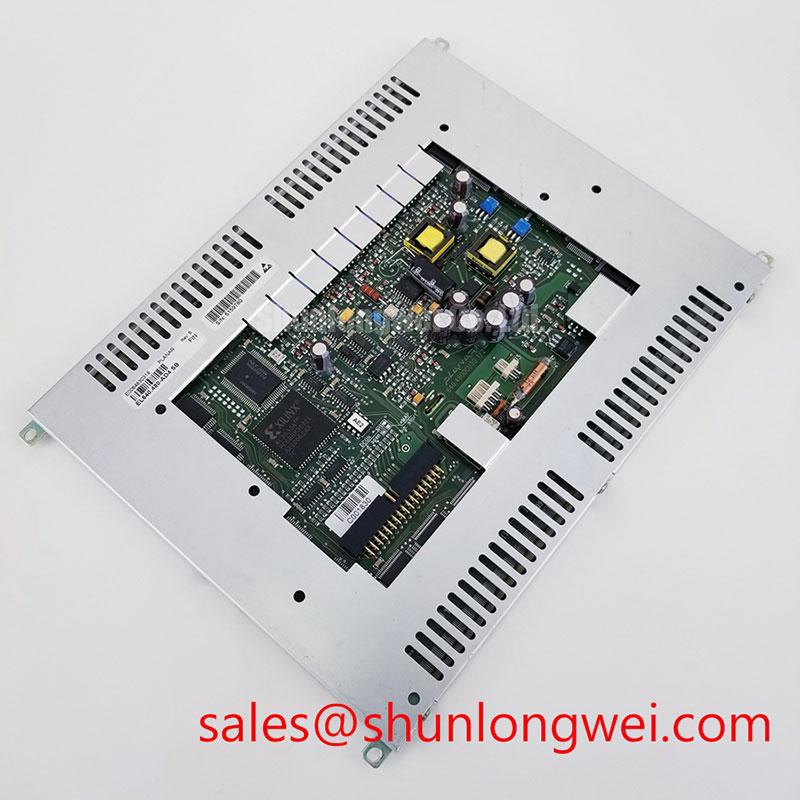
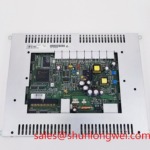
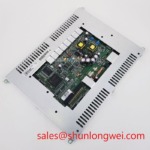
Probe the drive path for missing or distorted activity when the panel remains dark despite a valid image command. Use the equipment schematic to identify a suitable measurement point and an appropriately rated, isolated measurement setup. An EL panel depends on its specified drive electronics; an ordinary LCD backlight supply is not an interchangeable source.
Pulse width, frequency and drive amplitude affect EL operation, so an apparently bright bench image is not proof that a replacement drive circuit is suitable. For EL640-480-AD4, do not adopt a peak-voltage range, waveform shape or timing value from another EL product as an Official Specification. Obtain the drive requirements for the installed assembly and compare measured waveforms with those requirements under the intended image patterns. As a Design Consideration, examine both steady display operation and transitions that produce a large change in illuminated area; the system designer determines acceptable margins from the specified drive limits.
Inspect the controller and panel connections before changing drive settings. Reseat only through the connector’s intended release and locking method, then check for bent contacts, contamination and strain where a cable enters its restraint. A picture that changes when the cable is moved may indicate an intermittent connection, but it does not establish which contact or assembly is responsible. Confirm the finding with continuity checks and a repeatable display test.
High-voltage terminology can obscure the diagnosis. Partial discharge describes a dielectric phenomenon, while avalanche breakdown concerns semiconductor behavior. Neither reference supplies an operating limit or a failure diagnosis for this Planar panel. Apply the installed assembly’s electrical documentation and safe measurement procedure instead of inferring a panel rating from either mechanism.
Enclosure Sealing, Mounting Stress and Temperature Changes
Inspect the gasket contact line around a display that shows edge contamination or intermittent visibility after enclosure cleaning. Look for compressed sections, gaps and trapped debris, then check whether the bezel bears evenly on the display assembly. Uneven restraint can place local stress on a panel; the required fastener sequence and force must come from the equipment’s mechanical instructions, not from a generic torque value.
Maintenance Note: Disconnect power and follow the equipment discharge procedure before releasing a display connector.
Moisture on the viewing surface is not the same finding as moisture inside an enclosure. If an image becomes obscured after a cold machine enters warmer air, establish where the condensation sits before opening the assembly. As a Design Consideration, maintain the enclosure seals and manage temperature transitions to limit moisture exposure; acceptance criteria remain specific to the installed equipment. Do not describe EL640-480-AD4 as optically bonded or hermetically sealed unless the exact assembly documentation confirms that construction.
Check the mounting frame and cable supports after repeated vibration complaints. A flexible cable should follow its intended route without being pinched by the bezel or pulled tight at the connector. Inspect the connector latch in its closed position and compare the cable path with the machine’s approved assembly drawings. Cable bend-life and shock-withstand figures are not established by the panel’s technology designation alone.
For environmental margin decisions, test the complete display assembly at the equipment’s specified operating limits. The enclosure, drive electronics and viewing window can each constrain the result. The Ultimate Guide to Industrial TFT LCD Technology can help frame a comparison with TFT-based assemblies, but TFT operating assumptions should not be transferred to this EL panel.
Replacement Fit, Power Sequencing and Image Recovery
Trace the supply and image-signal sequence when a repaired HMI powers up with a blank or persistent image. Confirm that the host reaches its expected display state, then observe whether the drive electronics start and stop in the order specified for the installed assembly. If an image remains visible during shutdown, document how long the symptom lasts and whether it repeats; avoid assigning it to the panel until the host and drive behavior have been checked.
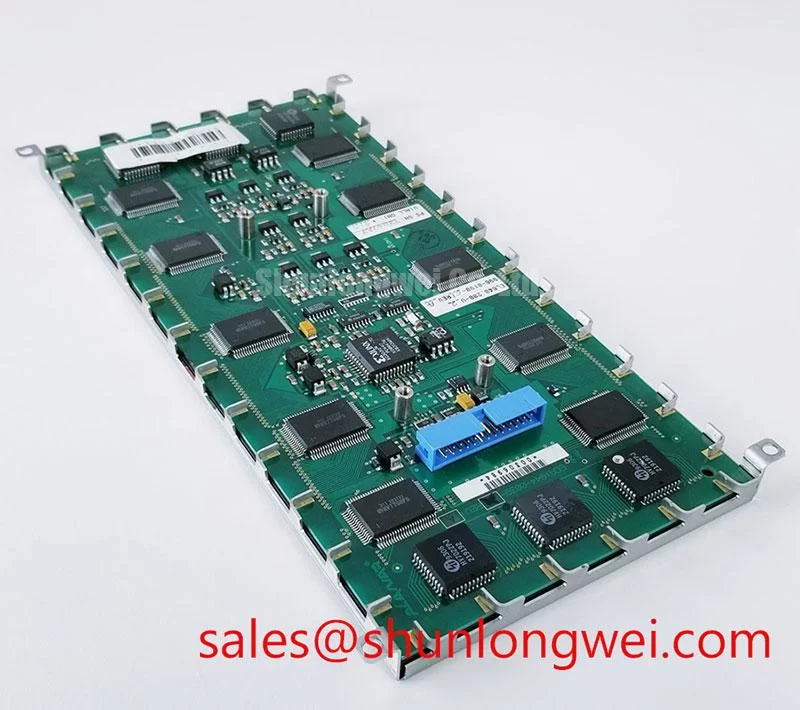
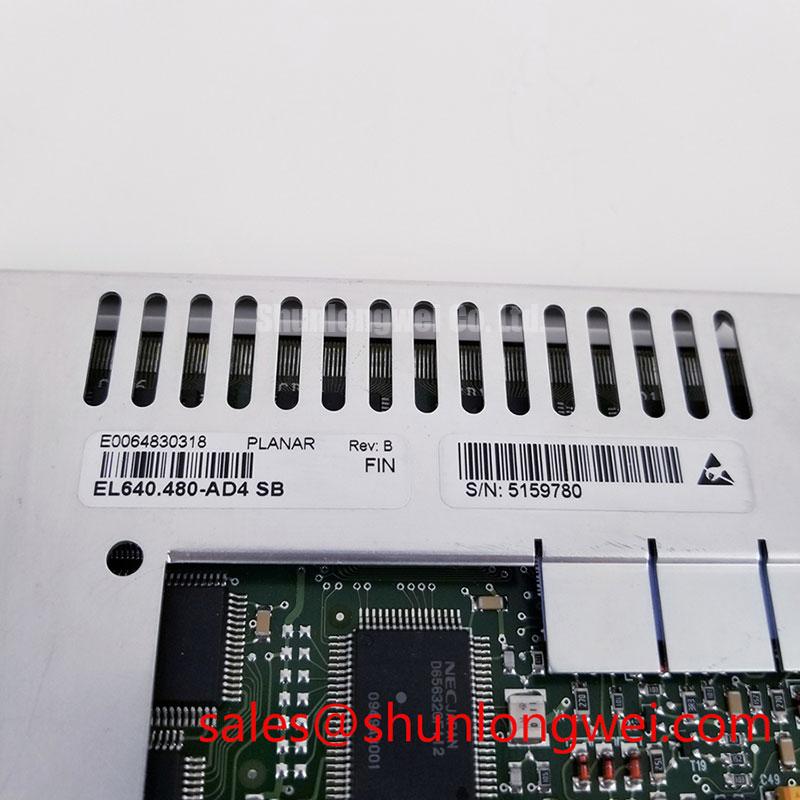
Compare the removed assembly with EL640-480-AD4 at the connector, mounting points, viewing aperture and controller interface before treating the model number as a fit decision. The system integrator should verify the required supply voltage and pin functions from the original panel documentation. Physical resemblance cannot establish electrical compatibility, particularly when a controller was built around a different display technology.
In a CNC operator panel or robot teach pendant, a replacement evaluation also needs to account for the protective window, cable clearance and service access. These are potential applications for compatibility assessment, not a claim that this Planar unit was specified for every such machine. Record the original assembly identifiers and test the intended image modes before closing the enclosure.
For a cross-technology comparison, NL10276BC30-18 is a separate display model to evaluate against the host interface and mechanical drawings, not a drop-in substitute for an EL panel. Likewise, NL128102BC28-04 belongs in a comparison of complete display and power arrangements, not on a parts list as an assumed EL drive or backlight component. Keep each candidate’s supply, signaling, mounting and illumination requirements separate during the review.