

Content last revised on October 6, 2026
Full-Screen Image Screening: Pixel Defects and Background Uniformity
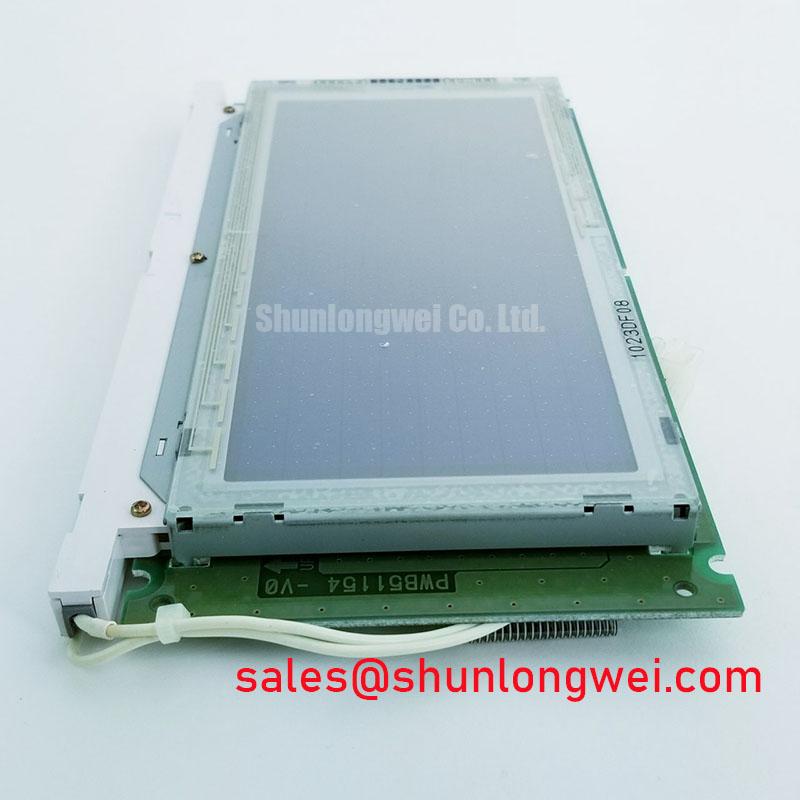
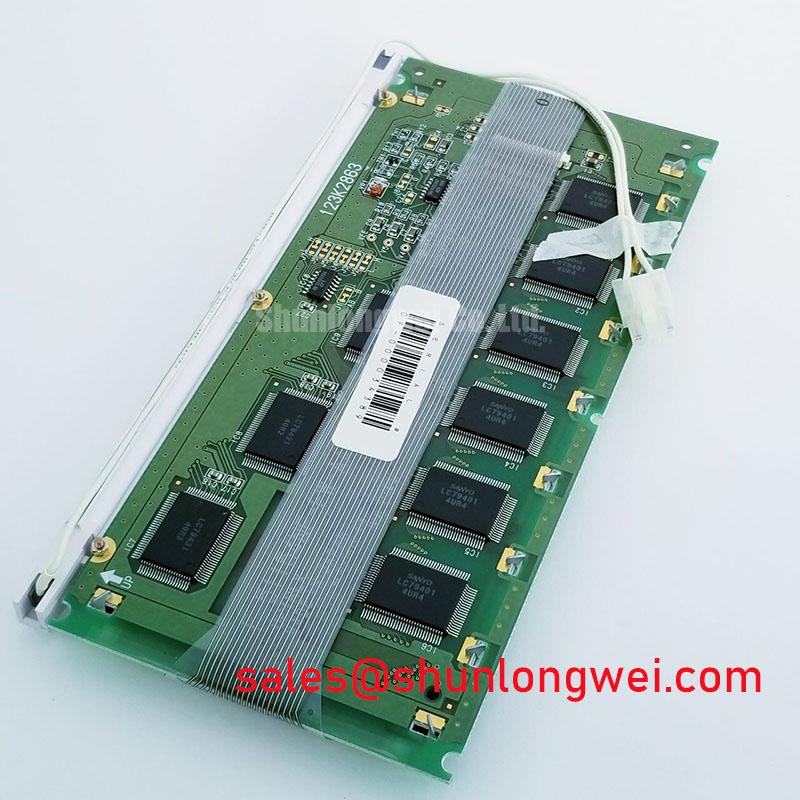
Disconnect the display harness, inspect its contacts and bezel, then compare the installed panel’s markings with F-51154NF-FW-AA before troubleshooting the image. The supplied identification lists this Kyocera / OPTREX part as an LCD display module. It does not establish the supply voltage, connector pinout, active area, backlight type or optical ratings; those details must come from the original panel documentation before power is applied.
Start with the display’s normal controller and a known-good image source. Photograph the screen at its usual operating brightness, then compare uniform test images if the host can generate them. A dark screen alone does not identify a failed panel: check whether image content remains faintly visible under an angled flashlight. Visible content suggests that the image path is operating and directs attention toward the illumination supply or its controller. If no content appears, inspect the host output, cable seating and panel supply before attributing the fault to the display.
A primary-color test is appropriate only after the original documentation or a working reference confirms that this installation supports color images. Examine each supported uniform image for fixed points, lines and uneven illumination. Record whether a defect stays at the same screen location when the image changes. A persistent line warrants checking the signal path and connector first; its appearance does not, by itself, prove an internal driver fault. Likewise, a dark patch can reflect an illumination problem, a mounting issue or an image-source setting.
If the host controls brightness through pulse-width modulation, compare the drive waveform with the original equipment specification and observe the image across its usable dimming range. Flicker or audible noise calls for inspection of the controller and power path, not an assumed PWM frequency for this module. The specified brightness-control method for F-51154NF-FW-AA has not been provided here.
Bezel Fit, Mechanical Clearance and Mounting Pressure
Before transferring a panel into an industrial HMI, compare its outline, display opening, connector exit and attachment points with the removed unit and the equipment drawing. The model identification does not supply dimensions or mounting tolerances. A model marking match is therefore not a substitute for a physical fit check, particularly when a replacement must sit behind an existing front window.
Set the panel into the enclosure without forcing the frame against the glass or routing the cable around a sharp chassis edge. With the display running, watch a dark uniform image while gradually securing the mounting hardware. If a bright or dark area changes as the hardware is tightened, stop and inspect the seating surfaces, gasket placement and fastening sequence. This is a Design Consideration for diagnosing pressure-sensitive optical changes, not a specified torque limit for this part. Obtain the applicable fastening limit from the equipment or panel drawing rather than applying a generic screw torque.
For a sealed console, inspect the enclosure seal separately from the display. The panel’s identification does not establish resistance to salt spray, water ingress or outdoor exposure. A marine radar or navigation bridge console may be a compatibility assessment case, but enclosure protection, viewing conditions and mechanical fit must be checked against that console’s requirements before the module is selected.
Tracing Brightness Noise and Signal Interference
If the screen changes brightness when nearby equipment switches, observe the panel supply and the host display signals while reproducing the event. Check connector retention, cable routing and the return path before changing controller settings. Correlating a disturbance on an oscilloscope with the visible symptom is more useful than assigning the fault to electromagnetic interference from appearance alone. No EMC immunity rating for F-51154NF-FW-AA is established by the supplied identification.
An audible buzz during dimming also needs source isolation. Listen at the display assembly, its external drive electronics and the equipment power supply, then compare the sound with changes in brightness. Do not infer a particular lamp, LED driver, ignition voltage or dimming ratio from the model name. The system integrator should verify the illumination architecture and its required drive conditions from the original panel documentation.
Before replacing a cable or modifying termination, identify the documented interface and pin assignments. A display cable cannot safely be treated as LVDS or TTL on the basis of its appearance; any impedance or timing requirement belongs to the confirmed interface and host design. ⚠️ Field Alert: Disconnect power before unplugging or reseating the display cable. For broader equipment-level checks involving routing, sealing and service access, see Industrial Display & HMI Solutions.
Brightness Stability and Thermal Checks at the Installed Panel
Measure visible brightness under repeatable conditions before treating a dim image as backlight aging. Keep the host image, brightness setting, viewing position and ambient light consistent, then compare the installed panel with a known-good assembly where one is available. Check the illumination supply under load and inspect its connector for intermittent contact. These observations help separate a changing drive condition from a panel-level optical change without claiming a lifetime or brightness-decay figure that has not been supplied for this model.
After the equipment reaches a stable operating condition, inspect the display edges and surrounding chassis for uneven heating. Confirm that the enclosure does not obstruct its intended ventilation path or press a warm component against the panel. Altering a heat spreader or mounting rail without the equipment drawing could change both fit and optical uniformity; the system designer must validate any thermal change in the assembled unit.
Direct-sunlight readability, contrast, anti-glare treatment and touch performance are not established by the supplied identification. For a proposed navigation bridge installation, compare the original equipment’s optical and environmental requirements with the complete panel documentation and the front-window design. If the equipment has a touch overlay, diagnose its controller and cabling as separate assemblies unless the original documentation identifies them as part of F-51154NF-FW-AA.