Content last revised on October 19, 2026
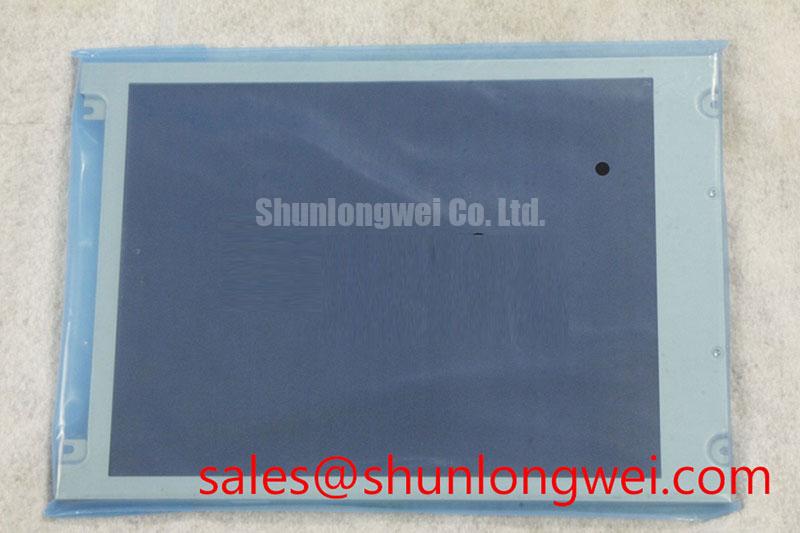
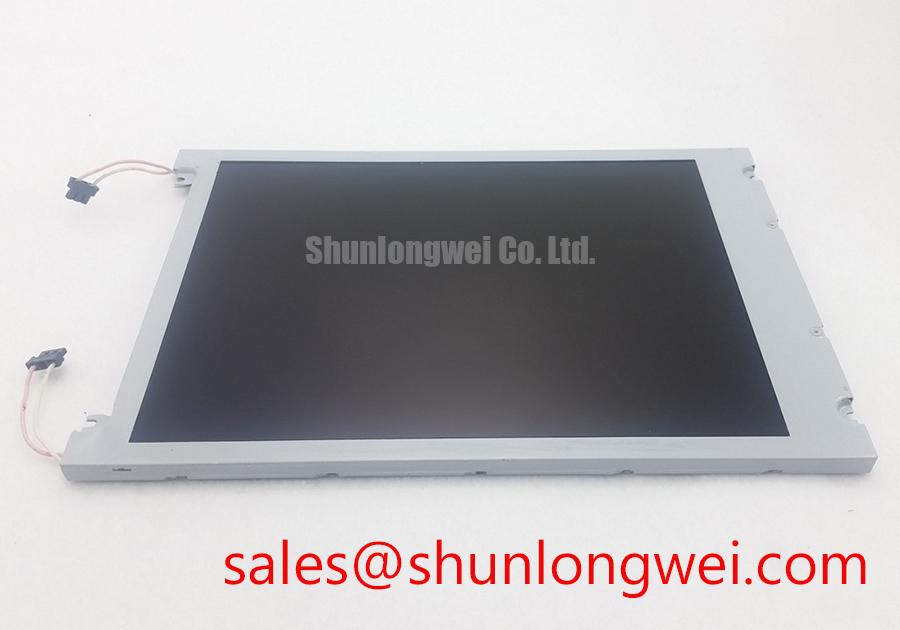
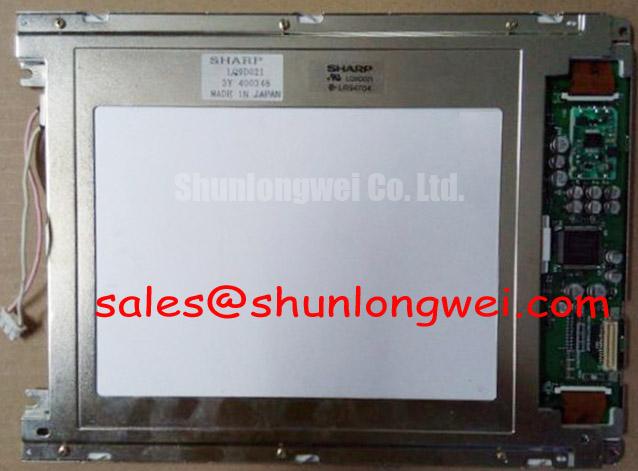
KCB104VG2CG-G20 Kyocera LCD Display Module for Industrial HMIs
Check the installed panel identification, connector alignment, and display power sequence before removing a service unit from an HMI or SCADA console. Disconnect power and follow the equipment manufacturer’s discharge procedure before handling internal connections. The KCB104VG2CG-G20 is a Kyocera color LCD display module, rather than a complete HMI controller. Mechanical envelope checks and interface verification are essential before replacement; the model number alone does not establish compatibility.
For incoming inspection, examine the bezel, mounting points, connector housing, and visible display surface under controlled illumination. A full screen test pattern should be used to reveal persistent dark pixels, bright pixels, vertical artifacts, horizontal lines, and uneven field illumination. These observations help separate panel-related symptoms from controller, cable, inverter, or system timing faults.
The product category and manufacturer identity are useful starting points, but they do not replace a connector and timing comparison against the equipment service documentation. The system integrator should verify the required supply voltage, signal format, backlight arrangement, and control signals from the original panel documentation before energizing the replacement.
Industrial Bezel Mechanical Envelope Tolerances and Mounting Screw Torque
Begin mechanical evaluation by placing the replacement panel against the equipment bezel without tightening the fasteners. Confirm that the outer frame sits evenly, that the active viewing area is not obstructed, and that no cable or connector is forced against the chassis. A panel that fits the opening can still experience optical distortion if the bezel applies uneven pressure near the display edges.
Use a cross-pattern tightening sequence when the enclosure uses multiple fasteners. The final torque should follow the equipment manufacturer’s mechanical drawing and account for the actual fastener material, thread engagement, and mounting structure. Do not apply a generic screw torque to the LCD frame.
After mounting, inspect a white and mid-gray test image at normal operating temperature. Localized darkening, corner shading, or a light and dark transition near the bezel can point to mechanical loading, frame distortion, or optical stack movement. Release and retighten the affected area in a controlled sequence rather than compensating by increasing torque.
Cold operation also deserves a separate check within the panel’s documented operating temperature range. Liquid crystal response can become slower at low temperatures, so a service test should compare text transitions, moving graphics, and alarm indications after the enclosure reaches its intended ambient condition. If the equipment includes a heater or temperature-control circuit, its switching behavior should be assessed as part of the system design. A heater should not be assumed to be a feature of this model.
Kyocera’s industrial display technology information can be reviewed through Kyocera Industrial TFT-LCD Display Technologies for general background; that resource does not by itself establish the display technology or specifications of this particular model.
Backlight Inverter and Driver Debugging
When a service unit is connected to an existing backlight system, first identify whether the host equipment uses a cold cathode fluorescent lamp inverter arrangement or a separately designed LED driver. Do not assume that a panel replacement changes the backlight architecture. The system integrator should verify lamp connections, enable control, dimming signals, and inverter compatibility from the original equipment documentation.
For a CCFL-equipped assembly, ignition testing must follow the documented lamp and inverter requirements and use suitable high-voltage instrumentation, insulation, guarding, and a controlled test fixture. Audible buzz, delayed ignition, intermittent start-up, or uneven brightness should be investigated through the inverter transformer, lamp wiring, grounding path, and control signal before attributing the symptom to the LCD module.
| Evaluation item | KCB104VG2CG-G20 verification point | Integration action |
|---|---|---|
| Product category | LCD display module, not a complete HMI controller | Match the replacement against the original equipment assembly |
| Display interface | Confirm from the exact model documentation | Check controller output format and connector compatibility |
| Mechanical fit | Confirm dimensions and mounting details | Compare the mechanical drawing with the installed assembly |
| Backlight arrangement | Confirm from the original panel documentation | Verify lamp or LED requirements and driver compatibility |
For systems using LED backlighting, constant-current regulation and PWM behavior belong to the driver design rather than being assumed from the LCD model name. Measure brightness at several commanded levels and check for visible flicker, audible driver noise, and unstable illumination.
Direct sunlight testing should use a repeatable test arrangement. Contrast performance, anti-glare behavior, and viewing readability depend on the complete display assembly, front window, surface treatment, ambient light, and controller settings. Application acceptance criteria should be defined for that assembly rather than treated as confirmed panel ratings.
Pixel Jitter and Horizontal White Lines Near Variable Frequency Drives
When pixel jitter or horizontal white bands appear beside a 400 V motor drive, isolate the display signal path from the drive power wiring before changing software settings. Route the display cable away from switching conductors, maintain a controlled reference connection, and inspect the cable termination for uneven insertion or a partially latched connector.
Where the system uses a shielded display cable, evaluate shield continuity, connector seating, chassis bonding, and common-mode noise coupling. The use of a ferrite component is a design consideration that must be selected from measured interference behavior, cable construction, and signal integrity results. It should not be treated as a guaranteed accessory of the KCB104VG2CG-G20.
Compare the affected signal with a known-good path using an oscilloscope and probing method suitable for the interface. Observe clock quality, signal levels, intermittent noise, and the relationship between the visible artifact and motor drive switching. Evaluate differential symmetry only where the interface uses differential signaling. This approach avoids assigning a single cause to every white line or unstable pixel condition.
Backlight PWM requires the same discipline. The controller designer should verify the driver input requirements, supported dimming frequency, dimming polarity, minimum pulse behavior, and visual response under the actual enclosure lighting.
For a replacement evaluation, engineers can compare the mechanical drawing, connector definition, optical behavior, and controller requirements with NL8060BC21-09. This is a neutral comparison path, not a claim of matching size or resolution and not a universal substitute recommendation.
Diffuser Film and Prism Sheet Thermal Buckling Prevention During Continuous Operation
Check the display’s luminance field after sustained operation rather than relying only on a brief power-on inspection. A full-white image can reveal edge-to-center variation and changes that develop as the enclosure warms. Use temperature measurements to identify localized hot areas. Heat spreader rails, airflow openings, and nearby power components should be reviewed as part of the complete mechanical design.
Aluminum edge rails may be considered where the enclosure creates a concentrated thermal path, but their dimensions, contact pressure, and attachment method must be established by the system engineer. Excessive contact can create optical nonuniformity, while insufficient thermal coupling may leave hot spots near the display edge. Claims concerning specific diffuser materials, yellowing behavior, L70, or B50 life should not be assigned to this model without supporting manufacturer data.
Power sequencing is another practical service check. The controller should implement the panel’s documented sequence for logic power, display enable where applicable, image data, and backlight activation. A white screen at start-up, residual image after shutdown, or delayed picture may involve sequencing, reset behavior, backlight control, or the host graphics board. Capture the relevant control and data signals during start-up and power-down before modifying firmware timing.
Display clock stability and data setup and hold behavior should be evaluated across the equipment’s approved temperature window. The exact interface type, clock rate, pin assignment, timing limits, and supply requirements must be matched to the original panel documentation and controller design. An optical bonding, sealing, or conformal enclosure claim should also be verified from the complete assembly specification rather than inferred from the Kyocera model number.
For related display architecture and practical field evaluation topics, see The Ultimate Guide to Industrial TFT-LCD Technology. The NL6448BC33-64 may also be reviewed as a separate display solution when assessing controller and backlight topology, not as an established replacement. 💡 Bench Tip: With equipment power disconnected, protect the panel and controller from ESD, then insert the flex cable squarely and lock it only after the contacts are fully aligned.