Content last revised on October 12, 2026
Kyocera KCG057QV1DB-G50 Display Inspection and Troubleshooting
- Disconnect equipment power, then inspect the display connector seating, cable strain relief, and chassis contact points before disturbing the panel.
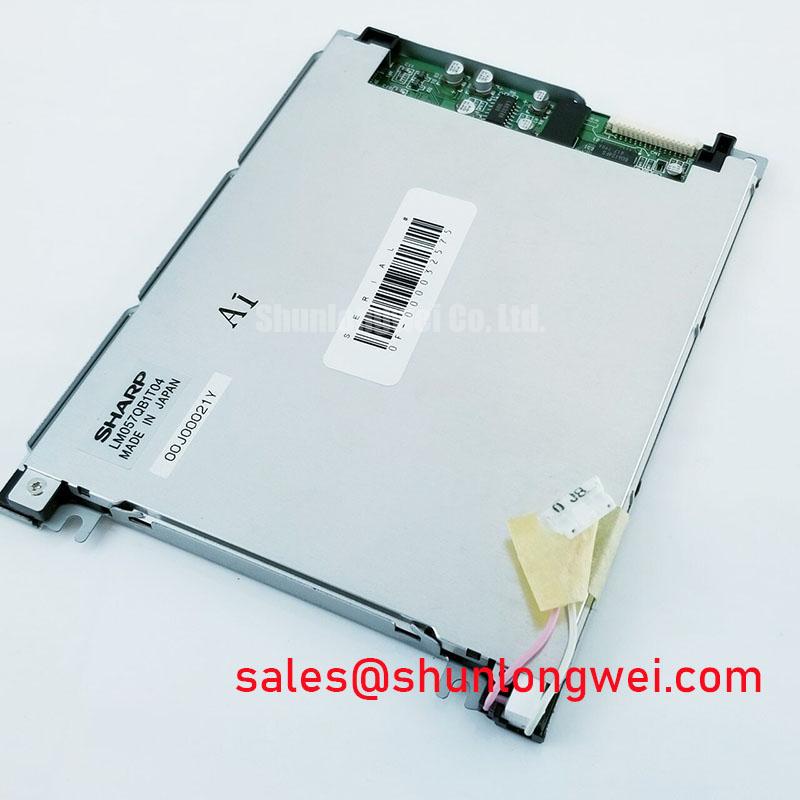
- Compare the panel label with KCG057QV1DB-G50 and check the mounting space against the specified module outline.
- Separate a missing image from missing illumination by checking the displayed pattern under external light and observing the backlight independently.
- Capture the display supply and control signals during startup and shutdown using the equipment schematic and panel pin assignment.
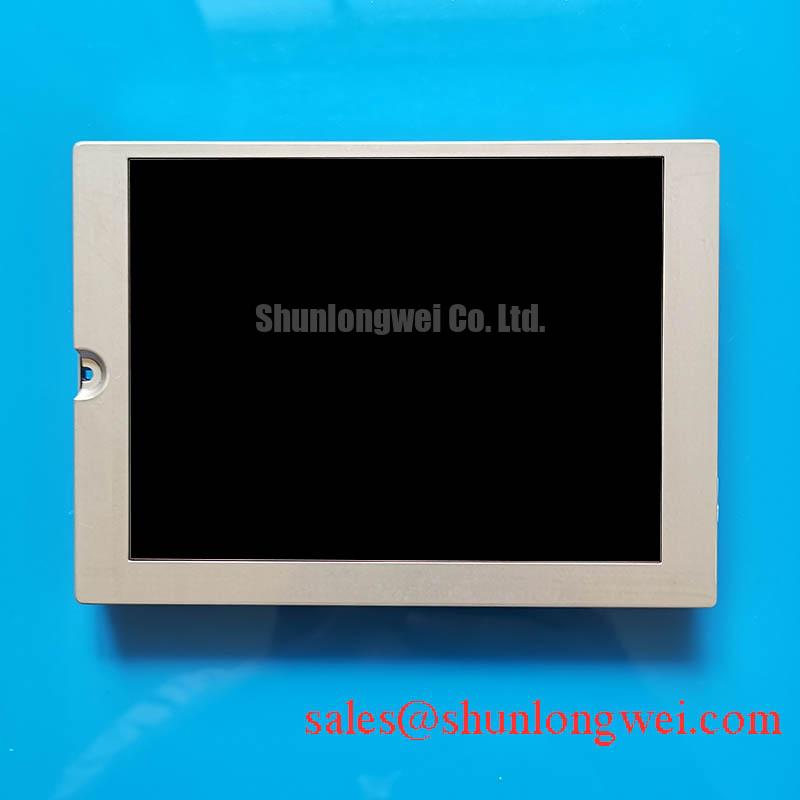
The Kyocera KCG057QV1DB-G50 is a 5.7-inch transmissive CSTN LCD display with 320 × 240 QVGA resolution. Its built-in DC/DC converter and temperature compensation circuit are relevant to power-path troubleshooting, but neither replaces the host controller’s sequencing requirements. When a replacement screen remains blank, inspect the supply, display timing, and illumination paths separately rather than treating the module as a single fault source.
| Parameter | Official Specification |
|---|---|
| Manufacturer and model | Kyocera KCG057QV1DB-G50 |
| Display technology | Transmissive CSTN |
| Resolution | 320 × 240 pixels, QVGA |
| Display diagonal | 5.7 inches |
| Typical brightness | 350 cd/m² |
| Outline dimensions | 144 × 104.8 × 12.7 mm |
| Power control | Built-in DC/DC converter |
| Temperature compensation | Temperature compensation circuit |
| Integration details | Consult Datasheet for supply voltage, connector assignment, sequencing, mounting limits, backlight drive requirements, and operating temperature range. |
Industrial Bezel Mechanical Envelope Tolerances & Mounting Screw Torque Optimization
Check the 144 × 104.8 × 12.7 mm outline against the enclosure pocket, connector clearance, and rear support before tightening the bezel. The display diagonal does not define the aperture dimensions. A cable folded behind the module or a misplaced enclosure spacer can introduce mechanical loading even when the front opening appears correct.
Design Consideration: Support the module at its intended mounting points and tighten the enclosure progressively to avoid uneven loading. Fastener size, thread engagement, bracket stiffness, and the equipment manufacturer’s assembly specification determine the tightening procedure. A generic screw torque is not a KCG057QV1DB-G50 mounting limit. Compare a uniform test image before and after fastening; a changed dark region warrants checking bezel contact and support alignment, not immediately condemning the display.
For a replacement assessment, compare TCG057QV1AA-G00 against the host’s electrical interface, controller configuration, connector orientation, and mounting drawing. Similar screen size or resolution alone does not establish direct interchangeability. Retain the existing module’s mechanical reference measurements until the candidate has passed an equipment-level fit and image test.
Engineering Recommendation: Record illumination uniformity after thermal stabilization using the same image, brightness control setting, and viewing position. This creates a useful service baseline without assigning an unsupported backlight lifetime or assuming a particular light-source construction.
Surface Anti-Glare (AG) & Anti-Reflective (AR) Treatments for High Ambient Readability
Inspect readability with the enclosure window installed, because reflections from that window can obscure an otherwise visible image. The 350 cd/m² typical brightness is a panel specification, not a guarantee of contrast through every protective cover or under direct ambient illumination. Compare dark text, pale backgrounds, and status indicators from the operator’s actual viewing position.
Design Consideration: Anti-glare surface treatment and anti-reflective coating address different reflection mechanisms; neither should be attributed to this module without a specified surface finish. Its confirmed technology is CSTN, so IPS or MVA viewing-angle claims cannot describe its optical performance. Evaluate contrast and color changes by moving around the installed screen rather than importing viewing-cone figures from another panel family. Kyocera Industrial TFT-LCD Display Technologies provides manufacturer context for other display technologies, not substitute specifications for this CSTN model.
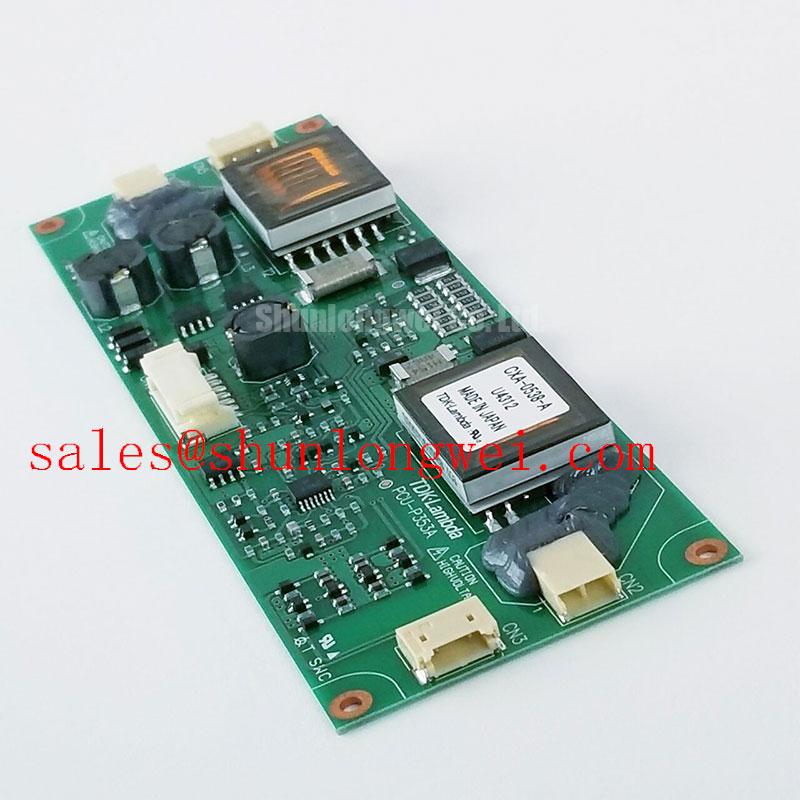
Where the host offers dimming, observe brightness changes and flicker across its supported adjustment range. Select any control waveform through the backlight driver’s requirements and system testing rather than imposing a generic PWM frequency. If illumination fluctuates while the image remains stable, examine driver supply behavior and control activity before changing display timing.
For evaluation in surgical navigation or ultrasound equipment, assess this panel as a candidate interface display against the equipment’s readability and image requirements, not as a validated diagnostic screen. Optical bonding, sealing, cleaning compatibility, and medical-system qualification remain enclosure and equipment decisions; they are not implied by the module’s brightness or resolution.
Industrial EMI Noise Immunity, Chassis Shielding Continuity & Common-Mode Ferrite Chokes
Correlate horizontal noise bands or unstable pixels with host switching activity while monitoring the display supply and signal reference. A disturbance that appears during a load transition can involve conducted noise, grounding, connector contact, or timing instability. Change one condition at a time and compare the resulting waveform and image.
Field Alert: Disconnect equipment power and allow stored energy to discharge before reseating the display cable. Inspect shield termination and chassis bonding against the equipment drawing, keeping signal returns distinct from assumptions about cable shielding. Neither LVDS nor a differential-pair impedance target follows from the QVGA resolution. The High-Definition Multimedia Interface (HDMI) protocol describes a separate interface standard; an HDMI output does not establish compatibility with this module.
Design Consideration: Ferrites or shielding changes should address a measured coupling path and be evaluated for their effect on signal integrity. They are system remedies, not included panel features. Likewise, NL8048BC19-02KD is a separate display option for comparative power and controller planning, not a companion backlight driver for the KCG057QV1DB-G50.
During startup, compare supply establishment, controller activity, and display enable behavior against the required sequence. During shutdown, check whether the host continues driving signals after panel power falls. A white screen or residual image can accompany sequencing problems, but needs correlation with measured behavior. The Industrial Display & HMI Solutions engineering guide offers broader integration context without establishing module-level EMC certification.
Incoming Benchtop Inspection: COG/TAB Anisotropic Conductive Film (ACF) Integrity
Run full-screen red, green, and blue patterns through a compatible controller, then examine solid neutral fields and fine text for persistent lines, uneven illumination, and incorrect addressing. Record whether a defect stays at the same screen location or follows the image content. These observations help separate a panel-local problem from a controller or cable problem without assigning a specific internal bond construction.
Engineering Recommendation: Use oblique external illumination to look for a faint image when the screen appears dark. A visible image supports further investigation of the illumination path, but its absence does not prove a driver-bond failure. Compare connector seating, host output, and supply behavior with a known-good configuration before attributing fixed lines to COG, TAB, or ACF damage. Avoid pressing the display edge to provoke a response.
Observe image settling at the equipment’s approved temperature conditions. The built-in temperature compensation circuit does not establish a sub-zero operating rating or authorize adding a heater. For persistent images after prolonged static content, switch to a neutral moving pattern and track recovery under normal operating conditions. Record the prior image, temperature, and power sequence so that image retention, shutdown artifacts, and fixed defects remain distinguishable during the next inspection.