



Content last revised on October 21, 2026
Solid-State Ruggedness: Mechanical Mounting, Seal Condition, and Environmental Assessment
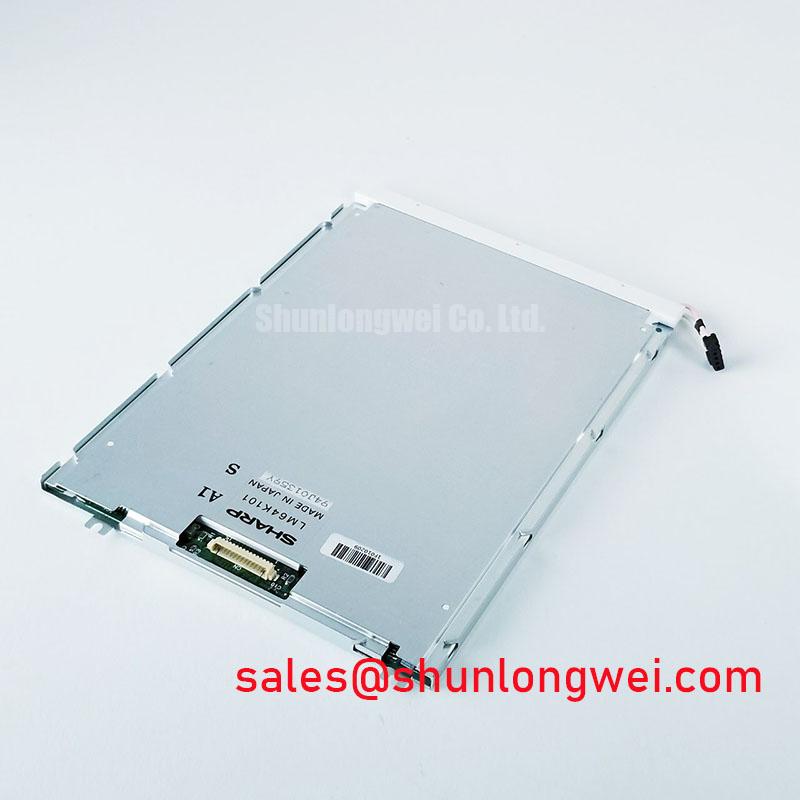
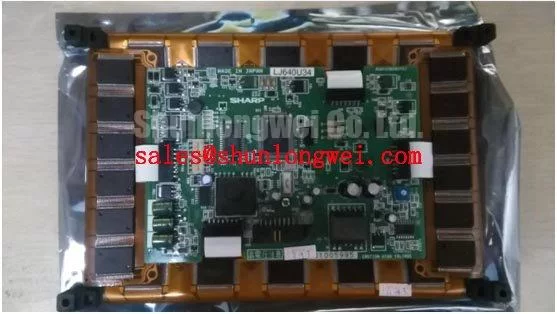
With the display assembly isolated from power, check the rear identification label, connector orientation, mounting points, and perimeter gasket before removing the Sharp LJ640U34 from its carrier. Record uneven gasket compression, trapped cable sections, and contact between the display assembly and surrounding metalwork. These observations help separate an installation problem from a display fault before either assembly is disturbed.
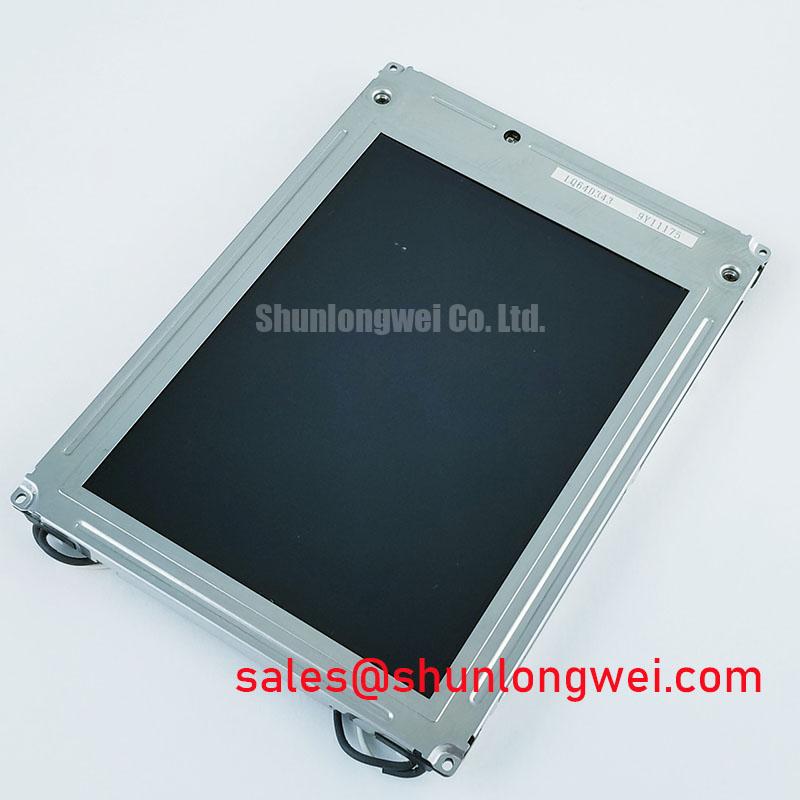
The LJ640U34 is identified as a Sharp electroluminescent (EL) panel within the industrial display/HMI category. Its EL construction matters more to integration than a broad LCD catalog label: TFT backlight, liquid-crystal response, and gamma-adjustment procedures should not automatically be applied to this panel. Electrical ratings, resolution, dimensions, connector assignments, and environmental limits: consult the original model-specific datasheet.
Inspect the mounting carrier for distortion before tightening the display into place. As a Design Consideration, an uneven support surface can transfer enclosure loads into the display assembly, so fastening should follow the equipment manufacturer's assembly procedure rather than using screw tension to pull a misaligned frame flat. Check cable clearance throughout assembly and confirm that the bezel does not introduce concentrated pressure against the viewing surface.
Perimeter sealing deserves a separate inspection from electrical operation. Look for displaced gasket sections, contamination along the mating surfaces, and compression that changes around the frame. An enclosure gasket and the panel's own construction serve different functions; neither should be treated as proof that the complete installation is hermetically sealed. Where environmental qualification is required, the enclosure owner should define the acceptance method and evaluate the assembled equipment.
Mechanical shock and vibration resistance must likewise be assessed at assembly level. Solid-state light generation does not establish a particular shock rating, vibration limit, or mounting architecture for the LJ640U34. As an Engineering Recommendation, inspect carrier stiffness, connector retention, cable strain relief, and possible contact with adjacent parts before selecting a qualification test. Any cushioning arrangement should be evaluated for display movement and connector loading, not assumed to improve every mechanical condition.
When temperature changes are involved, inspect for condensation on the viewing window, connector area, and enclosure surfaces before energizing the equipment. EL technology should not be evaluated using liquid-crystal freezing assumptions, but that distinction does not establish this model's low-temperature operating limit or response time. Designers should assess the complete assembly against its specified operating conditions, including any temperature transition that could introduce moisture.
Viewing performance should be checked through the installed protective window from the operator's actual position. Reflections, window contamination, and enclosure geometry can affect readability independently of panel operation. An exceptionally wide viewing-angle claim should not replace an installed readability assessment, and IPS or MVA color-compensation methods are not an appropriate default for an EL display.
Maintenance Note: Periodically inspect enclosure airflow paths and perimeter gasket condition, with power isolated before opening the display assembly. Keep cleaning agents and sealing materials consistent with the equipment's approved maintenance instructions. Adding optical bonding or changing the viewing window is an assembly redesign rather than a routine maintenance step; adhesive compatibility, service access, and environmental performance require separate assessment.
For a proposed CNC operator panel or robot teach pendant repair, compare the original mechanical drawing and electrical interface before accepting another display as compatible. The LQ150X1DWF1 can be included in a broader display comparison, but shared catalog placement does not establish matching dimensions, resolution, or interchangeability. The Sharp Devices Europe Industrial Display Solutions portal provides manufacturer context for display-product families without establishing replacement approval for a particular machine.
Electroluminescent Dielectric Defects: Distinguishing Localized Display Faults from Electrical Shorts
Separate an image defect from a supply-loading fault before drawing conclusions about the EL panel. Record whether the symptom affects a fixed region, follows displayed content, changes during warm-up, or coincides with a controller reset. These observations guide subsequent measurements, but no single symptom proves a dielectric defect or an internal short circuit.
As a Design Consideration, EL troubleshooting requires attention to the relationship between the panel and its drive electronics. Do not apply a generic high-voltage excitation range, waveform symmetry requirement, or resonant-tuning procedure to the LJ640U34 without its specified circuit requirements. Measurements should use equipment suitable for the circuit's voltage and reference arrangement, with probe connections planned before power is applied.
Compare the supply behavior, control signals, and accessible drive waveforms with the equipment service documentation or a known-good assembly. A changed waveform can result from loading, a driver fault, a connector problem, or the measurement arrangement itself. Establish where the deviation first appears before assigning the fault to the display. Avoid repeated energization when the supply protection repeatedly operates or the assembly exhibits abnormal heating.
A localized dark area is not evidence of a documented self-healing mechanism. Likewise, a dielectric pinhole, a particular phosphor composition, and charge-recovery circuitry should not be inferred from the EL designation alone. Inspection and electrical testing should remain tied to observable behavior and the actual schematic, rather than attempting to provoke recovery by increasing excitation or modifying the driver.
Interface troubleshooting should follow the same model-specific approach. Trace the connector assignments and controller outputs before choosing a signal-integrity test; LVDS termination practices do not establish the interface used here. If disturbances correlate with nearby servo operation, examine cable routing, shield connections, grounding continuity, and supply disturbance at the display assembly. This is a system-level interference investigation, not evidence that the panel independently meets an equipment EMC standard.
The Ultimate Guide to Industrial TFT LCD Technology offers background for comparing display technologies, while the Sharp Display Solutions Official Portal provides manufacturer display information. For the repaired assembly, retain the original controller configuration and verify stable image presentation, connector retention, and enclosure closure before returning the equipment to service.