Content last revised on October 4, 2026
Grayscale Inversion Mitigation & Viewing Direction Alignment
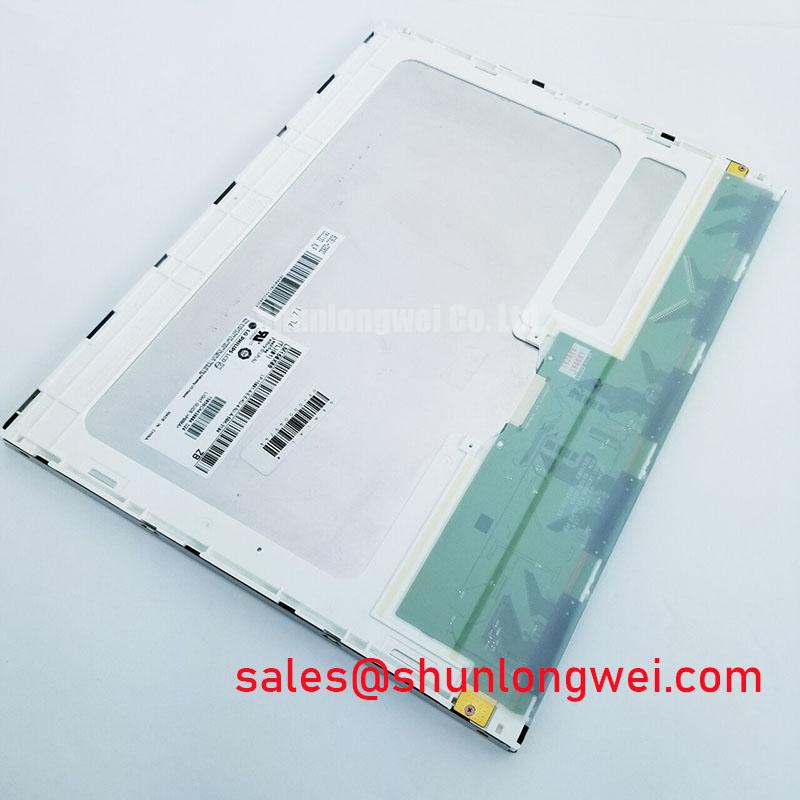
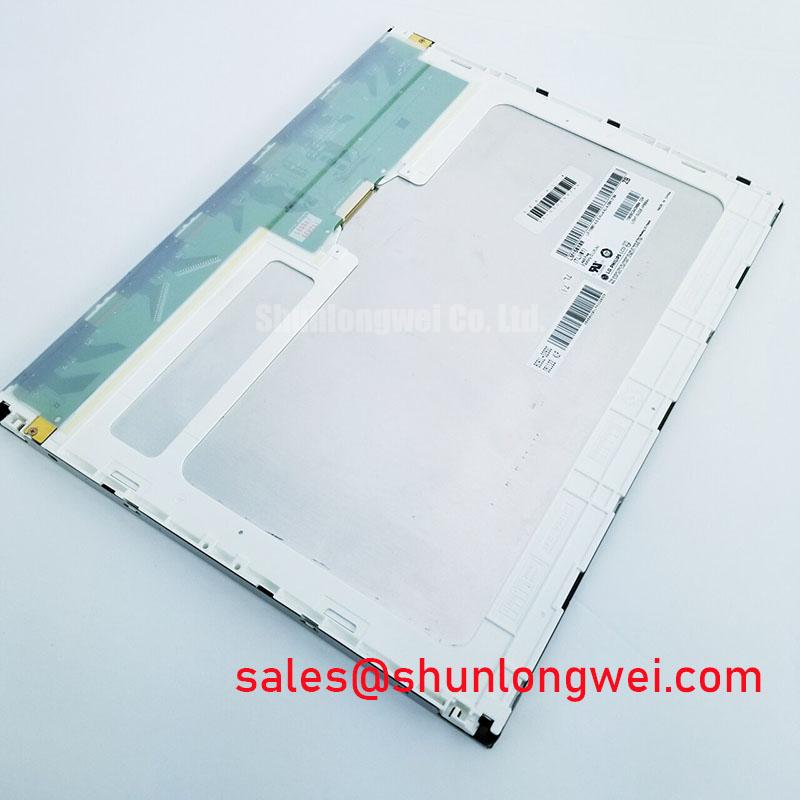
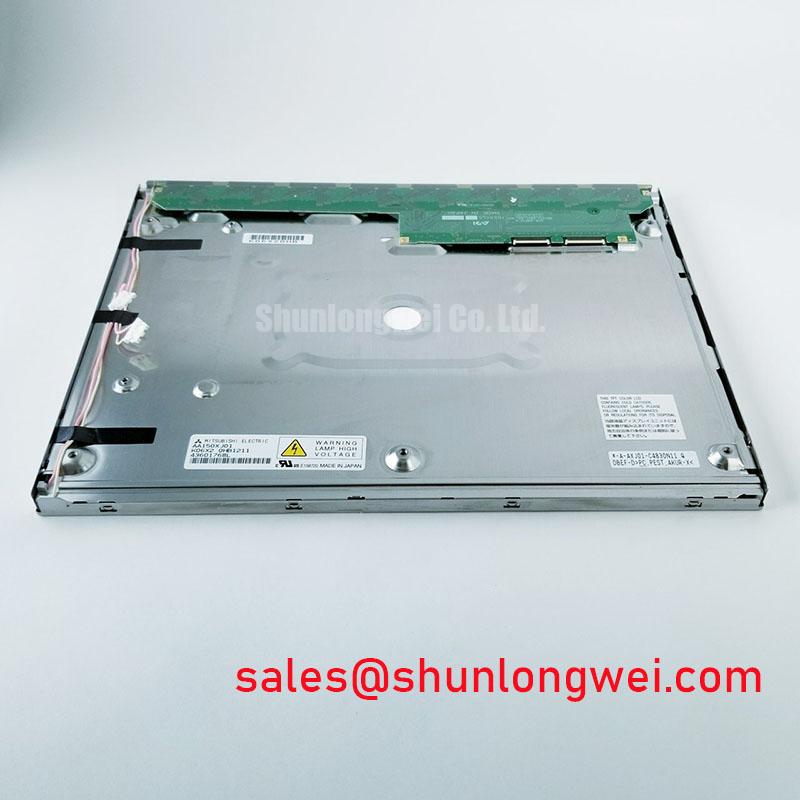
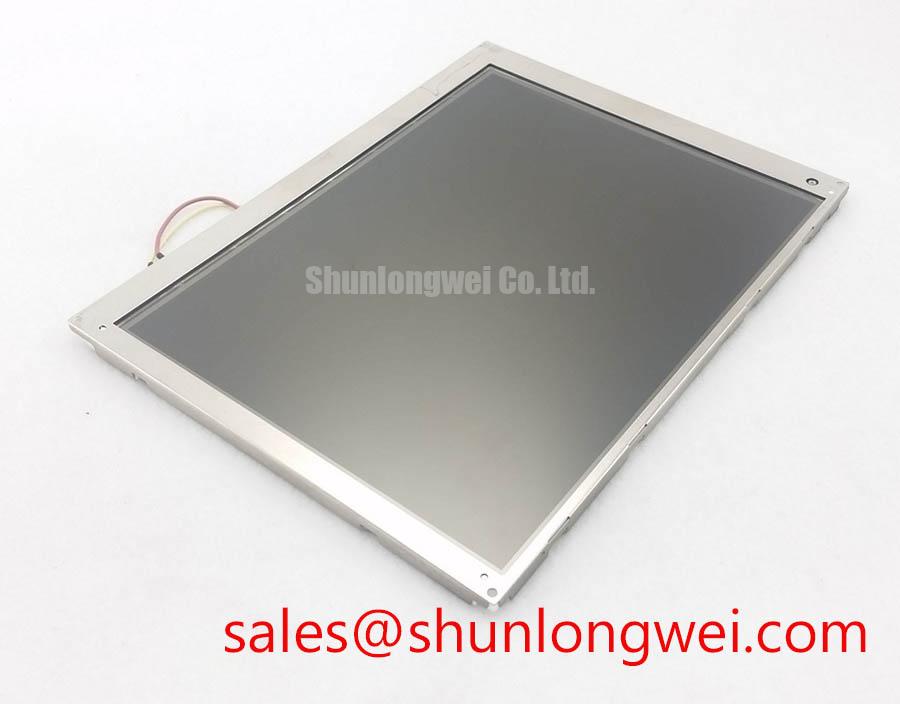
Inspect the connector and mounting frame of the removed display, then compare them with the LM150X08-TL04 before applying power. The confirmed product identity is an LG Display TFT-LCD display module in the industrial LCD and HMI panel category (Official Factory Specification). That identity alone does not establish electrical interchangeability: the original equipment documentation must also confirm the interface, supply requirements, active area and mechanical fit.
View the replacement position from the angles an operator actually uses, including when standing beside the cabinet. Grayscale inversion can make a warning field or trend trace difficult to distinguish even when text remains legible head-on. A normally white TN optical mode is a relevant diagnostic consideration, but it is not a confirmed LM150X08-TL04 specification in the supplied product data. Obtain the applicable LG Display optical specification before assigning an optimal viewing direction or treating TN behavior as a property of this module.
During a fit assessment, display the equipment’s normal screens at the installed angle rather than relying on a white test image. Compare dark text, midtone trend lines and alarm colors while moving across the expected operator positions. IPS or MVA viewing behavior should not be attributed to this model without documentation, nor should a symmetric viewing cone be used as a substitute for an on-equipment check. Glare is equally dependent on the cover window, lighting and surface finish; the supplied product data does not confirm an anti-glare treatment for this module.
Check the perimeter gasket against the cabinet opening before tightening the display assembly. Uneven compression can distort the viewing surface or create an apparent bright patch that changes with mounting pressure. As a Design Consideration, distribute fastening pressure evenly and assess the displayed image after the complete bezel and cover window are fitted. If a new cover window or optical bond is proposed, treat its sealing and optical effect as an enclosure-level design decision, not a factory feature of the panel.
Display Interface Synchronization & Logic Power Rail Verification
Trace the existing display cable to its controller and identify the original pin assignment before energizing the LM150X08-TL04. A TTL or 24-bit interface rating is not confirmed by the supplied factory data, which does not state the connector pinout, logic voltage, pixel format or power sequence. The system integrator should verify the required supply voltage from the original panel documentation and measure the host supply at the connector under its normal startup load.
Keep the original controller schematic beside the panel pinout during this check. Confirm connector orientation, grounds, data assignments and enable signals as a set; a connector that fits physically does not establish that its contacts serve the same functions. Record the rail waveform and display-control timing during startup, then compare them with the limits in the applicable panel specification. Do not apply a generic rise-time window to an undocumented module.
If an image appears but colors or portions of the screen are wrong, first compare the host’s signal mapping and timing with the documented panel requirements. JEIDA and VESA mapping are considerations for equipment that uses the relevant serial interface; they should not be assumed for this model. Likewise, differential routing rules are not an appropriate acceptance test until the actual interface is known. An oscilloscope comparison with a known-good signal path can help separate host timing, cable and panel faults without assigning a single cause to the symptom.
Backlight behavior needs its own documentation check. The supplied product data does not establish the lamp technology, driver arrangement or brightness-life rating of the LM150X08-TL04. If the equipment offers dimming, verify that the controller and backlight driver follow their documented operating requirements, then inspect the screen for visible flicker across the operating brightness range. Do not use a generic backlight life figure as this module’s service-life forecast.
Display Cable Grounding and Connector Inspection
Before reseating the display cable, inspect its contacts, bend path, strain relief and termination at both ends. Record how the original assembly bonds its cable shield to the chassis, if a shield is present. The supplied LM150X08-TL04 data does not confirm an FFC, FPC, LVDS connection or a shielded connector shell, so none should be specified as a replacement requirement without the original panel and equipment drawings.
On equipment near a variable-frequency drive, compare the display while the drive is stopped and while it operates through its normal range. Pixel jitter or horizontal bands may indicate a coupling or signal-integrity problem, but they do not identify the cable as the cause. Check the documented grounding arrangement, connector seating and routing relative to motor-power wiring before changing components. If a shield or common-mode suppression part belongs to the original design, preserve its intended termination and evaluate any proposed change at system level. A panel by itself does not establish the equipment’s EMC compliance.
Keep cable work separate from brightness troubleshooting. A band that follows displayed content calls for a different comparison from a brightness fluctuation that follows dimming commands. Review the host signal and backlight-control waveforms against the original equipment documentation; use system tests to set any control parameters rather than assigning an unsupported PWM frequency to this model.
Operating Temperature Verification & Sub-Zero Liquid Crystal Viscosity
Check the cabinet’s recorded internal temperature and the display’s applicable LG Display operating limits before returning the equipment to service. A -30°C to +85°C operating range is not verified as an LM150X08-TL04 rating by the supplied factory data and must not be used as an acceptance limit. At low temperature, liquid-crystal response can slow as a general physical behavior; whether that change is acceptable for this module depends on its documented limits and the equipment’s required screen response.
For a cold-start assessment, compare changing text, alarms and trend graphics after the enclosure reaches its expected operating condition. Photograph the same screens at a stable viewing angle so that a delayed transition is not confused with angle-dependent contrast. Do not assign a gray-to-gray response figure or a corrective timing setting without the panel specification. If the host provides temperature-dependent display settings, verify their purpose in the original equipment design before adjusting them.
Condensation deserves a separate inspection after shutdowns and temperature swings. Look for moisture at the cover-window edge, gasket joints and cable entry, and check that the enclosure’s intended drainage or climate control is functioning. The panel’s internal seal construction and an optical-bonding process are not identified in the supplied factory data. Any claim of dust or moisture protection must therefore be assessed at the completed display assembly and enclosure, rather than inferred from the module category.
Maintenance Note: Inspect the enclosure gasket and cooling-air path during routine service, and disconnect power before reseating the display cable.
When evaluating this module for a petrochemical operator station, verify mechanical and electrical compatibility first, then review the approval requirements of the complete station with the responsible equipment engineer. The LM150X08-TL04 is not established here as an explosion-protected assembly. For broader enclosure and maintenance considerations, see Industrial Display & HMI Solutions; retain the original panel documentation as the authority for this model’s limits.