Content last revised on October 8, 2026
Panel Identification and Initial Inspection
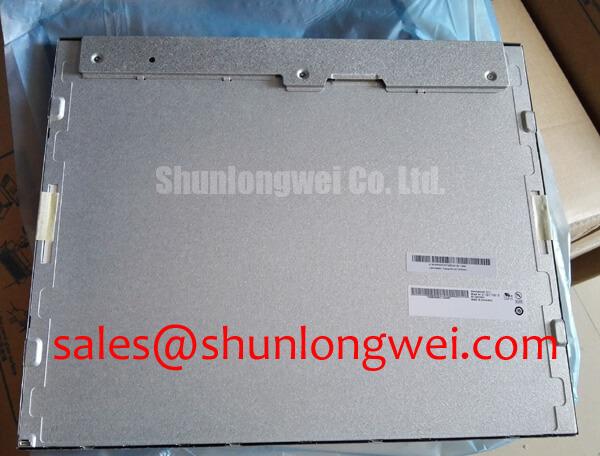
With the cabinet power isolated, inspect the display connector and perimeter gasket before removing the LM190E08-TLJ5 from its mounting frame. Record the cable orientation, mounting points, controller markings, and any visible pressure marks on the screen. The verified product identification is LM190E08-TLJ5, manufactured by LG Display, in a TFT-LCD display module format for industrial display and HMI evaluation (Official Specification). The available factory information does not establish its supply voltage, signal interface, dimensions, backlight requirements, or operating temperature limits; those details need confirmation against the original panel documentation before electrical testing or replacement.
Flashlight Dark-Shadow Optical Diagnostic to Isolate Logic and Backlight Faults
Start the powered diagnostic with the host’s normal image source and a known-good test pattern, if the equipment permits one. Display solid red, green, and blue images in sequence. This three-step primary-color test makes fixed line defects, uneven illumination, and color-channel errors easier to locate than a busy operator screen does. Photograph each result with the same exposure and viewing position so that changes are not mistaken for camera effects.
If the screen appears dark, shine a flashlight across it at approximately 45 degrees while the image source remains active. A faint, correctly shaped image suggests that pixel data may still be reaching the panel and that the backlight or its external drive path deserves inspection. No visible image does not prove a panel-logic failure: an absent video signal, incorrect power sequence, disconnected cable, or backlight condition can produce overlapping symptoms. Compare the input signals and supply behavior with a known-good assembly or the equipment service documentation before replacing the module.
A stationary narrow line across every primary-color image calls for a different investigation from a uniformly dim screen. Check whether the line changes when the host output, cable, or connector is reseated under the equipment’s approved service procedure. Avoid attributing it to a particular internal driver bond or fracture without panel-level evidence. As a Design Consideration, inspect the bezel and gasket for uneven compression as well: mechanical pressure can contribute to local brightness variation or mura, but its appearance alone is not a definitive fault diagnosis.
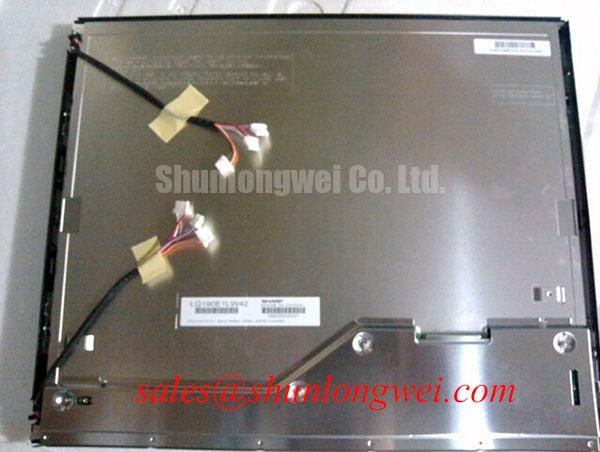
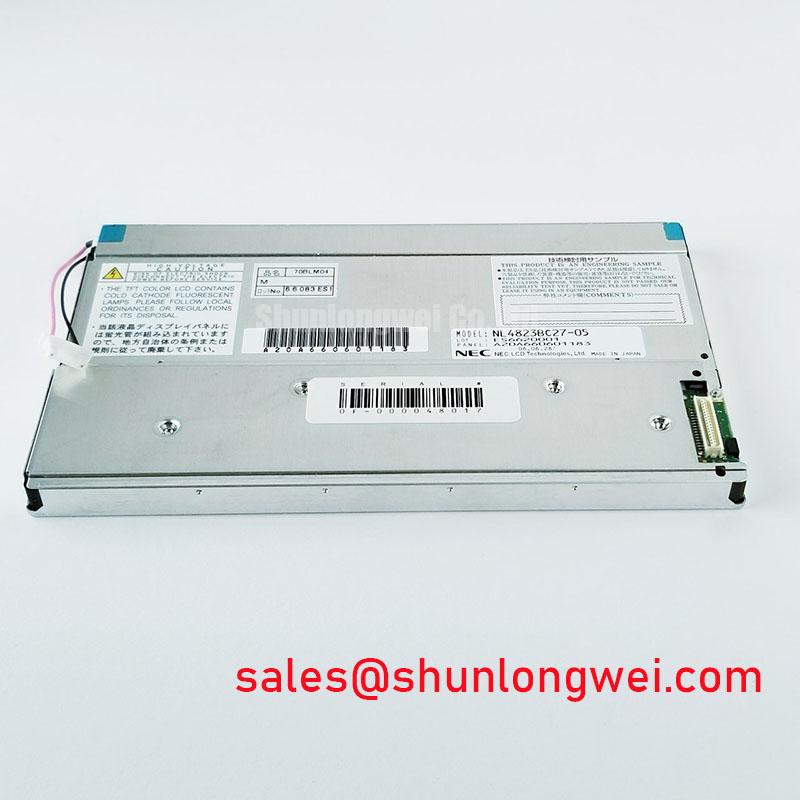
For a repair-material comparison, NL192108JC18-03ND can be reviewed alongside the original assembly. It is not an established drop-in substitute for LM190E08-TLJ5. The service engineer should compare documented active area, mounting geometry, connector pinout, image timing, supply requirements, and backlight arrangement before considering any change of panel.
Logic Supply Sequencing and Driver Latch-Up Checks
Trace the installed display cable from the controller to the panel connector, then match each connection to the original panel and controller documentation. The required logic supply voltage for LM190E08-TLJ5 is not established by the verified information provided here. The system integrator should verify the required supply voltage from the original panel documentation rather than applying a value inferred from another LCD module.
Capture the logic supply, display-enable signal, video activity, and backlight command, where present, during both startup and shutdown. This separates a persistent white screen from an image that appears briefly and is then lost. A missing image can reflect power sequencing, controller configuration, cable continuity, or panel behavior; a residual image during shutdown likewise needs comparison with the specified power-down sequence. As a Design Consideration, the controller should keep its signal and power transitions within the panel manufacturer’s documented limits, with the final timing verified on the actual equipment.
The same documentation check applies to video format. Do not identify the LM190E08-TLJ5 connector as LVDS or TTL from its appearance. Once the interface is confirmed, check the host’s pixel-clock format, data mapping, polarity, and timing against the panel specification. If the documented interface is differential, route and test the complete cable and board path against the impedance and skew limits specified for that interface. If split-screen artifacts or unstable colors appear, compare captured signals with the controller configuration before assigning the symptom to the LCD.
Clock jitter and data hold time matter only in relation to the verified receiver timing limits. Measure them at the relevant connector over the equipment’s qualified temperature range instead of adopting a generic margin. In a display assembly that includes a separate timing-control board, gamma or grayscale-voltage checks should follow that board’s service data; the presence and architecture of such circuitry in this particular module should not be assumed. For perspective on the surrounding display chain, LQ201U1LW31 is another display assembly whose controller, cable, and illumination requirements must be assessed on their own terms, not treated as interchangeable with this panel.
Shielded Display Cable Grounding and Noise Investigation
Inspect the installed flat cable for crushed bends, worn insulation, loose retention, and changes to its original routing. Follow the equipment drawing to determine where the cable shield terminates and how the connector shell bonds to chassis. A continuous, properly fitted termination can help control coupled noise, but a proposed all-around shield connection is a system-level Design Consideration, not a published requirement for LM190E08-TLJ5.
When horizontal noise bands or intermittent pixel movement occur near a variable-frequency drive, compare the screen with the drive stopped and running while leaving all protective connections intact. Record whether the disturbance follows motor operation, display brightness changes, or cable movement. Then examine the display supply at the connector and, where the documented interface allows it, probe the signal path with suitable instrumentation. Correlation with drive operation warrants investigation of cable routing and common-mode noise; it does not by itself identify a failed panel.
A ferrite or revised shield termination should be evaluated only after the existing grounding scheme is understood. Either change can alter signal integrity or the chassis current path. As an Engineering Recommendation, keep the display cable away from noisy power wiring where the equipment layout permits, and verify any routing change against the controller’s measured timing margin. The panel specification and the complete equipment test, rather than a generic cable rule, determine acceptance.
Maintenance Note: Isolate power before disconnecting the display cable, and inspect the cooling path and perimeter gasket during the same service visit.
Thermal Operating Limits and Cold Response Verification
Confirm the LM190E08-TLJ5 operating and storage temperature ratings from its original factory documentation before assessing cold starts or hot-enclosure operation. A wide-temperature range cannot be inferred from an industrial product description. At low temperature, liquid-crystal response can slow; at elevated temperature, enclosure heat and backlight operation can affect the visible image. The extent of either effect for this module needs the applicable factory limits and measurements on the assembled equipment.
For a cold-response complaint, allow the equipment to reach a documented test condition, then compare moving grayscale content with its normal-temperature behavior. Separate a slowly changing image from controller frame drops or a weak backlight by observing the input signal and illumination at the same time. If operation outside the panel’s published limits is being considered, the equipment designer must determine whether the enclosure can maintain acceptable panel conditions; the product identification alone provides no basis for extending those limits.
Inspect the perimeter gasket for gaps, displaced sections, and compression marks before refitting the display. Tighten mounting hardware in a controlled sequence using the equipment manufacturer’s method so that frame pressure is distributed evenly. Avoid assuming that optical bonding, a particular sealant, or a specified ingress rating is part of this module unless the assembly documentation confirms it. Condensation control depends on the complete enclosure, including sealing, ventilation, and the path by which a cold unit warms after shutdown.
A marine radar or navigation bridge console is a possible compatibility-review case, not an approved application established for this panel. For that review, compare the documented optical performance, environmental ratings, connector arrangement, and enclosure protection with the console’s requirements, particularly for daylight readability and salt-laden moisture exposure. For broader enclosure and display-test considerations, see Industrial Display & HMI Solutions; the acceptance limits for this installation still belong in the panel documentation and the console’s own qualification plan.