

Content last revised on September 13, 2026
LM32P073 Inspection and Integration Overview
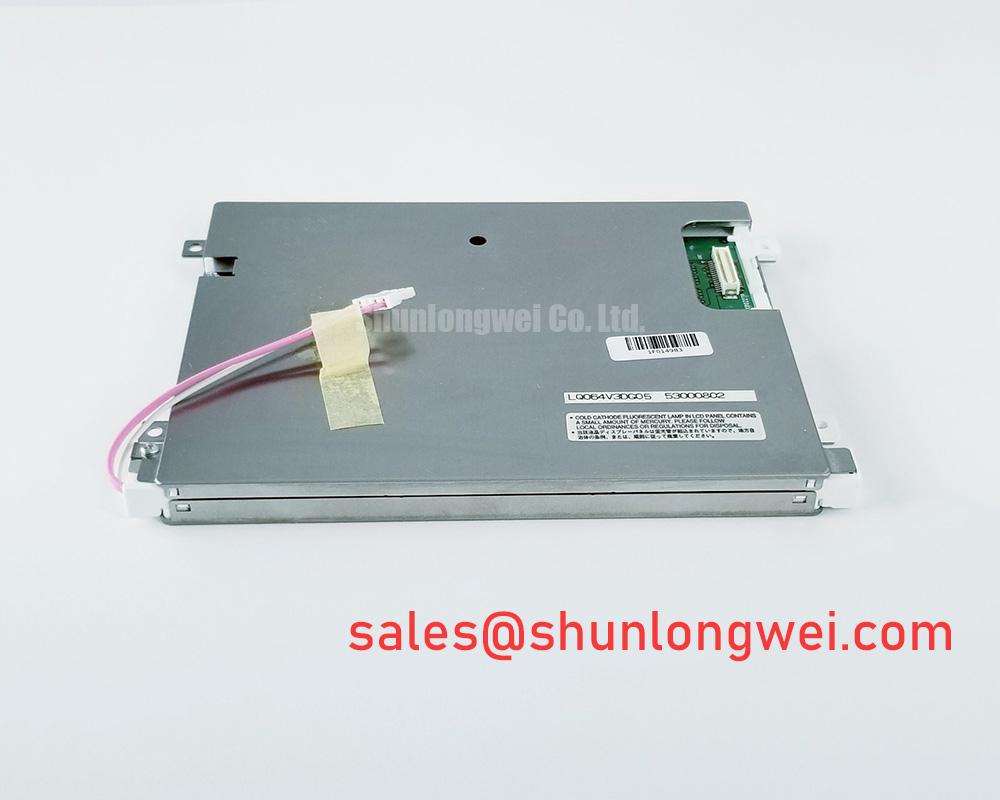
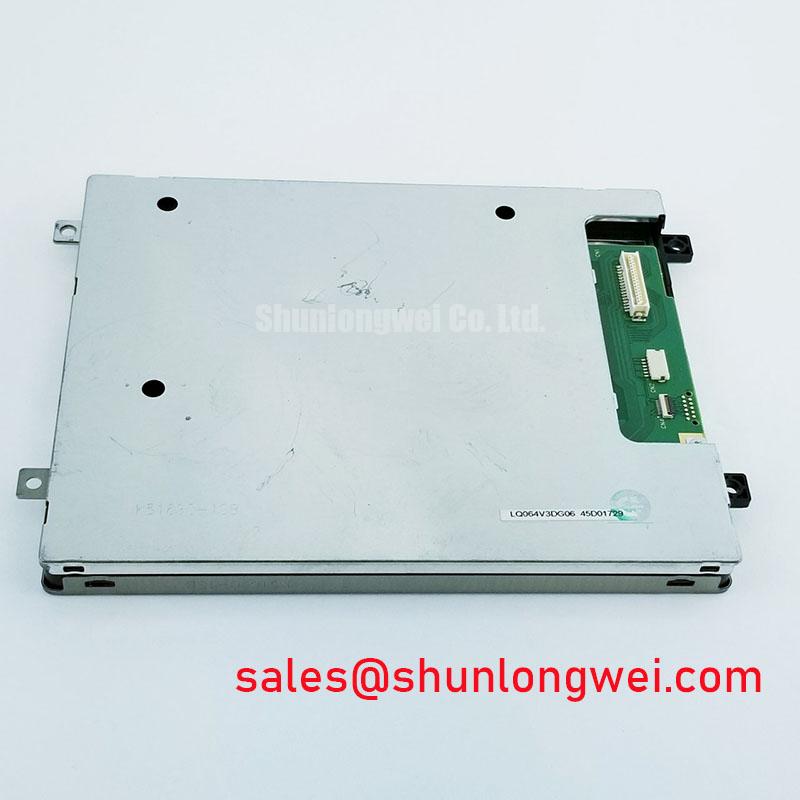
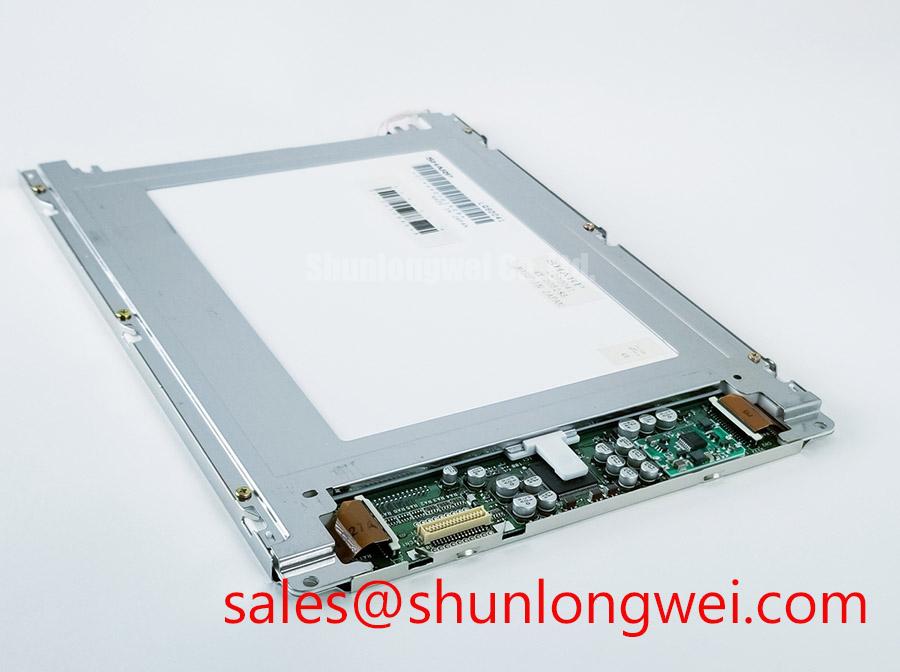
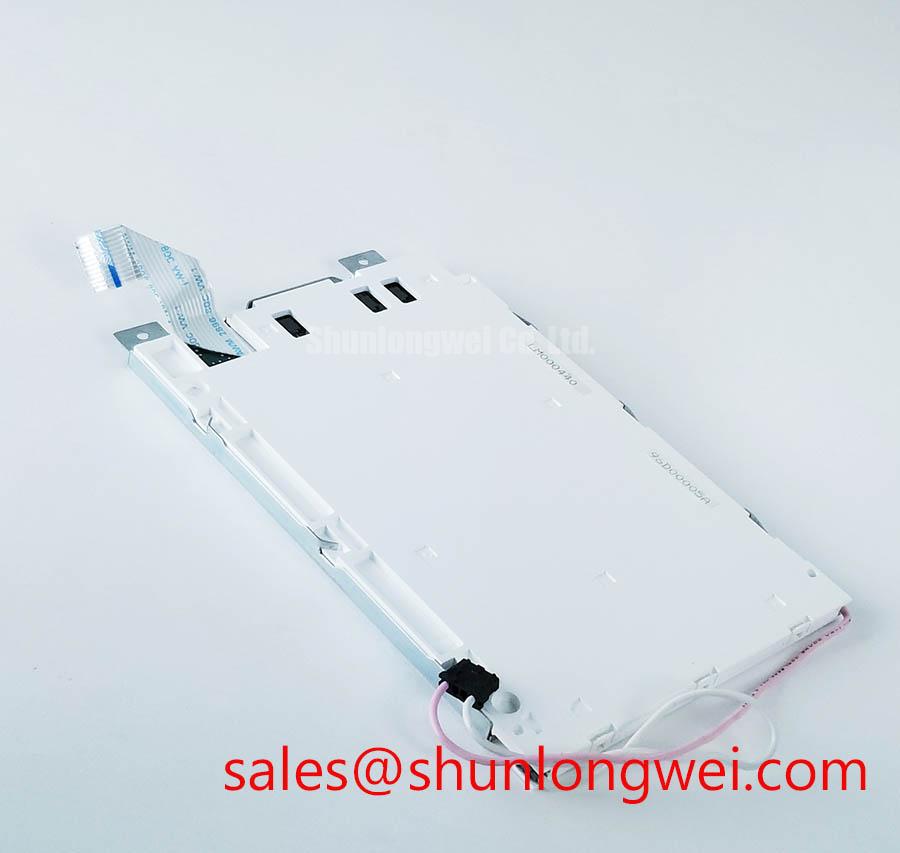
Begin incoming inspection by examining the LM32P073 TFT-LCD display module under uniform full-screen illumination, checking the active image area for persistent bright points, dark points, line defects, pressure marks, and uneven illumination before connecting it to a host controller. The Sharp LM32P073 is identified as an industrial-grade LCD/HMI panel in a TFT-LCD display module enclosure. Supply rails, signal interface, backlight architecture, touch capability, mechanical dimensions, and environmental limits must be confirmed against the original equipment documentation before replacement or new-system integration.
| Model | LM32P073 |
| Manufacturer | Sharp |
| Product category | Industrial Grade LCD/HMI Panel |
| Module enclosure | TFT-LCD Display Module |
| Specification status | Application-relevant factory documentation to be confirmed |
For a repair evaluation, record the original machine’s display connector orientation, cable routing, controller part number, panel mounting arrangement, and power-up behavior before removing the installed unit. A display module can present a valid image only when its timing source, signal format, supply sequence, and illumination system are compatible with the host assembly. The LM32P073 should therefore be assessed as a complete display module rather than as an isolated optical surface.
Backlight Assessment and Secondary Insulation Checks
Before applying power to an LM32P073 installation, inspect the display cable, connector latch, controller-side receptacle, and any separate illumination wiring for looseness, discoloration, insulation damage, or strain at the enclosure entry point. This is especially important on CNC operator panels and robot teach pendants, where repeated cabinet access, vibration, and service handling can affect cable seating.
The official information available for this product identifies it as a TFT-LCD module but does not establish the backlight technology, required backlight supply, dimming method, startup voltage, or lamp or LED operating characteristics. The system integrator should verify the required supply voltage and illumination interface from the original panel documentation and the host controller documentation. It is not appropriate to assume CCFL or LED backlighting, PWM dimming capability, a particular ignition voltage, or a specific service-life rating for this model without the applicable factory datasheet.
Where the original equipment uses a separate inverter or backlight driver, the inspection should include the complete power path rather than the panel alone. Check whether the driver output connector is seated, whether its cable insulation remains intact, and whether the controller reports an illumination-related fault. A dark screen can arise from a missing image signal, an inactive backlight circuit, incorrect sequencing, cable damage, or a controller-level protection response. Compare observations with a known-good signal path where practical instead of assigning one cause from visual appearance alone.
Design Consideration: equipment containing illumination circuits that may carry hazardous voltage should be de-energized and allowed to discharge according to the equipment manufacturer’s service procedure before cable handling or measurement. Insulation and secondary-side checks should be performed with instruments and test conditions appropriate to the original equipment architecture, since unsuitable test voltage or probing can damage a display assembly or its driver.
Cold-temperature behavior also belongs in the system assessment. Liquid-crystal response can appear slower at low ambient temperature, and a visibly delayed image transition does not by itself establish a panel fault. When a machine is operated in a cold enclosure or started after storage, compare image behavior after thermal stabilization with the documented operating conditions of the host equipment. If a heater strip, enclosure heater, or thermal-control circuit is present in the equipment, its operation should be verified independently; no such feature is confirmed as part of the LM32P073 factory specification.
💡 Bench Tip: Use ESD protection and keep the display flex or cable perfectly aligned with the connector before engaging its latch, because an angled insertion can damage contacts or create intermittent image faults.
Heat Spreader Planning Along Narrow Display Edges
Inspect the rear surface and narrow edge regions of the LM32P073 for concentrated heat exposure from adjacent power supplies, motion-control hardware, processor boards, or enclosure-mounted components. The official product information confirms the TFT-LCD module category, but it does not define approved heat-spreader dimensions, thermal-interface material, permissible contact locations, or backlight thermal limits. Any added thermal hardware must therefore be designed around the complete host assembly and must not load or distort the display module.
Design Consideration: if enclosure measurements identify a local heat source near the display perimeter, system designers should manage the thermal path through the chassis rather than pressing an added rail against an unspecified panel edge. The objective is to reduce localized enclosure heating while preserving clearance around the module and its cable exits. Thermal validation should include viewing the display at uniform grey and black test patterns after the equipment reaches normal operating temperature, because changes in optical uniformity may be easier to notice on controlled images than on a live HMI screen.
Signal integrity deserves equal attention in high-noise industrial cabinets. Servo drives, contactors, switching supplies, and motor cables can introduce common-mode noise or couple interference into display wiring. The LM32P073 factory information provided here does not confirm whether the input interface is LVDS, TTL, or another format. The host controller schematic, cable assembly, and original panel documentation should be used to identify the interface before continuity or waveform testing.
For differential display links, controlled impedance and pair-to-pair timing are Design Considerations governed by the selected interface standard, cable length, connector assignment, grounding approach, and controller output. A commonly used differential target is 100 Ω, but that value is not an LM32P073 factory specification and must not be imposed without confirming the actual signaling standard. Keep the display cable away from high-current switching conductors where the enclosure layout permits, retain any original shielding or grounding provisions, and verify image stability during realistic motor and servo activity.
Visible sparkles, intermittent line noise, image flicker, or controller resets may indicate signal-path interference, connector contact degradation, supply instability, or timing incompatibility. Oscilloscope comparison against a known-good controller and cable path is more reliable than changing termination components without evidence. If the host design calls for an auxiliary display solution during troubleshooting, LM64P10 can be reviewed separately against its own documented interface and electrical requirements; it should not be treated as electrically or mechanically interchangeable with the LM32P073.
Expansion Clearance at Industrial Metal Enclosure Cutouts
Before fastening the LM32P073 into a metal operator-panel enclosure, inspect the cutout edges, gasket surfaces, mounting points, and bezel contact areas for burrs, debris, paint buildup, or deformation. A display can show edge shading, localized bright regions, pressure marks, or intermittent behavior when the enclosure places uneven mechanical stress on the module or its connector. These symptoms should be assessed with the module removed from compression where service procedures permit.
The available official specification identifies the product enclosure as a TFT-LCD display module but does not provide LM32P073 dimensions, bezel envelope, mounting-hole locations, fastener size, installation torque, compression allowance, or panel-clearance values. Mechanical compatibility must be confirmed from the original drawing and the equipment mounting arrangement. Do not derive mounting dimensions from a visually similar panel, even where connector position or screen proportions appear comparable.
Design Consideration: the display should be supported through the mounting features intended by the original mechanical design, with loads distributed evenly across the enclosure. A gradual cross-pattern tightening process can help avoid one-sided loading, but torque and tightening sequence must be determined by the original panel and enclosure documentation. Avoid using the visible front surface as a clamping reference, and ensure that cable movement does not transfer force to the panel connector after the enclosure is closed.
For maintenance teams replacing a screen in a CNC operator panel or robot teach pendant, retain the removed fasteners, brackets, insulating films, spacers, and cable guides in their original order until compatibility is proven. These apparently simple parts can determine connector alignment and clearance. Confirm that the replacement module does not contact sharp metal edges, moving hinges, or internal board components as the enclosure is assembled.
Backlight brightness change over time should also be assessed without assuming a fixed lifetime, L70 value, B50 value, or MTBF figure. No validated life rating is provided in the stated factory information. A useful service comparison is to inspect uniform white, grey, and black patterns under the same camera exposure and ambient-light conditions used for a known-good unit. This creates an objective record of brightness distribution and optical appearance without presenting unverified longevity data as a product guarantee.
For background on display selection variables, image behavior, interface planning, and practical integration questions, consult The Ultimate Guide to Industrial TFT LCD Technology. The guide is useful for system-level evaluation, while the original LM32P073 documentation remains the controlling source for this module’s mechanical and electrical requirements.
Contrast Stability and Liquid Crystal Temperature Observation
Use controlled full-screen black, white, grey, primary-color, and moving-pattern images to inspect contrast stability on the LM32P073 after installation. Observe the screen from the normal operator position and from the angles relevant to the original equipment layout. Uneven dark fields, color shift, flicker, line artifacts, or image retention should be documented with the host controller, cable, supply condition, ambient temperature, and test pattern used during the observation.
The supplied official specification does not confirm the liquid-crystal mode, viewing-angle values, native contrast ratio, anti-glare treatment, anti-reflective treatment, luminance, color temperature, response time, or sunlight-readability performance. Claims concerning TN, IPS, MVA, symmetric viewing angles, optical contrast under a stated lux level, or surface coating performance would require the applicable Sharp factory documentation. The system integrator should verify these requirements against the original machine display specification when the application involves bright shop-floor lighting or varied operator viewing positions.
Temperature can influence liquid-crystal response and apparent contrast. A display that changes appearance between cold start and stabilized operation should be evaluated alongside the enclosure temperature, controller supply stability, cable condition, and video timing. It may indicate a temperature-related optical effect, but it can also be associated with a signal issue or host-system behavior. Record the condition and compare it with a known-good unit or approved service procedure before deciding whether the module requires replacement.
Surface cleaning should use the method approved by the equipment manufacturer. Abrasive cloths, unsuitable solvents, excessive moisture, and cleaning fluid entering the bezel can alter surface appearance or affect nearby electronics. Where a touchscreen is integrated into the equipment assembly, glove operation, wet-touch behavior, and touch-controller calibration are system-dependent characteristics. They must be checked against the original HMI architecture rather than attributed to the LM32P073 without confirmed documentation.
During replacement selection, compare the original panel’s mechanical drawing, connector position, interface type, timing requirements, optical requirements, and illumination connection before considering a similarly named or similarly sized display. The LM190E08-TLG6 is available for separate documented comparison when an alternative display is being evaluated, but compatibility with the LM32P073 must be established by the equipment engineer from verified specifications rather than assumed from product category alone.