

Content last revised on October 10, 2026
Controlled Differential-Impedance Flex Routing for High-Frequency Signal Integrity
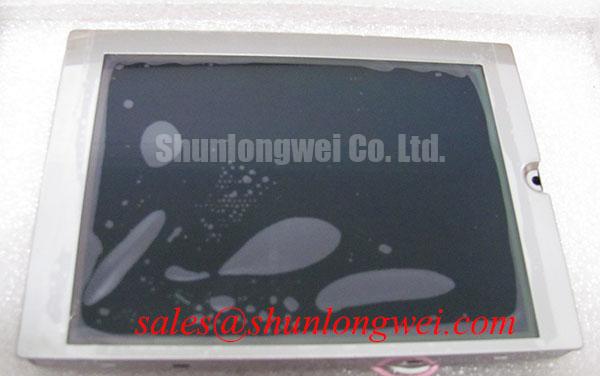
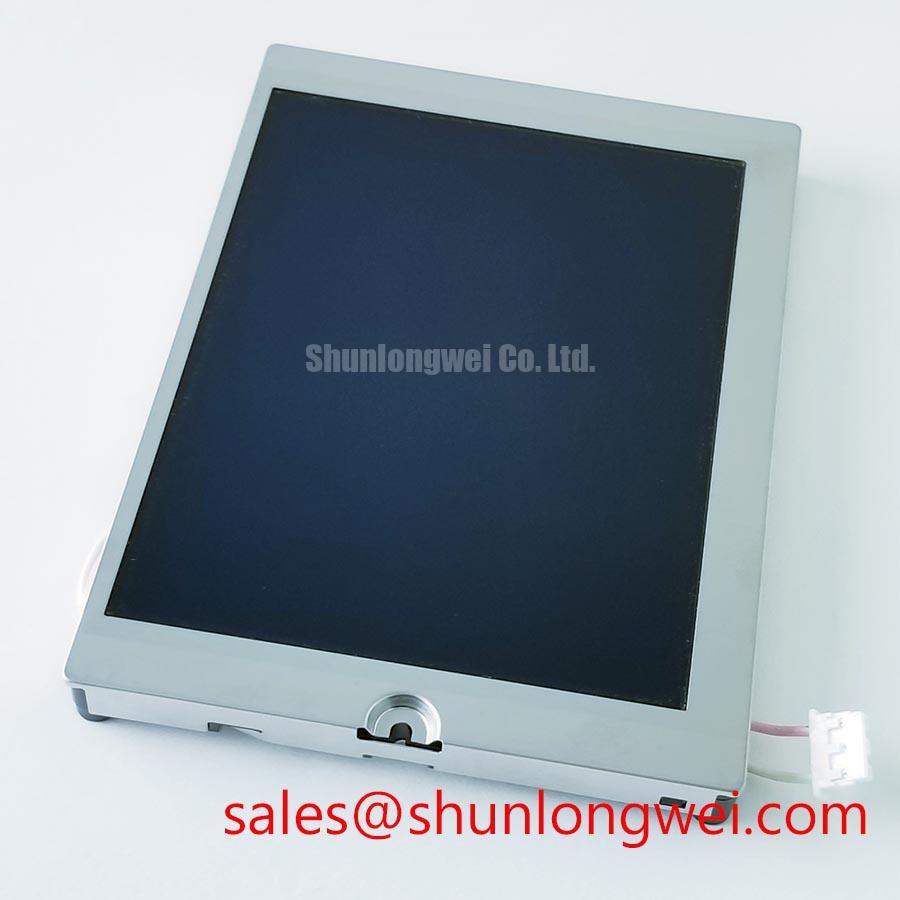
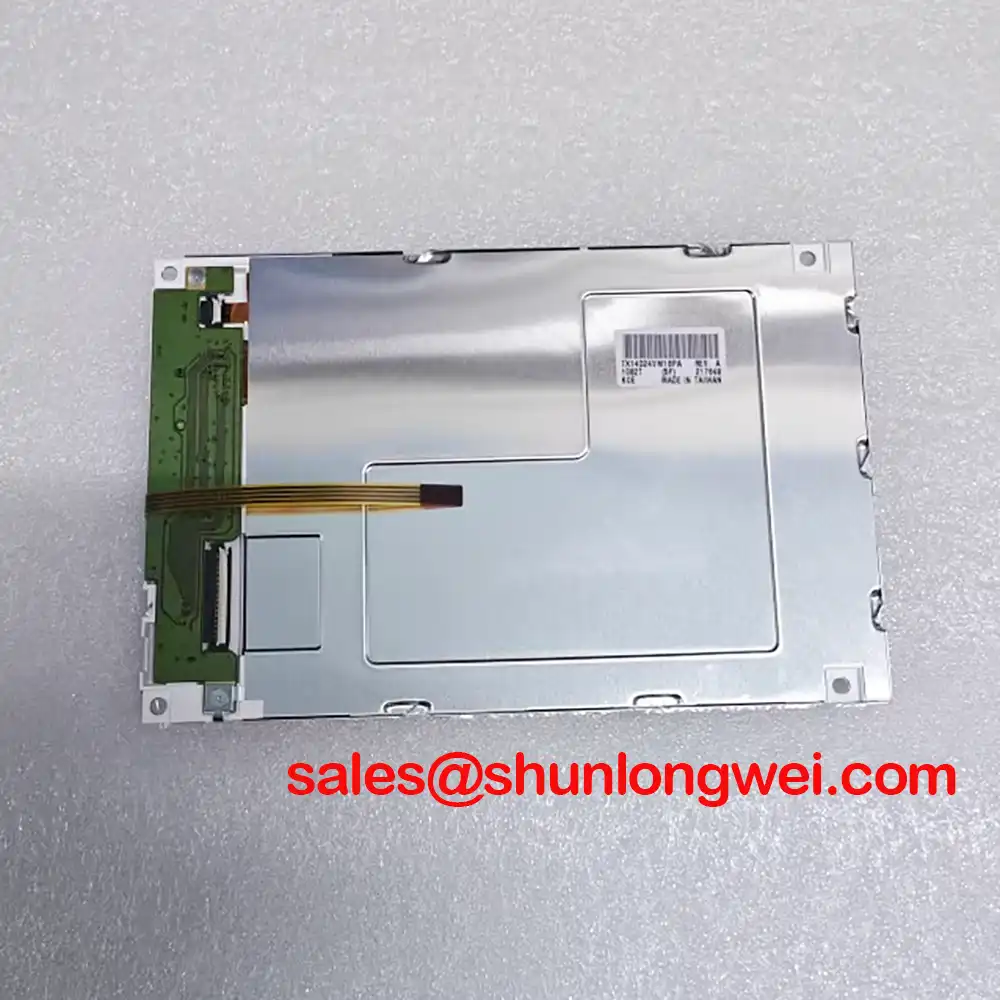
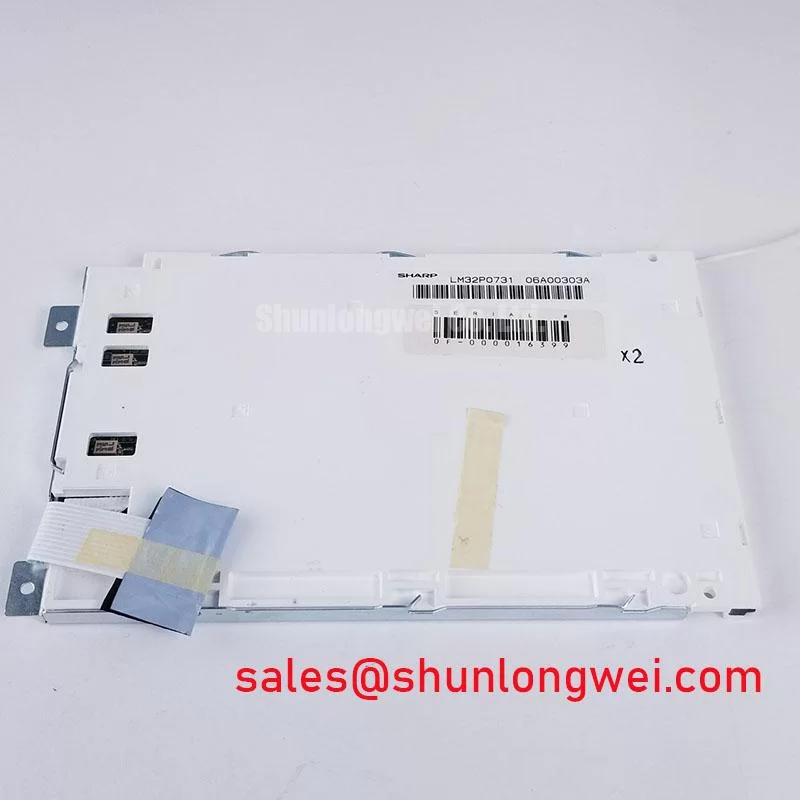
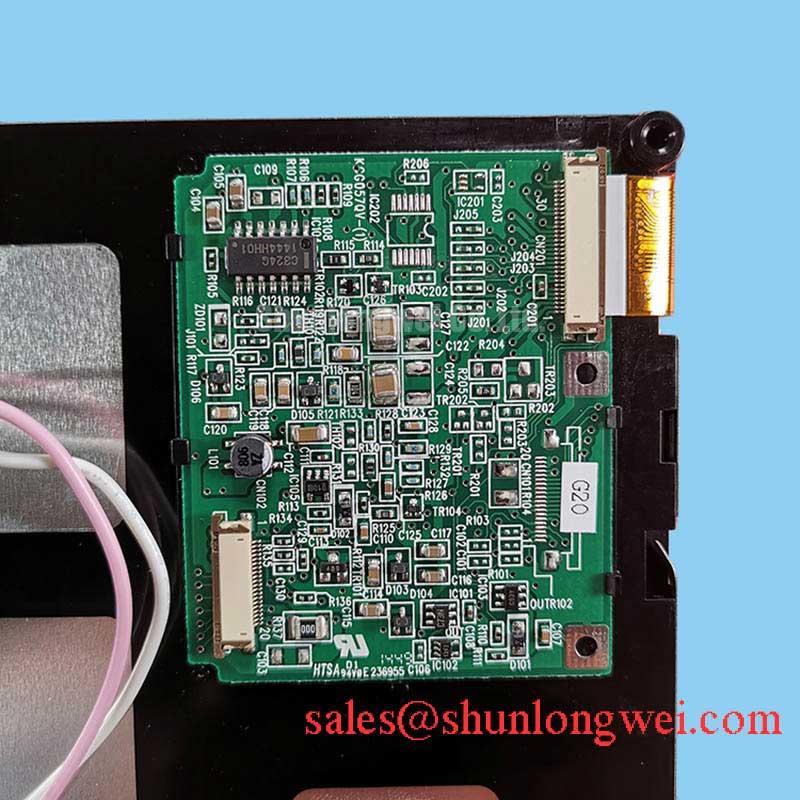
When an AGV or forklift telematics panel shows split graphics, intermittent illumination, or a blank screen, isolate the display assembly before changing the controller: inspect the flex connection, confirm the host power sequence, and compare the suspect panel with a known good signal path. The part under evaluation is the Kyocera KG057QV1CA-G040, identified as an Industrial Grade LCD/HMI Panel with a TFT-LCD Active Matrix Color Display Module construction.
The available product baseline classifies the unit as a Decoded Baseline / Standard Form Factor. It does not establish a universal supply voltage, interface pinout, backlight topology, viewing-angle specification, or optical lifetime value. Those items belong in the replacement inspection record and must match the original panel documentation and host controller before installation. Kyocera’s industrial display technology information provides useful background for evaluating panel integration, optical performance, and industrial display interfaces through its Kyocera Industrial TFT-LCD Display Technologies resource.
High-speed display faults often become visible as split-screen images, unstable color blocks, or brief horizontal tearing when the flex route, connector seating, and host timing do not work together. For the KG057QV1CA-G040, the first engineering task is to identify the actual interface used by the original equipment rather than assigning a generic LVDS or RGB pinout to the replacement.
Where the host uses a differential display link, controlled impedance routing is a practical design consideration. A nominal 100-ohm differential route with a tolerance target such as ±10% is commonly used in industrial high-speed interconnect design, but the host schematic, cable construction, connector geometry, and panel receiver requirements determine the valid target. Designers should keep the pair geometry consistent through the flex transition, avoid abrupt reference-plane changes, and control pair-to-pair timing skew. A commonly adopted starting constraint is no more than 50 ps of skew, subject to confirmation by the system signal-integrity analysis.
Power-on behavior also deserves direct measurement. Monitor the logic rail at the panel connector during startup and compare its rise profile with the original assembly. The supplied application brief references possible 3.3 V or 5.0 V logic environments, but the correct voltage for this Kyocera unit must be taken from the original panel documentation and verified before energizing the display. A rail that rises too quickly, collapses under load, or starts before the host data path is ready can produce symptoms that resemble a damaged panel.
JEIDA and VESA mapping are not interchangeable assumptions. Confirm the byte order, color bit allocation, clock polarity, and enable timing against the host board. If the replacement produces a stable backlight but incorrect grayscale structure, compare the data mapping and clock relationship before adjusting image software. For cross-reference work, engineers can also review the same-size display option LQ057Q3DC03 as a separate compatibility candidate, not as an automatic substitute.
Evaluating Localized Thermal Gradients and Optical Uniformity
Localized heating along a narrow display edge can create visible brightness and color differences even when the image data is correct. The mechanical enclosure, bezel pressure, backlight driver position, and nearby power components should therefore be evaluated as one thermal assembly rather than treating the LCD module as an isolated item.
An aluminum heat-spreader rail may be considered when the enclosure produces a persistent edge hot spot, but its dimensions, contact method, electrical isolation, and allowable pressure must be determined from the actual chassis. The spreader should not distort the display frame or press directly against active viewing areas. Thermal imaging during a representative operating cycle is more useful than judging the panel temperature by touch, particularly where a dark screen hides nonuniform illumination.
Cold-temperature testing requires a different interpretation. Liquid-crystal response generally slows as ambient temperature falls, so a panel that appears responsive at room temperature may show longer gray-to-gray transitions in an unheated outdoor vehicle display. If an enclosure includes a heater or controlled warm-up function, the system designer should verify its placement, control logic, and maximum local temperature without treating the heater as a standard feature of the KG057QV1CA-G040.
Optical yellowing, uneven luminance, or a shifted white point should be documented with the same test image, camera position, and ambient condition. Do not attribute a color change to the LCD cell alone until the backlight spectrum, diffuser condition, window material, and enclosure temperature have been separated. Kyocera’s display technology reference can support the broader evaluation of industrial TFT optical behavior, while the product-specific acceptance limits should remain tied to the original equipment specification.
💡 Bench Tip: Use ESD protection and lock the flex cable perfectly parallel to the connector before closing its latch; an angled insertion can create intermittent display faults that disappear during a casual visual inspection.
Backlight Drive and Ignition Debugging
The KG057QV1CA-G040 baseline does not define a backlight drive topology, so the service engineer should first identify whether the original host uses a fluorescent inverter, an LED constant-current driver, or another dedicated illumination circuit. Applying an assumed backlight voltage to an unidentified panel can damage the display assembly and the driver at the same time.
For equipment built around a CCFL inverter, cold-start behavior should be examined through the original inverter’s controlled output and protection response. A high-voltage probe rated for the circuit is required, and the measurement should focus on ignition stability, arc detection, current regulation, and shutdown behavior. Any ignition voltage must be treated as specific to the inverter, lamp, and assembly rather than assigned to the panel without manufacturer documentation.
For an LED-driven host, inspect the driver’s constant-current regulation, open-load response, short-circuit protection, and PWM dimming waveform. A dark screen with an active image signal can indicate a driver shutdown, connector problem, open illumination path, or panel-side fault. Use the driver status output and oscilloscope correlation to distinguish these conditions instead of replacing the LCD module after a single visual test. A 1000:1 PWM dimming ratio and a 50,000-hour half-life claim require explicit source documentation and should not be treated as default ratings for this part.
Acoustic buzzing can originate from the inverter transformer, mounting vibration, switching frequency interaction, or a mechanically resonant cover. Record the sound together with the illumination waveform and supply current. If the fault appears only during cold ignition, compare startup behavior with the original backlight assembly and inspect the high-voltage cable routing for unwanted coupling. The repair objective is controlled ignition and stable current, not simply a temporary increase in drive level.
Evaluating Viewing-Angle Performance for Multi-Angle Consoles
Multi-angle operator consoles require a measured viewing evaluation because nominal panel labels do not establish the actual optical behavior of the KG057QV1CA-G040. The supplied product baseline identifies the unit as a TFT-LCD active matrix color display module, but it does not confirm Super-IPS, MVA, TN, a symmetric 85°/85°/85°/85° viewing cone, or a specific contrast ratio.
During incoming inspection, display a neutral gray ramp, saturated color fields, and fine text while viewing from the intended operator positions. Look for grayscale inversion, loss of shadow detail, color washout, and brightness changes between the top, bottom, and side viewing directions. This is particularly important for forklift and AGV consoles, where the operator may view the display from an offset angle rather than directly in front of the panel.
Anti-glare and anti-reflective treatment should be assessed with the actual cover window and enclosure installed. A matte surface can reduce specular reflections but may affect perceived sharpness, while a clear surface can preserve contrast yet reflect overhead lighting or sunlight. Do not describe the module as having AG or AR treatment unless the specific panel documentation confirms it. Under strong ambient illumination, measure the complete display stack rather than quoting an isolated panel contrast result.
For replacement approval, compare the original and candidate assemblies using identical brightness settings, test images, viewing positions, and ambient lighting. Check connector orientation, active image area, mounting reference points, and bezel clearance before finalizing the mechanical fit. The industrial TFT-LCD principles discussed in The Ultimate Guide to Industrial TFT-LCD Technology can help structure that evaluation without substituting general display theory for the KG057QV1CA-G040 product documentation.