

Content last revised on September 14, 2026
Suppressing Localized Thermal Gradients to Prevent Chronic Optical Yellowing and Color Shift
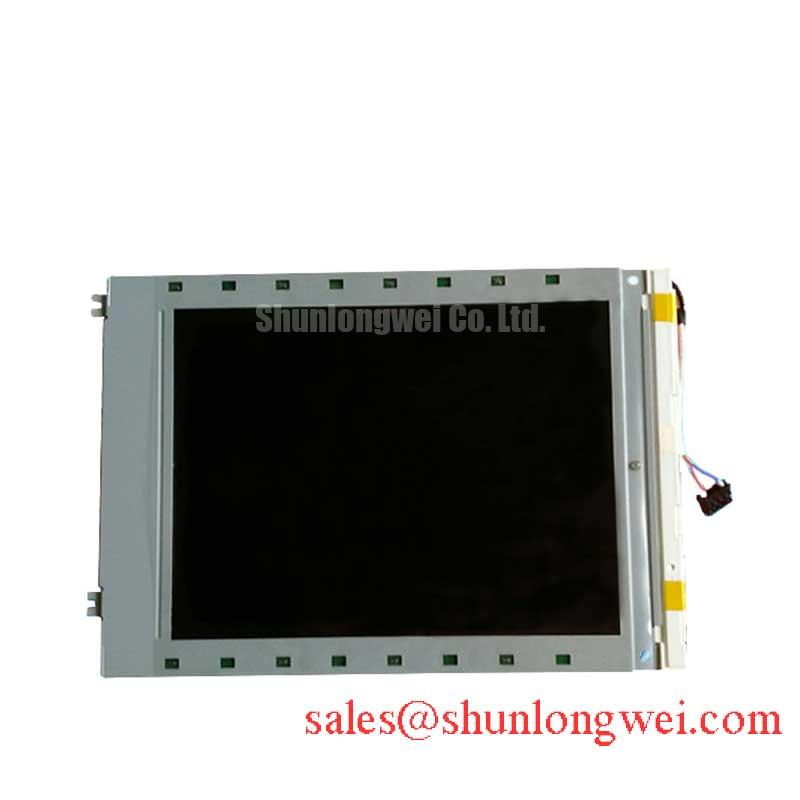
Inspect the rear of the cabinet before fitting the LM64K837. Dust around the display opening, blocked ventilation paths, compressed sealing material, and uneven contact between the chassis and the display frame can create local temperature differences across the panel. These conditions may appear first as a gradual color change, reduced brightness uniformity, or a region that looks different after extended operation. Such symptoms are not sufficient to identify one failed component, so the maintenance record should compare the affected unit with a known good signal source and observe the panel during warm up and steady operation.
A heat spreader or metal support rail can be considered where the enclosure produces a localized hot spot near a narrow display edge. This is a Design Consideration, not an LM64K837 factory rating. The rail should not press against the active display area, connector, flexible cable, or any surface that requires clearance for thermal expansion. Designers should verify the resulting temperature distribution under the actual backlight and cabinet operating conditions, since a conductive rail can also transfer heat into the panel if it is attached to a hotter structure.
Backlight service work requires particular care with undocumented assumptions. The supplied factory information does not confirm a backlight technology, constant current value, dimming input, rated optical lifetime, L70 point, B50 value, or MTBF curve for this model. Those values must not be inferred from a similarly sized Sharp panel. If a repair specification requires a brightness lifetime such as 50,000 hours to a defined lumen percentage, the responsible engineer should obtain the applicable datasheet or qualification report and confirm the test conditions, ambient temperature, drive current, and brightness definition.
For a CNC operator panel, assess the display with the machine enclosure in its normal thermal state. Record whether the cabinet fan operates, whether warm air is recirculated toward the display, and whether the bezel gasket remains evenly seated. For a robot teach pendant, inspect the handheld housing for blocked vents and verify that cable routing does not force the module against an internal bracket. When integrating the LM64K837, designers should validate the complete thermal path rather than applying a generic heat sink prescription.
Polarizer Durability and Optical Retardation Film Inspection under Direct Industrial Lighting
Use a clean, lint free inspection method when examining the front surface. Look for scratches, pressure marks, edge lifting, contamination beneath the surface, and changes in appearance when the panel is viewed from different angles. Avoid pressing the center of the LCD during cleaning or functional testing. A polarizer or optical film defect can resemble a backlight uniformity problem, an image processing issue, or a viewing angle effect, so compare the same test image at several brightness levels and with the machine graphics disabled where the system permits.
The provided LM64K837 factory parameter set does not state a TN, IPS, or MVA optical mode, viewing cone, contrast ratio, anti glare treatment, retardation film construction, or direct sunlight performance. Consequently, values such as symmetric viewing angles of 85 degrees or a contrast ratio above 500 to 1 at 50,000 lux cannot be assigned to this model without a source document. The system integrator should verify the required optical characteristics from the original panel documentation and from the equipment acceptance criteria.
Direct industrial lighting changes how operators perceive grayscale transitions and dark screen fields. A glossy surface may show reflected cabinet lights, while an anti glare surface may change apparent sharpness or sparkle depending on the viewing position. These are installation and human factors considerations, not proof of a particular LM64K837 optical specification. For a CNC control, evaluate the actual fonts, alarms, tool paths, and status colors under the lighting used on the production floor. For a robot teach pendant, inspect the screen while the operator holds the pendant at normal working angles rather than relying only on a bench test.
Optical inspection should be paired with signal verification. If the display shows unstable grayscale, intermittent image content, or a pattern that changes when the cable is moved, inspect the connector latch and cable strain first, then compare the transmitter output and receiving path with an oscilloscope where access is available. The result may indicate a connection, timing, grounding, or panel condition issue; it should not be assigned to the polarizer solely from a visual symptom.
Preventing Localized Light Guide Plate Compression Warp on Dark Screen Fields
Before tightening the replacement into a control panel, place the LM64K837 in the chassis without forcing the corners into alignment. Check the bezel opening, internal ledges, cable exit route, and contact points around the display perimeter. Uneven mechanical loading can produce pressure related optical nonuniformity, especially when a narrow frame or bent bracket touches the active assembly. The supplied factory data does not provide an approved bezel tolerance, light guide plate construction, or fastener torque for this model, so the original mechanical drawing and equipment service instructions take priority.
Cross pattern tightening is a useful Design Consideration for distributing load when the host assembly uses several fasteners. It does not establish an LM64K837 factory torque value. The technician should use the equipment manufacturer’s specified hardware and torque procedure, confirm that washers and spacers are present, and stop if the image changes as the frame is secured. A change in dark field uniformity after fastening may indicate mechanical stress, bracket interference, cable pressure, or an optical assembly issue and requires comparison with the display in an unloaded condition.
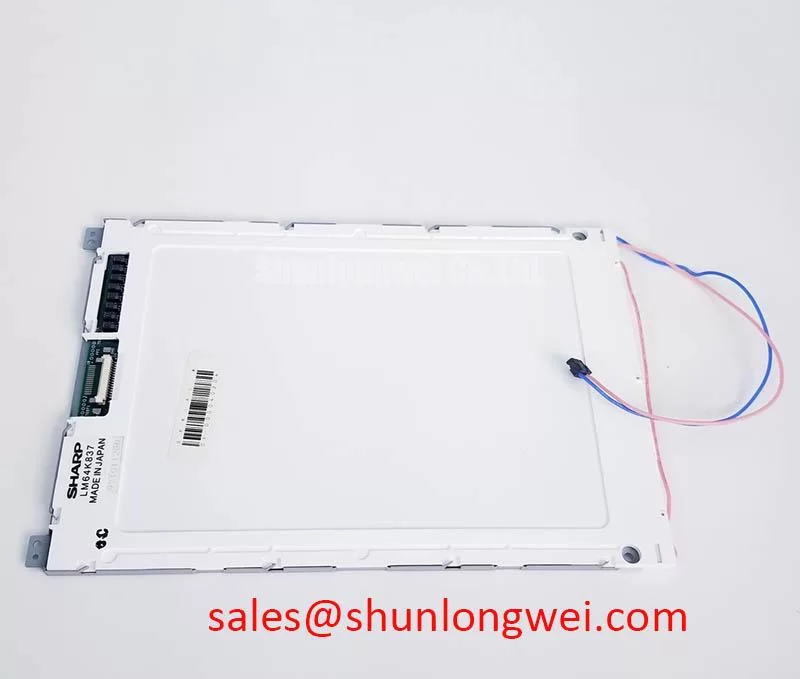
FPC handling is equally important. Route the flexible cable with a gradual bend that follows the equipment’s original path, leaving sufficient freedom for the panel and housing to settle without pulling on the connector. Do not fold the cable across a sharp chassis edge, place adhesive over exposed contacts, or use the cable as a locating feature. The connector latch should be opened and closed with the correct tool or finger pressure, and the cable should be inserted squarely before the latch is secured. Repeated service cycles should be minimized because the connector and FPC are interfaces, not structural restraints.
Vibration and impact evaluation belongs to the complete assembly. The LM64K837 data supplied here does not specify a shock level, vibration profile, connector retention force, or mechanical fatigue life. For equipment that experiences operator handling or cabinet vibration, designers should verify that the bezel, gasket, bracket, and cable clamp share the mechanical load without transferring concentrated force into the glass or connector. Any qualification should use the actual enclosure and mounting hardware, followed by image inspection, connector checks, and a functional display test.
Signal timing also requires source confirmation. The available product information does not identify a TTL or LVDS pinout, transmitter clock requirement, data hold time, or clock jitter limit for the LM64K837. Do not connect a replacement panel by matching connector position alone. Compare the original wiring diagram, cable keying, logic levels, pixel format, synchronization method, and power sequence. If an alternative part is being assessed for the same service stock, LM64P10 can be reviewed as a separate compatibility candidate, subject to a full electrical and mechanical comparison rather than assumed interchangeability.
High Humidity Storage Margins and Delamination Prevention Protocols
Store and stage the LM64K837 in a clean, controlled area, with the connector protected from dust and the front surface shielded from contact. The supplied factory data does not specify a humidity storage limit, condensation qualification, thermal cycling range, epoxy sealant stability, or display operating temperature range. A claimed condition such as 60 degrees Celsius at 90 percent relative humidity, or a cycle from minus 30 to plus 85 degrees Celsius, must therefore be treated as a project requirement to verify, not as an official rating for this model.
Condensation is a practical risk when a cold display is moved into a warm, humid cabinet. Allow the assembly to reach a stable, dry condition according to the site’s controlled handling procedure before energizing it. Inspect the perimeter, connector region, and visible surfaces for moisture or contamination. Do not use direct high heat to accelerate the process, since a rapid temperature change can create additional mechanical stress or move contamination into sensitive interfaces.
At low temperature, liquid crystal response can become slower, but the extent depends on the panel construction, drive conditions, image pattern, and actual temperature. The LM64K837 documentation supplied for this page does not publish a cold start response curve, Gray to Gray value, or compensation table. Engineers evaluating a CNC operator panel or robot teach pendant should test the real alarm screens, numeric fields, and motion related status graphics during the expected cold start sequence. If a controller applies a startup delay or image refresh strategy, that behavior must be determined by the system design and validated with the installed panel.
Dimming control should also be confirmed from the original panel interface. The available factory data does not state whether the LM64K837 accepts PWM dimming, analog control, a dedicated backlight enable signal, or another drive method. A 200 Hz to 1 kHz PWM range may be a project evaluation window for a compatible backlight driver, but it is not an official LM64K837 parameter in the supplied data. Designers should verify the driver topology, duty cycle behavior, minimum pulse response, acoustic behavior, camera interaction, and visible flicker using the original documentation and the complete HMI assembly.
When the display is paired with a separate driver or related Sharp display solution, the electrical relationship must be checked at the subsystem level. LMS700KF01 001 may be reviewed as a related system component, but its signals and operating requirements must not be transferred to the LM64K837 without documentation. Check supply sequencing, enable timing, ground reference, cable orientation, and backlight protection before applying power.
Preventive maintenance should include a visual inspection of the bezel seal, cable lock, cabinet airflow, and signs of moisture ingress during scheduled service. Maintenance Note: Inspect the display gasket and ventilation path at the same service interval so compression damage or blocked cooling is found before image quality changes become intermittent.
For a structured review of interface selection, optical behavior, mounting factors, and common integration assumptions, consult The Ultimate Guide to Industrial TFT LCD Technology. The LM64K837 remains a Sharp TFT LCD display module with the supplied official category and package information; all unlisted electrical, optical, environmental, and mechanical values require confirmation from the original panel documentation before procurement approval or field replacement.