

Content last revised on October 9, 2026
Shielded FFC and FPC Grounding across 360-Degree Connector Shells
When a replacement panel is installed in a control console, begin with the existing cable route rather than forcing the connector into position. Check whether the flat flexible cable or flexible printed cable enters the display connector squarely, whether the locking mechanism closes evenly, and whether the cable has been bent sharply at the connector exit. A cable that appears seated can still produce intermittent image loss, horizontal noise bands, or pixel instability if the contacts are not fully engaged.
Shield termination is a system-level matter and is not specified for LMS700KF01-002 in the supplied factory data. If the console uses a shielded display cable, the integrator should verify how the shield is bonded to the connector shell and chassis. A continuous shell connection around the connector can help control common-mode coupling, but the grounding method must match the cabinet bonding arrangement, protective-earth strategy, and signal-return design. Do not assume that a cable shield should be connected at every point without checking the equipment schematic, because an unsuitable connection can create unwanted circulating currents.
For equipment operating near variable-frequency motor drives or other high-noise switching assemblies, inspect the display cable path for parallel routing alongside motor conductors, contactor wiring, and high-current DC links. A practical design consideration is to separate sensitive display cabling from high dv/dt and di/dt conductors wherever the cabinet layout permits. If ferrite suppression is present in the original assembly, its impedance characteristics and placement should be preserved or verified by measurement rather than replaced with an unqualified part.
Cold operation requires additional attention. LCD response can change with temperature, and a slow transition may be mistaken for a data-link fault when the actual issue is temperature-dependent panel behavior. The available specification does not state a low-temperature operating limit, gray-to-gray response value, heater arrangement, or cold-start timing for this model. For an enclosure expected to operate below room temperature, designers should verify the approved temperature range from the original Samsung documentation and measure image response during a controlled cold-start test. If a heater strip or enclosure heater is used, its control sequence must be evaluated together with the panel supply and display interface.
For background on panel selection, signal integrity, and industrial TFT-LCD integration principles, refer to The Ultimate Guide to Industrial TFT LCD Technology. The guide can support system-level evaluation, while the original panel documentation remains the controlling source for electrical and mechanical compatibility.
High-Voltage Striking Potential and Secondary Coil Insulation Testing
Do not connect a replacement display to an unknown backlight circuit until the original equipment documentation identifies the required backlight architecture and electrical limits. The factory information supplied for LMS700KF01-002 does not confirm whether the relevant assembly uses a CCFL inverter, an LED backlight driver, a particular dimming method, or a defined ignition voltage. It is therefore not appropriate to assign a high-voltage striking value, PWM frequency, dimming ratio, or insulation rating to this model without an authoritative datasheet.
For a panel removed from a substation protection or SCADA console, first separate the visible symptom from the suspected cause. A dark screen may involve the display supply, backlight circuit, signal path, connector seating, or the host controller. Check the equipment schematic and use the original panel’s documented test points. High-voltage backlight circuits require suitable isolation, rated probes, controlled discharge procedures, and personnel qualified for the equipment’s voltage category. A visual inspection alone cannot establish insulation integrity.
If the original system uses an inverter and a high-voltage secondary circuit, the service procedure should follow the equipment manufacturer’s insulation and leakage requirements. If it uses a constant-current LED driver, the driver’s enable, fault, current regulation, and dimming signals must be matched to the replacement display assembly. The required supply voltage must be verified from the original panel documentation; it should not be inferred from the model number or from a visually similar display.
Acoustic noise, uneven brightness, or visible flicker should be investigated across the complete display power chain. Confirm the driver output under the actual load, inspect the connector and cable insulation, and compare the enable and dimming waveforms with a known-good unit where available. A change in brightness does not by itself prove a backlight failure, and a functioning host video signal does not prove that the backlight circuit is within specification.
The supplied factory data does not state a 50,000-hour half-life, MTBF value, LED decay curve, or guaranteed service life for this model. Such figures should not be presented as a product rating unless they are supported by the applicable Samsung documentation or a relevant manufacturer test report. System engineers should establish the required service-life target from the actual enclosure temperature, duty cycle, brightness setting, ventilation, and maintenance conditions.
Field Alert: Disconnect equipment power and follow the service discharge procedure before removing or inserting the display cable, because live insertion can expose signal and backlight interfaces to unintended electrical stress.
Industrial Bezel Mechanical Envelope and Mounting Interface
Before removing the failed display, record the position of every bracket, spacer, grounding strap, and cable guide. The supplied specification does not provide the outer bezel dimensions, active-area dimensions, mounting-hole pattern, panel thickness, or approved fastener torque for LMS700KF01-002. These values must be confirmed from the original mechanical drawing or measured against the removed unit. A display that fits the opening may still be unsuitable if the connector position, rear clearance, or clamp force differs from the original assembly.
During installation, support the panel evenly and avoid using the bezel as a lever against the chassis. Uneven pressure can create localized optical irregularities, glass stress, or intermittent connector loading. Fastener selection and tightening sequence are design considerations governed by the chassis material, bracket construction, thread size, gasket arrangement, and manufacturer instructions. Do not apply a generic torque value to this model as an official specification when no such value is supplied.
Use a cross-pattern tightening sequence only when it matches the mechanical design, and bring the fasteners down gradually while checking that the panel remains centered in the aperture. Designers should verify the final mechanical envelope with the door closed, the cable installed, and the enclosure subjected to its normal vibration and temperature conditions. The objective is to maintain stable support without transferring cabinet distortion into the display assembly.
The available product record does not specify LVDS or other video-interface details. It also does not confirm differential impedance, pair skew, connector pin assignment, or signal voltage. If the original console uses a high-speed differential link, the integrator should compare the complete cable assembly and connector mapping with the source documentation. An oscilloscope or suitable compliance instrument may be used to compare a suspected signal path with a known-good path, but measured waveforms must be interpreted against the host controller and cable design rather than against assumed universal limits.
For high-voltage substation and SCADA installations, cabinet vibration, door movement, and thermal expansion can affect cable retention over time. Inspect the locking tabs and strain-relief arrangement during commissioning. A cable should not carry its own connector weight, and the bend path should remain free from sharp edges and repeated rubbing points. If the original assembly includes a dedicated bracket or clamp, retain its functional position unless the equipment manufacturer authorizes a change.
Incoming Benchtop Inspection of Panel Bonding and Driver Regions
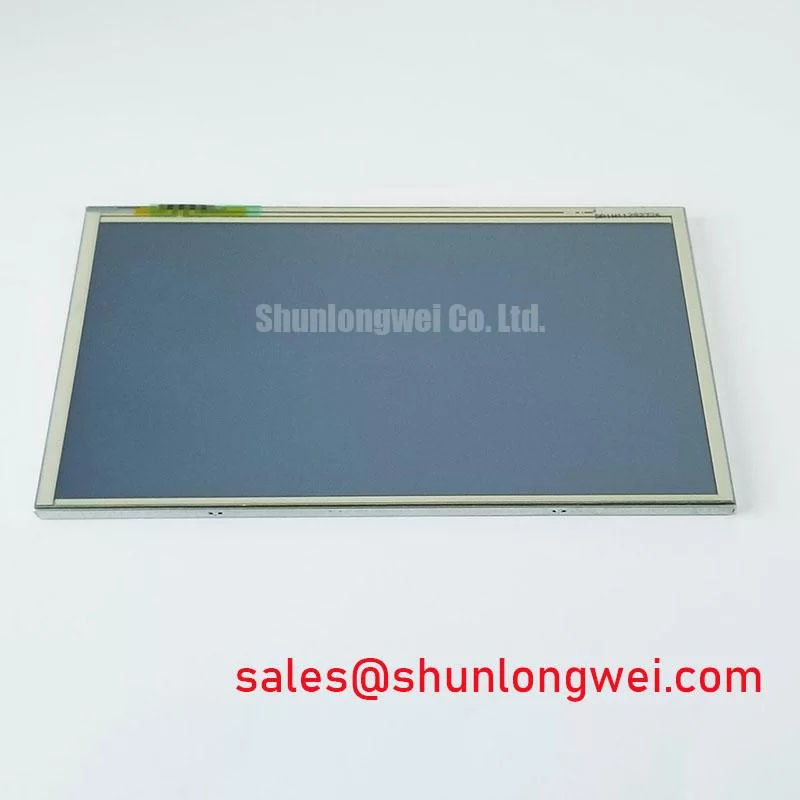
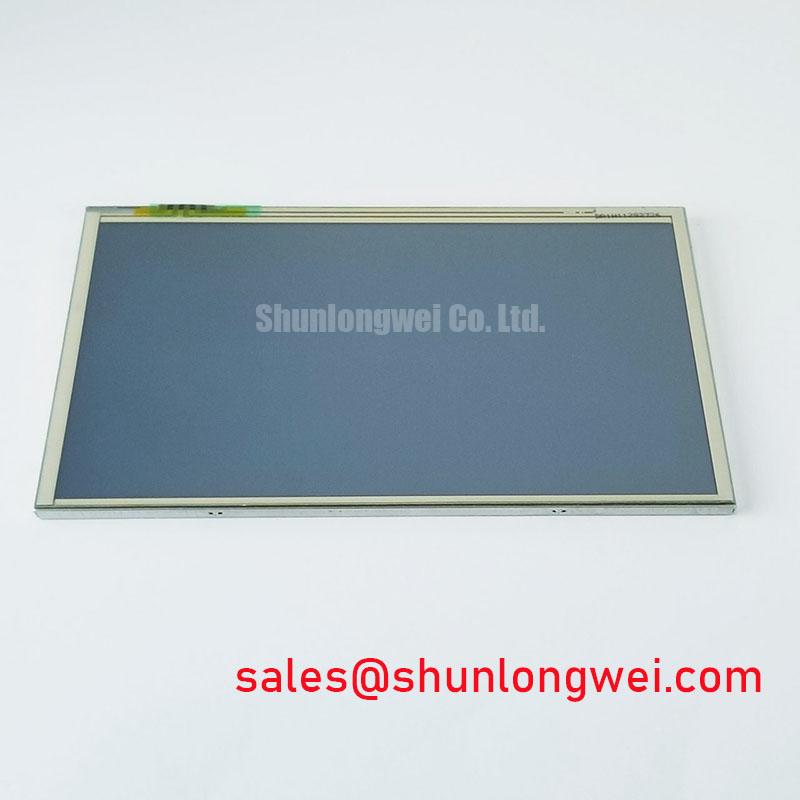
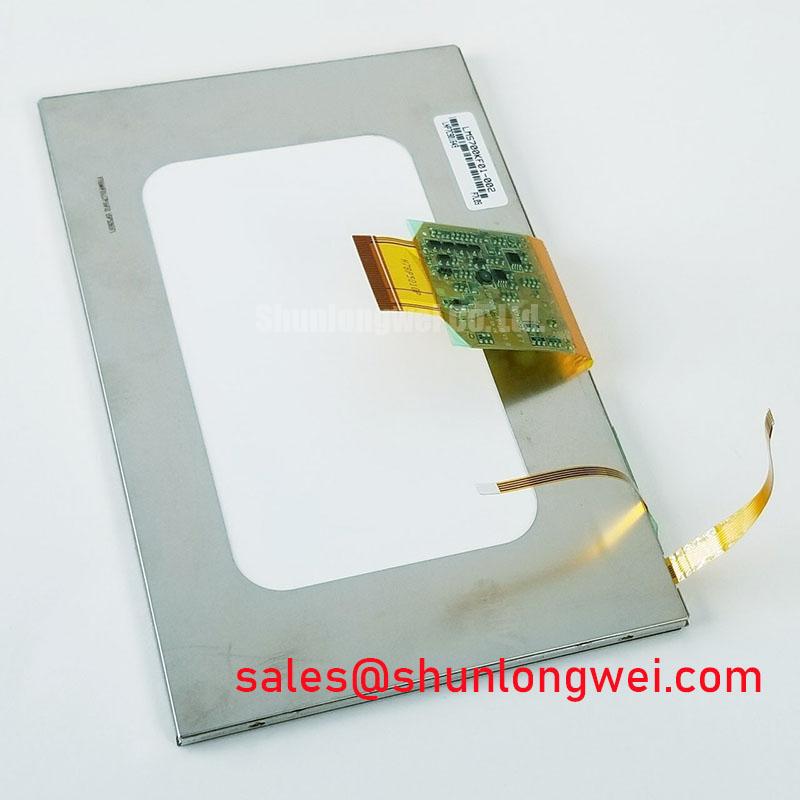
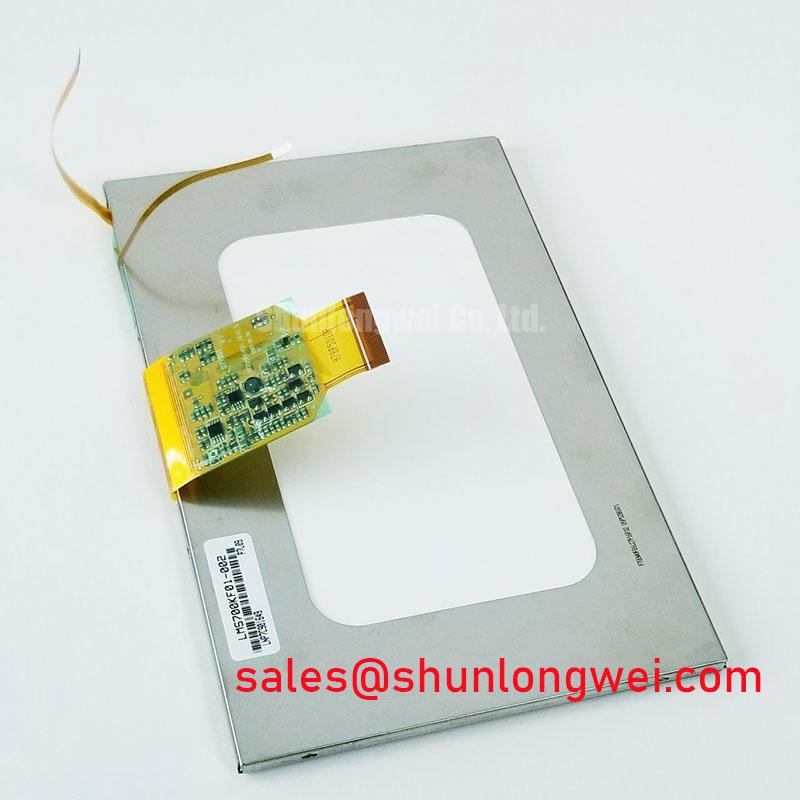
Incoming inspection should start with a visual record of the unpowered panel. Photograph the front surface, bezel, rear label, connector area, and any protective film before installation. Look for chips, cracks, pressure marks, contamination, bent contacts, loose locks, and damage around the flexible cable transition. The available factory information identifies the assembly as a TFT-LCD Display Module, but it does not disclose the internal bonding process, driver layout, ACF construction, or allowable cosmetic defect limits.
A controlled primary-color test can help separate image-generation problems from illumination problems, provided the host system and test pattern source are known to be functional. Display a neutral field followed by red, green, blue, black, and white images while observing the panel from a normal service distance. Record whether the symptom follows the complete image, remains fixed at one location, changes with cable movement, or appears only after warm-up. These observations narrow the next measurement without assigning a single cause prematurely.
A flashlight inspection at an oblique angle can help reveal whether faint image content is present when the screen appears dark. This is a diagnostic observation, not a substitute for checking the backlight supply or driver enable signal. If image content can be seen under external illumination, the investigation can proceed toward the backlight path. If no image content is visible, the display interface, panel supply, host output, and connector continuity should also be checked.
Localized lines, columns, or edge defects require careful handling. They may be associated with the display signal path, mechanical stress, connector contact, or an internal panel fault. Do not press the glass, TAB region, or flexible bond area to test the symptom; pressure can change the defect and create additional damage. Use non-contact inspection, controlled cable reseating, and comparison with a known-good signal path where possible.
Long-term static HMI screens should be evaluated at the system level. The supplied data does not provide an image-retention limit, burn-in specification, LED degradation curve, or brightness half-life for this model. Designers should therefore verify the original display guidance and consider application-level practices such as screen content rotation, brightness management, and appropriate standby behavior when the equipment permits them. These measures are design considerations, not confirmed factory ratings for LMS700KF01-002.
After the bench test, confirm the power-up and power-down sequence against the original equipment documentation. The panel supply, host video output, backlight enable, and dimming control may have dependencies that are not visible from the external connector alone. If the display shows a white screen, residual image, delayed startup, or intermittent recovery, capture the relevant supply and control waveforms during the event and compare them with the equipment’s documented sequence. Final acceptance should be based on the complete console configuration, enclosure conditions, and the original Samsung interface documentation.